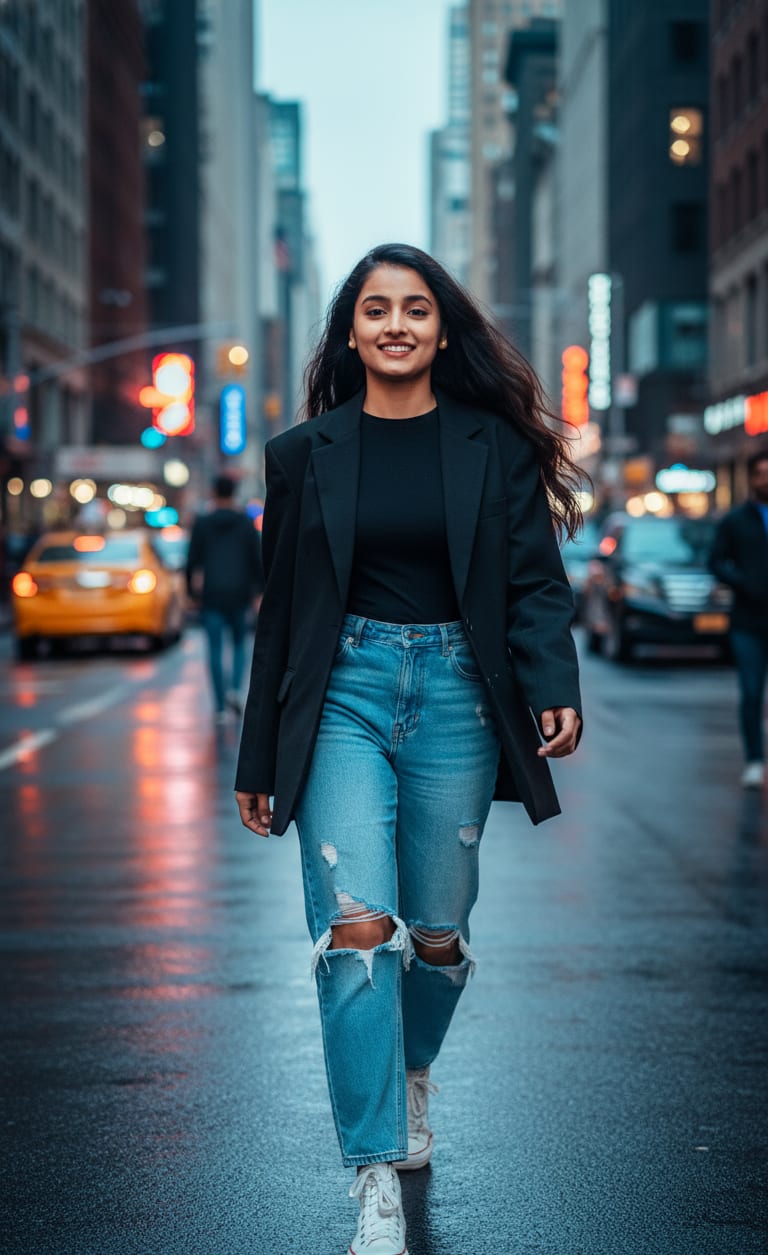
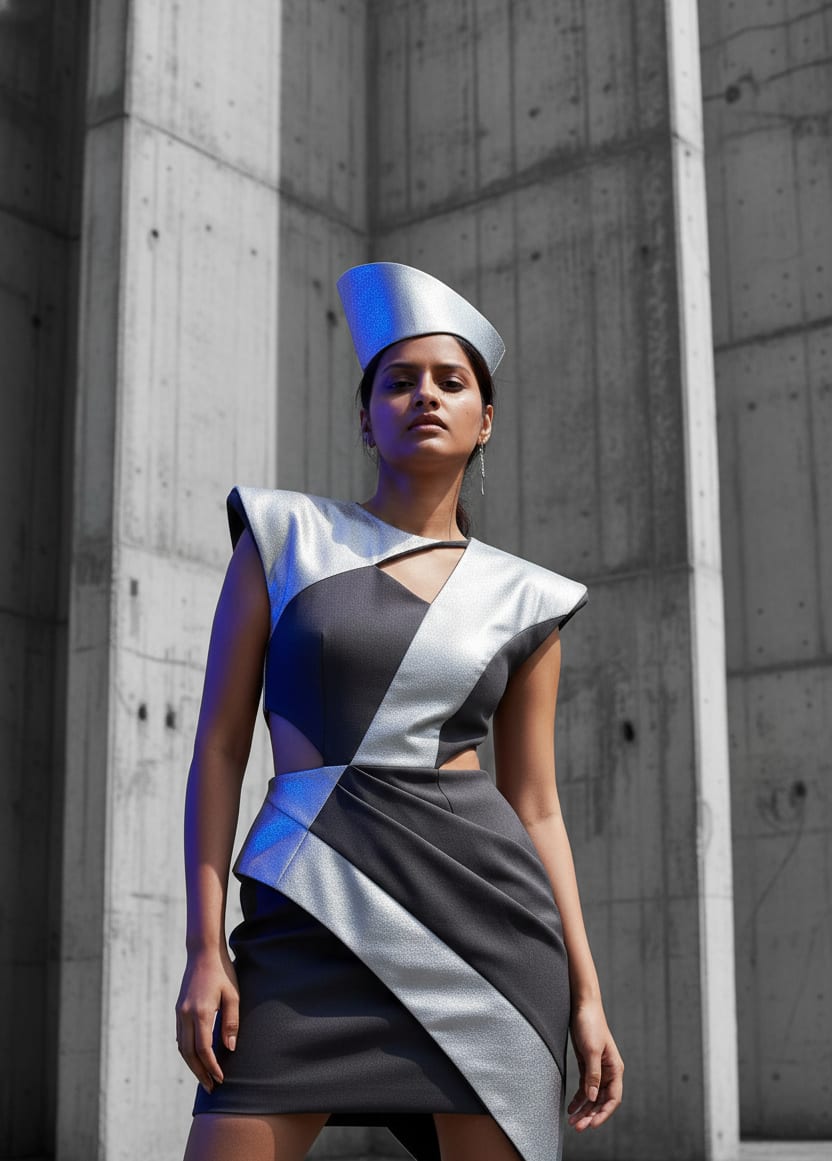
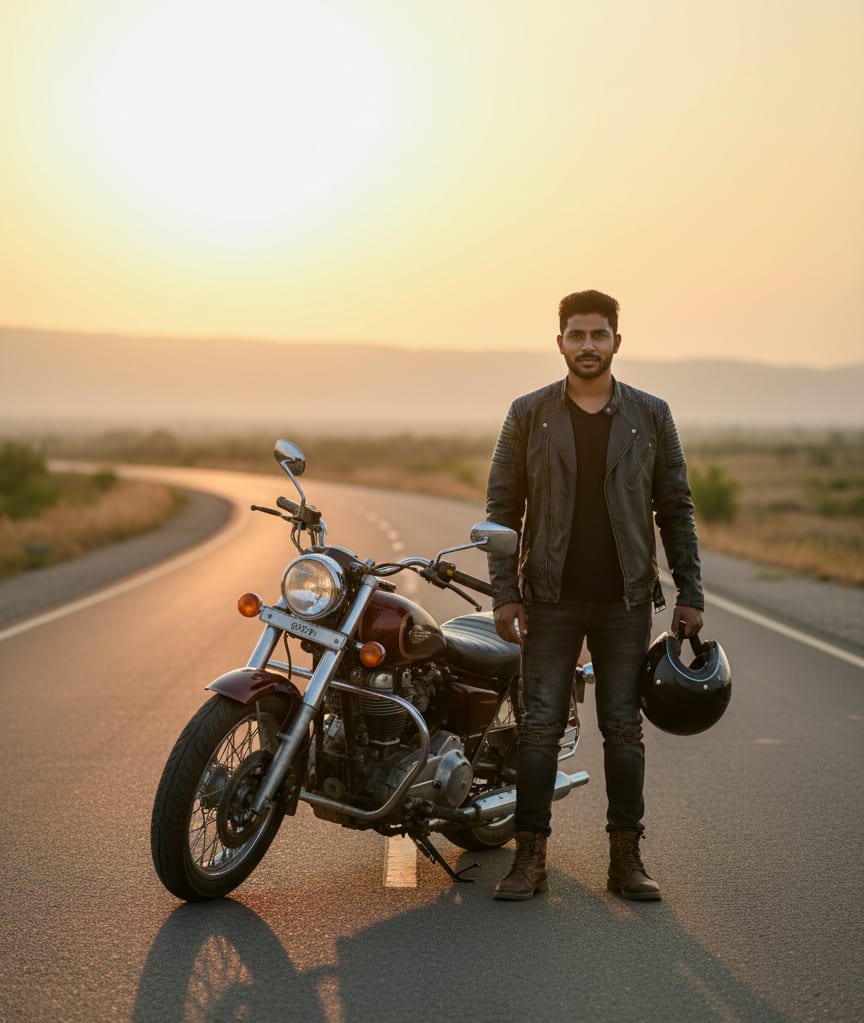
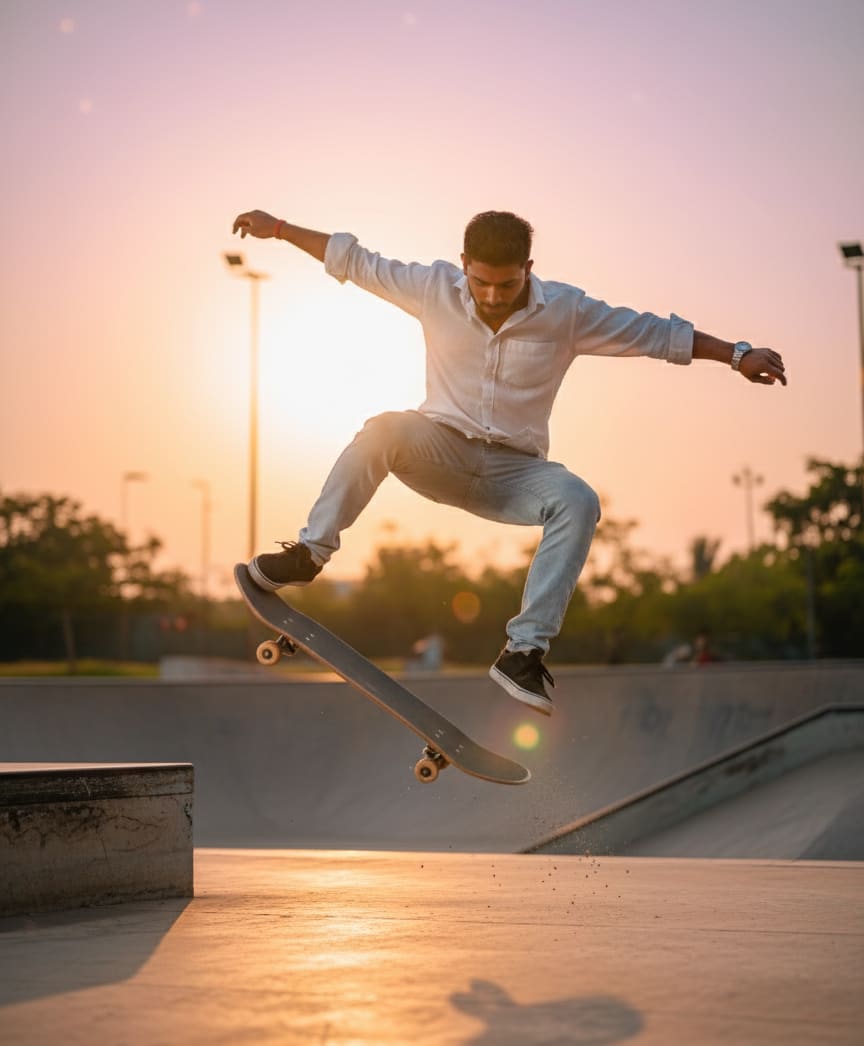
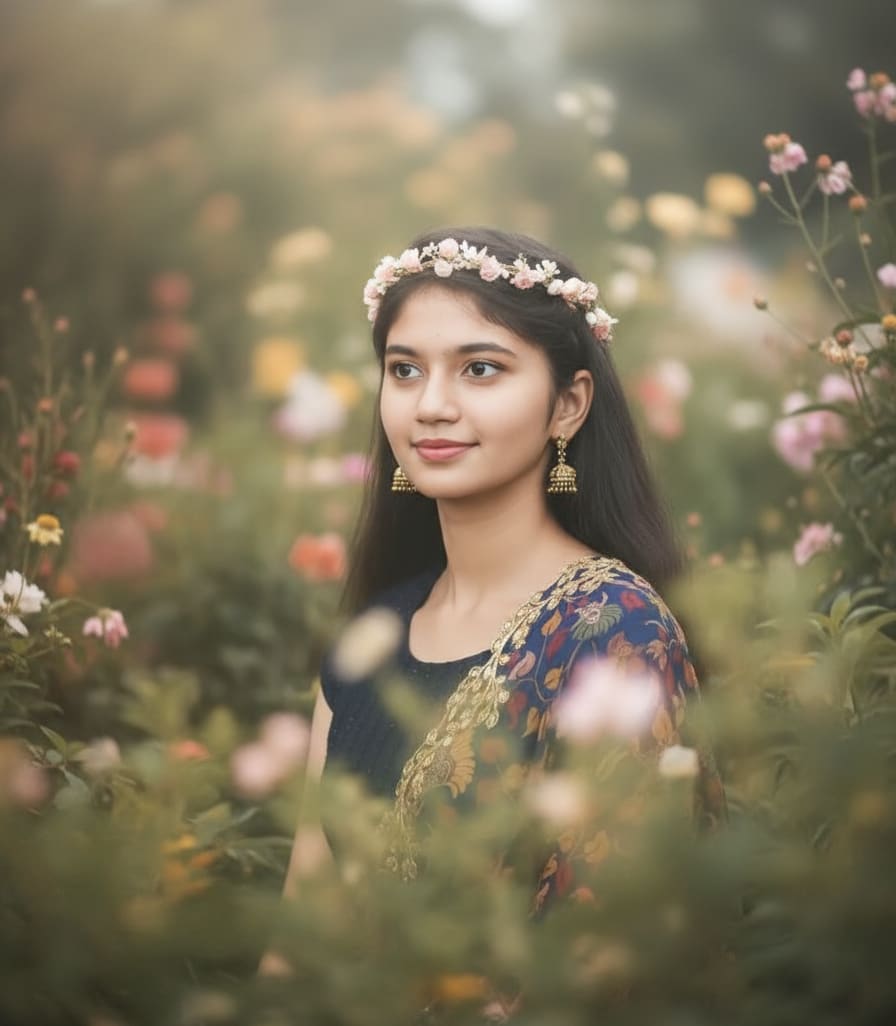
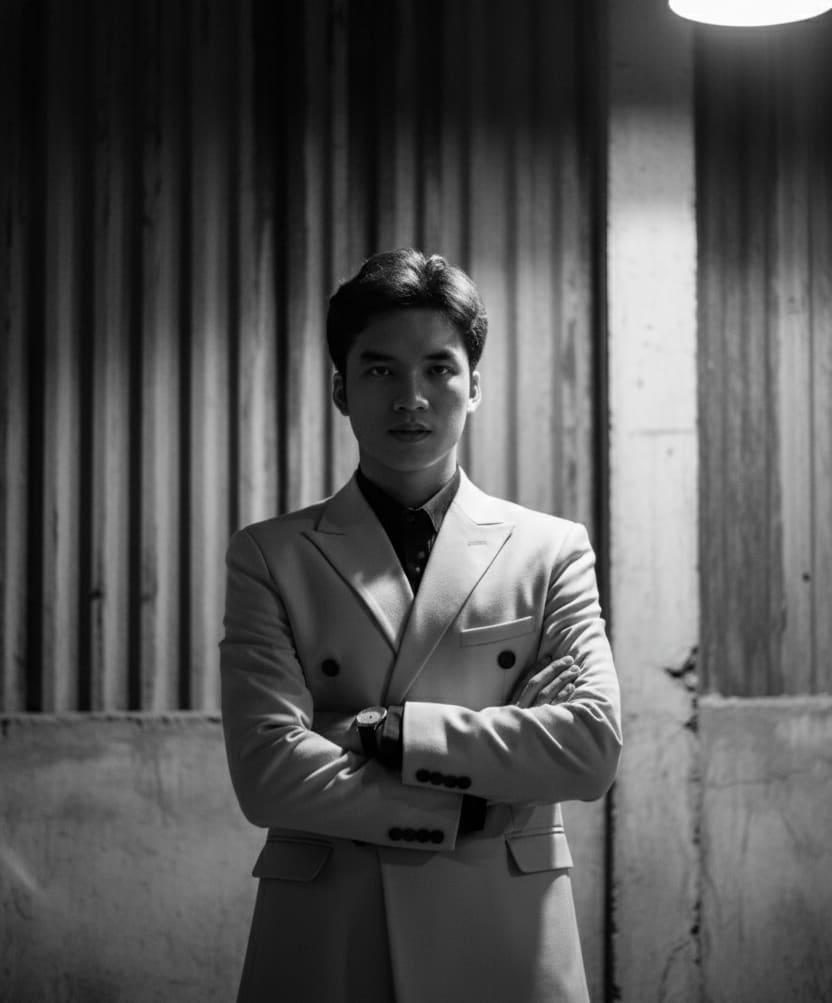
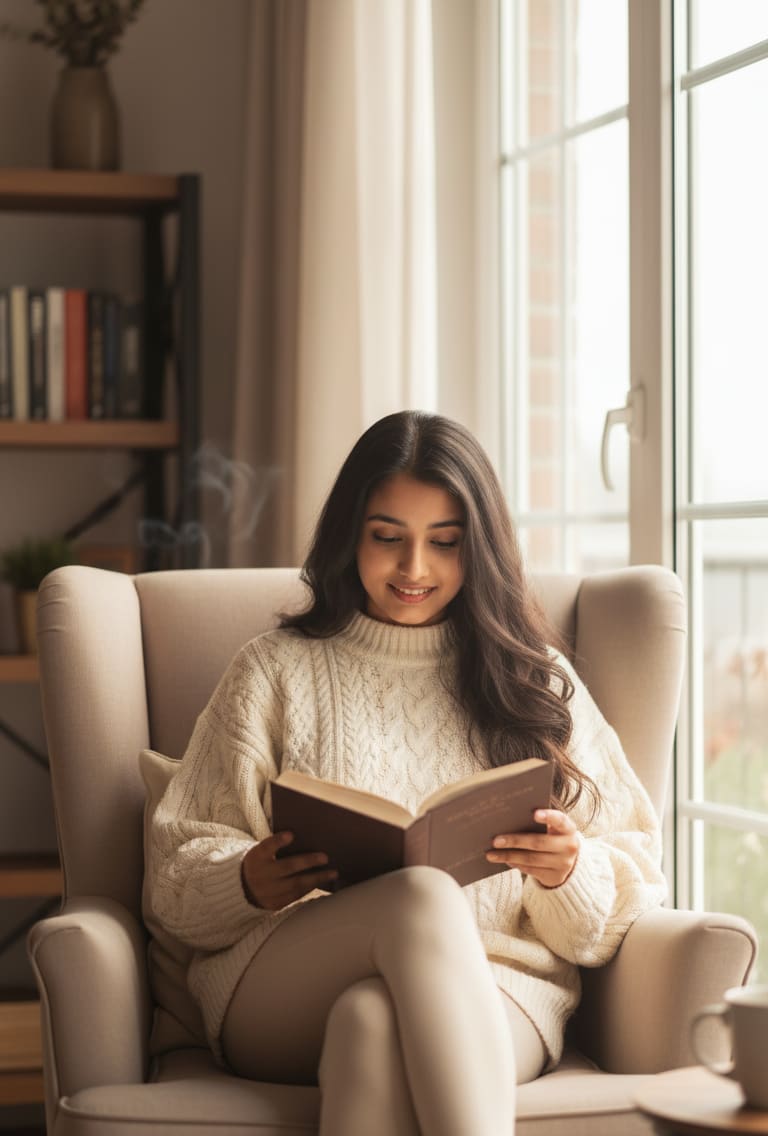
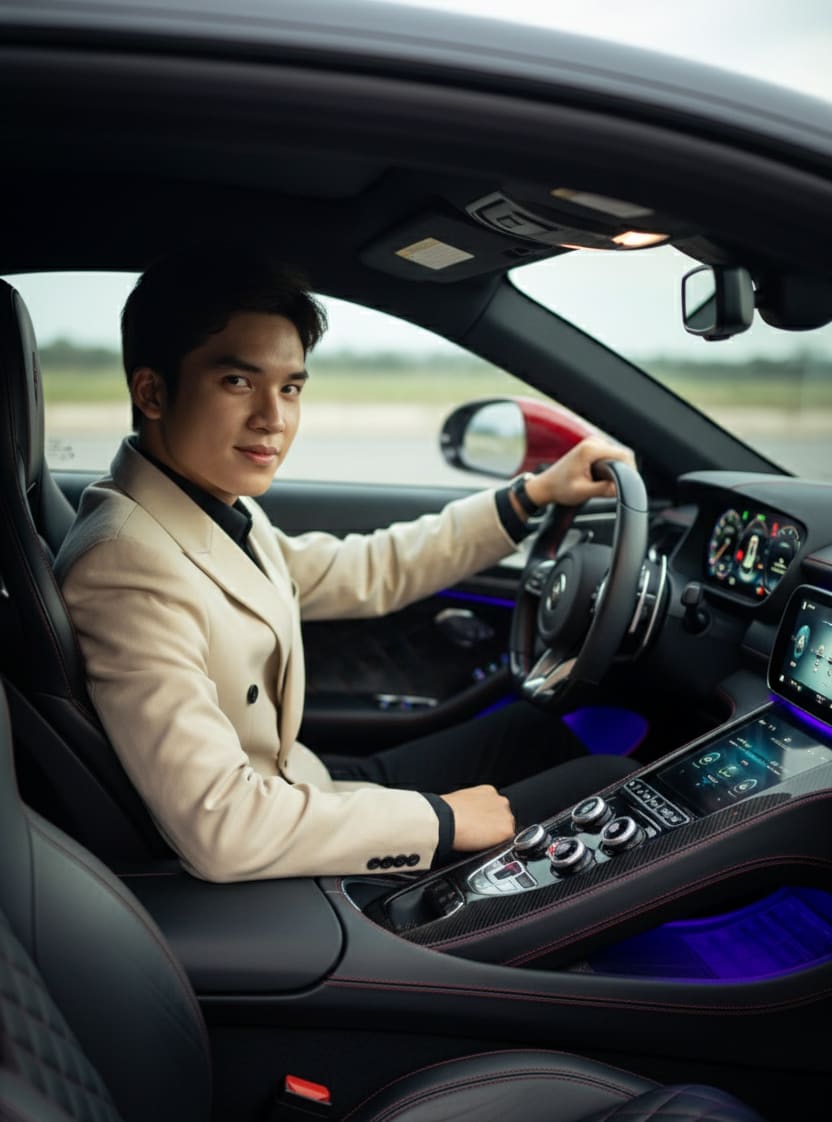
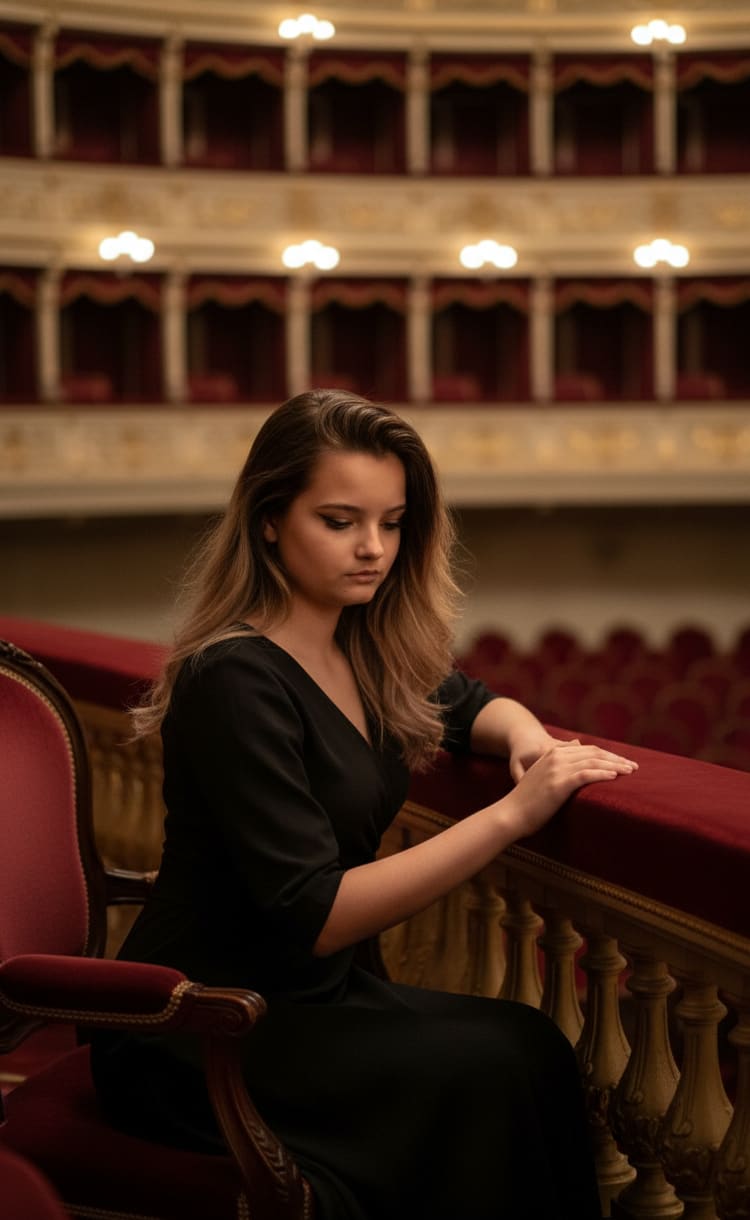
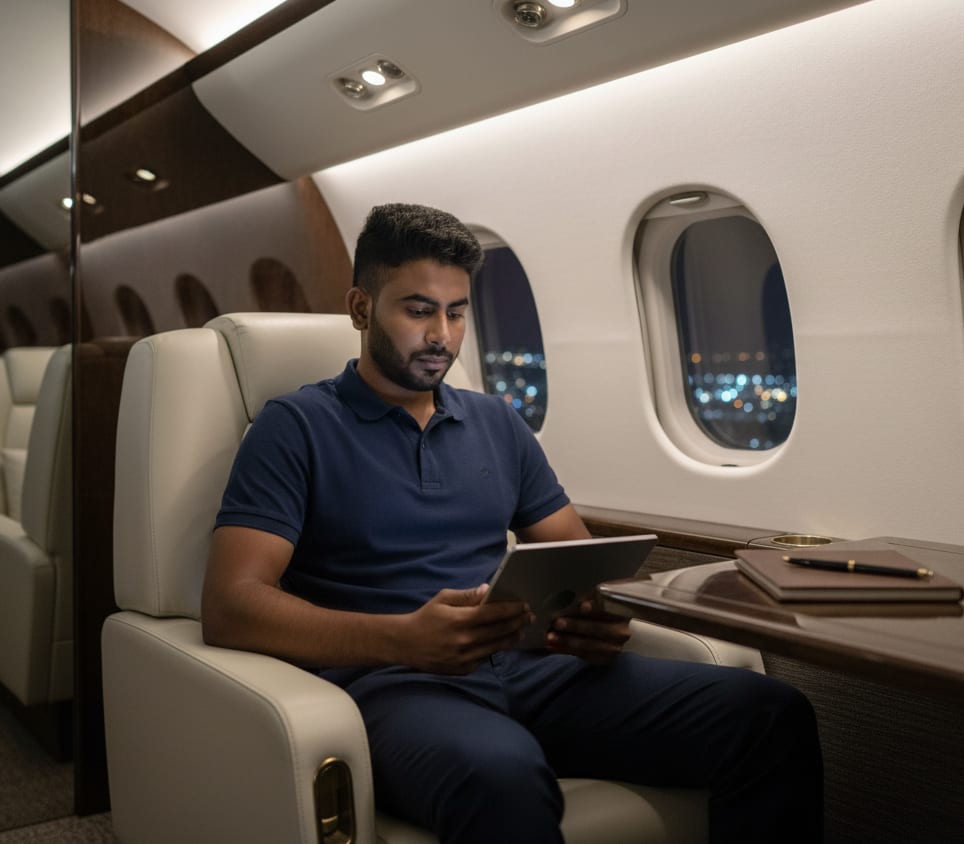
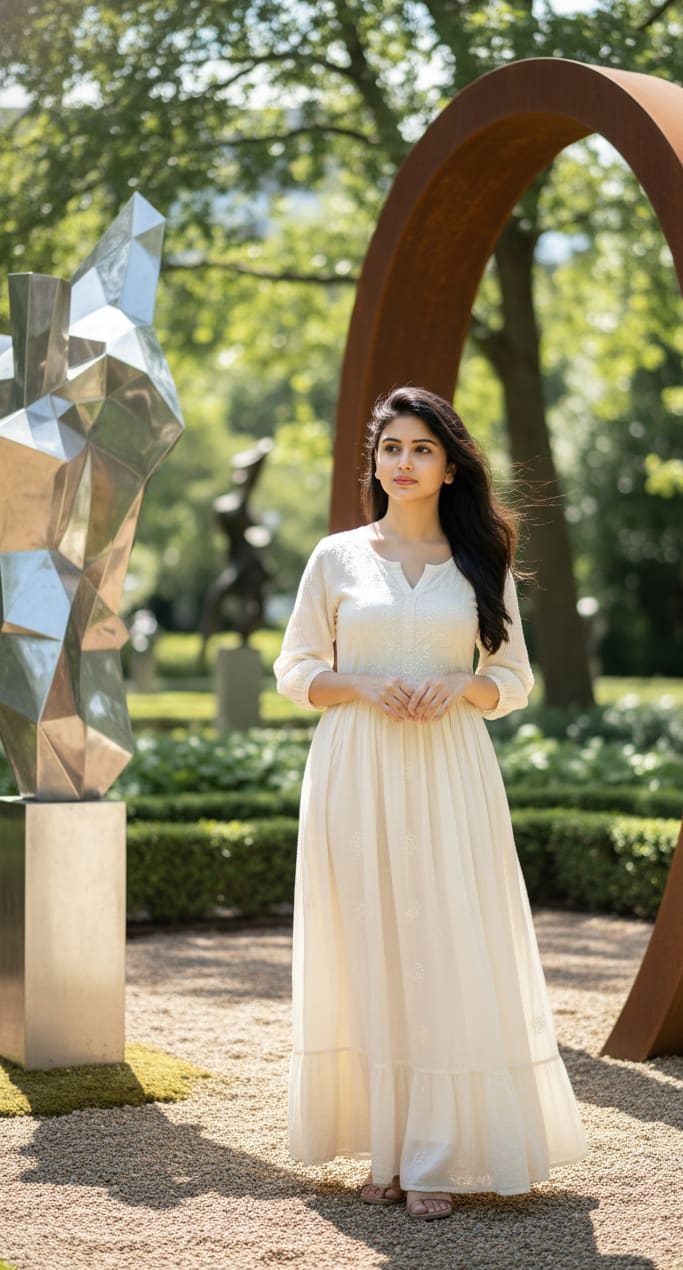
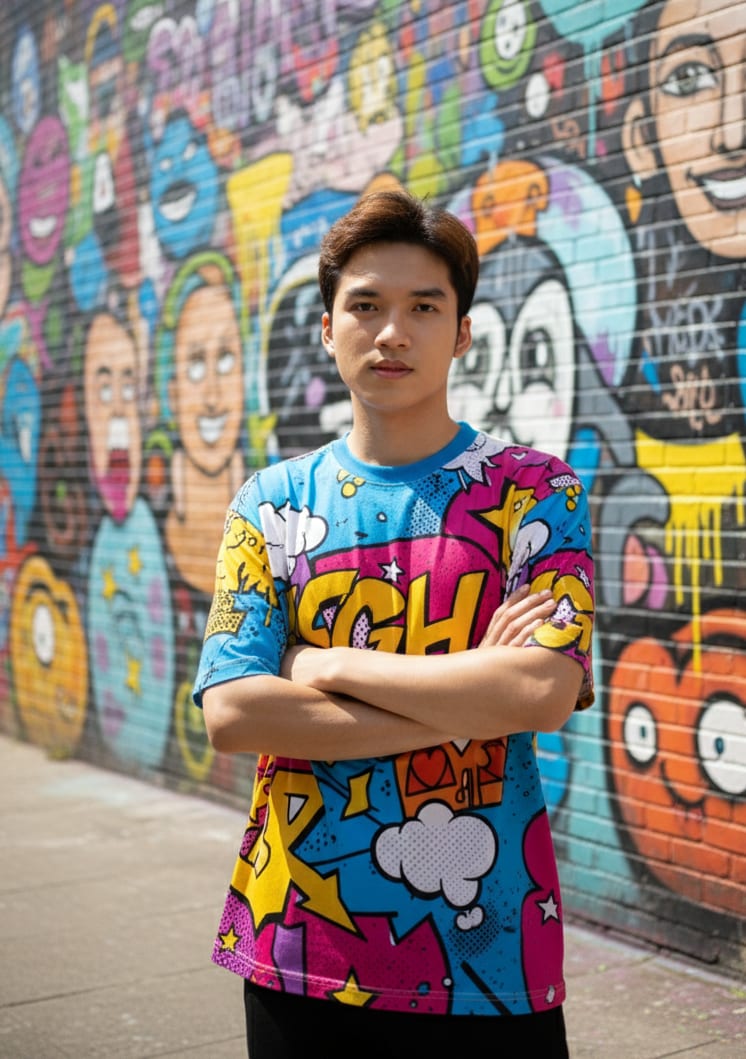
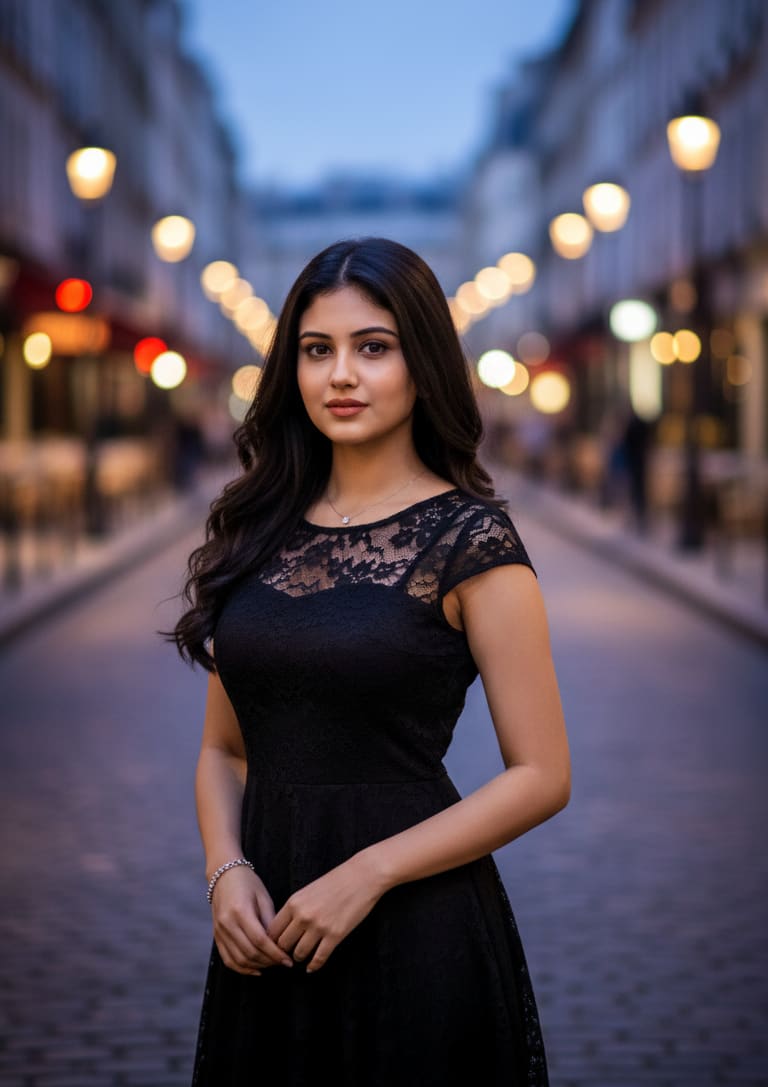
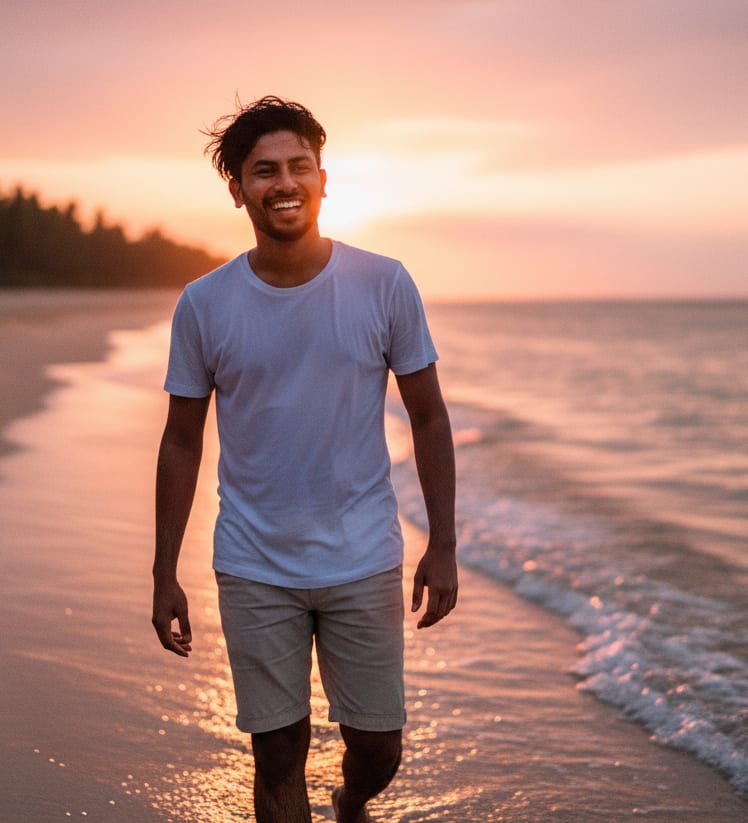
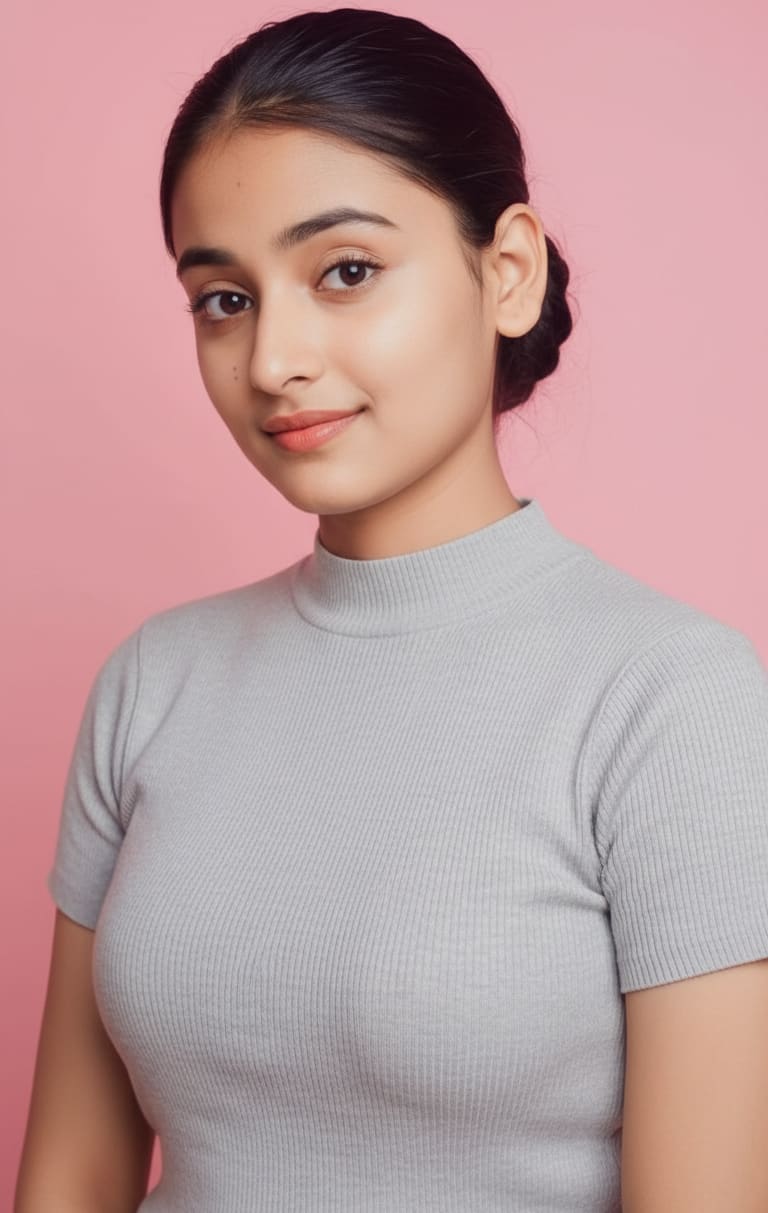
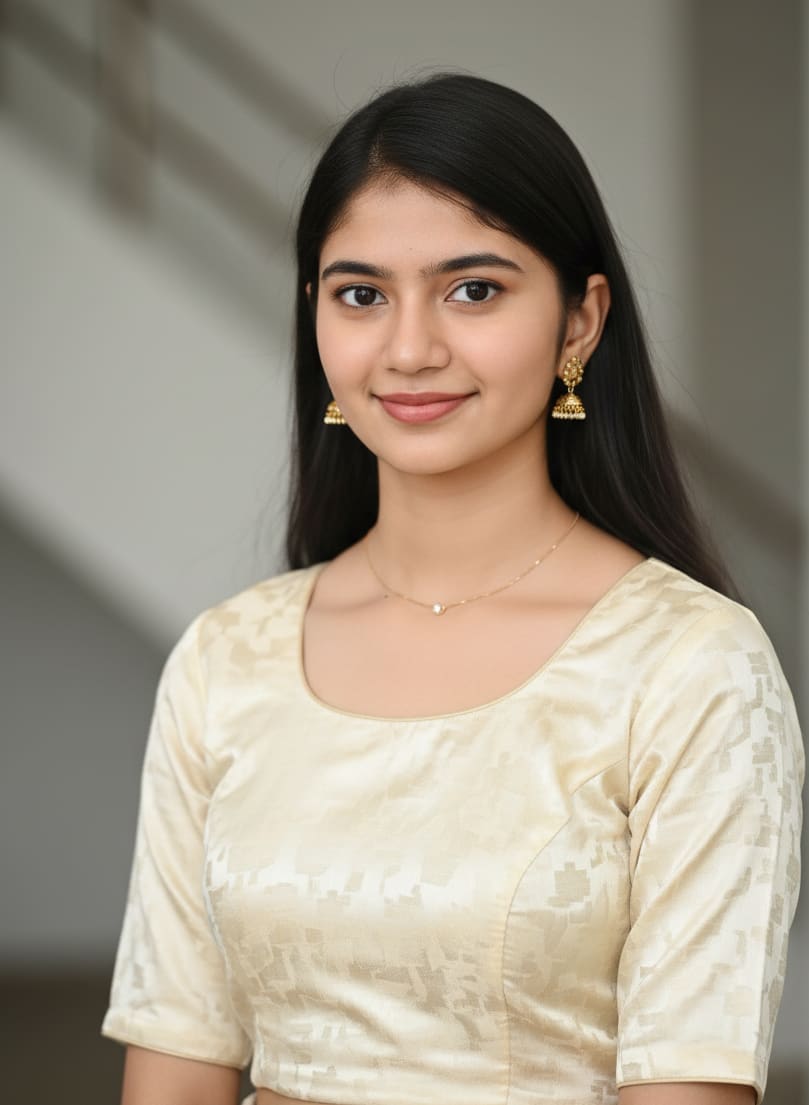
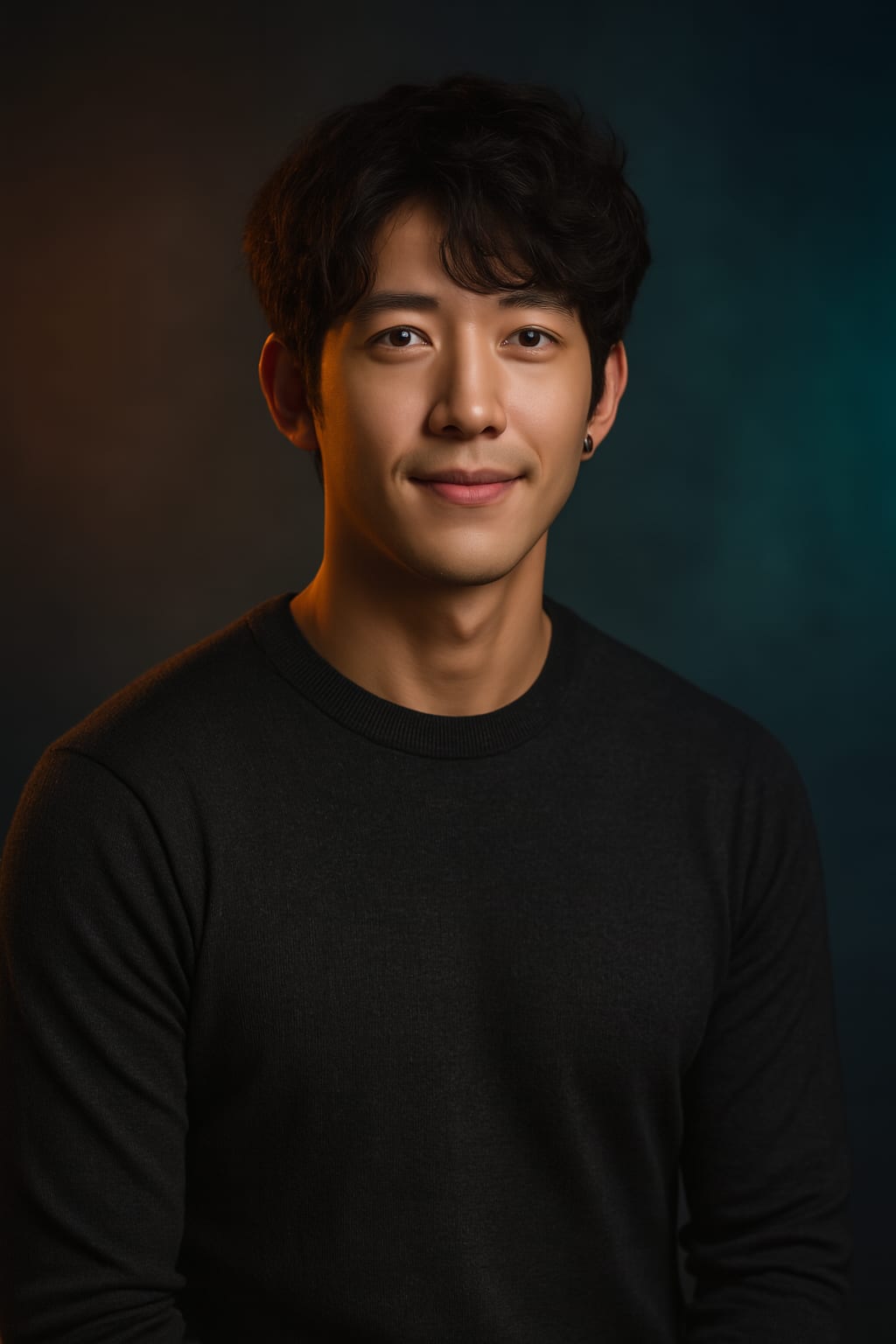
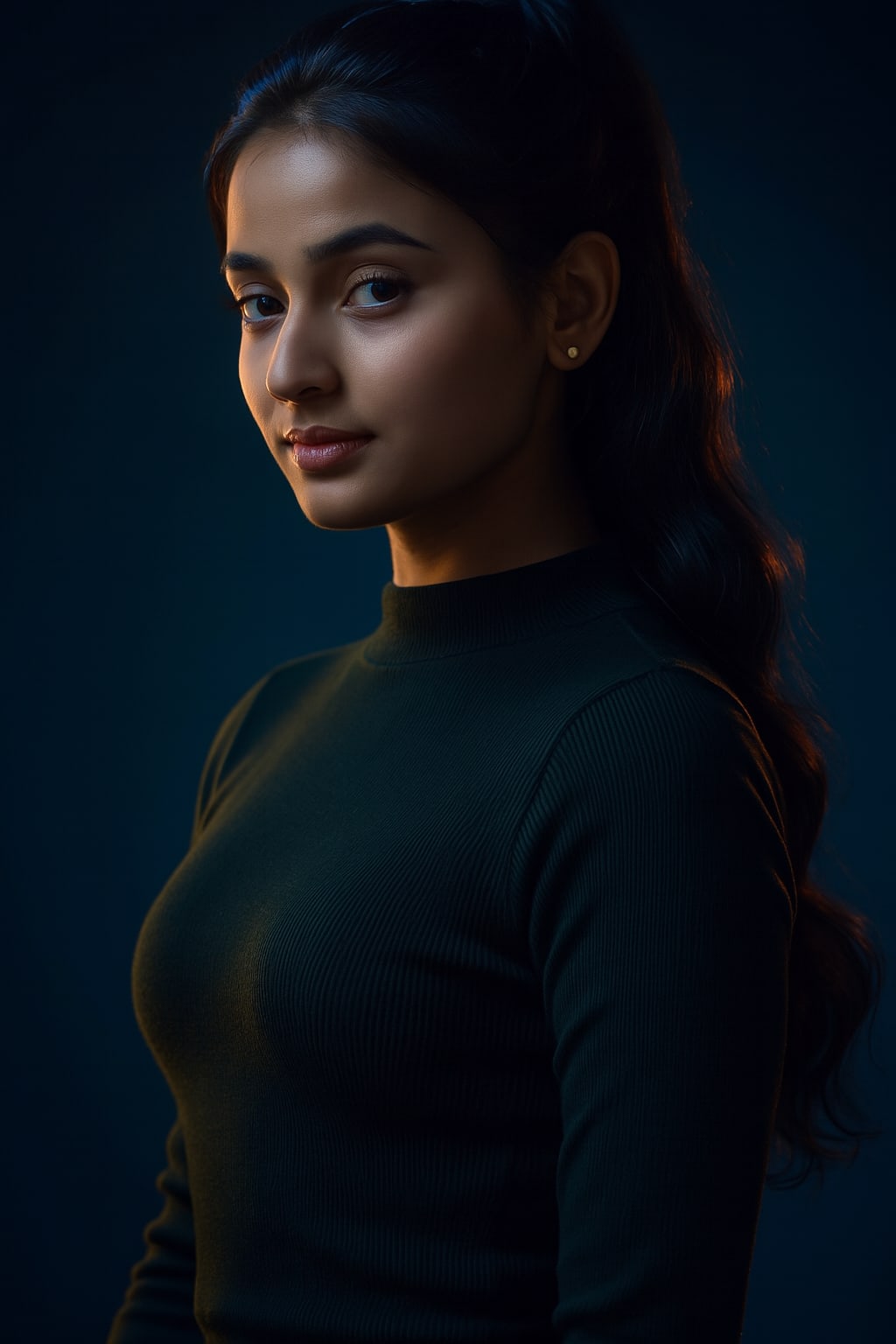
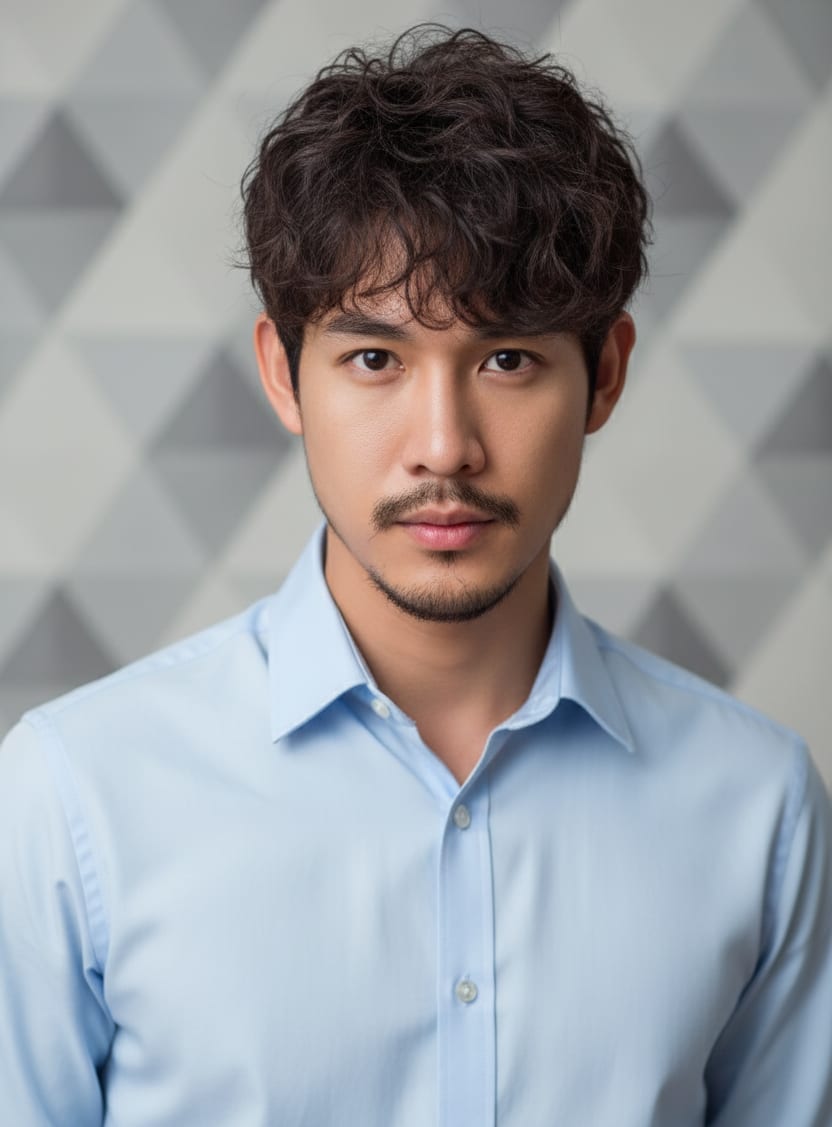
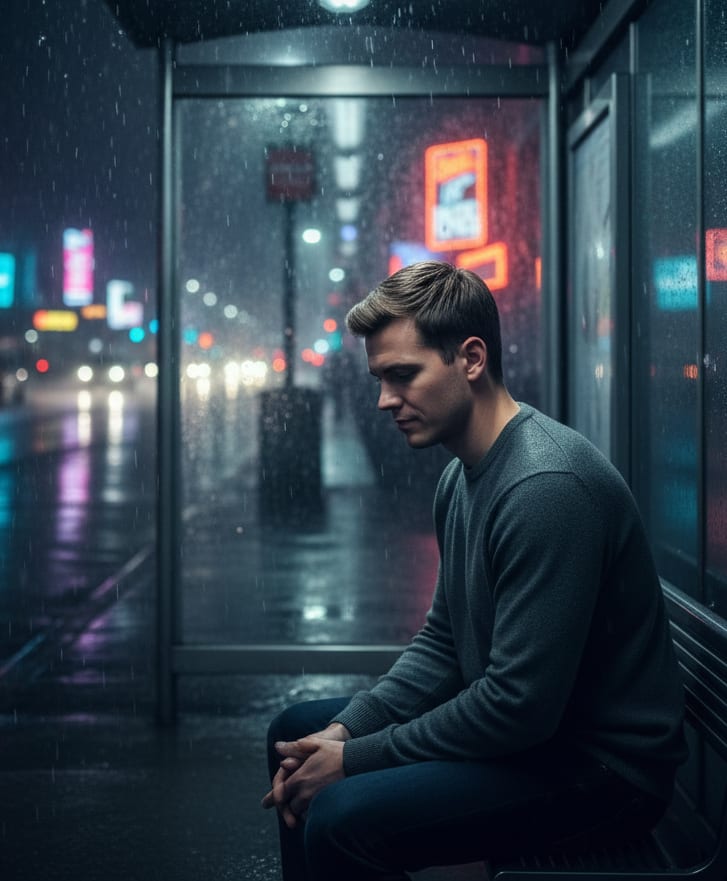
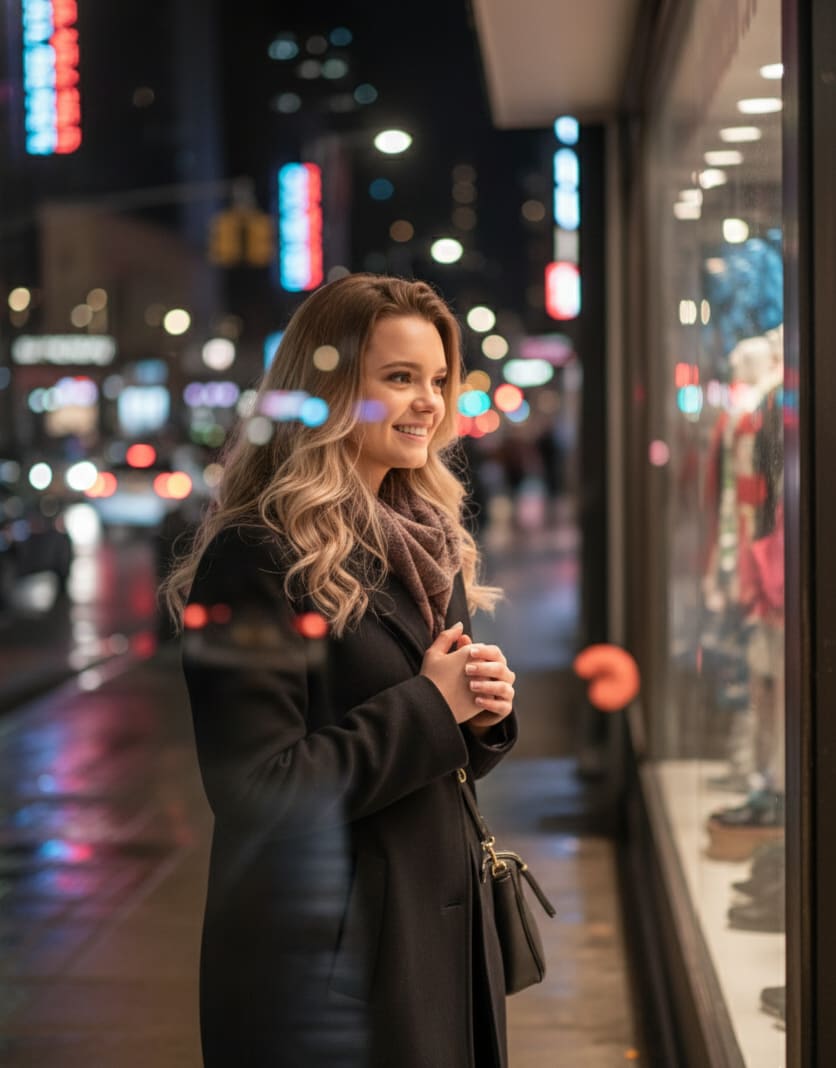
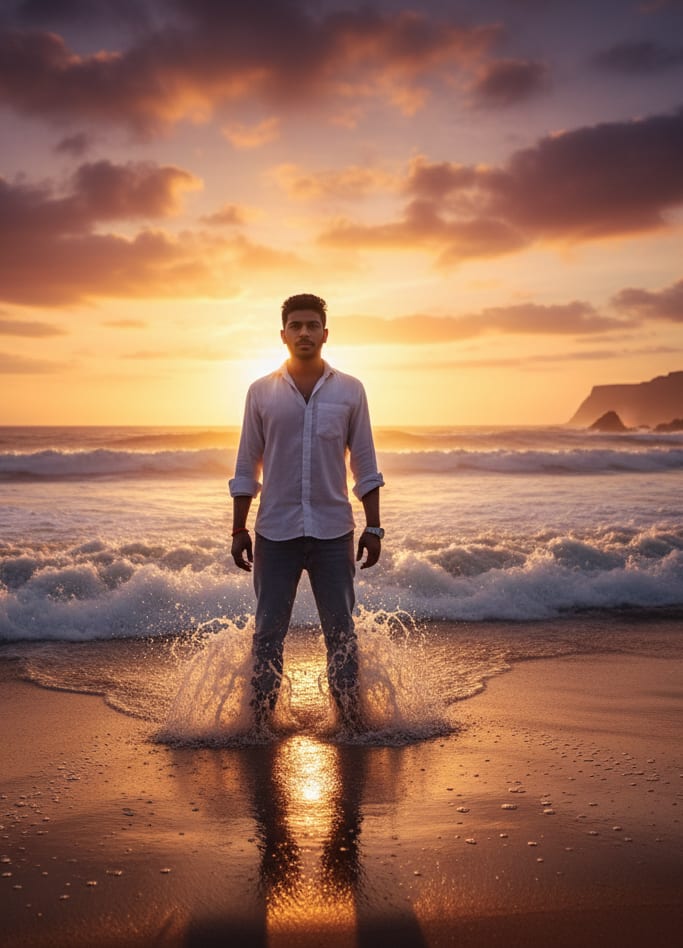
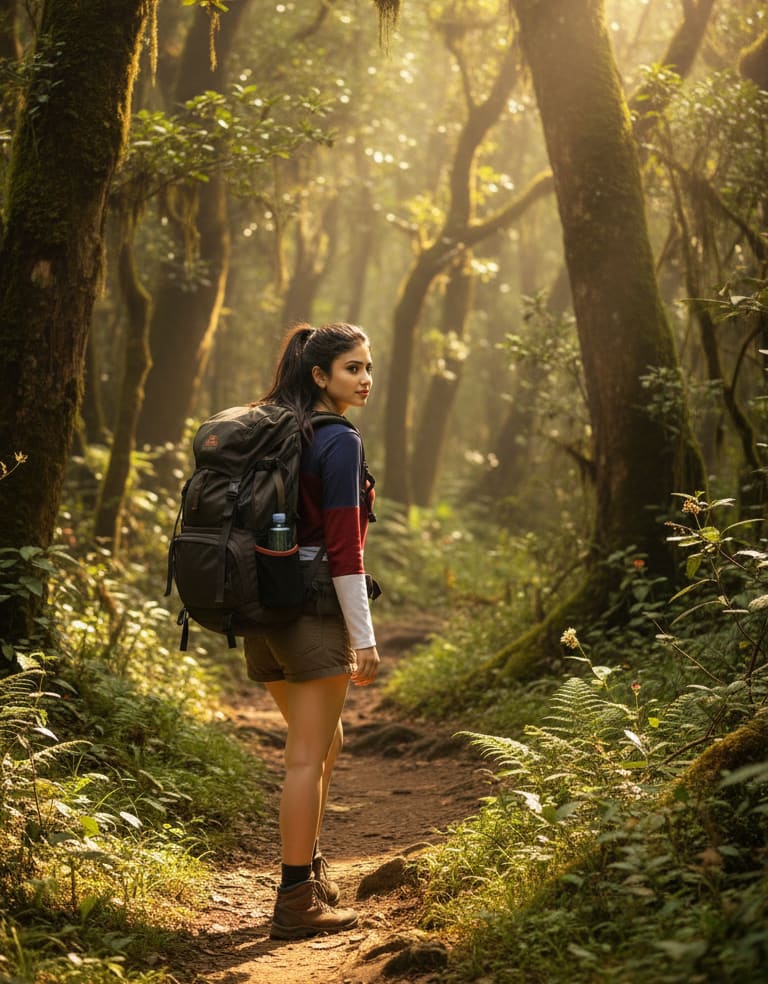
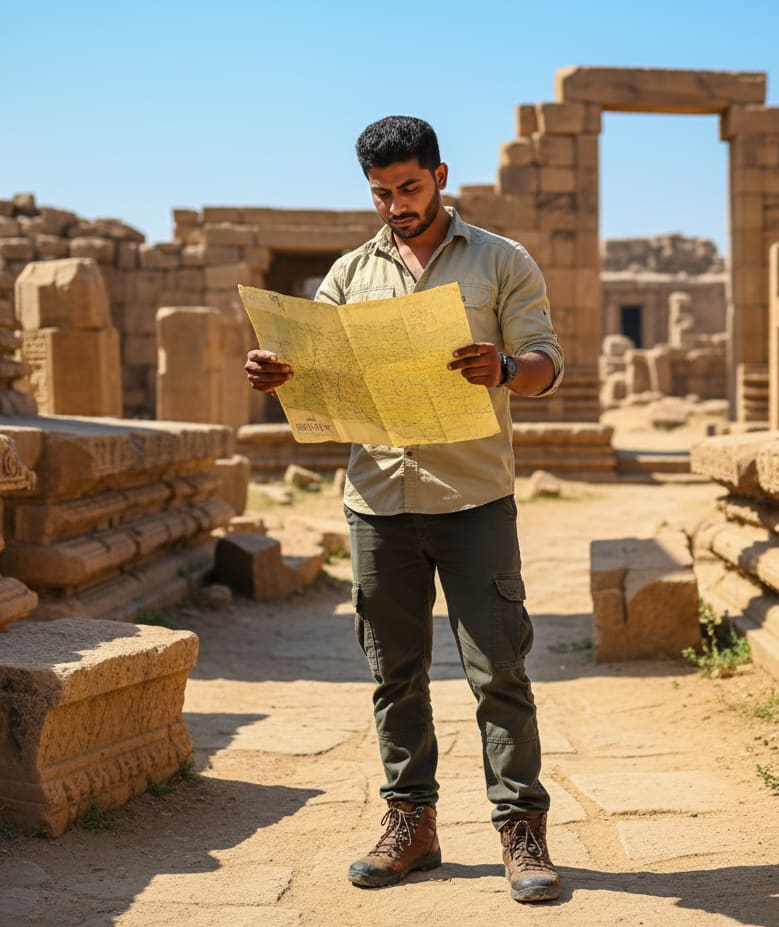
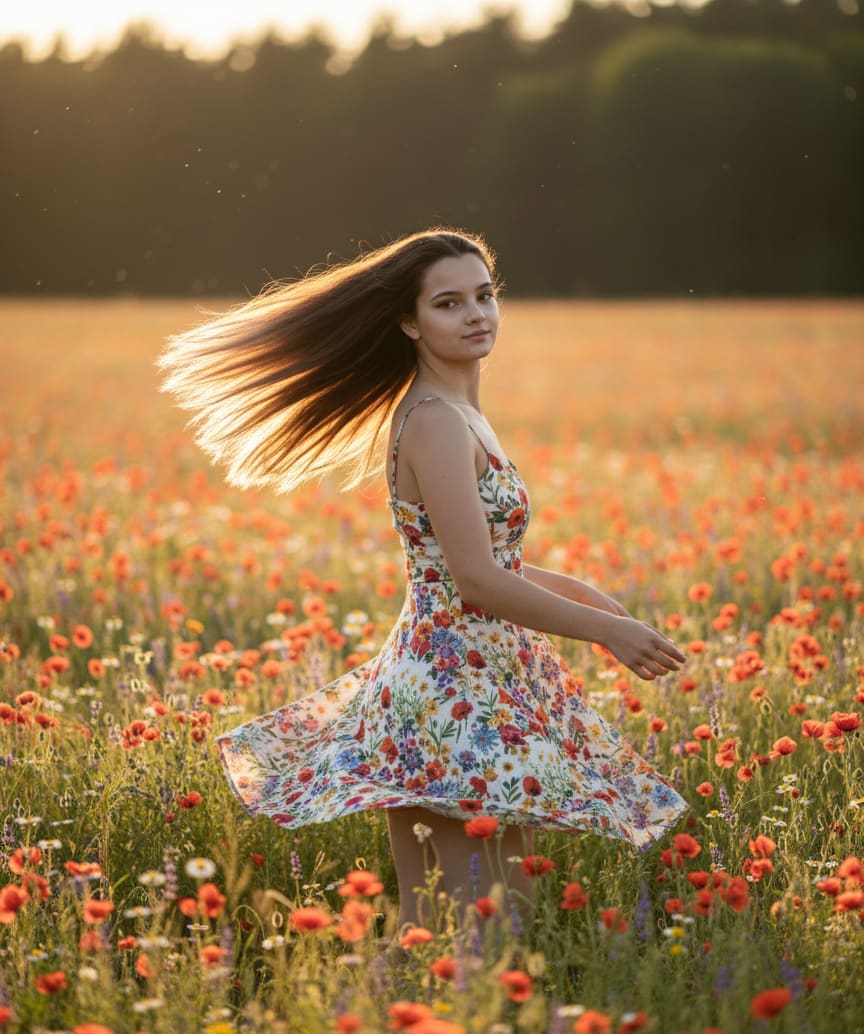
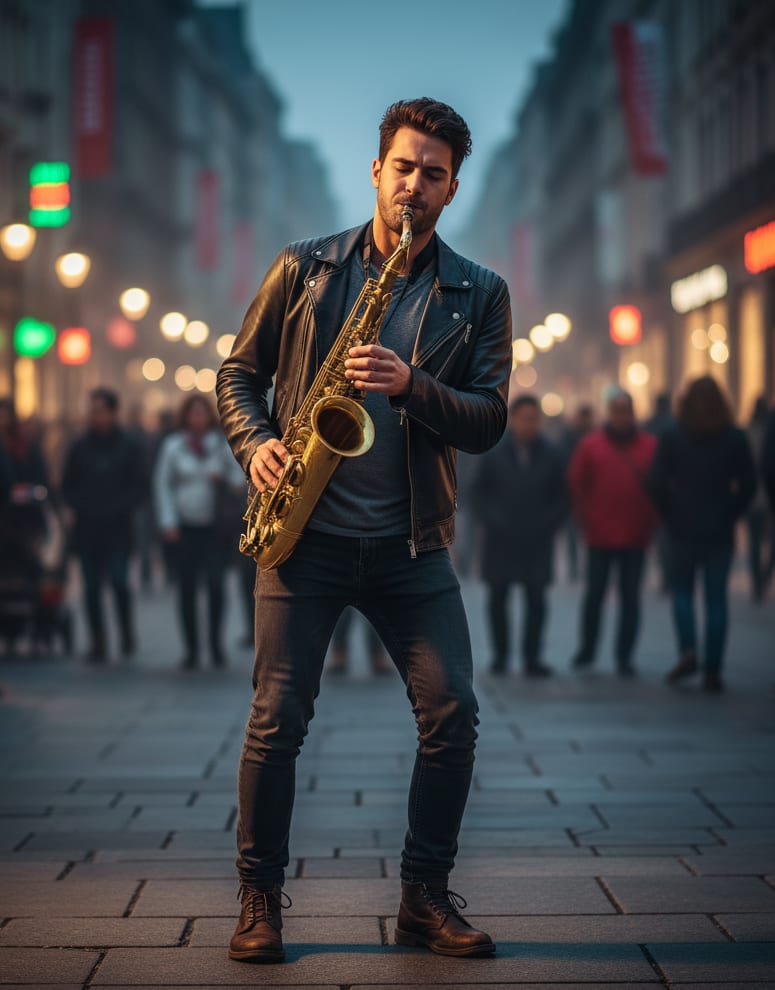
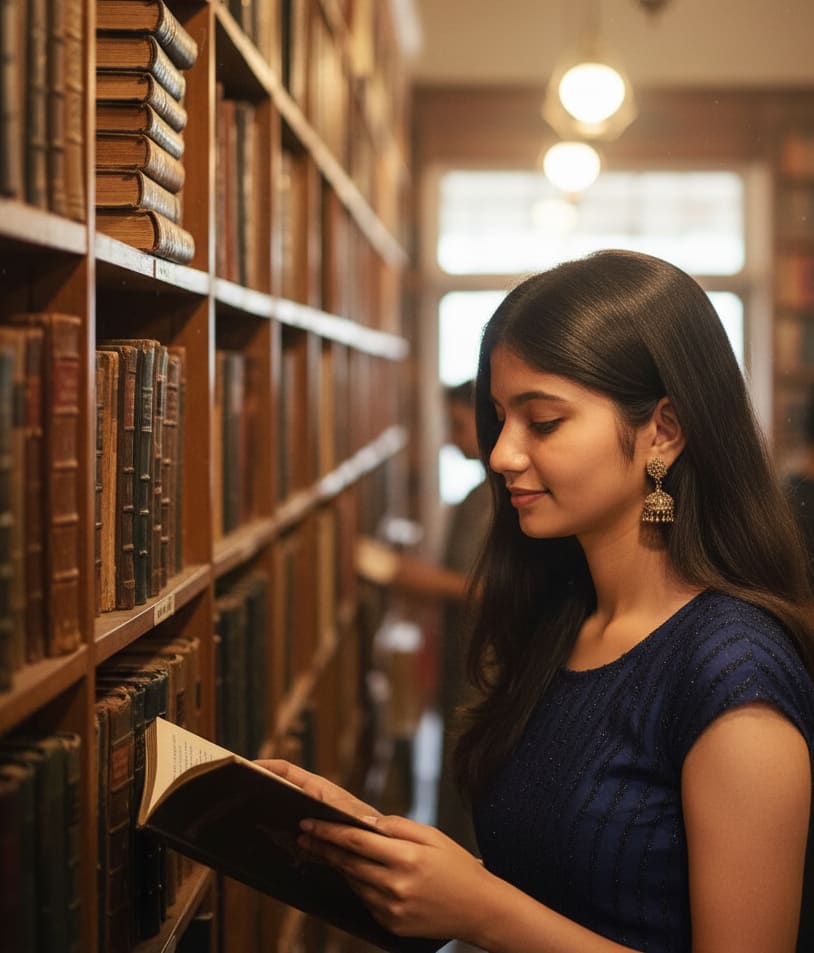
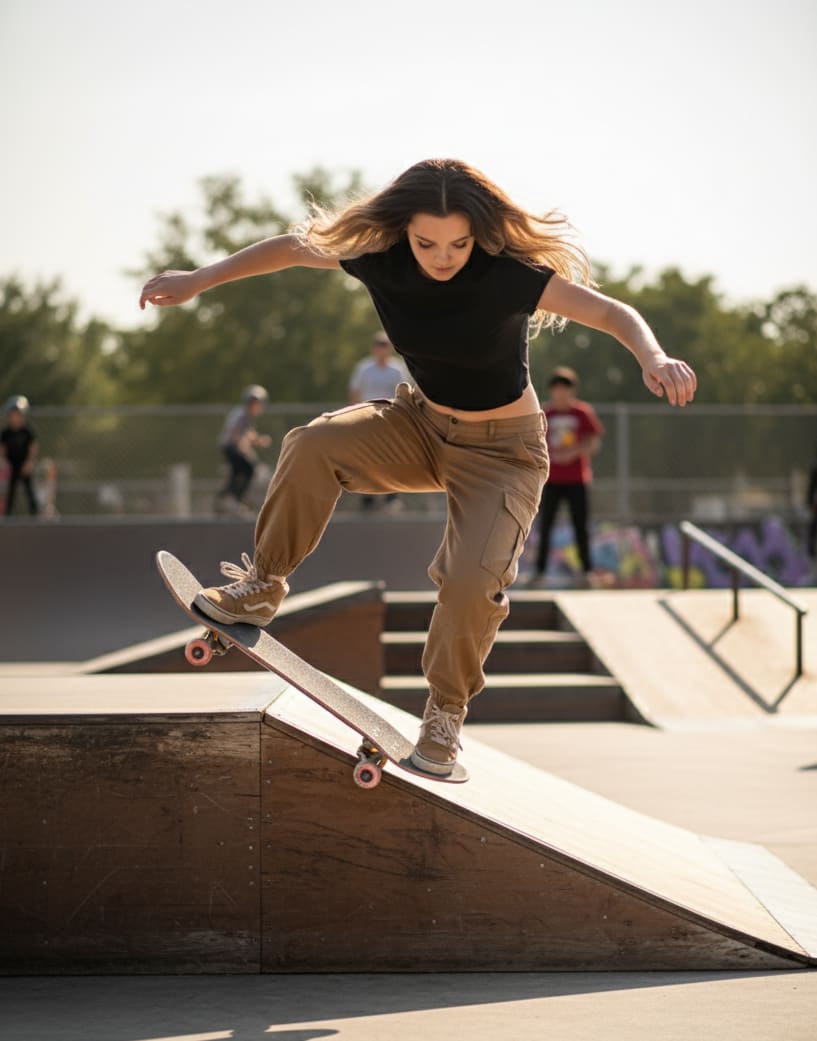
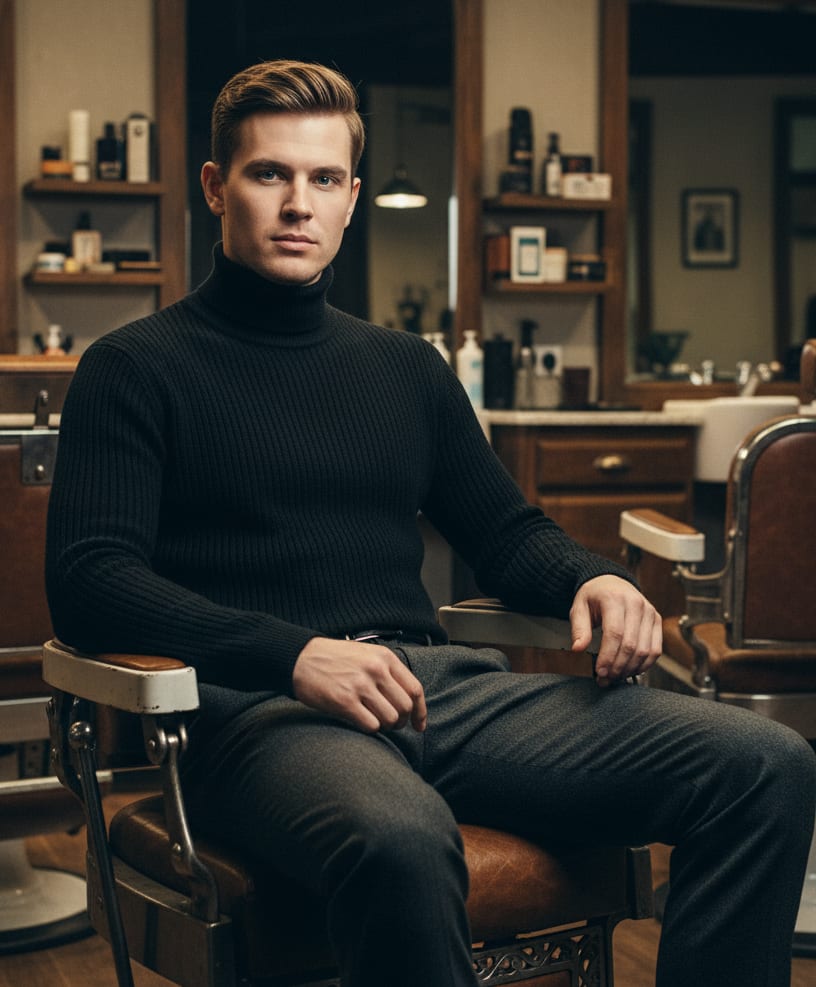
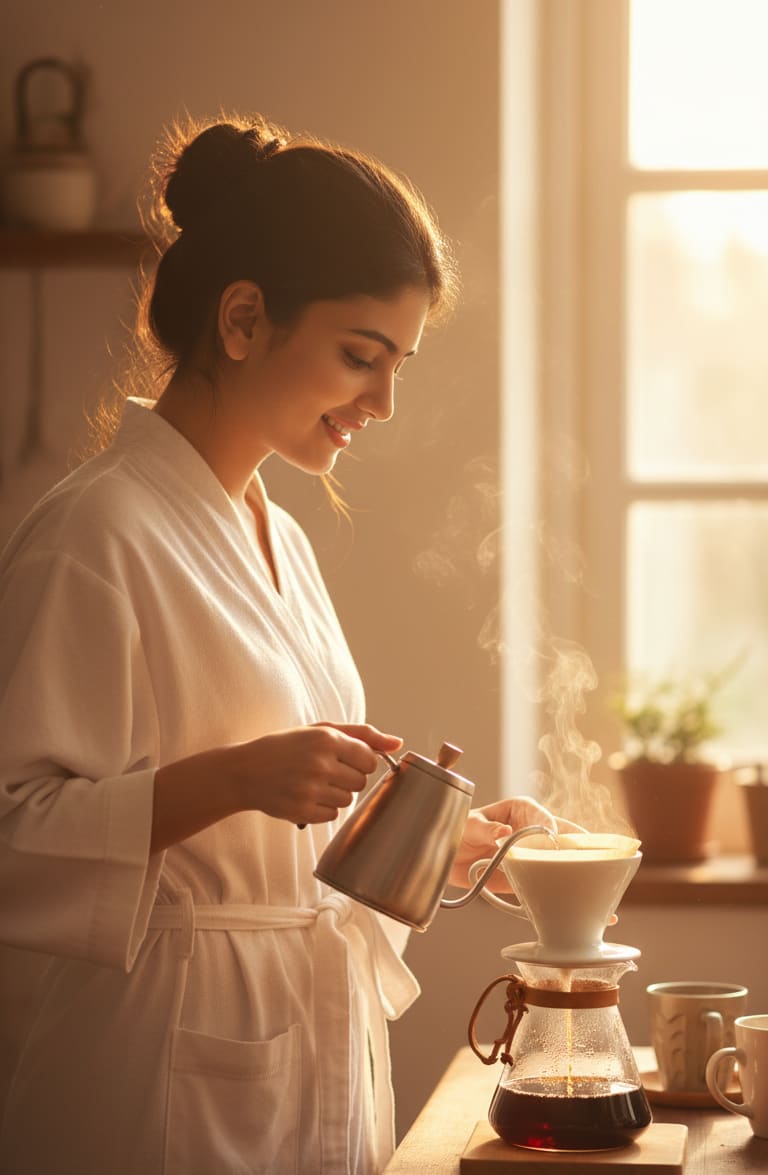
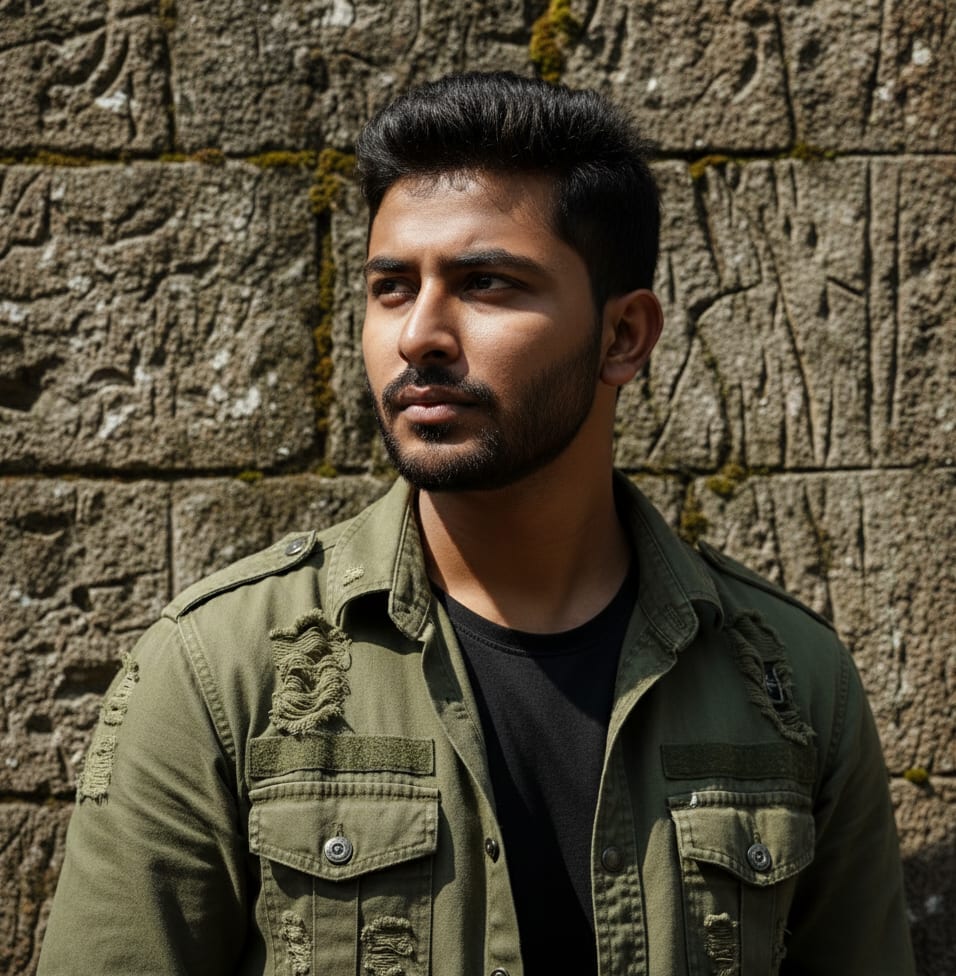
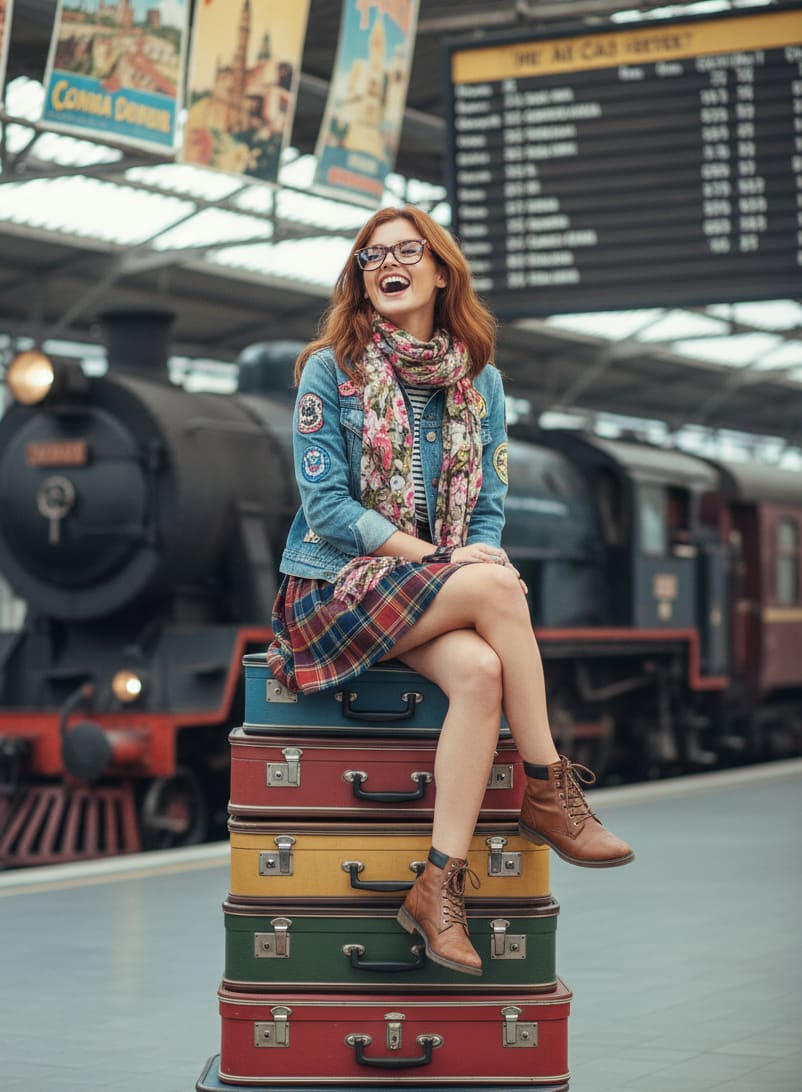
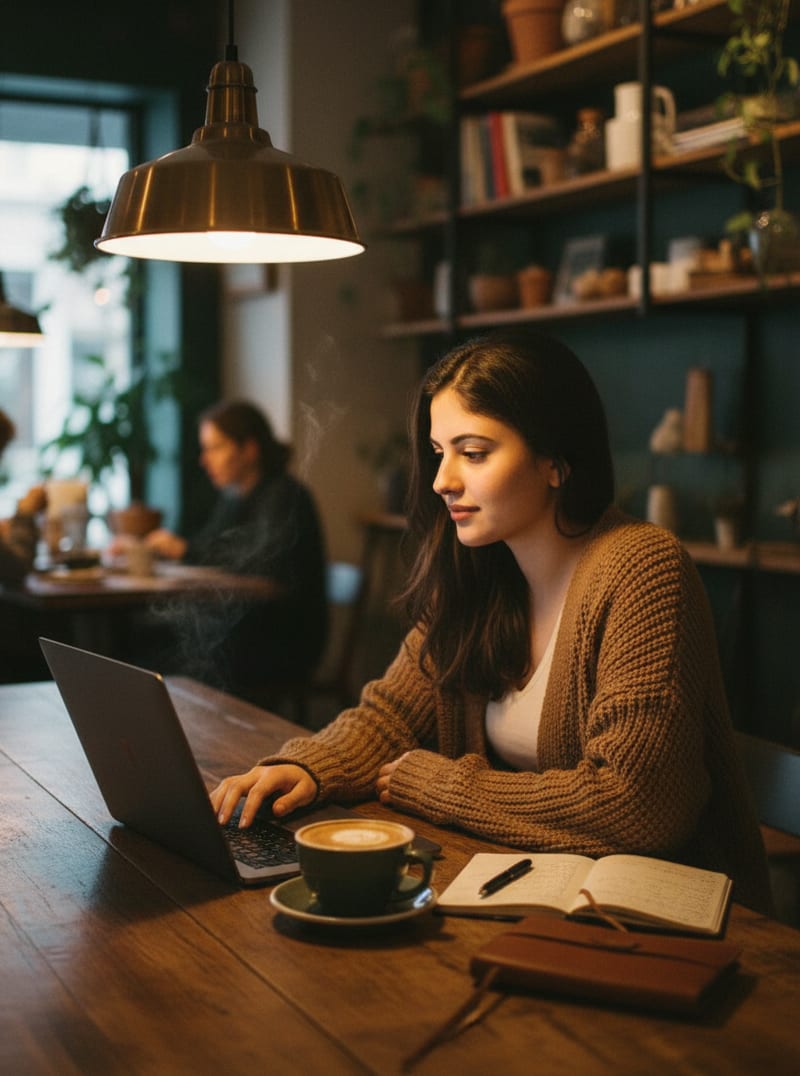
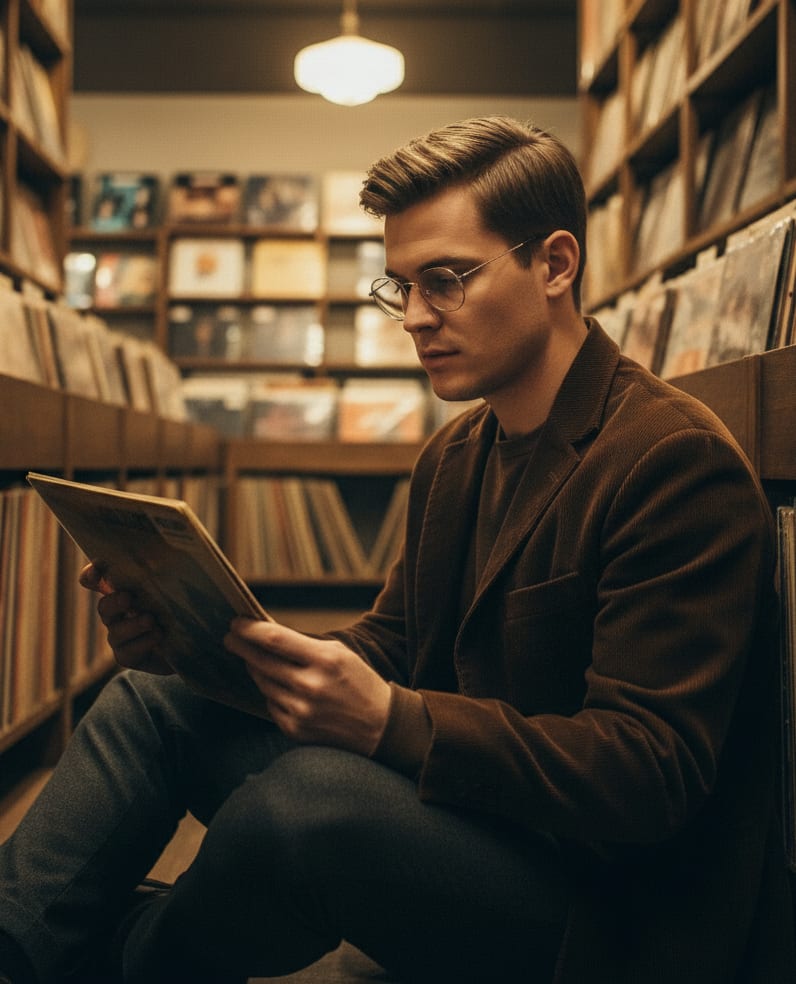
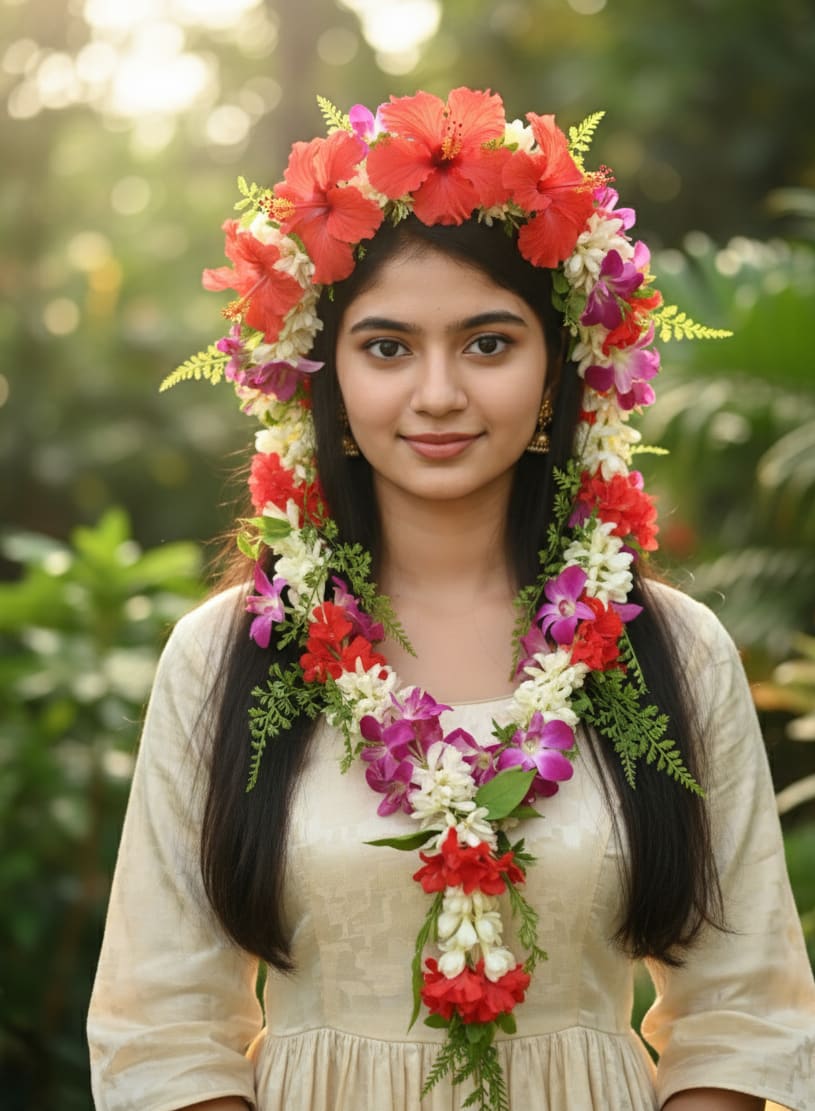
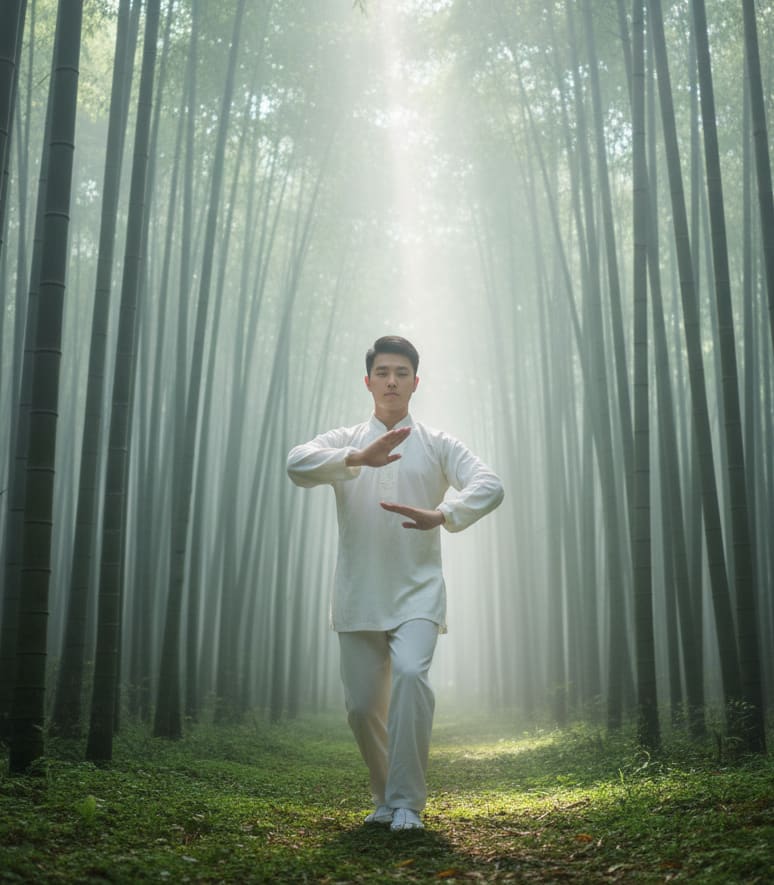
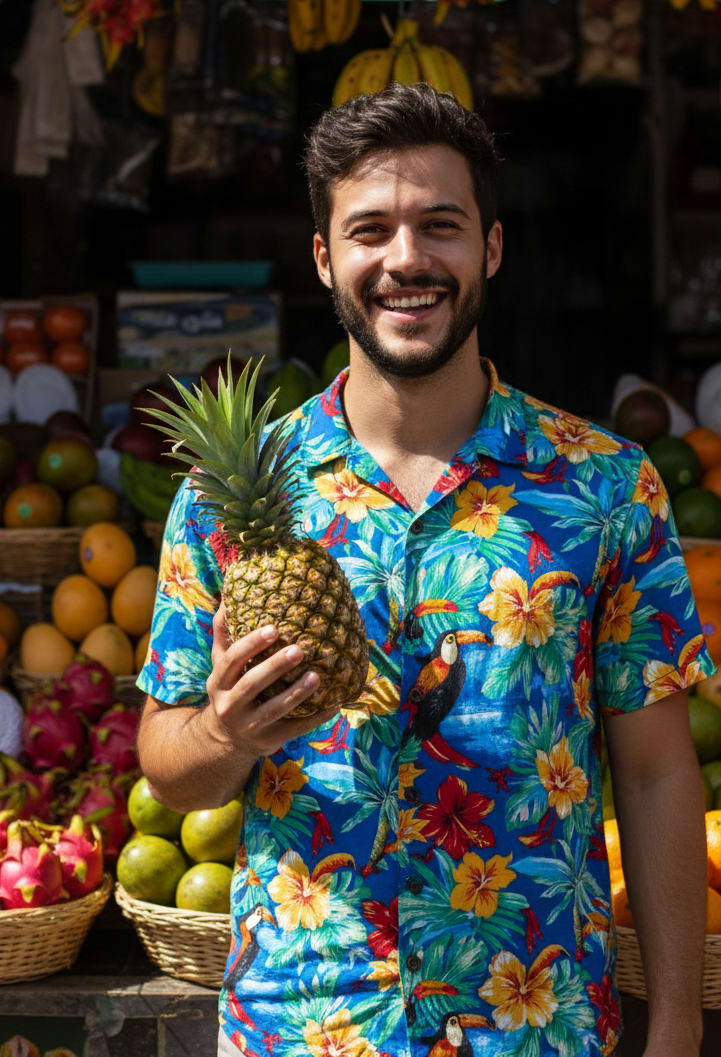
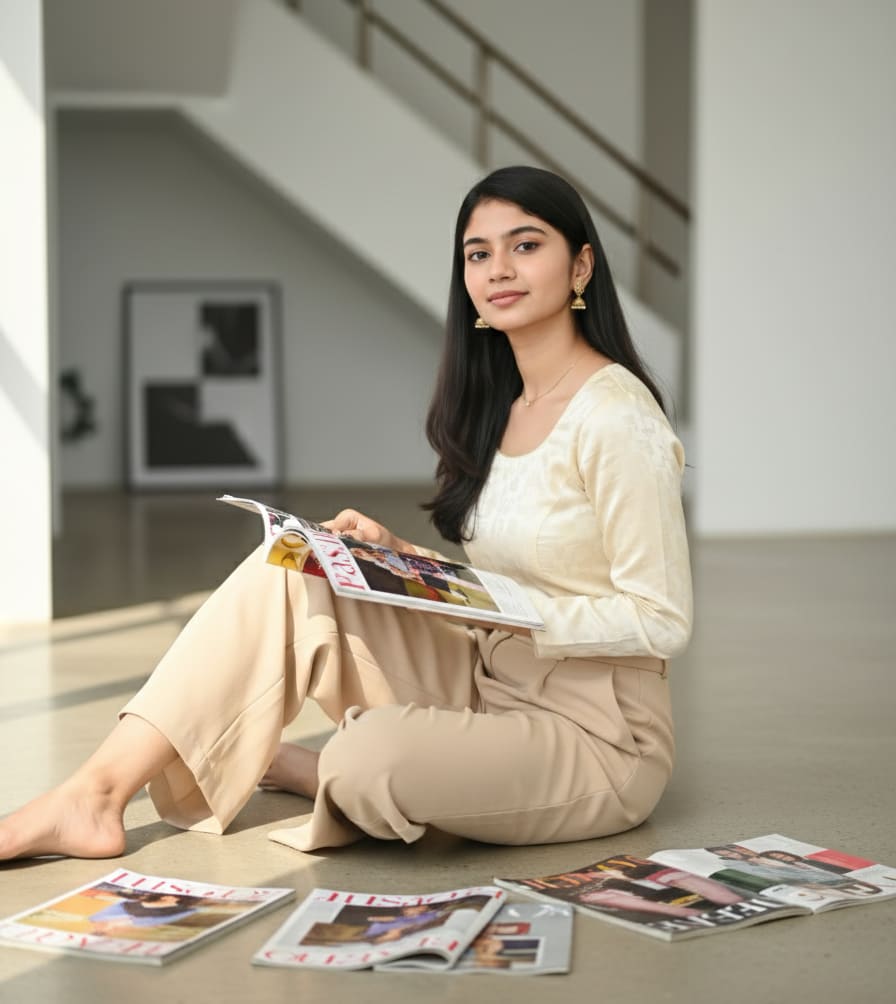
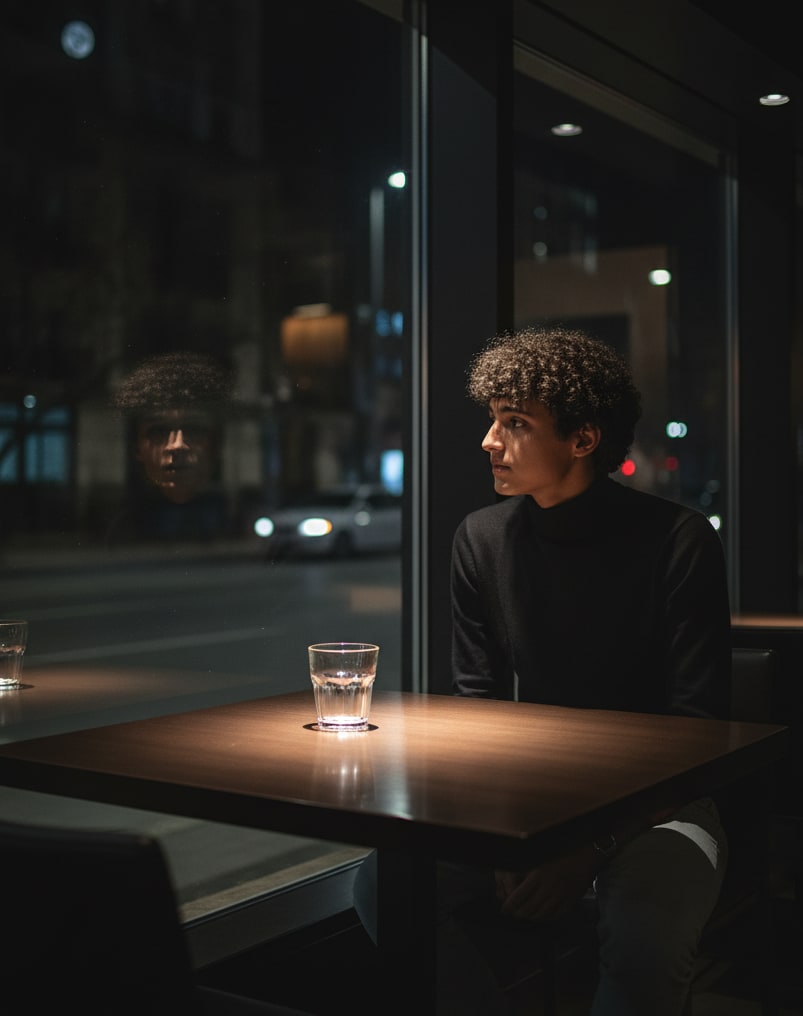
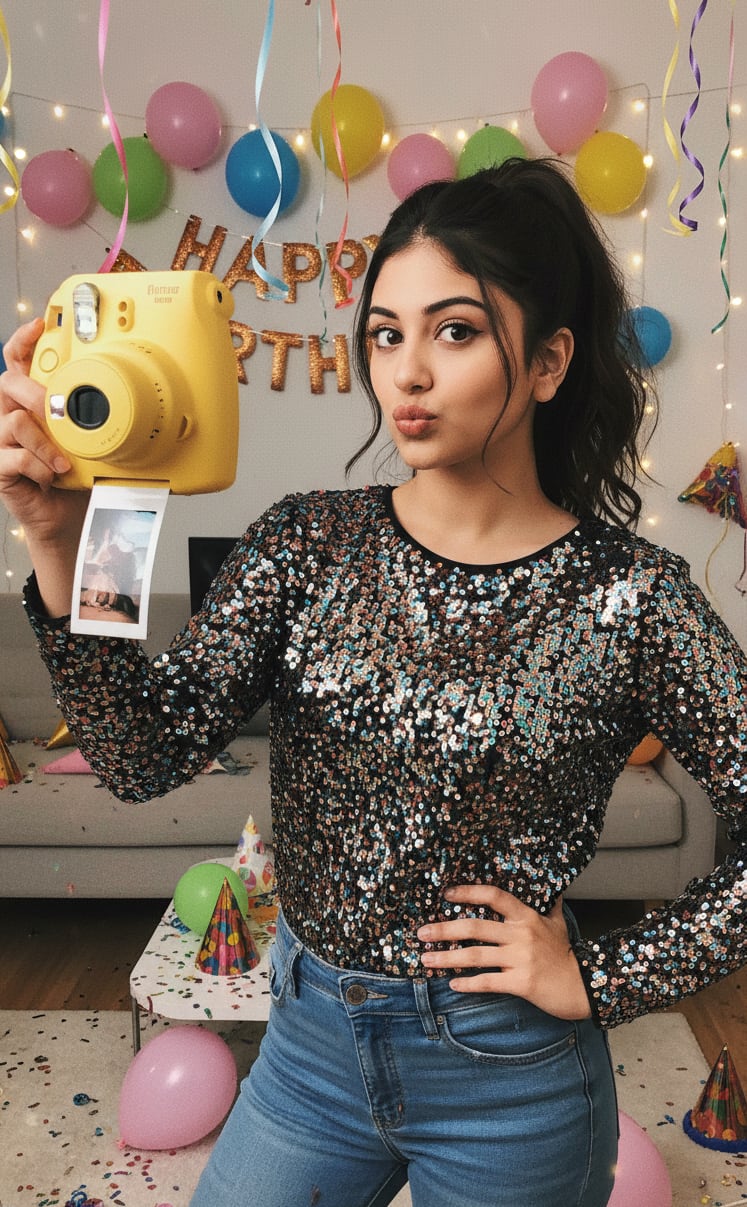
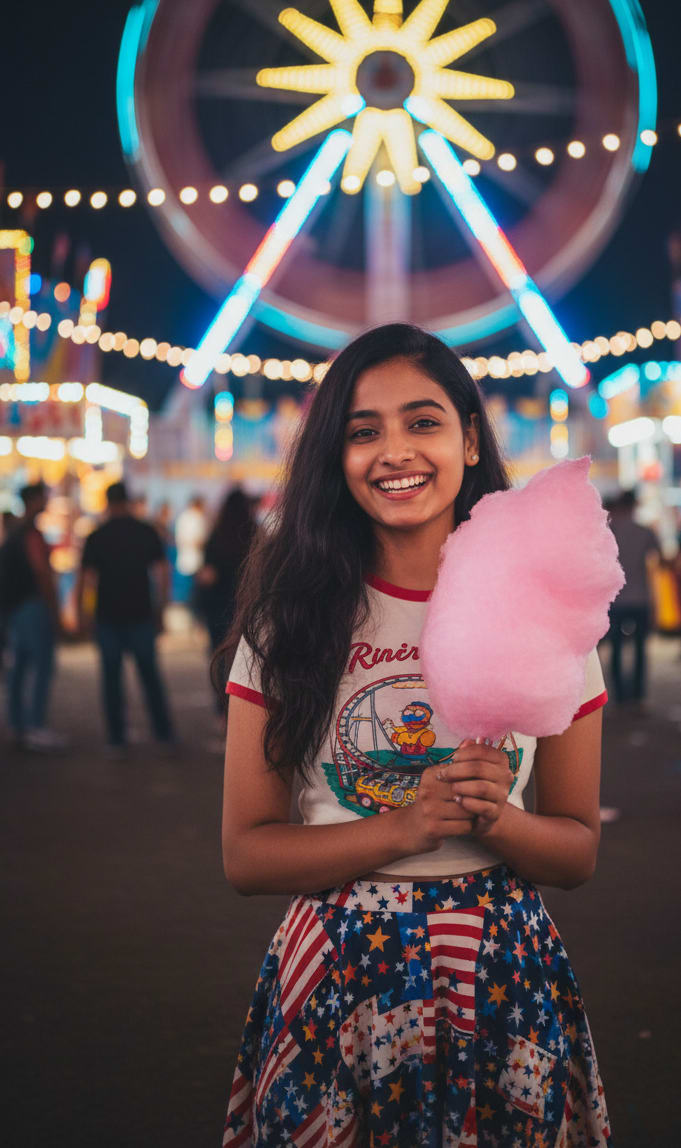
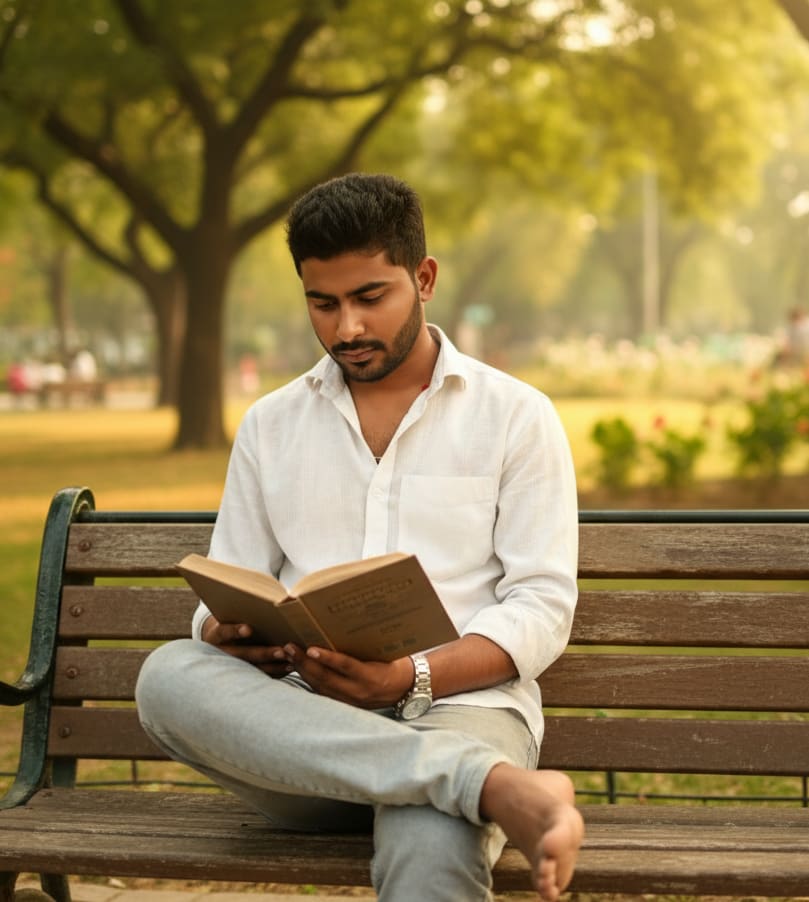
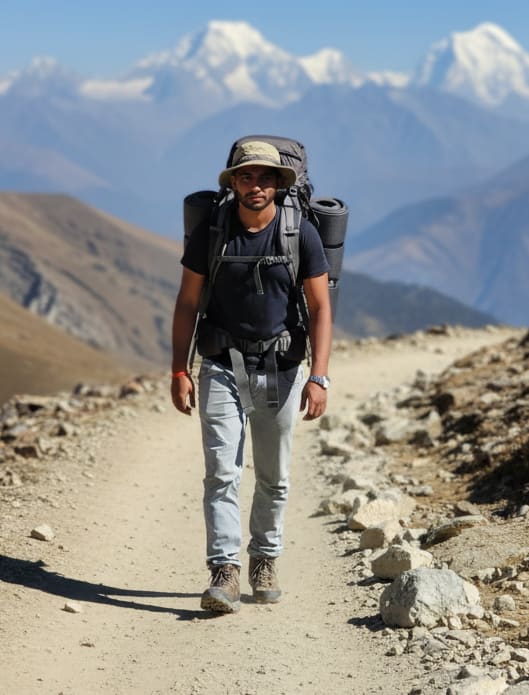
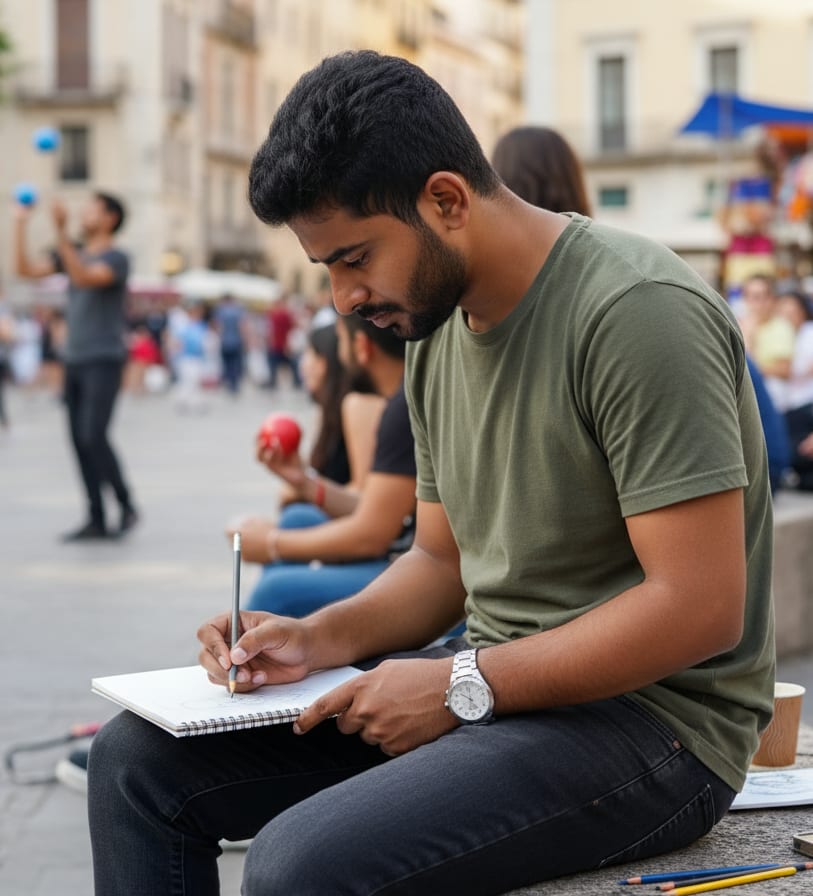
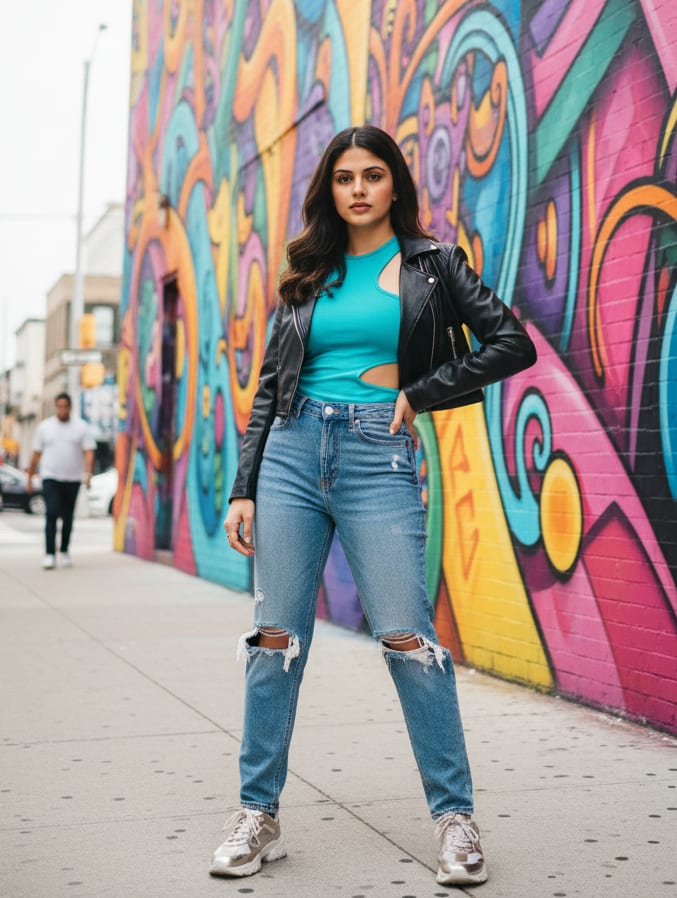
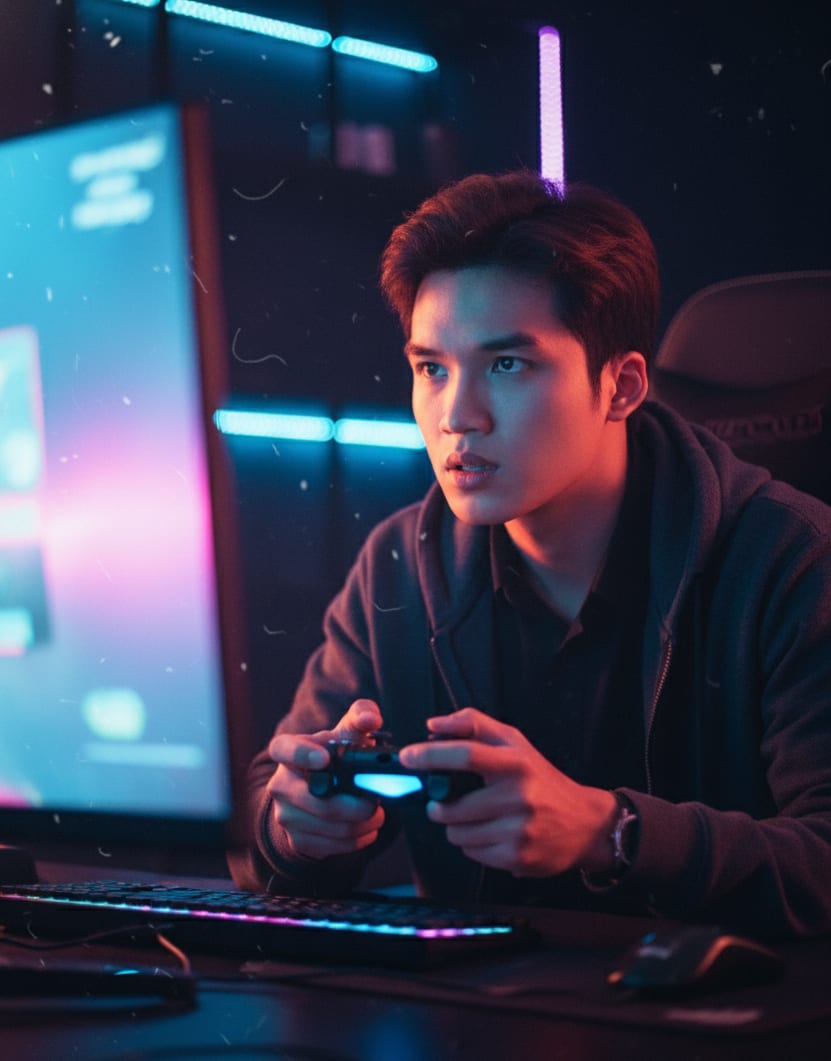
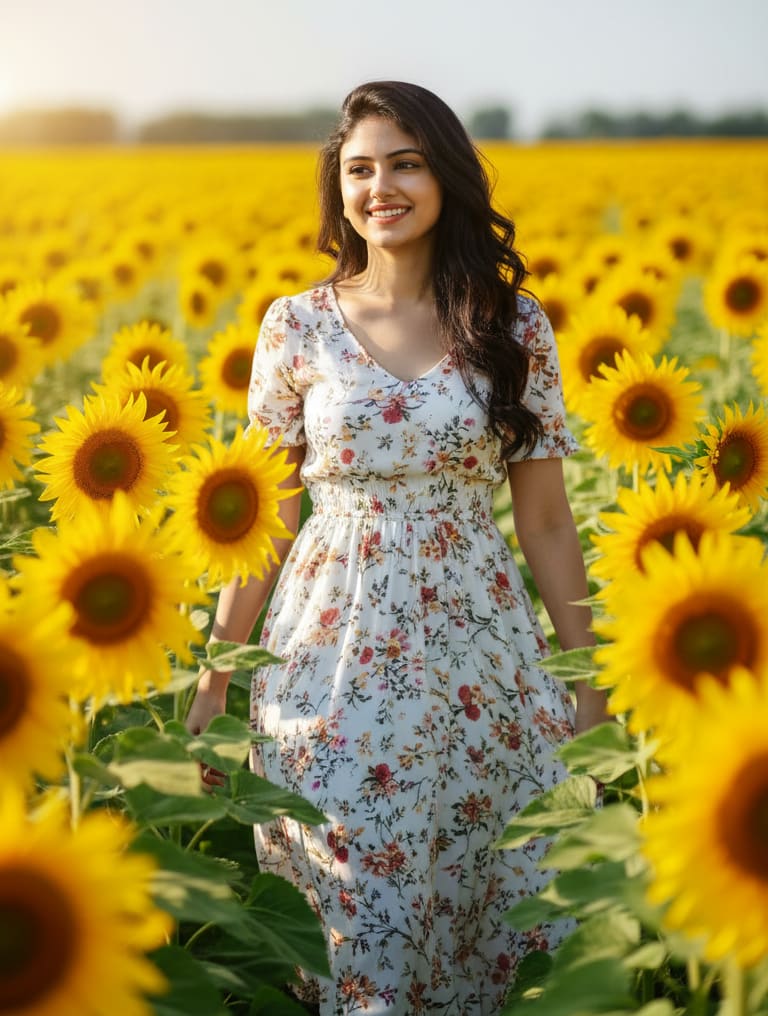
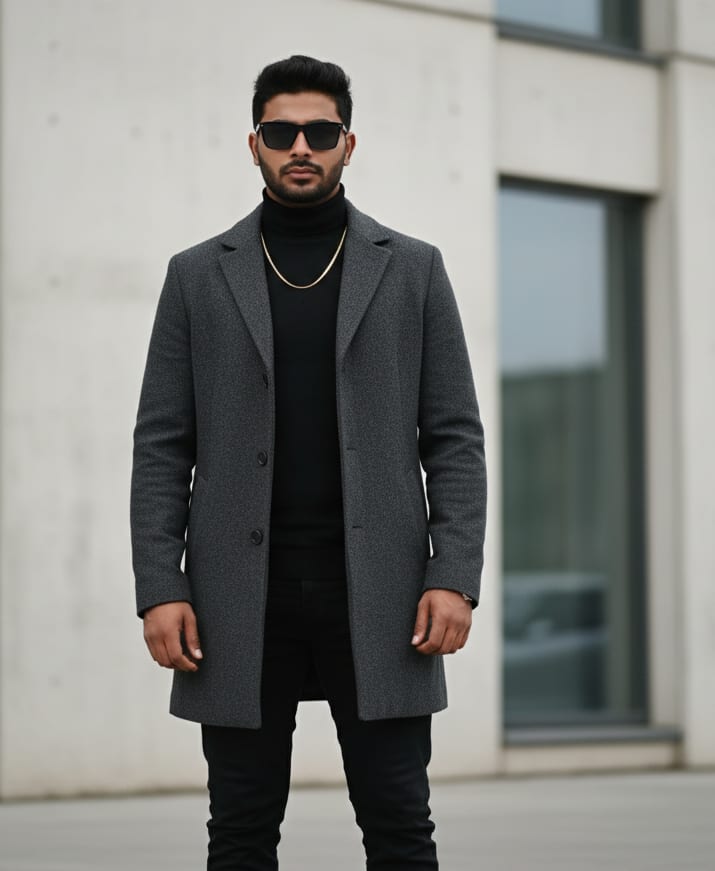
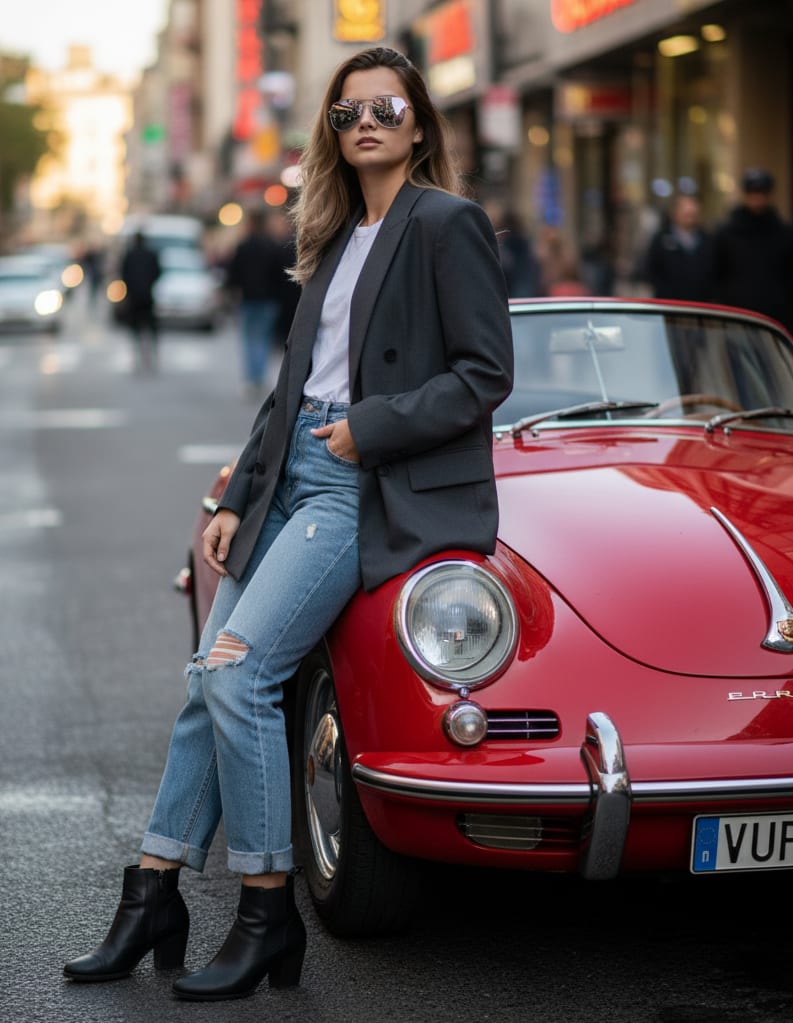
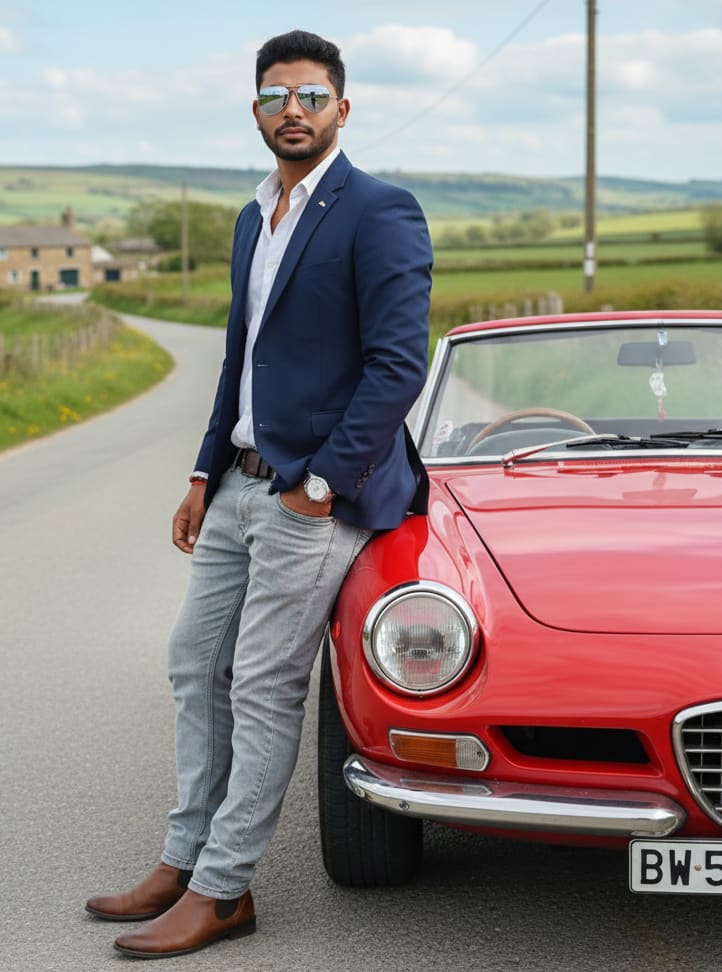
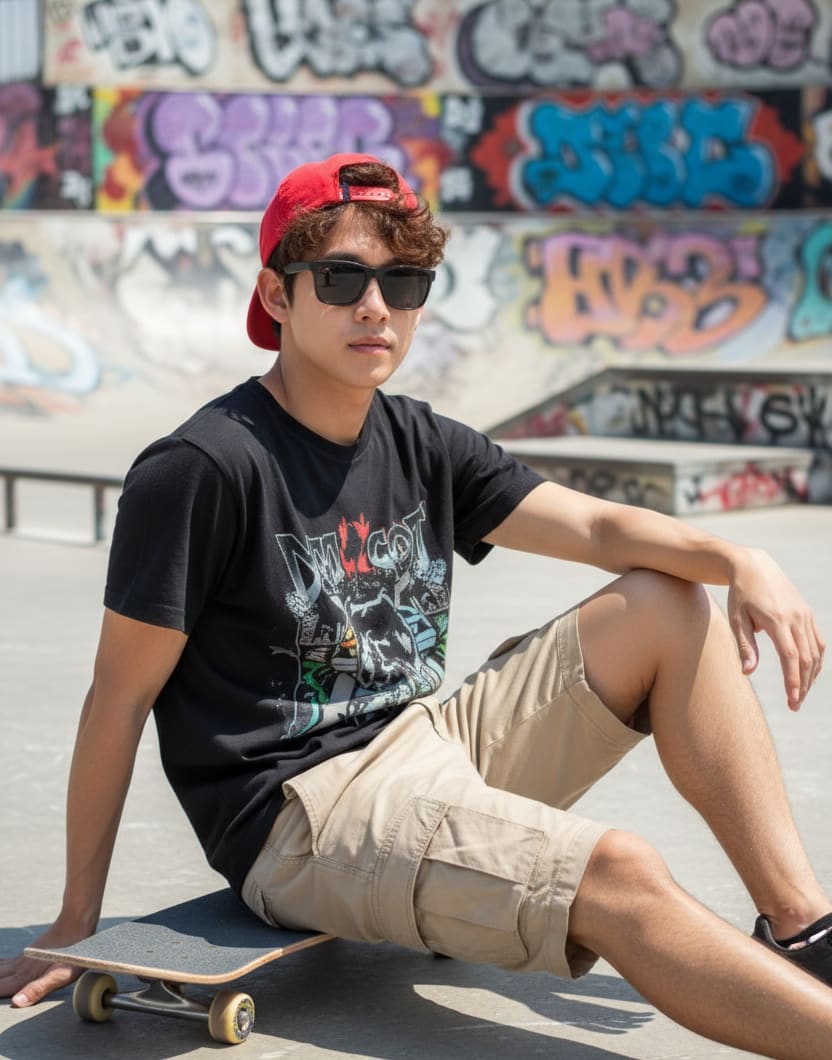
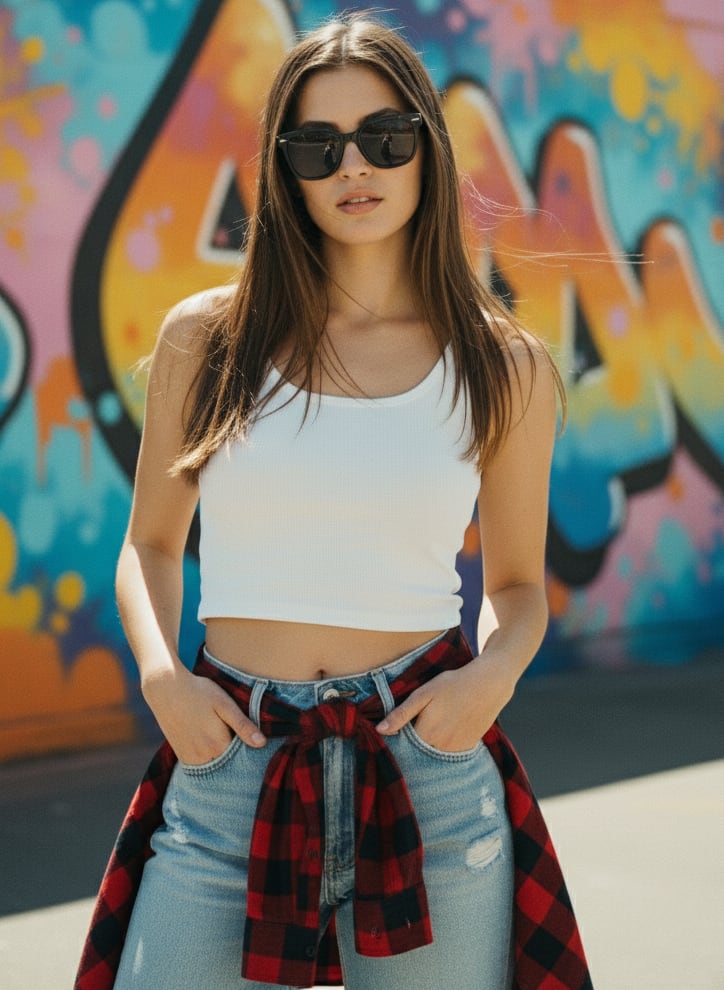
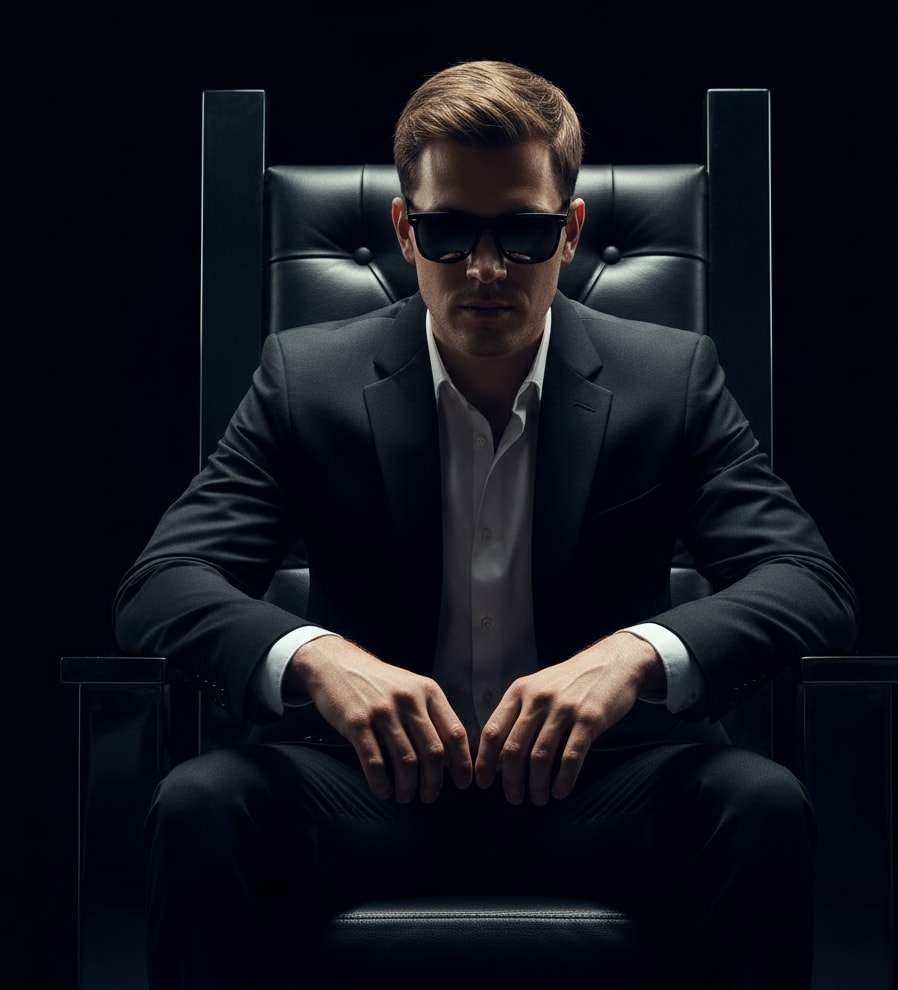
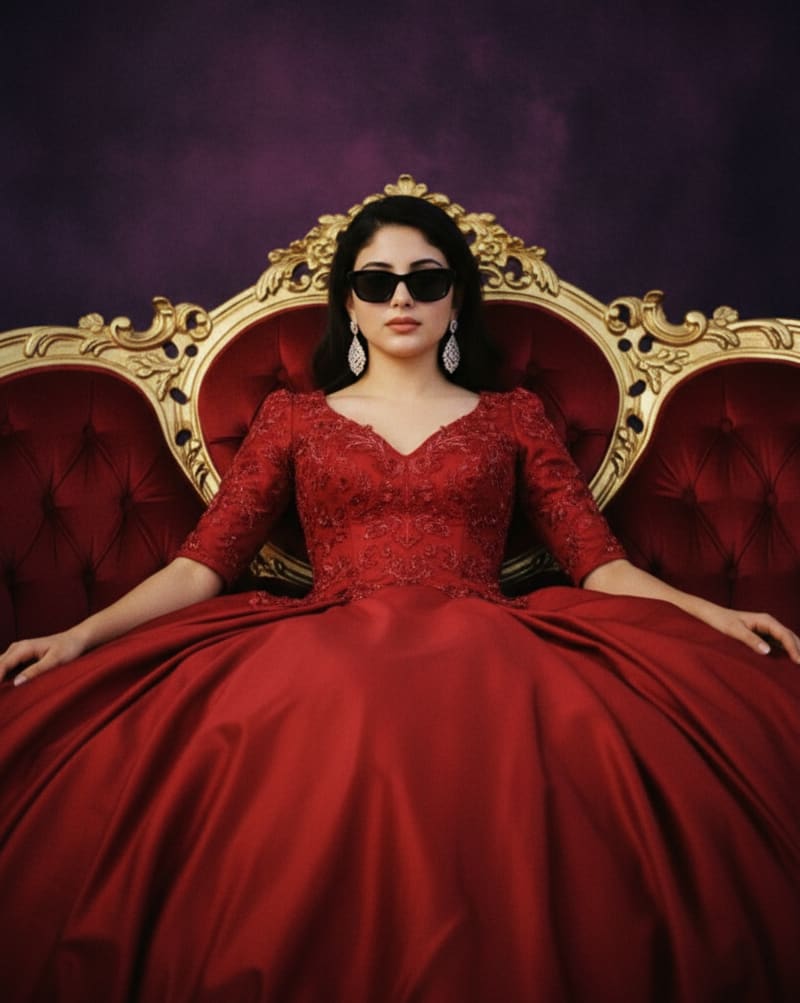
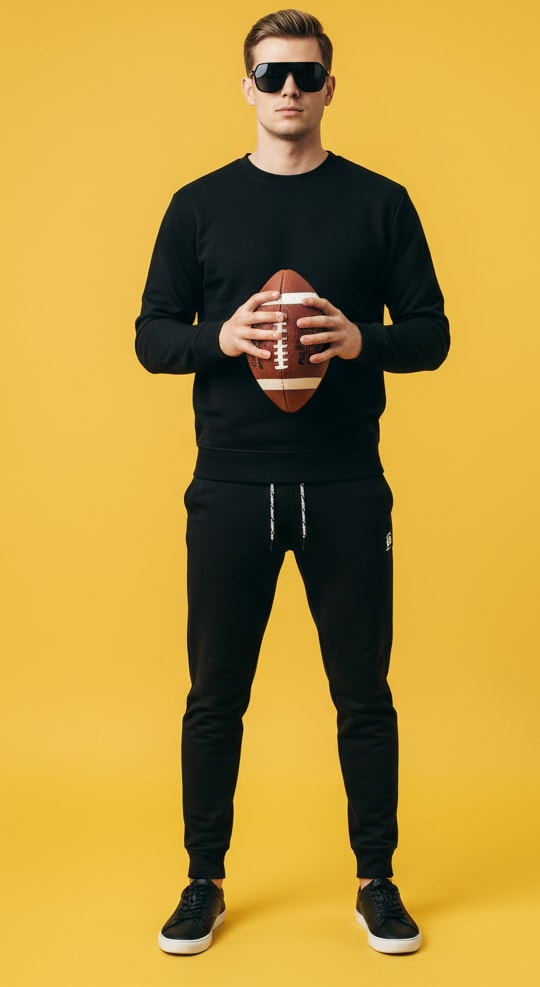
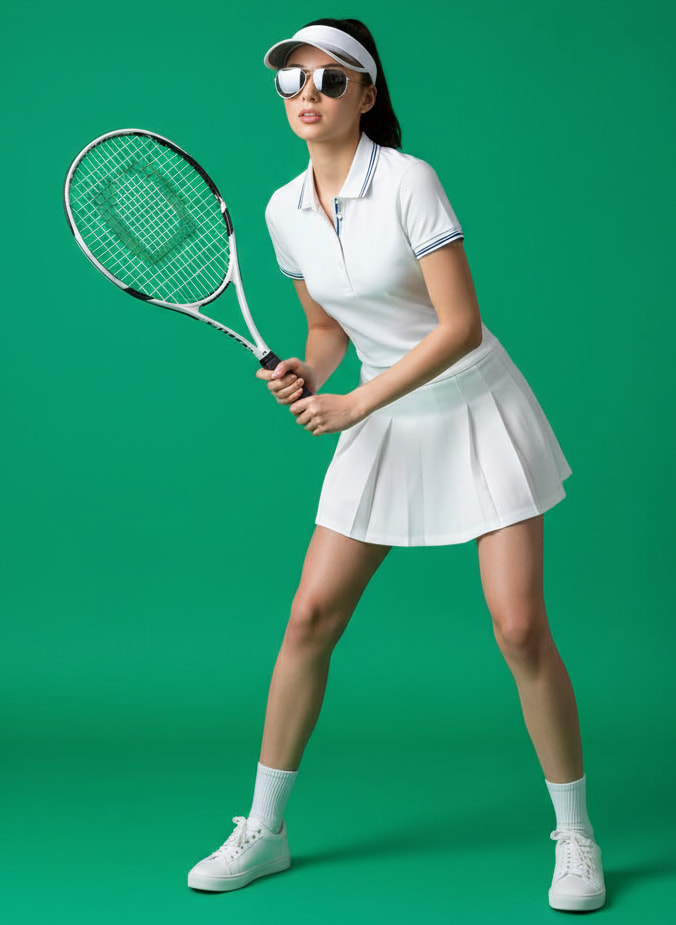
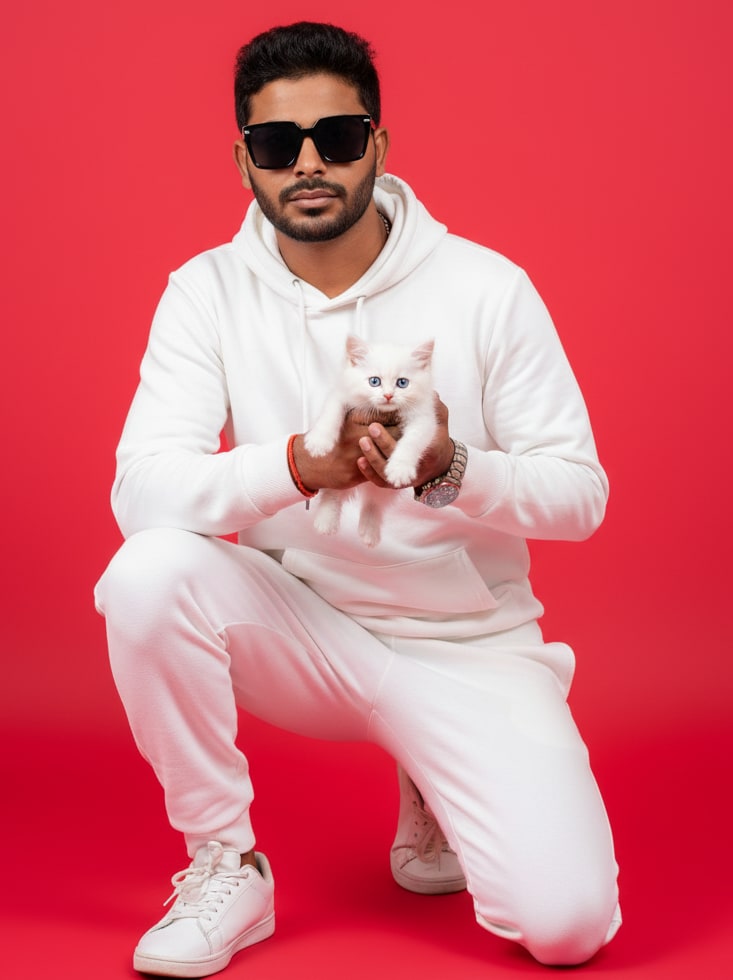
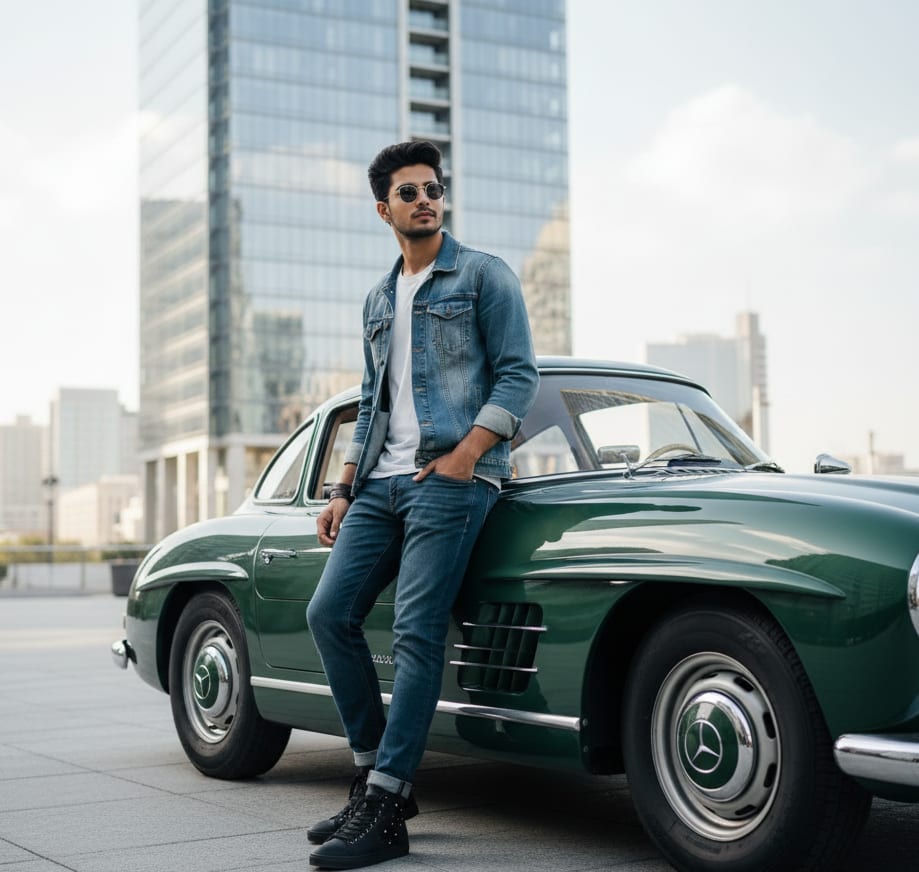
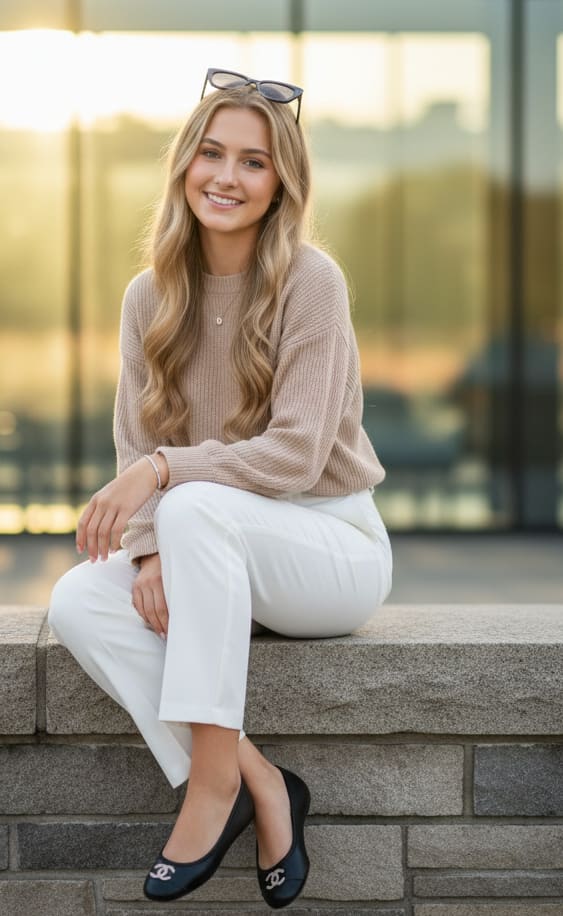
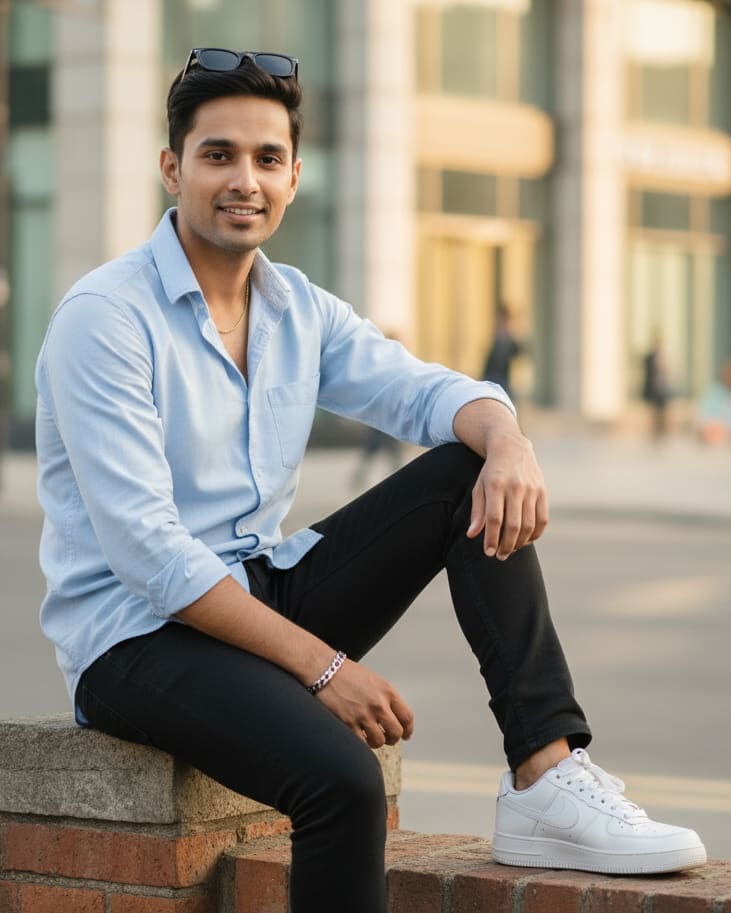
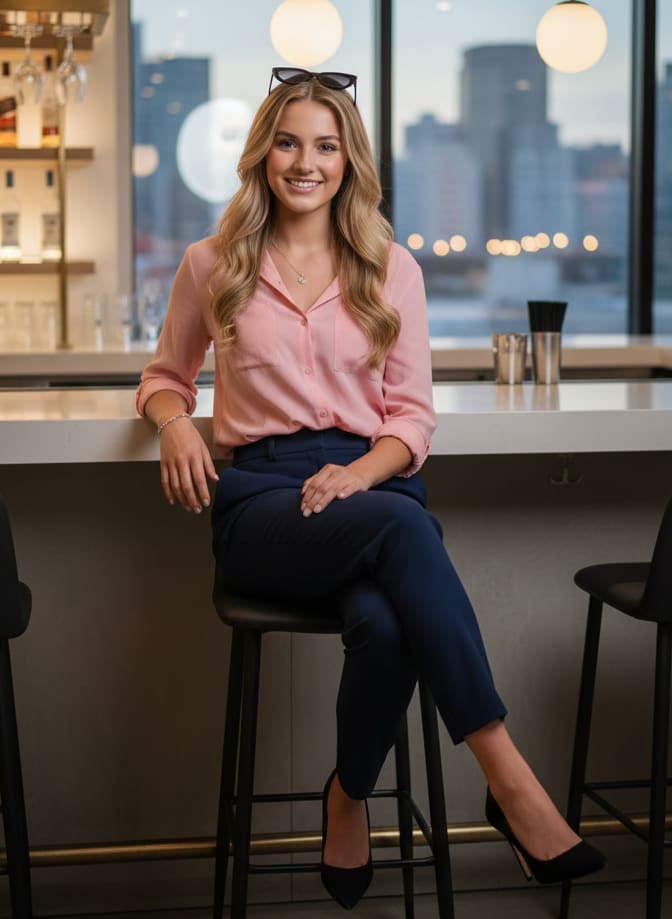
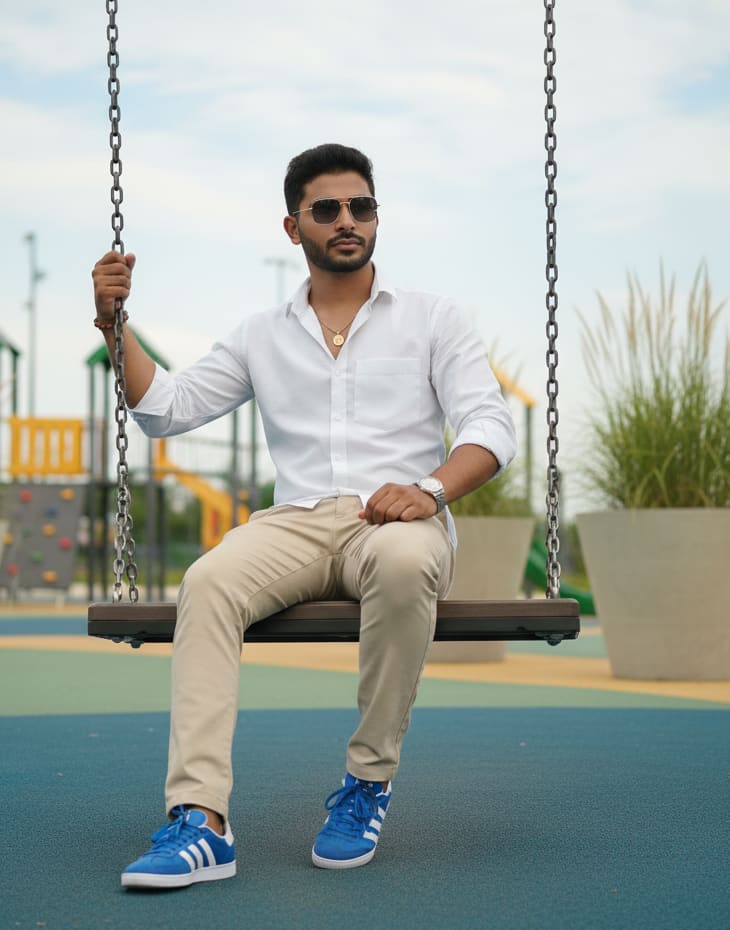
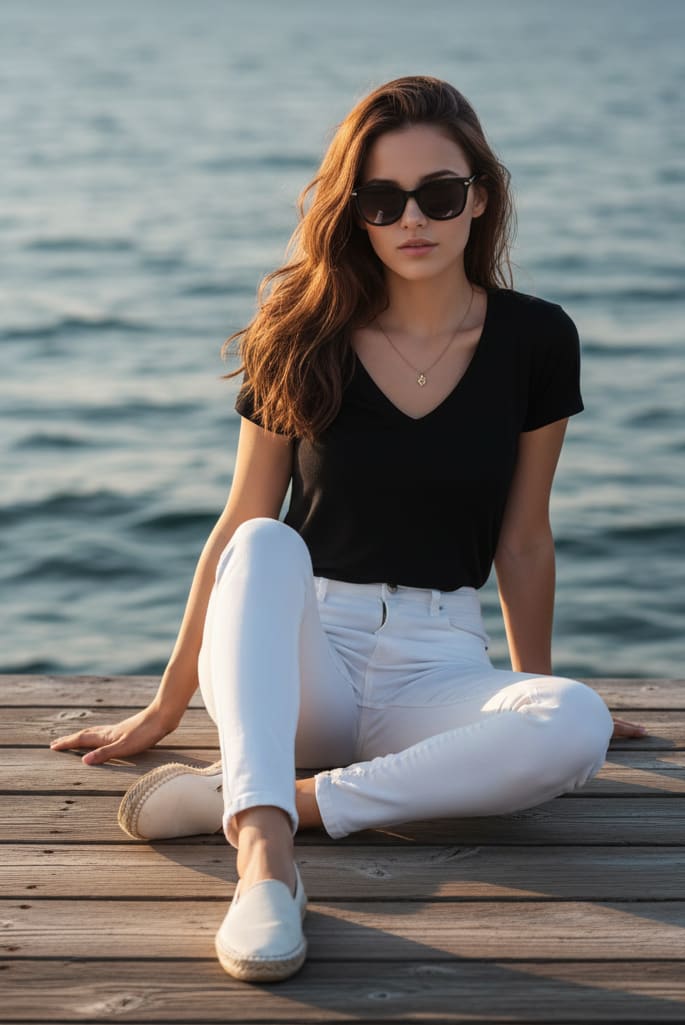
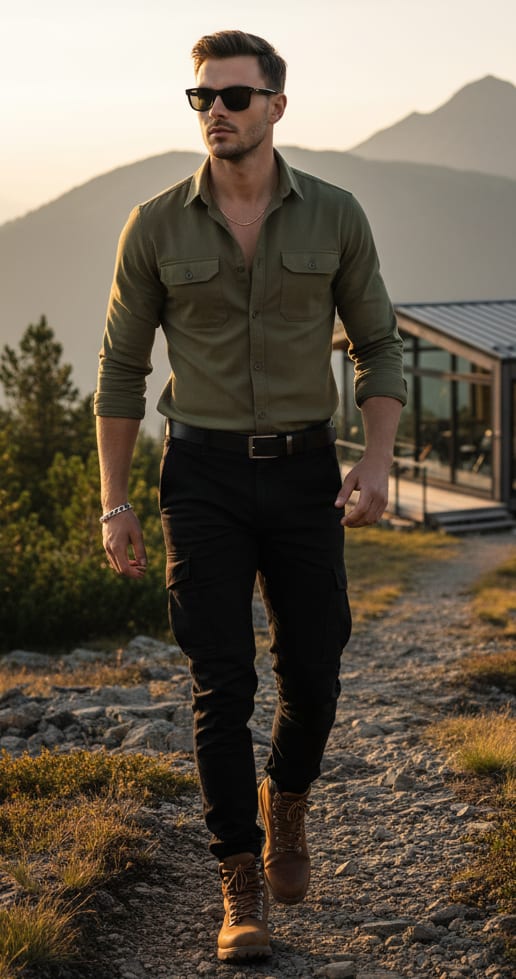
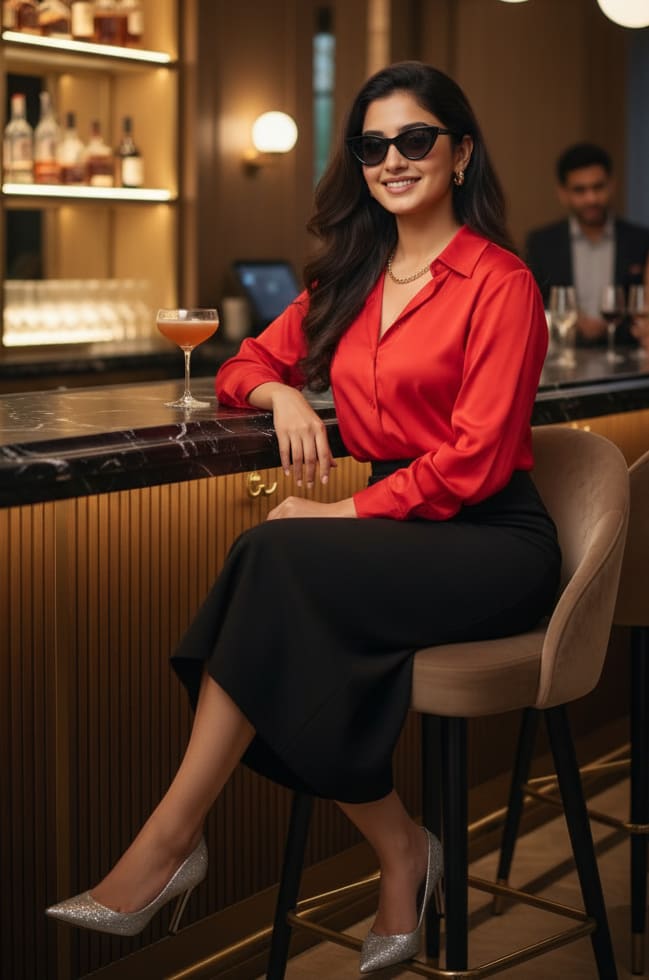
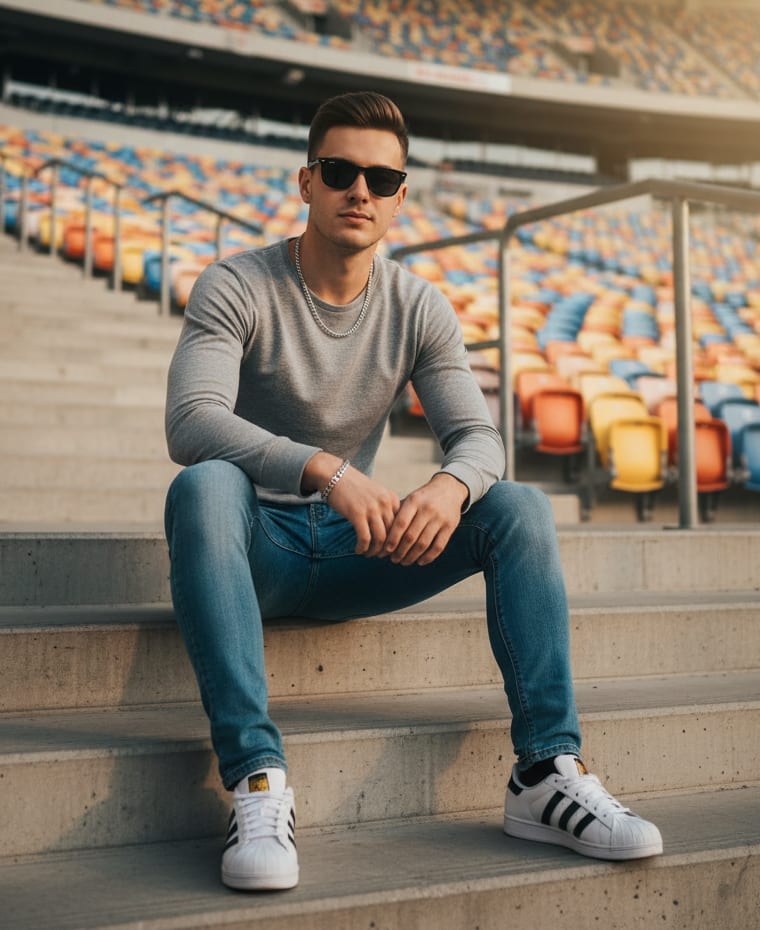
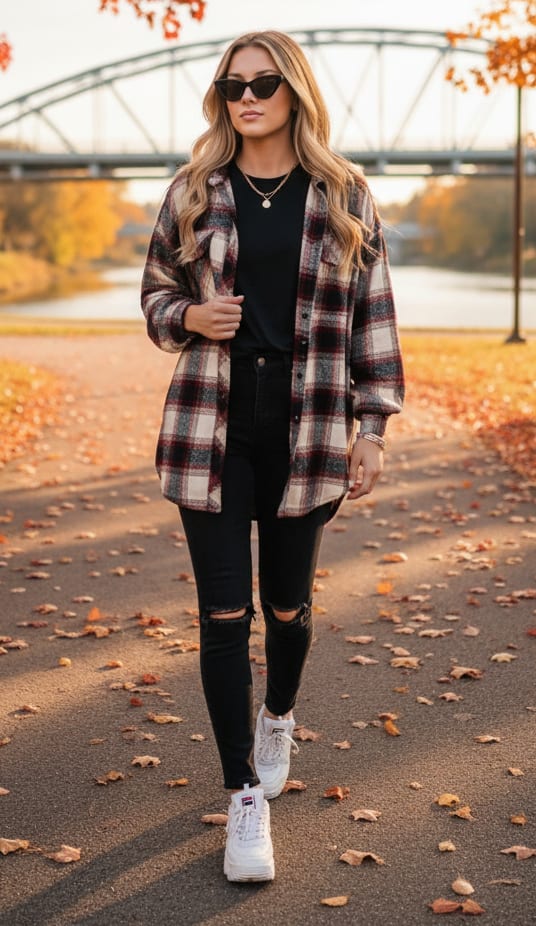
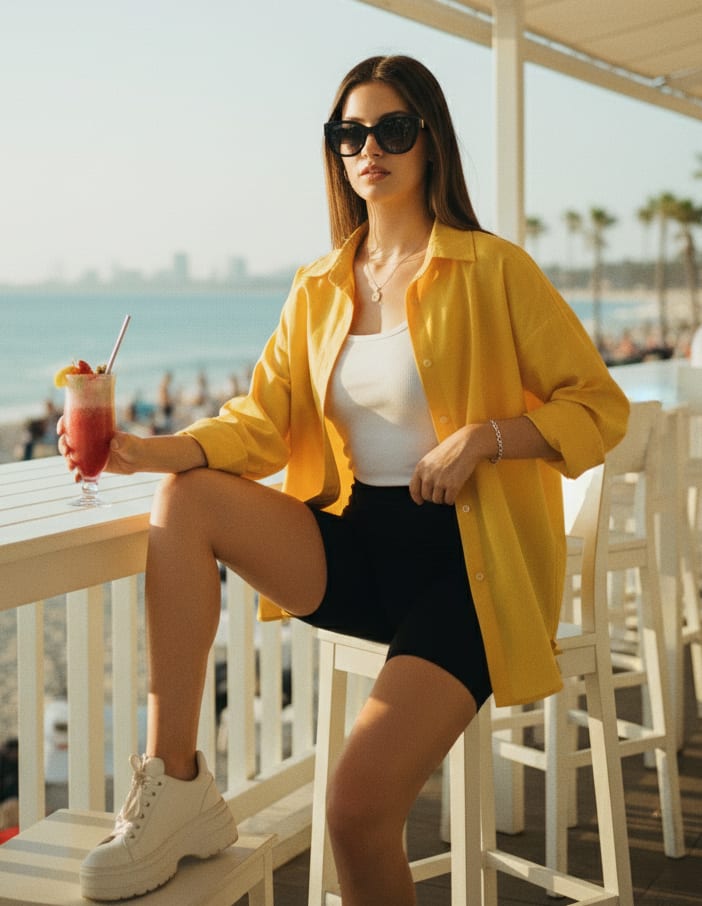
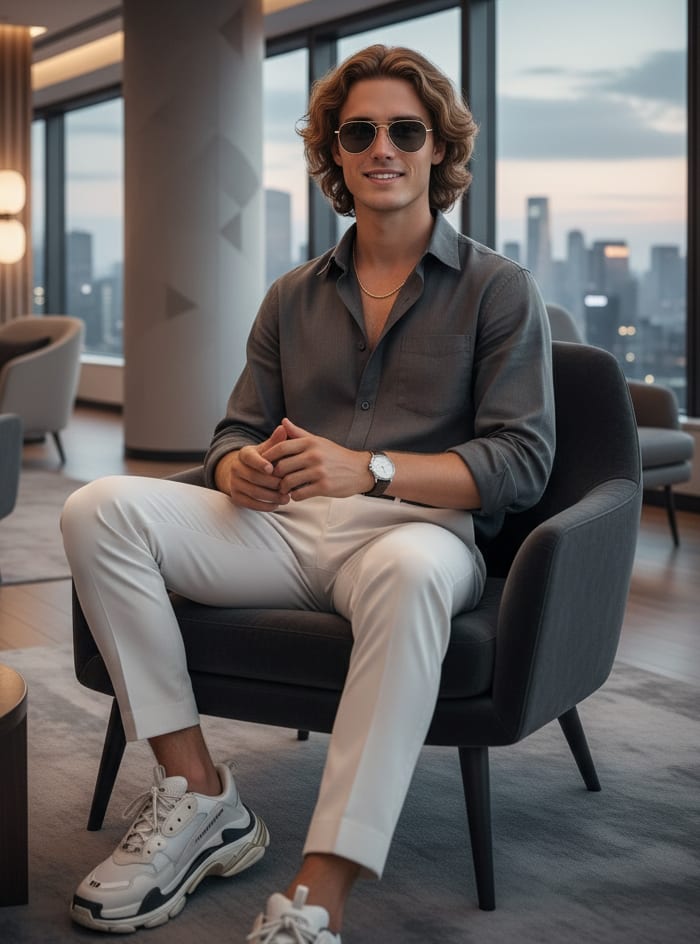
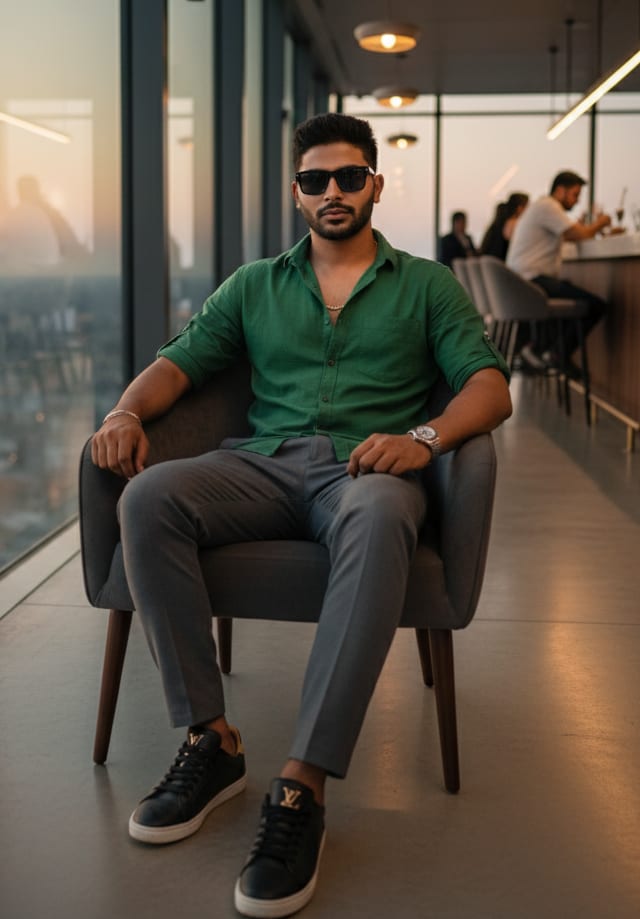
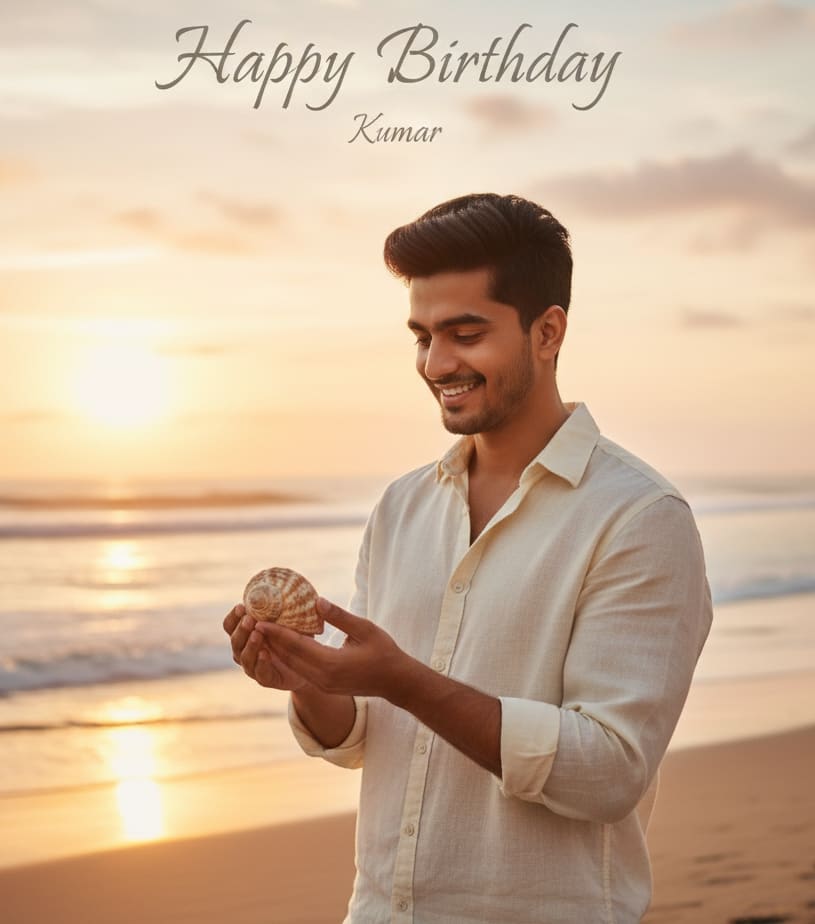
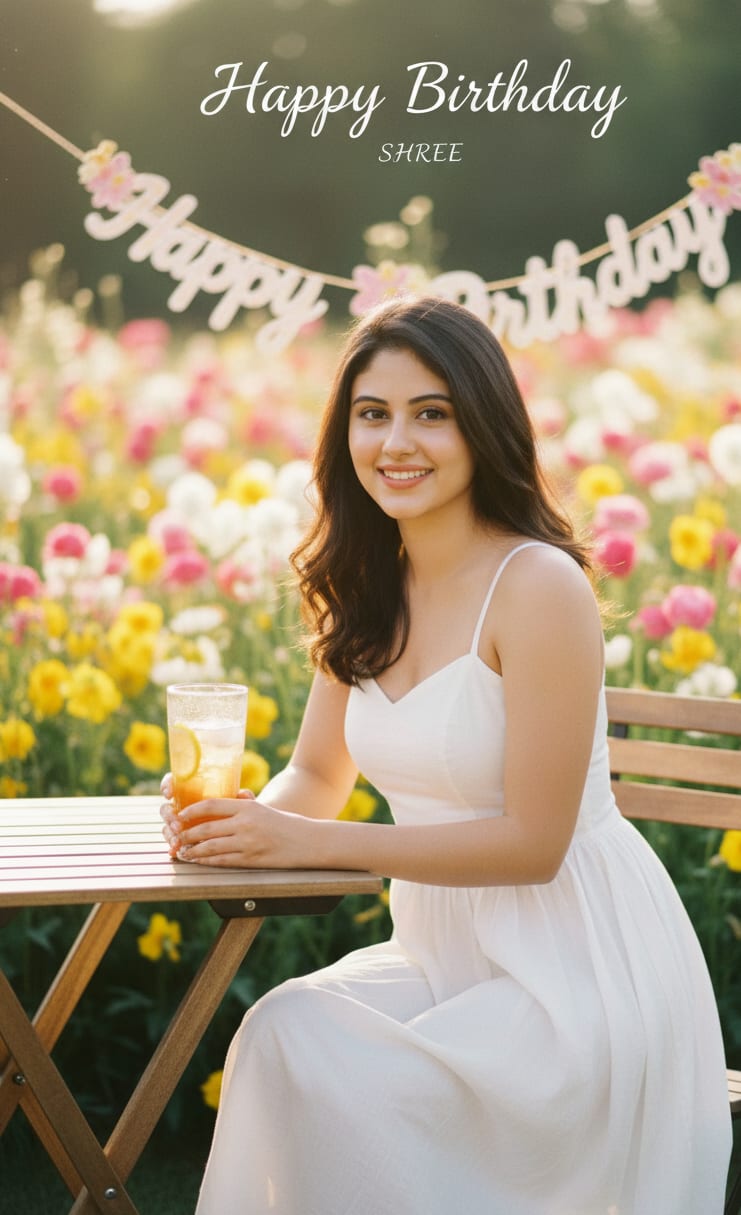
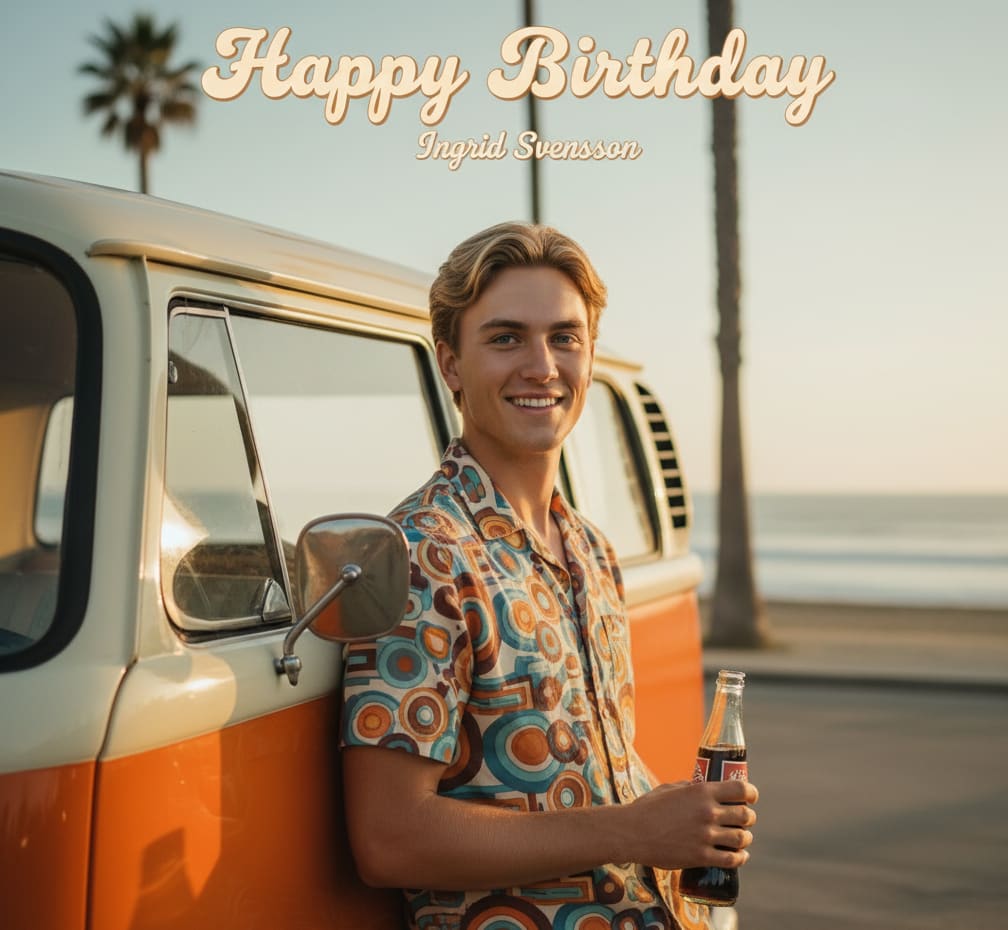
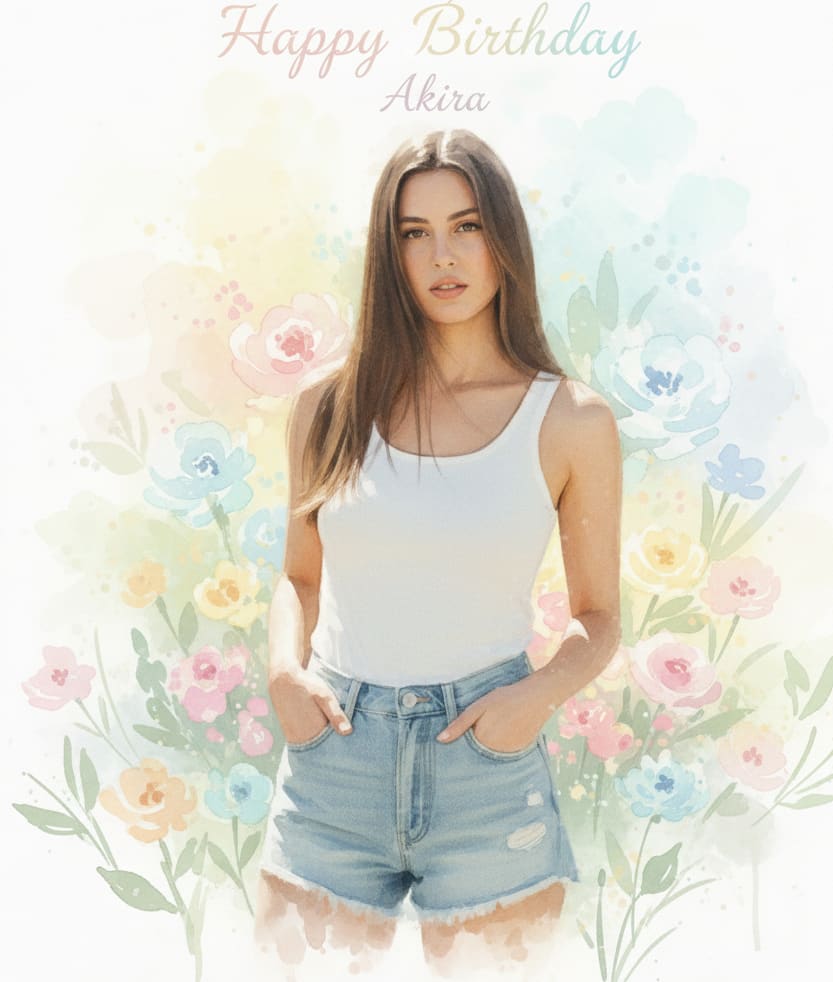
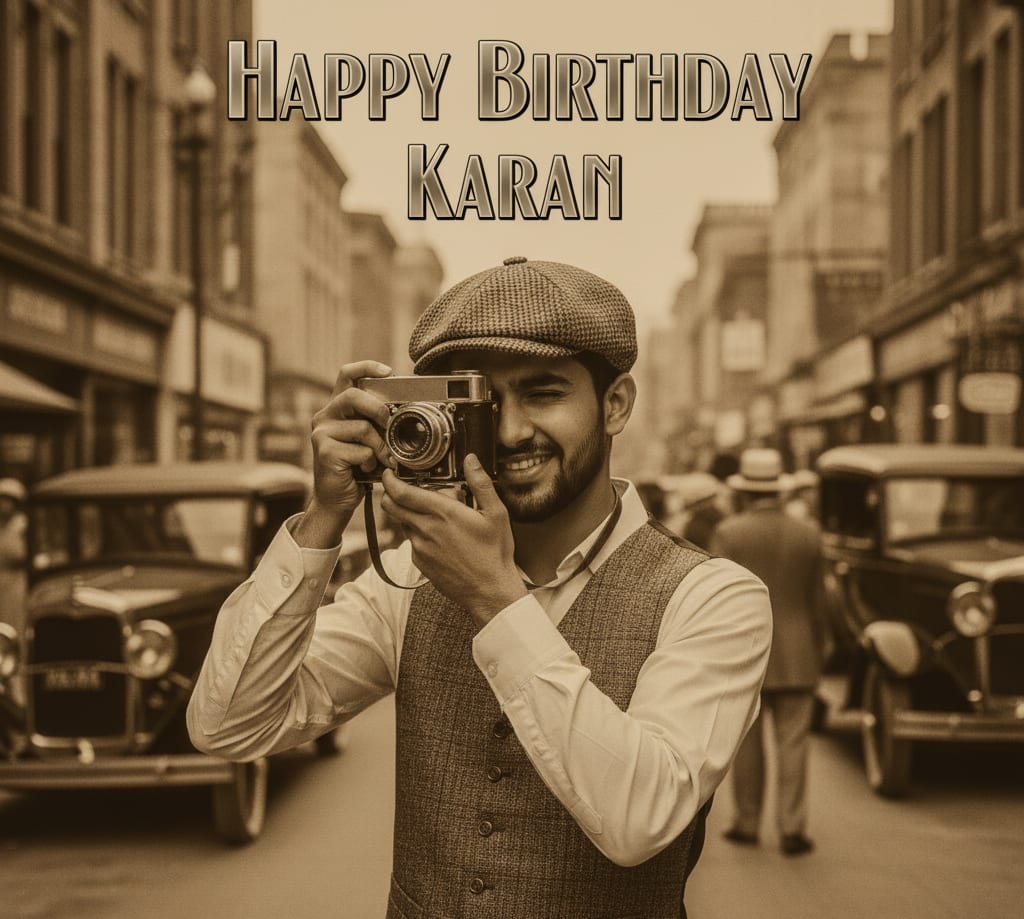
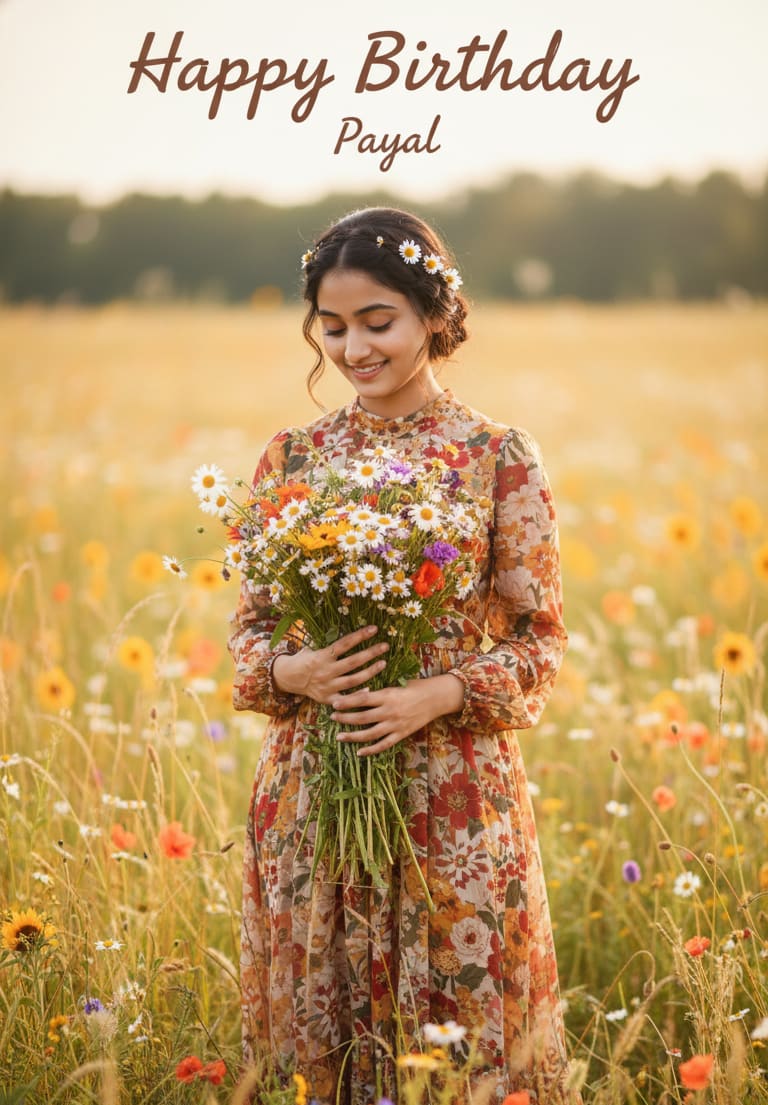
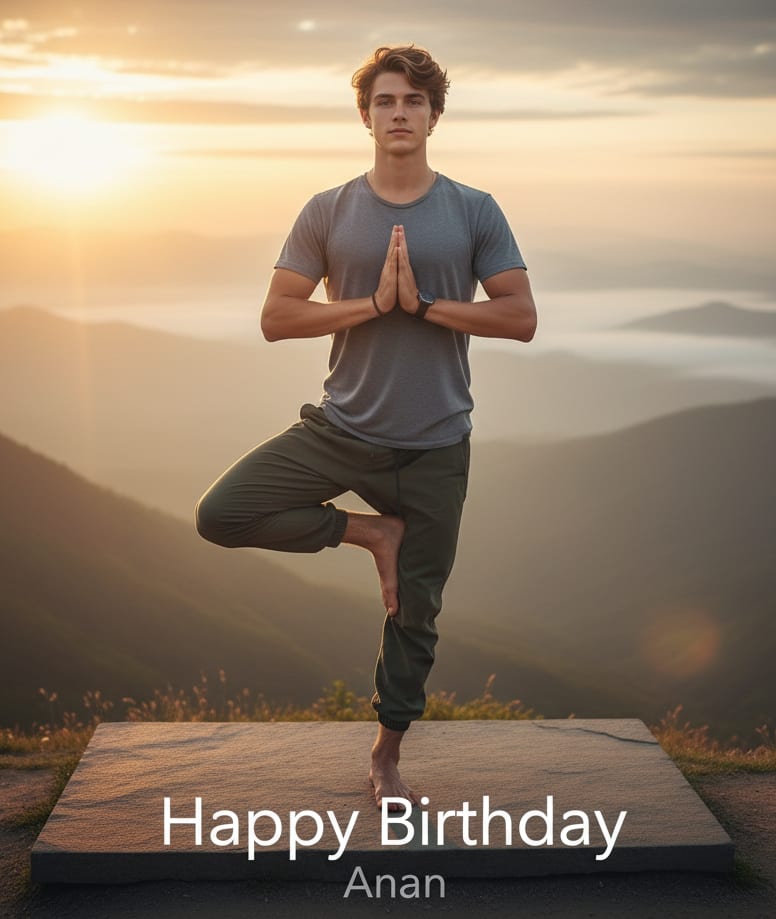
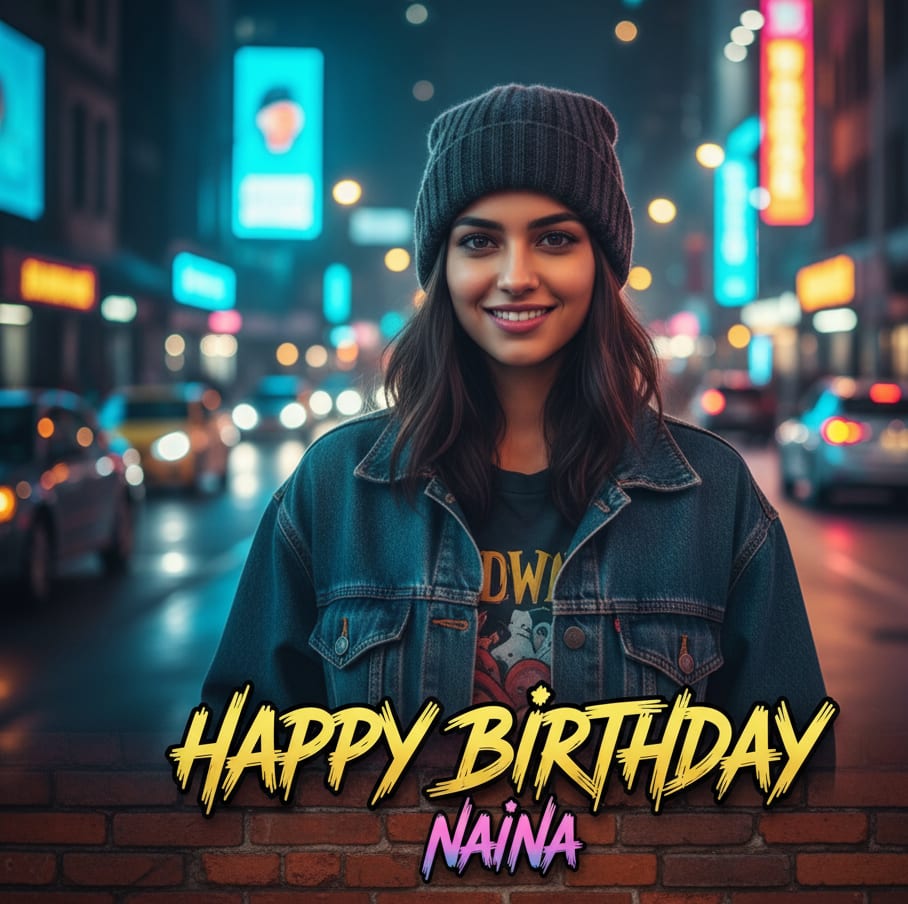
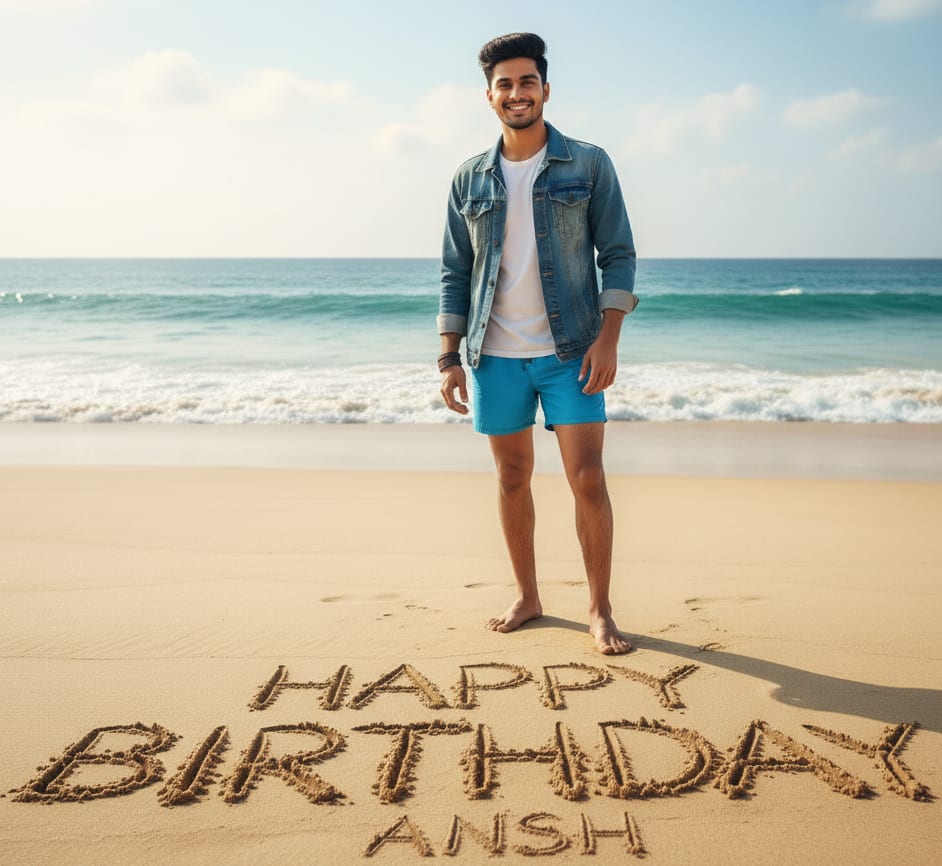
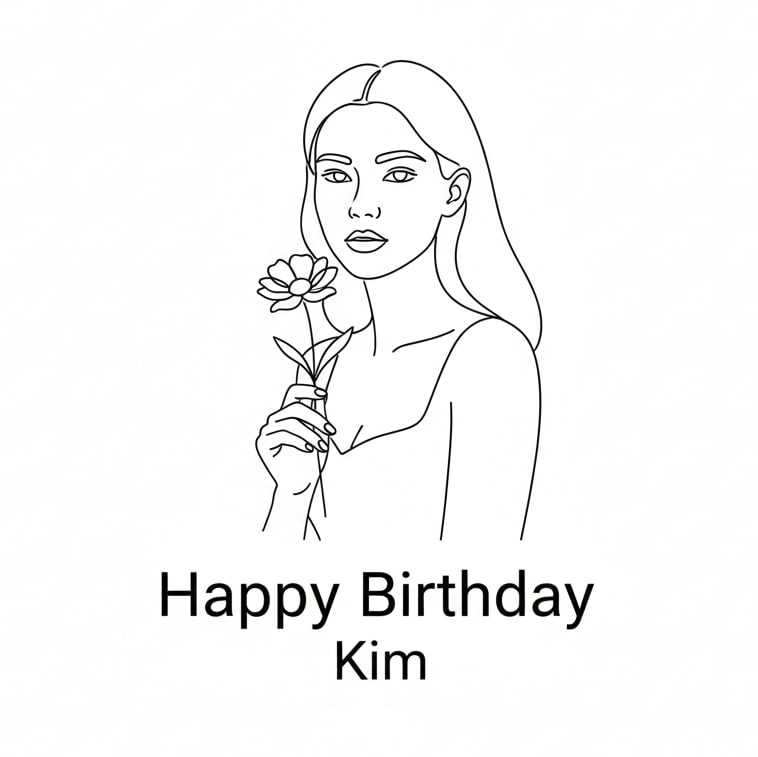
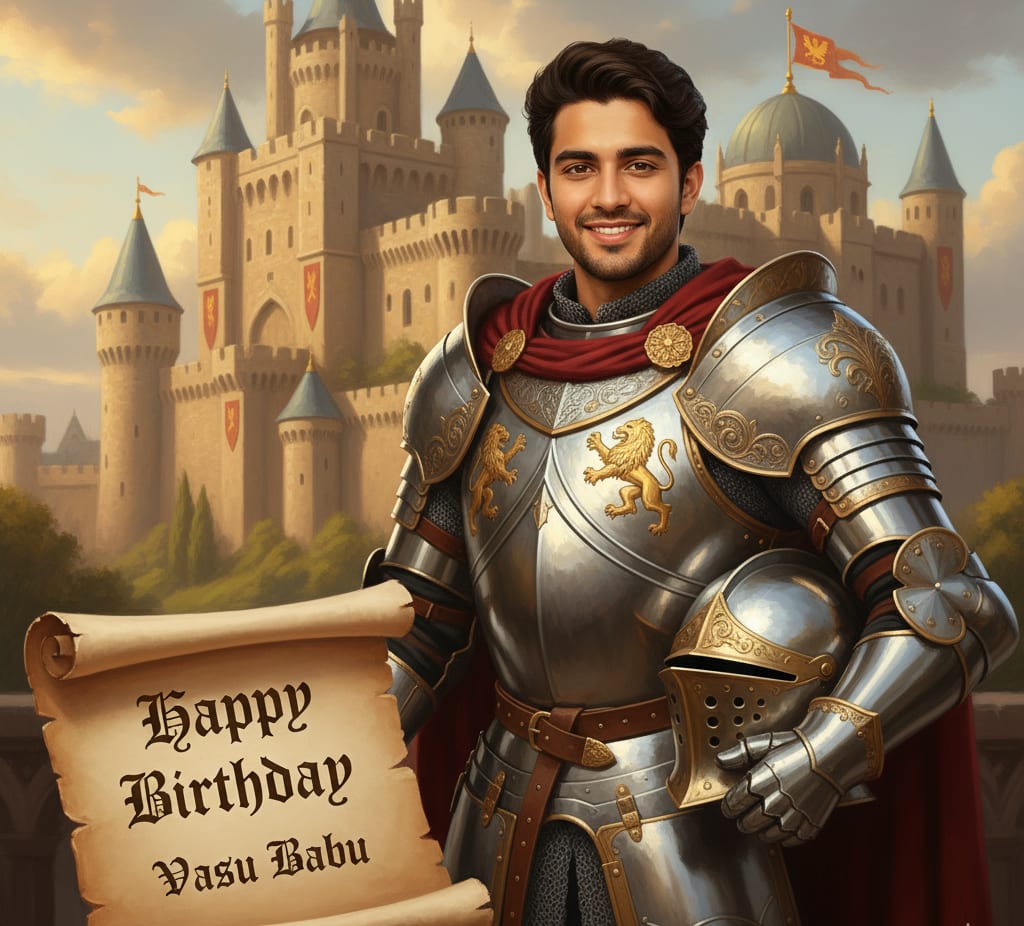
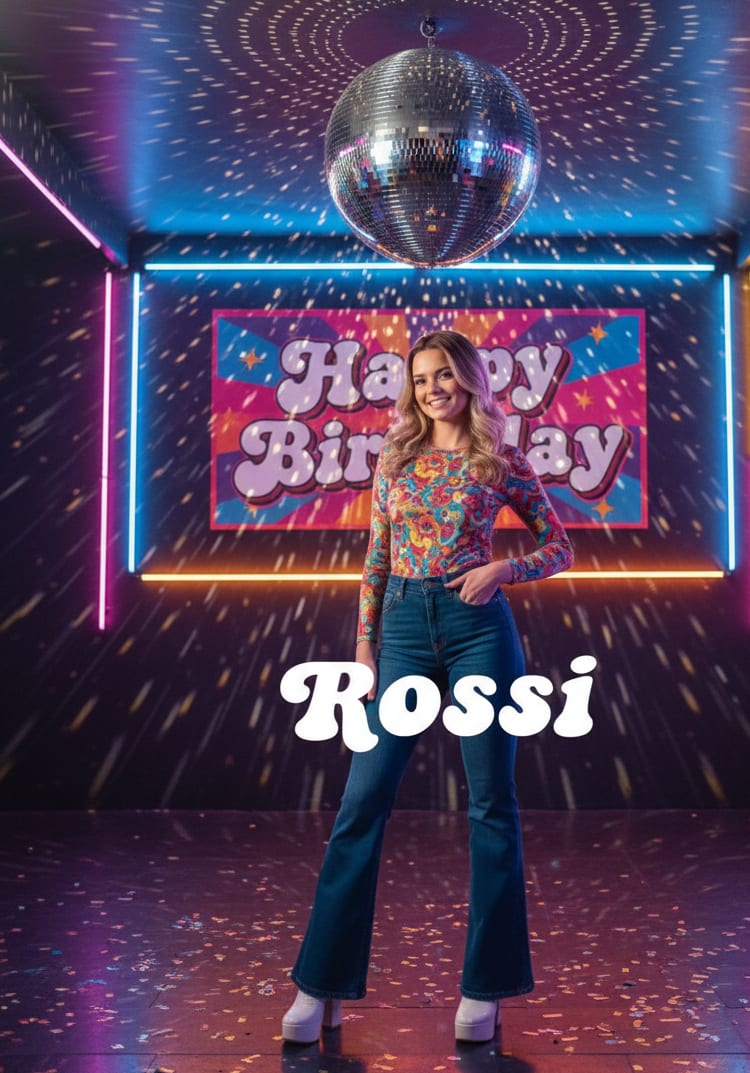
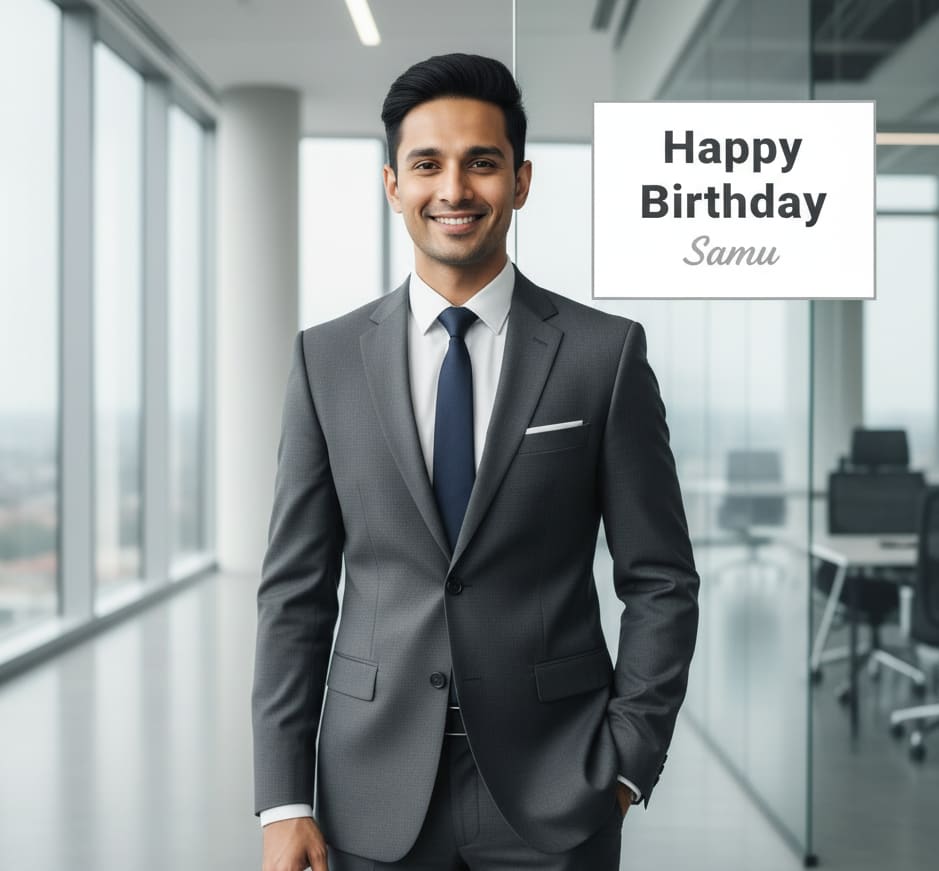
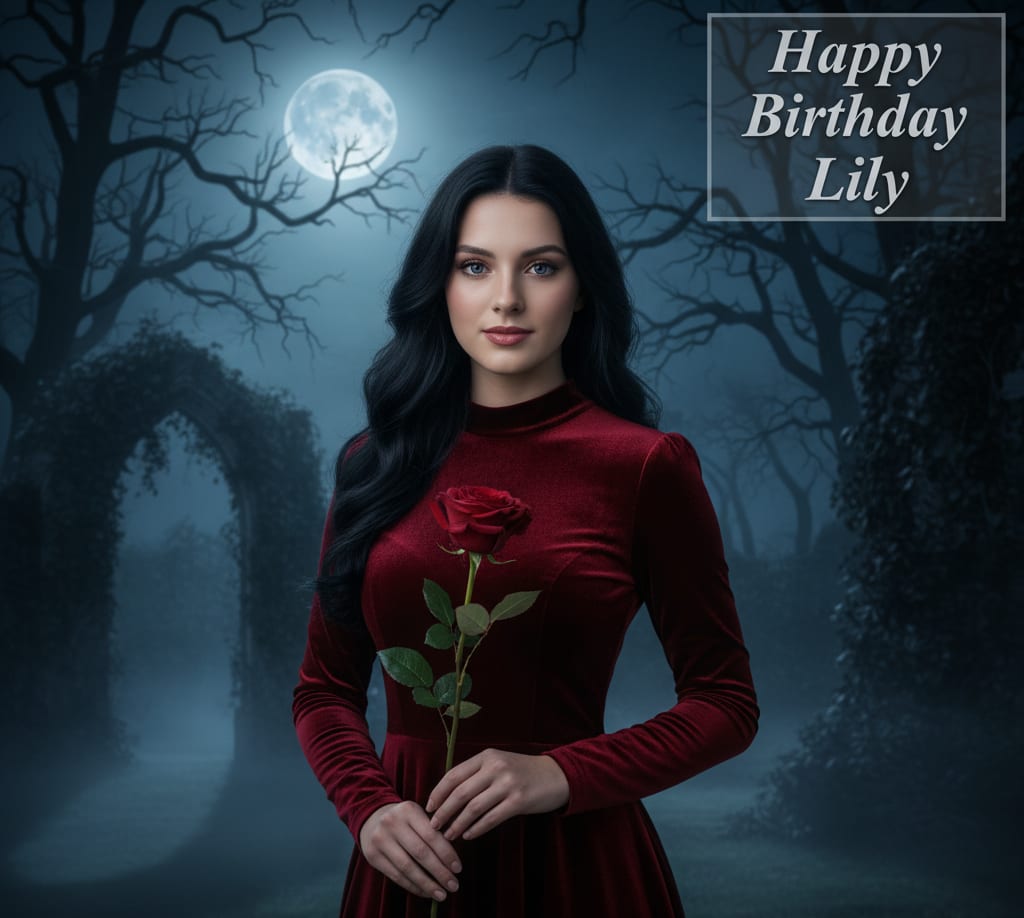
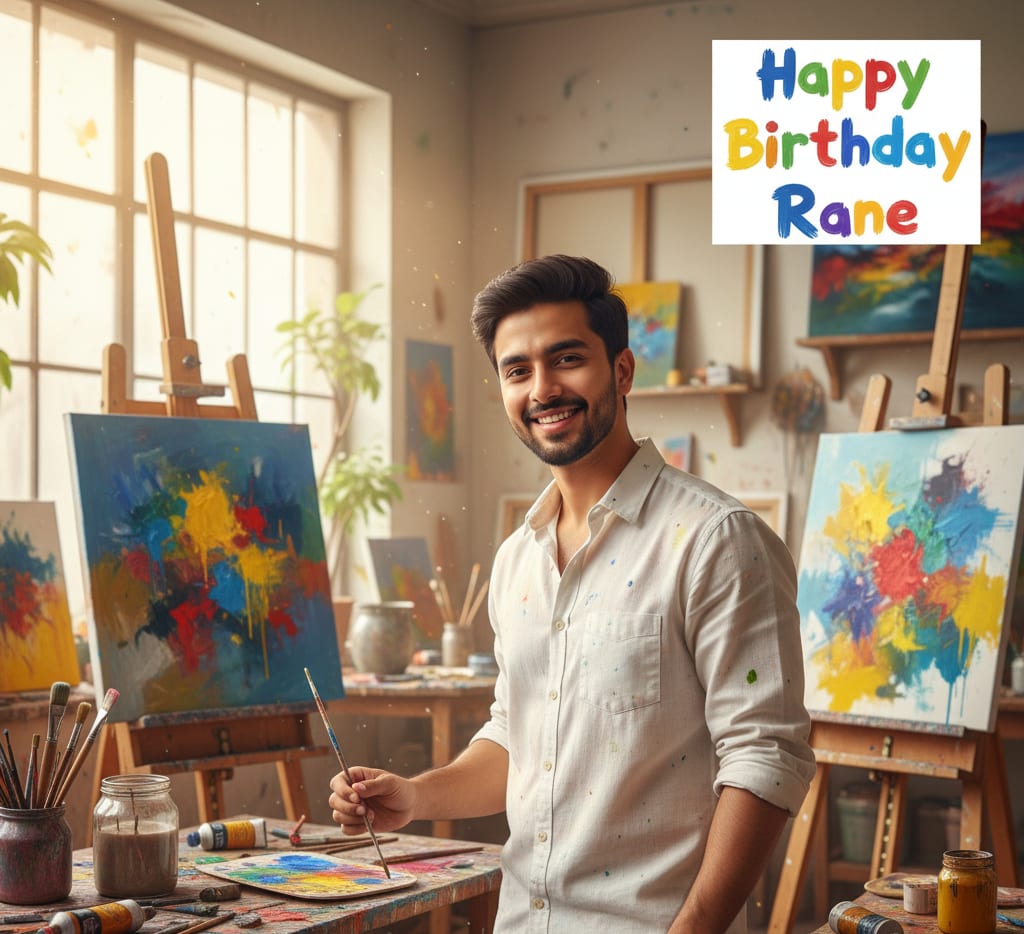
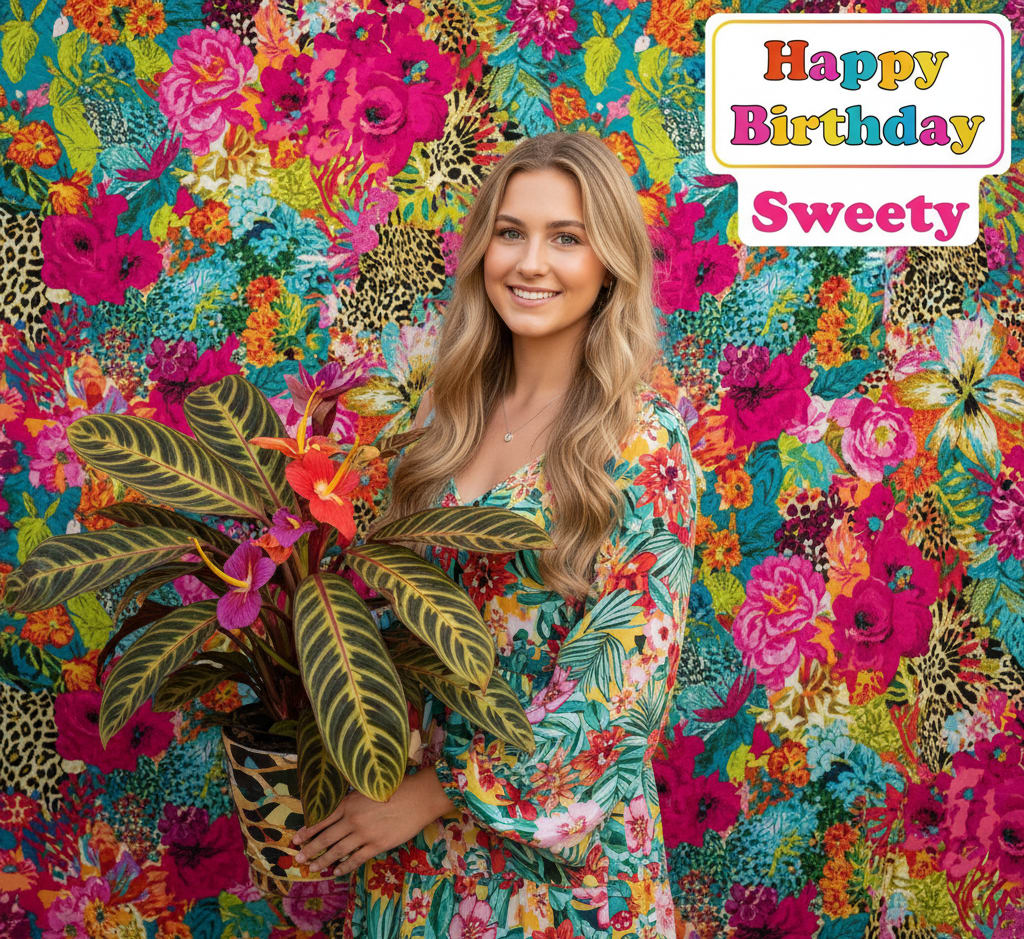
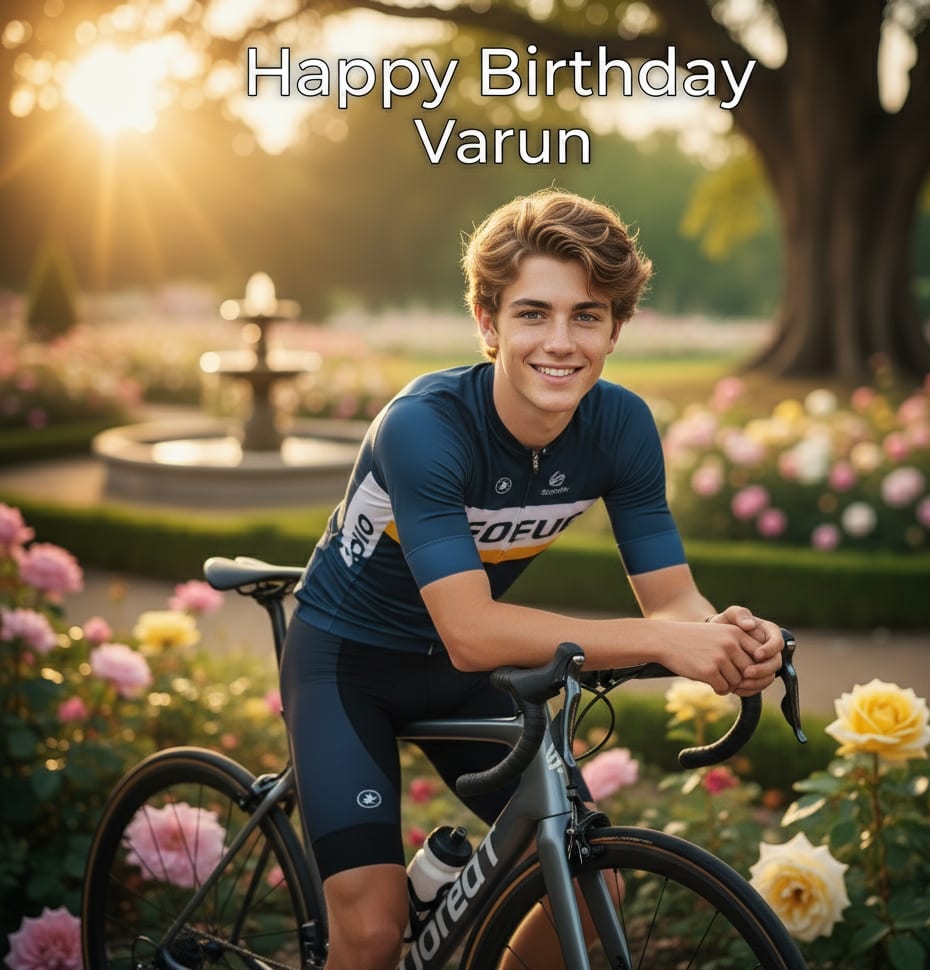
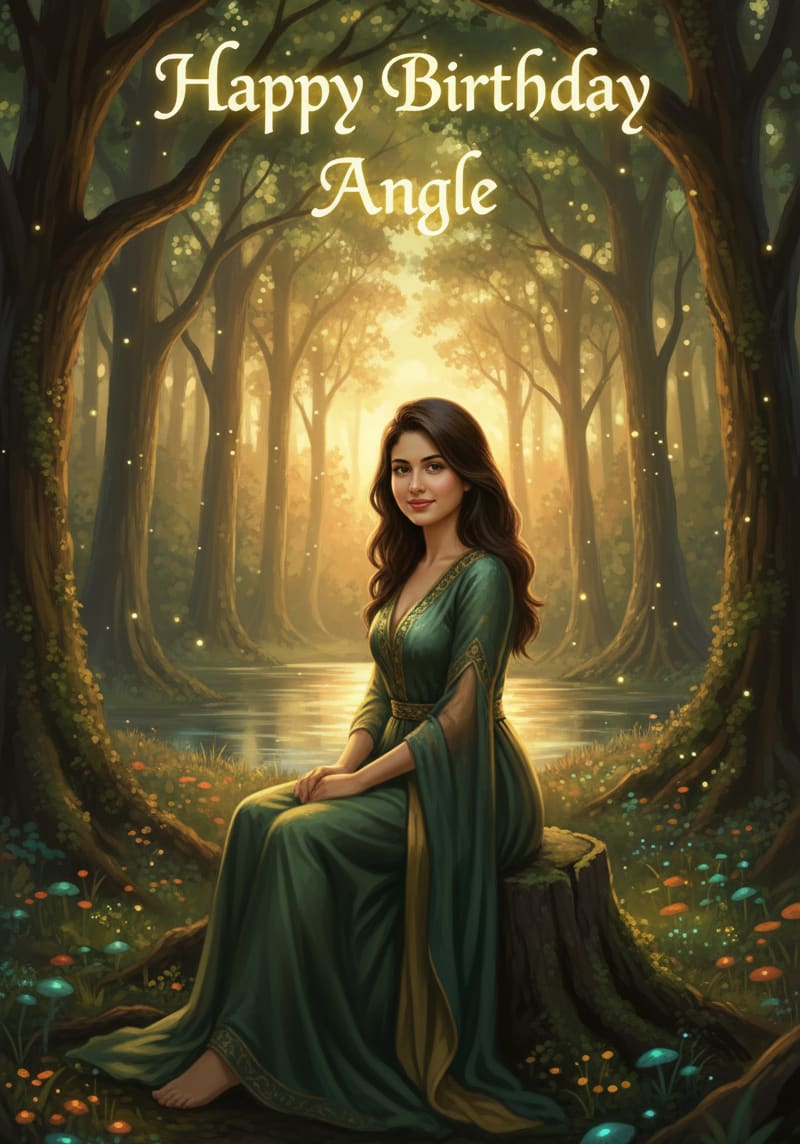
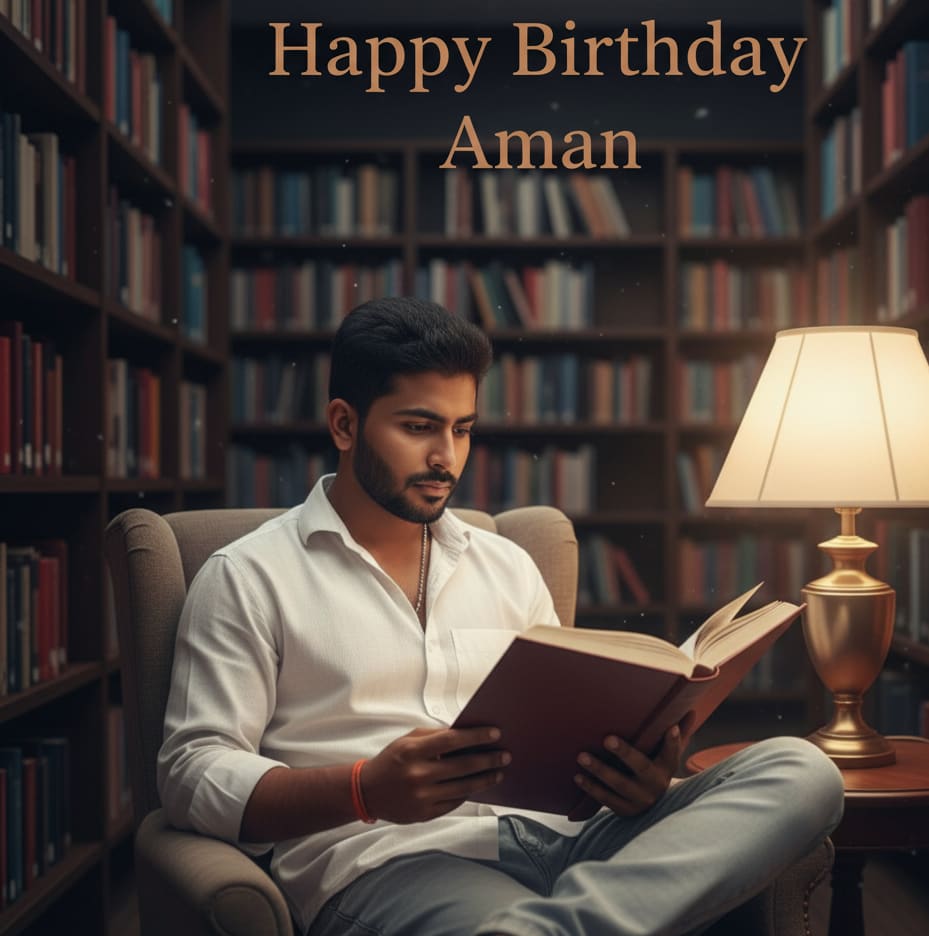
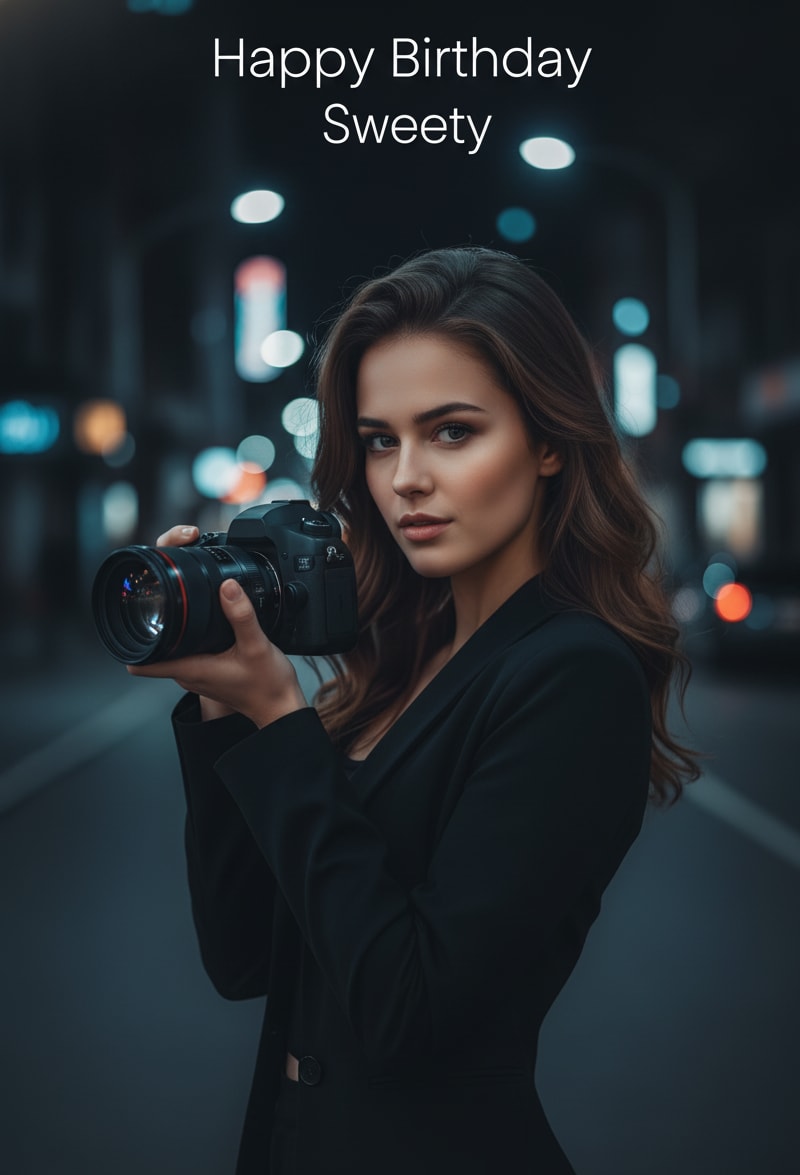
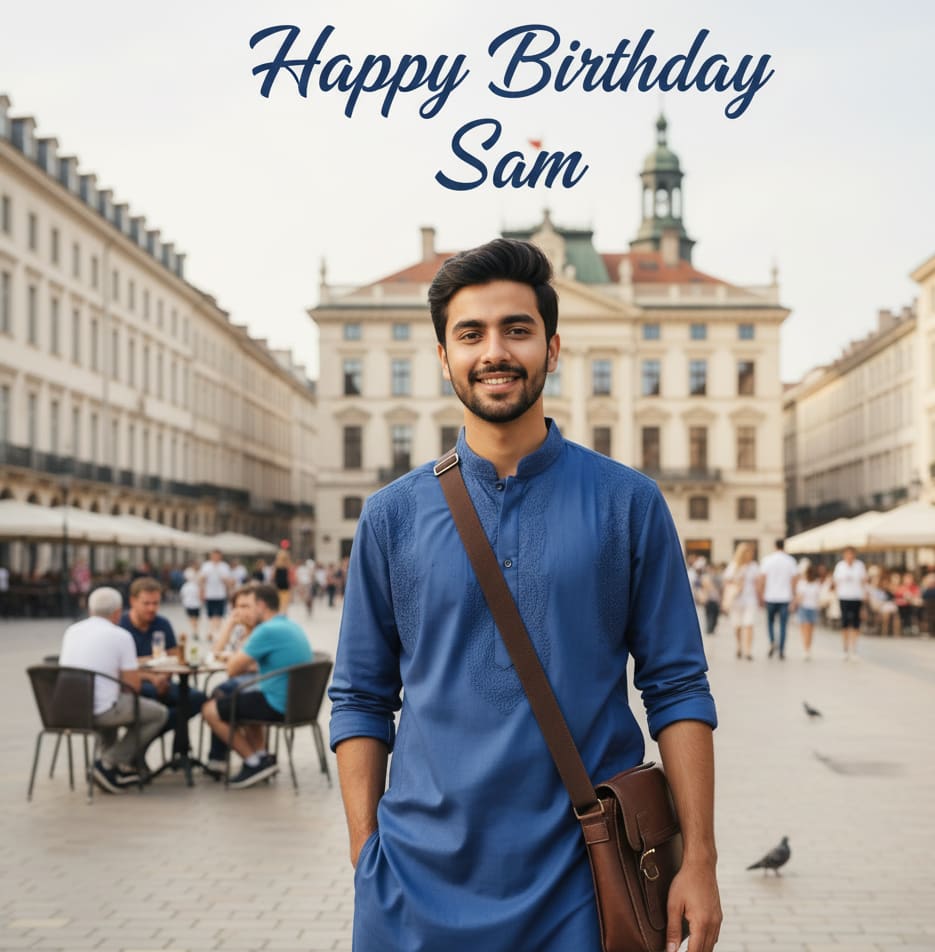
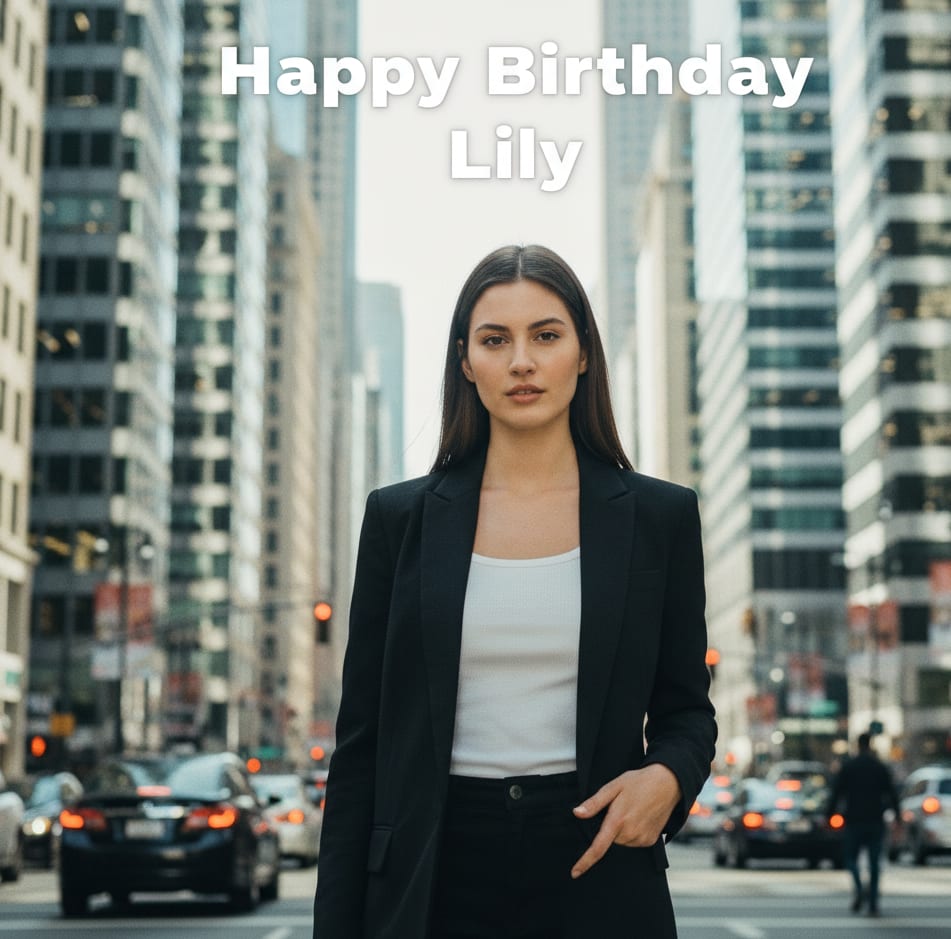
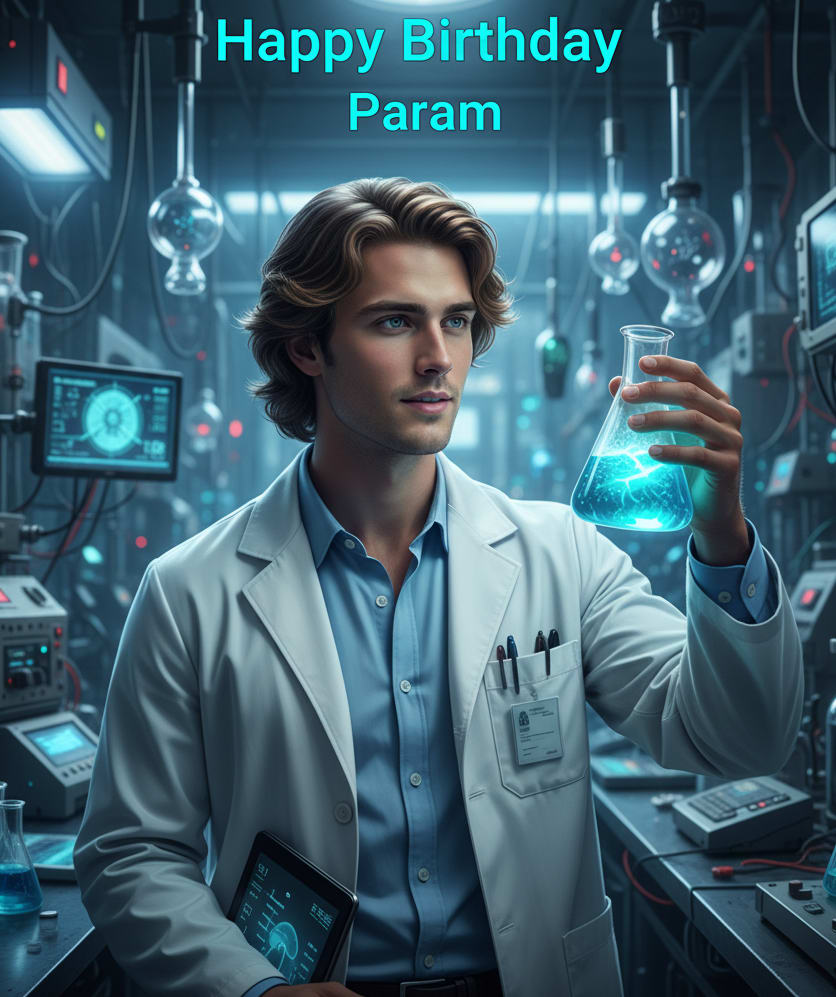
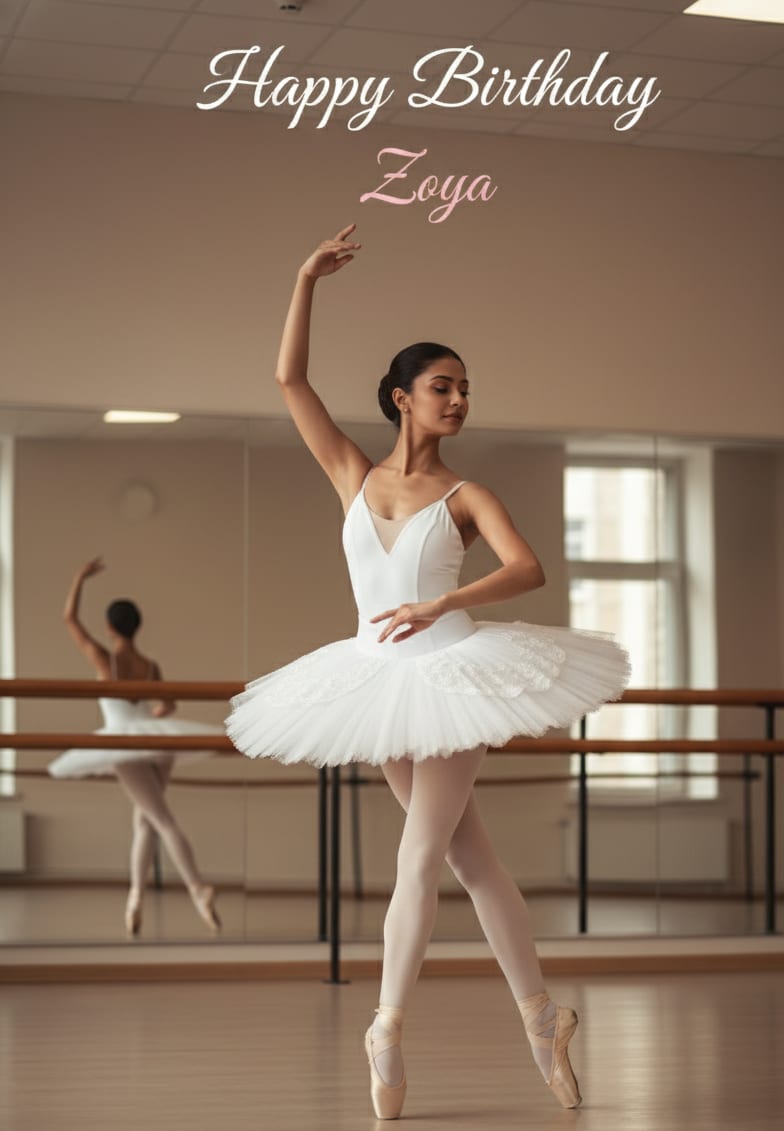
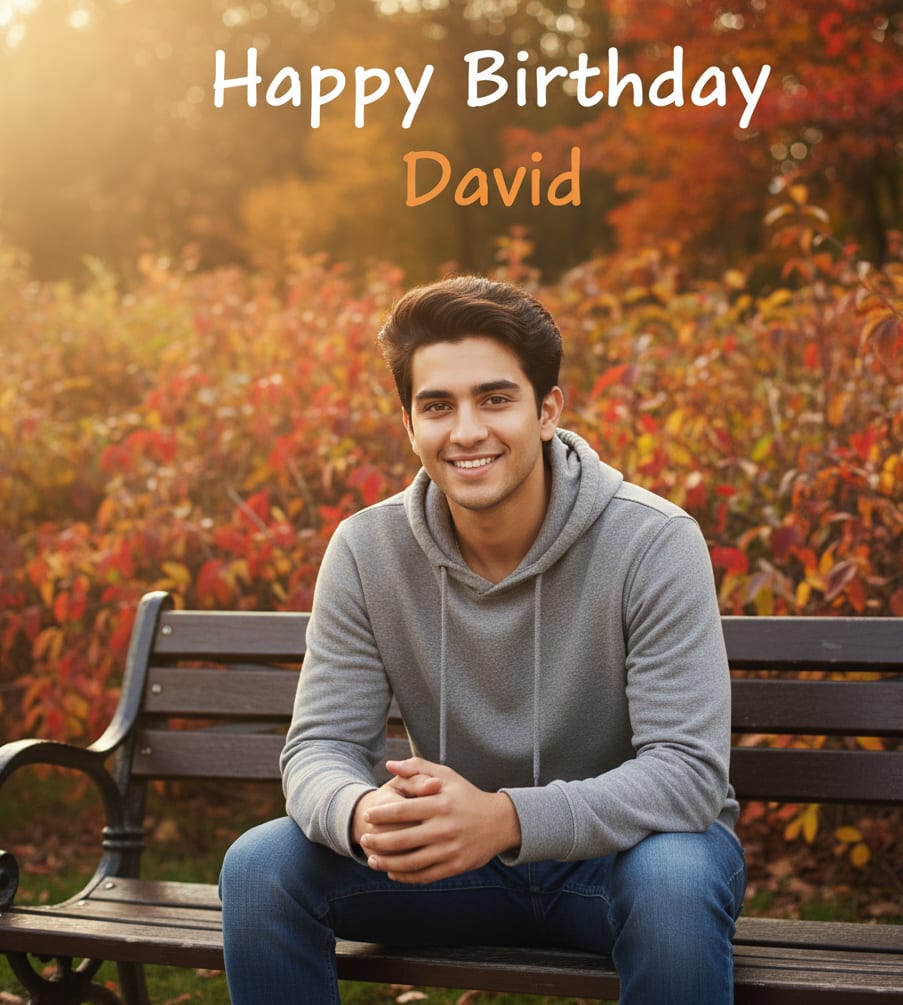
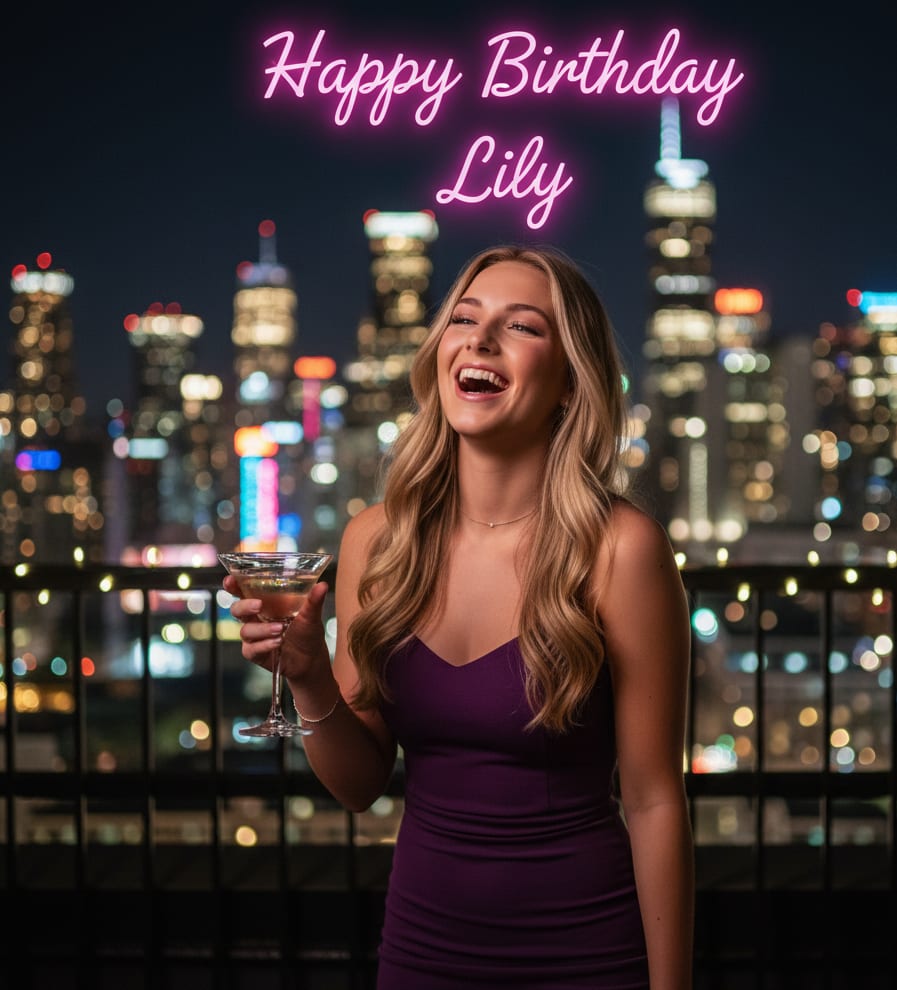
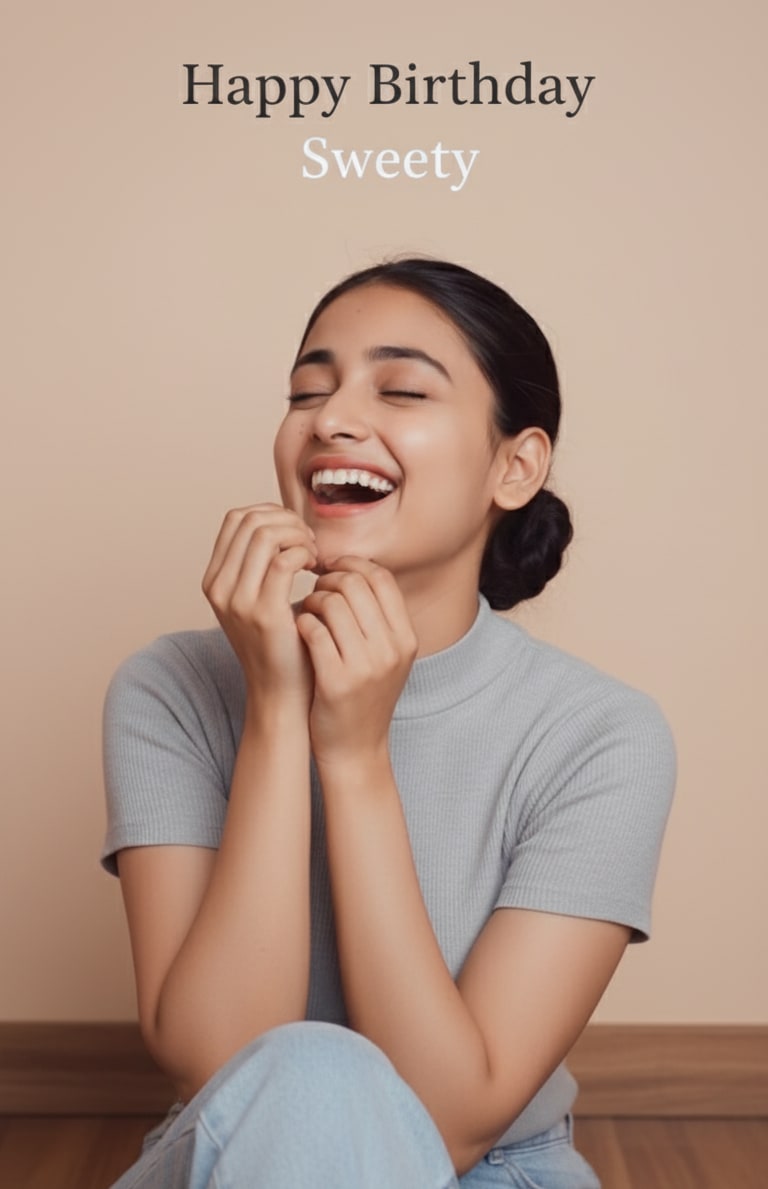
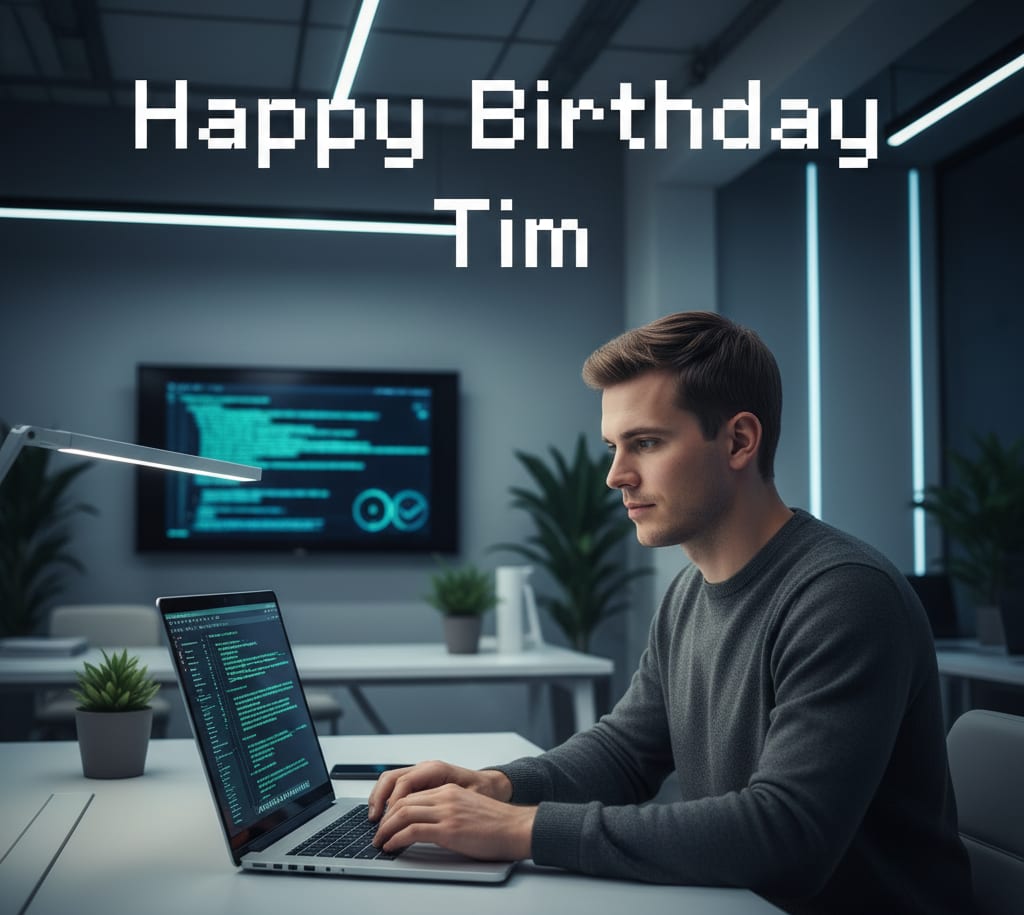
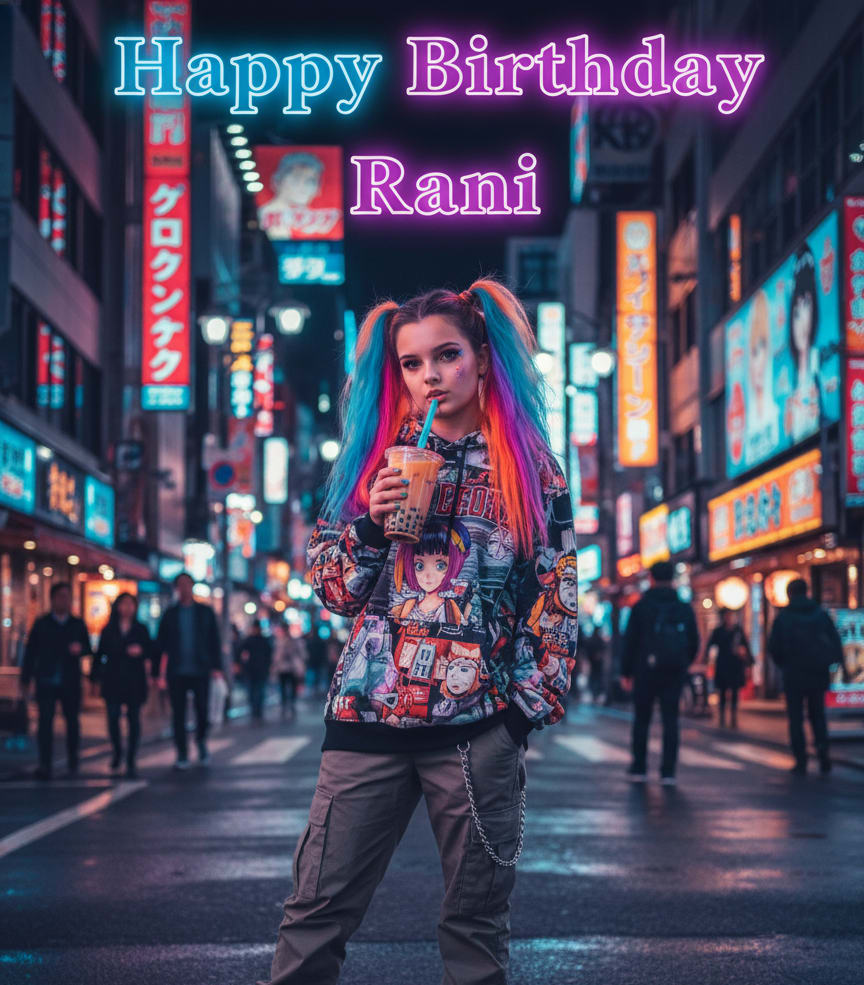
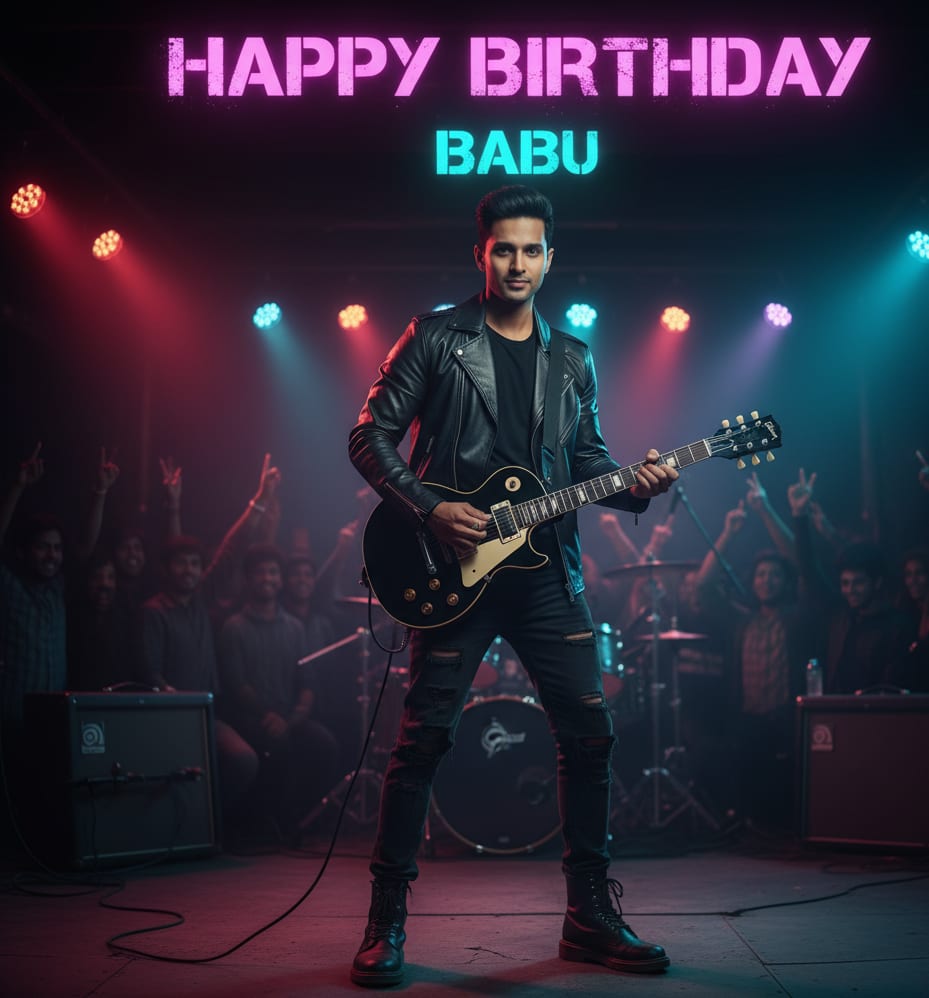
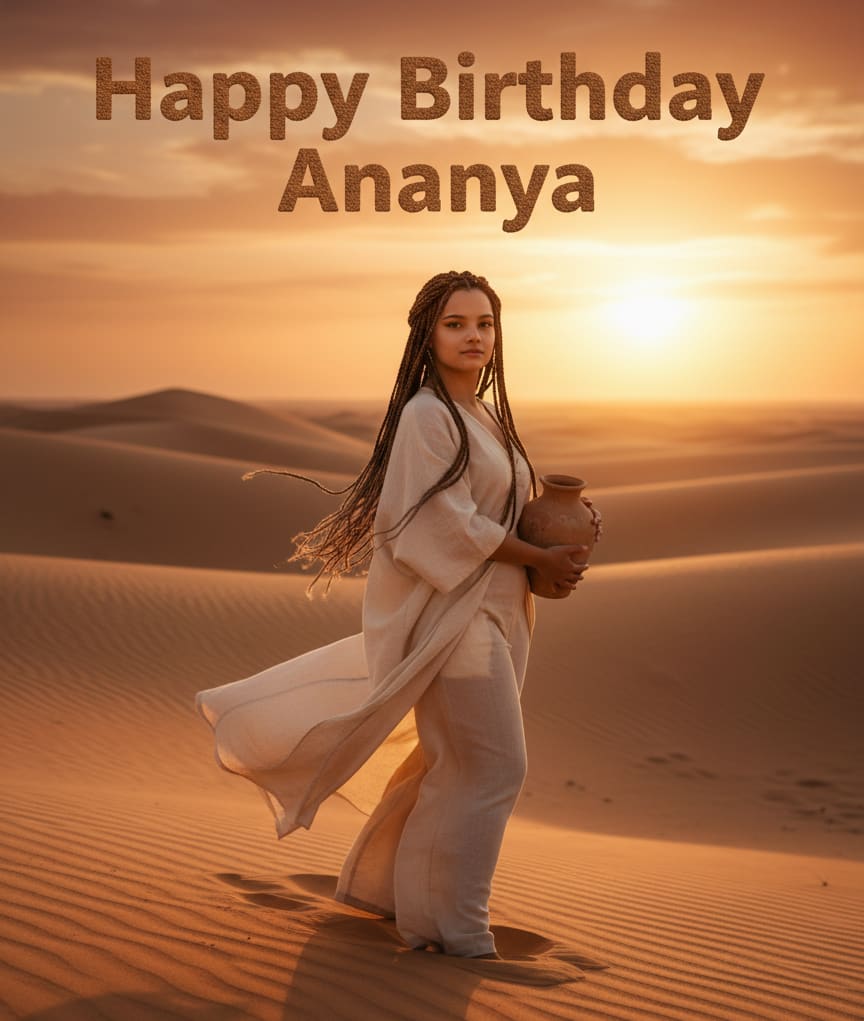
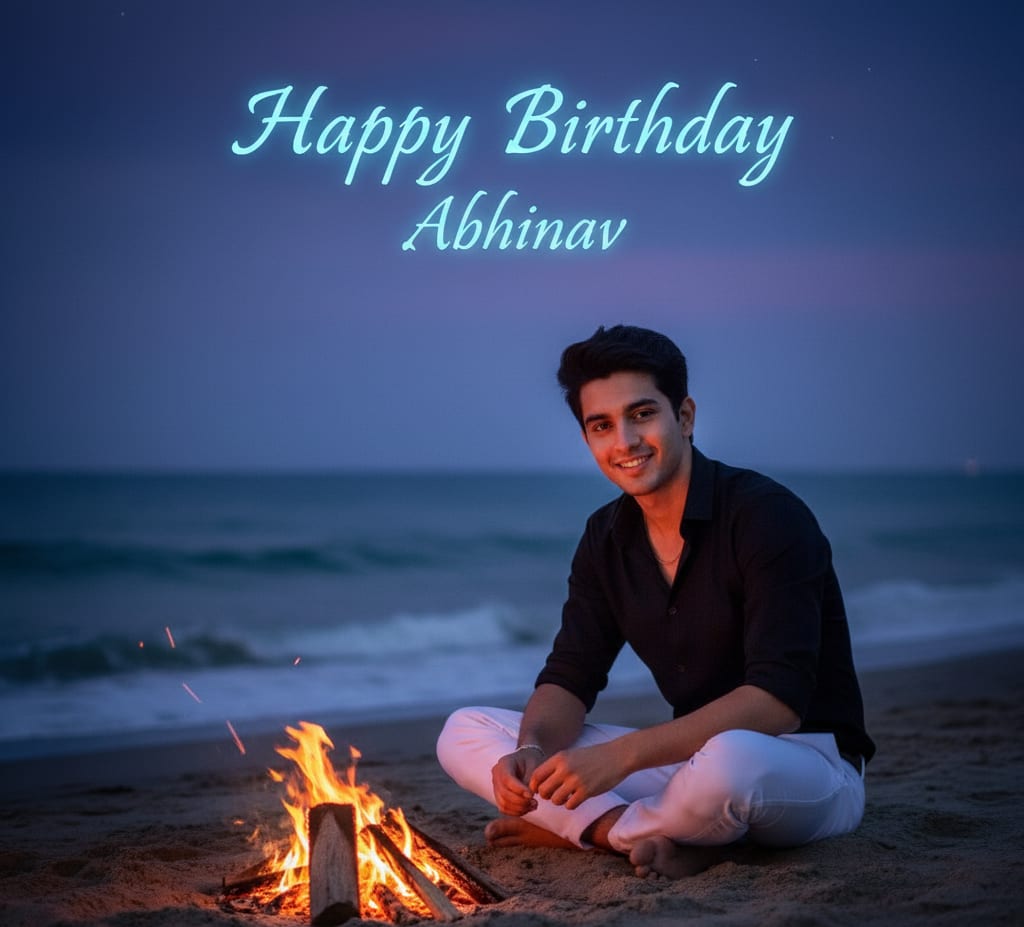
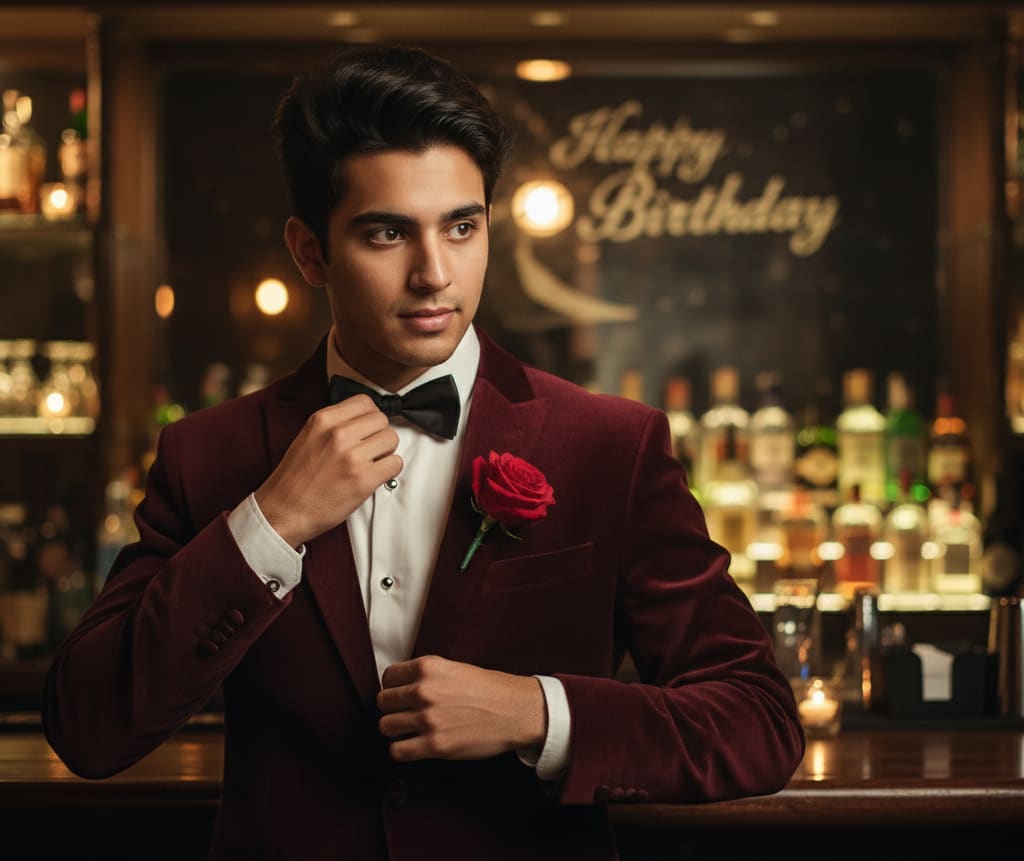
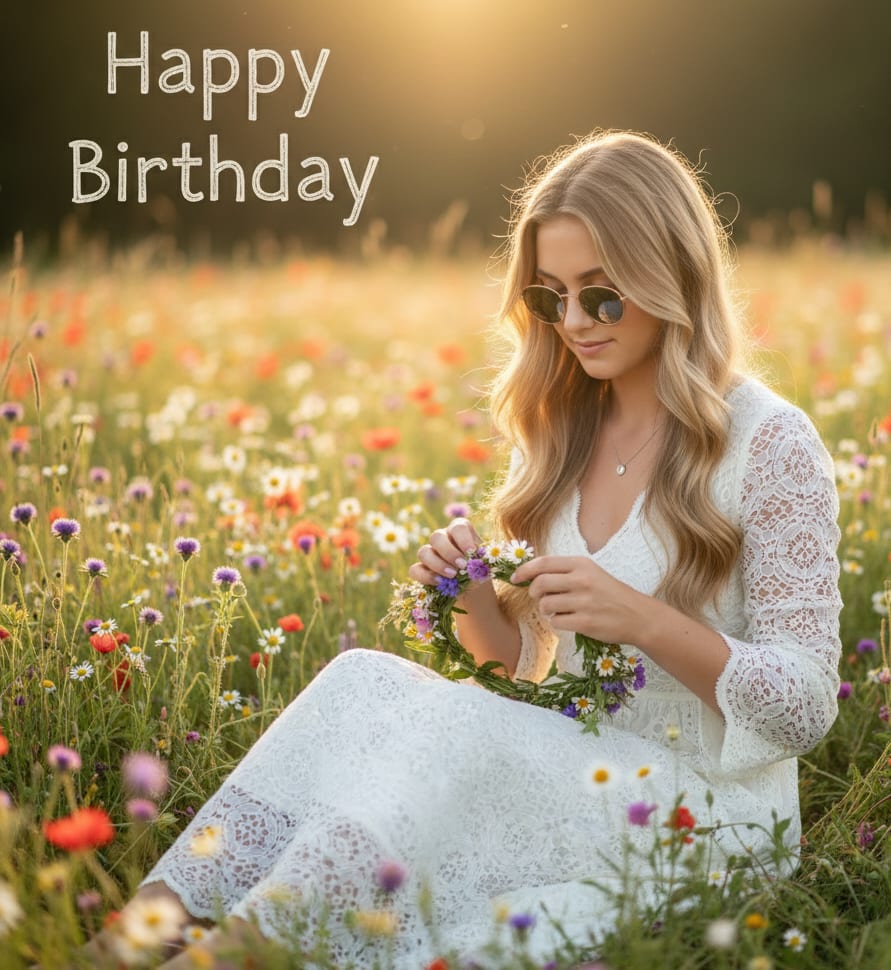
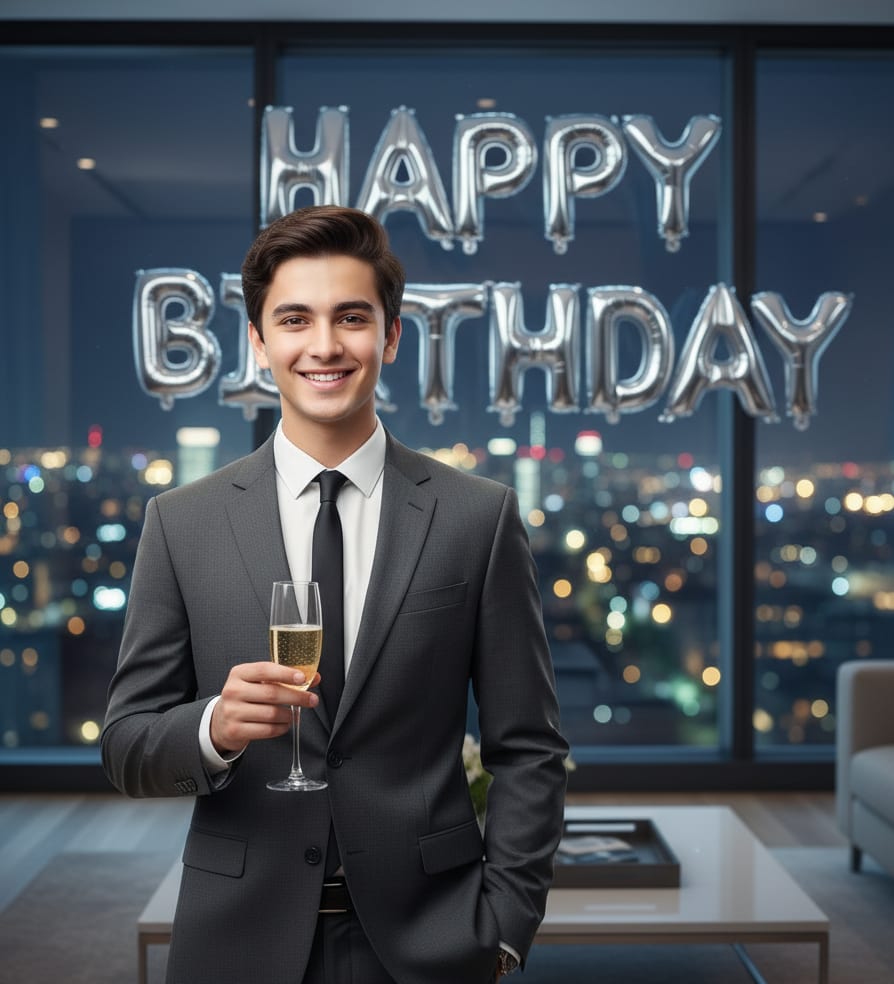
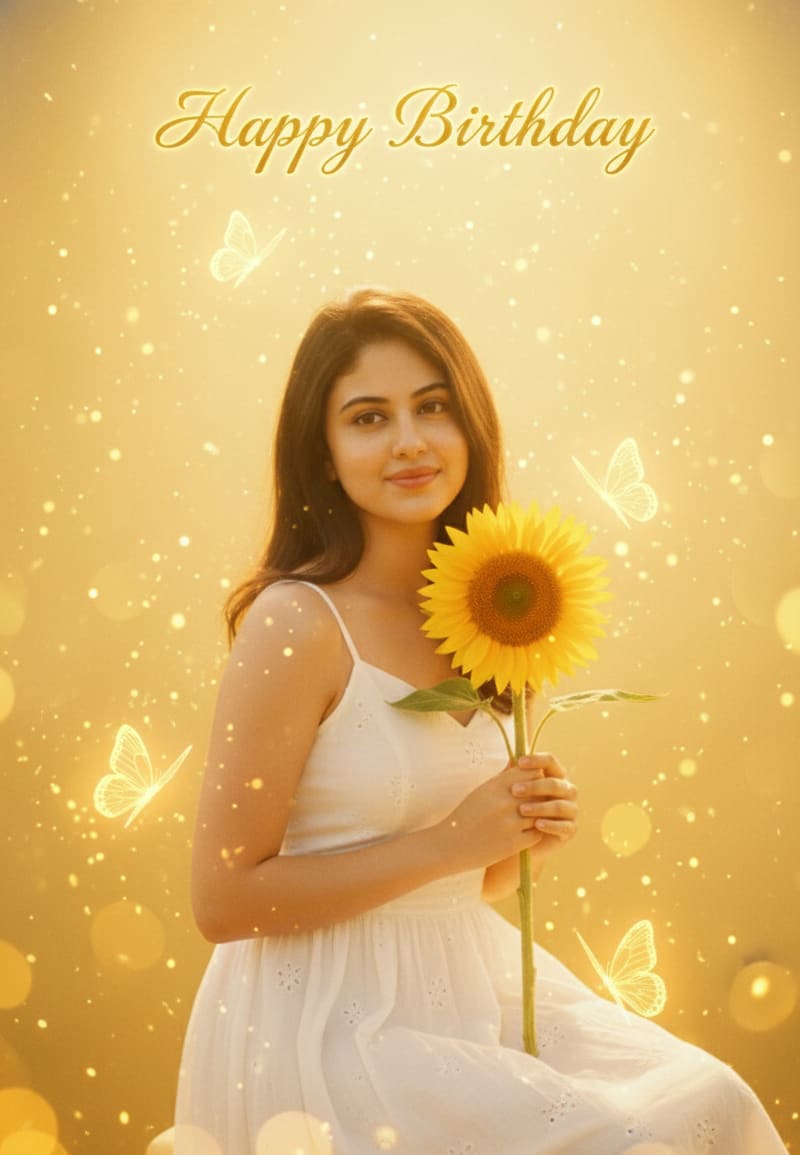
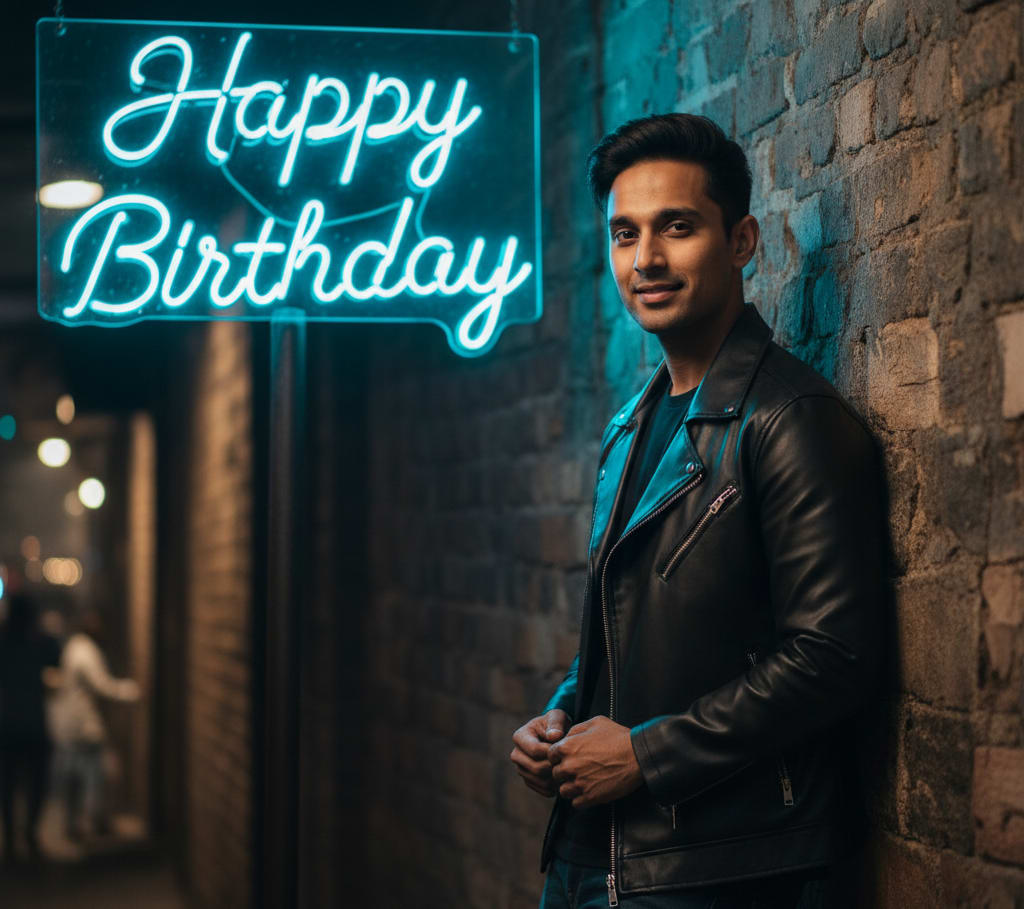
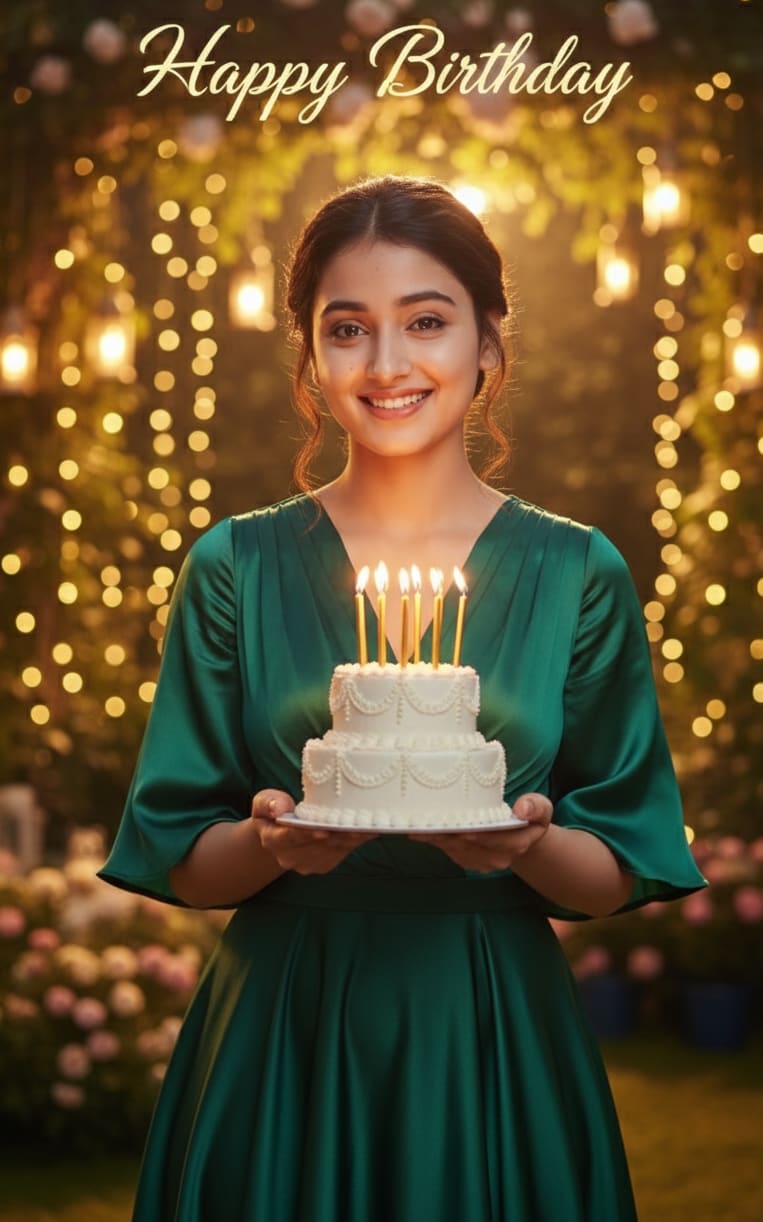
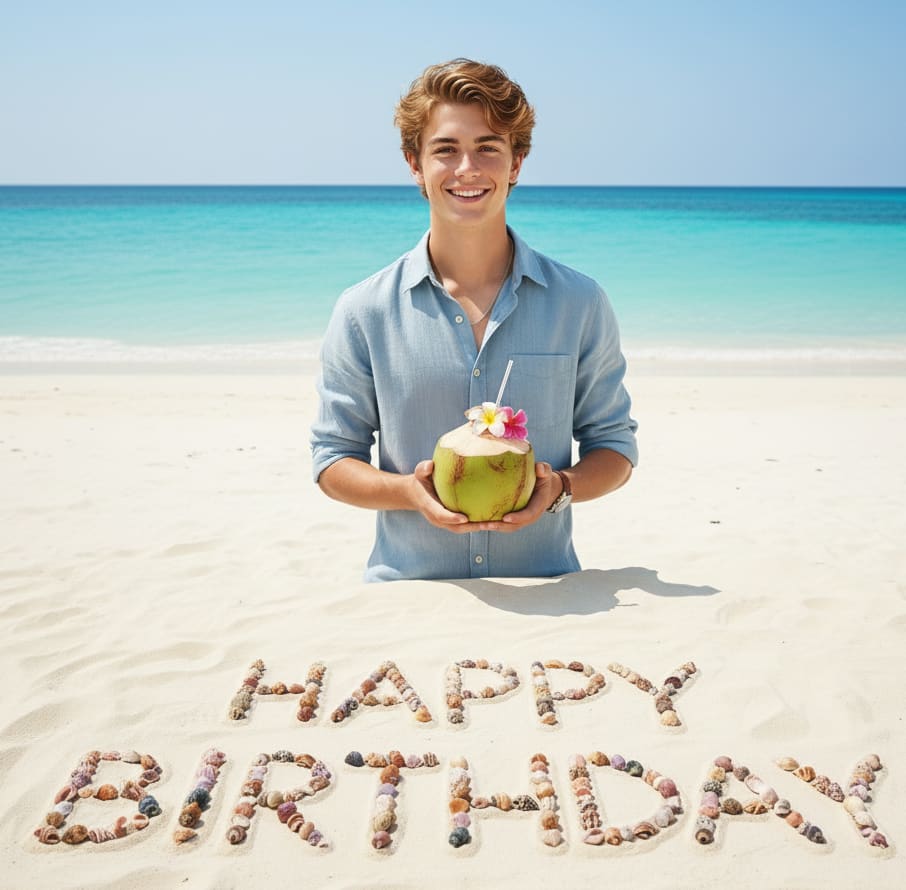
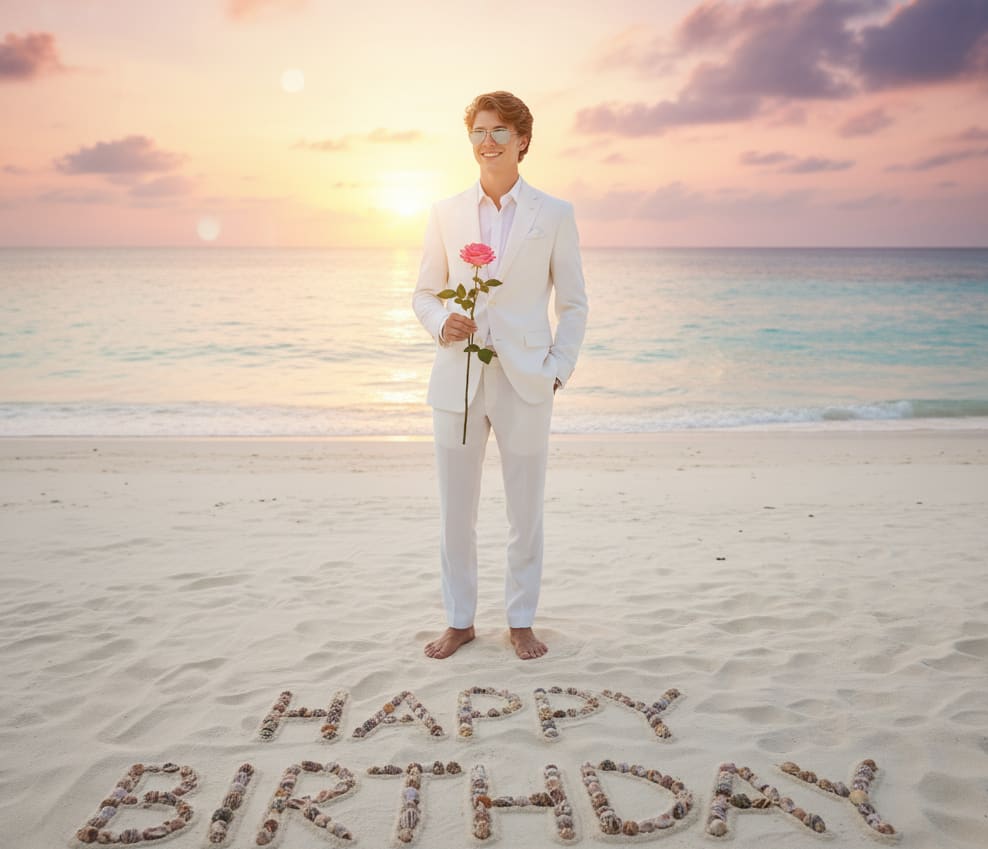
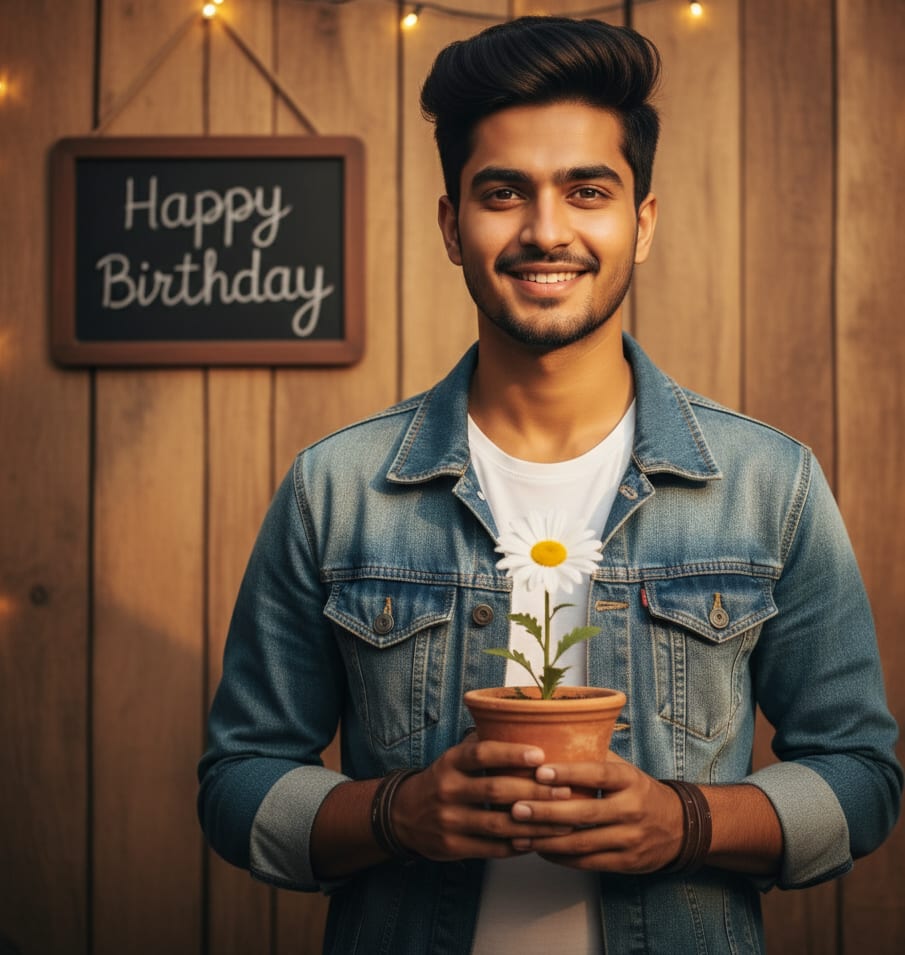
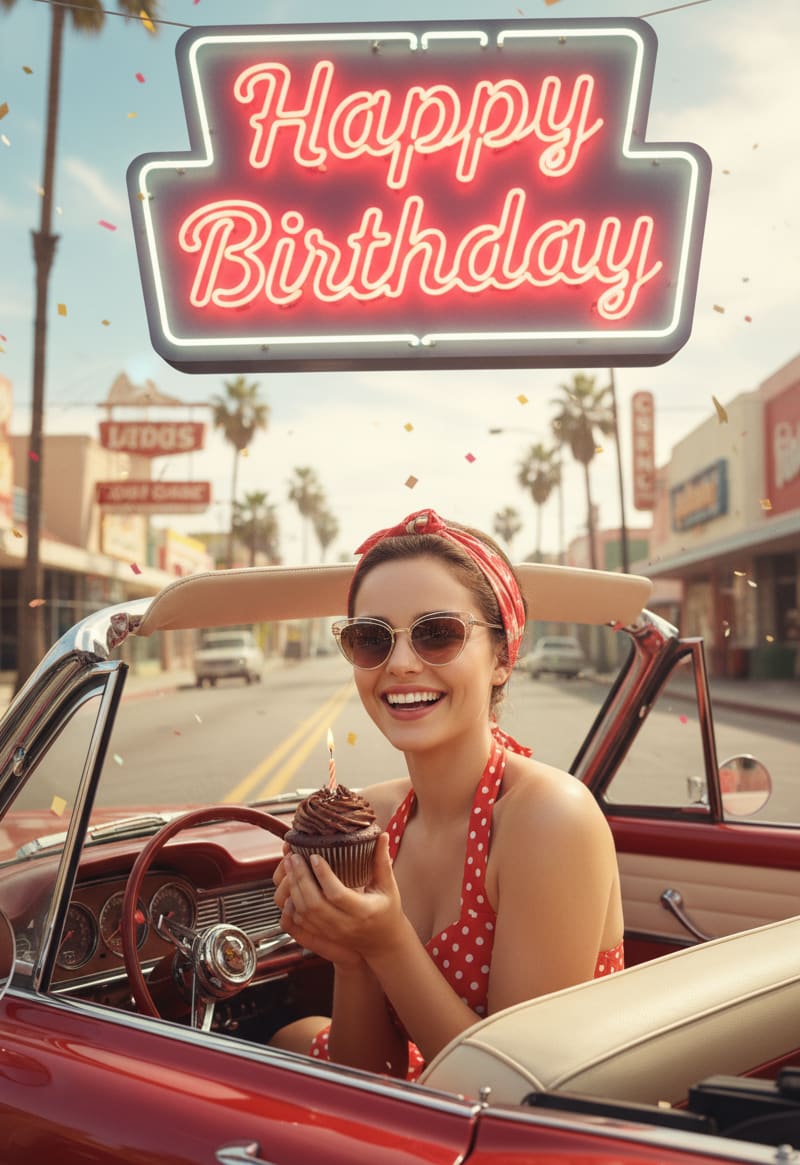
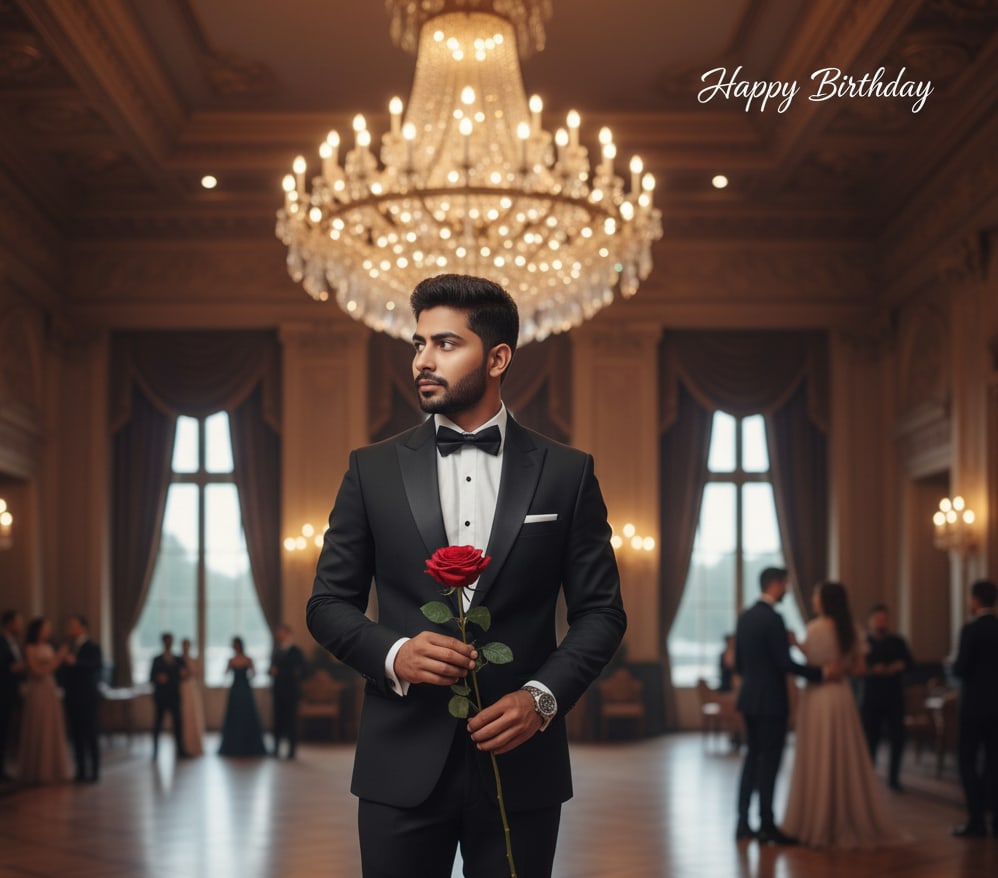
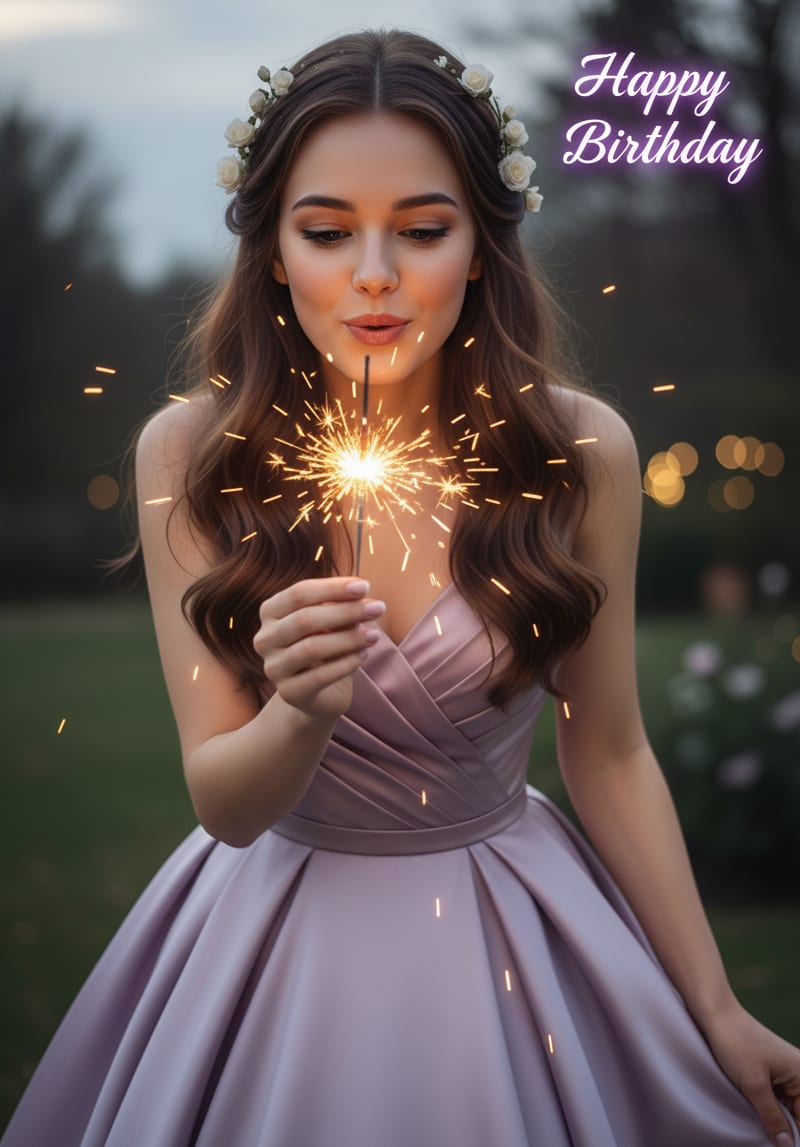
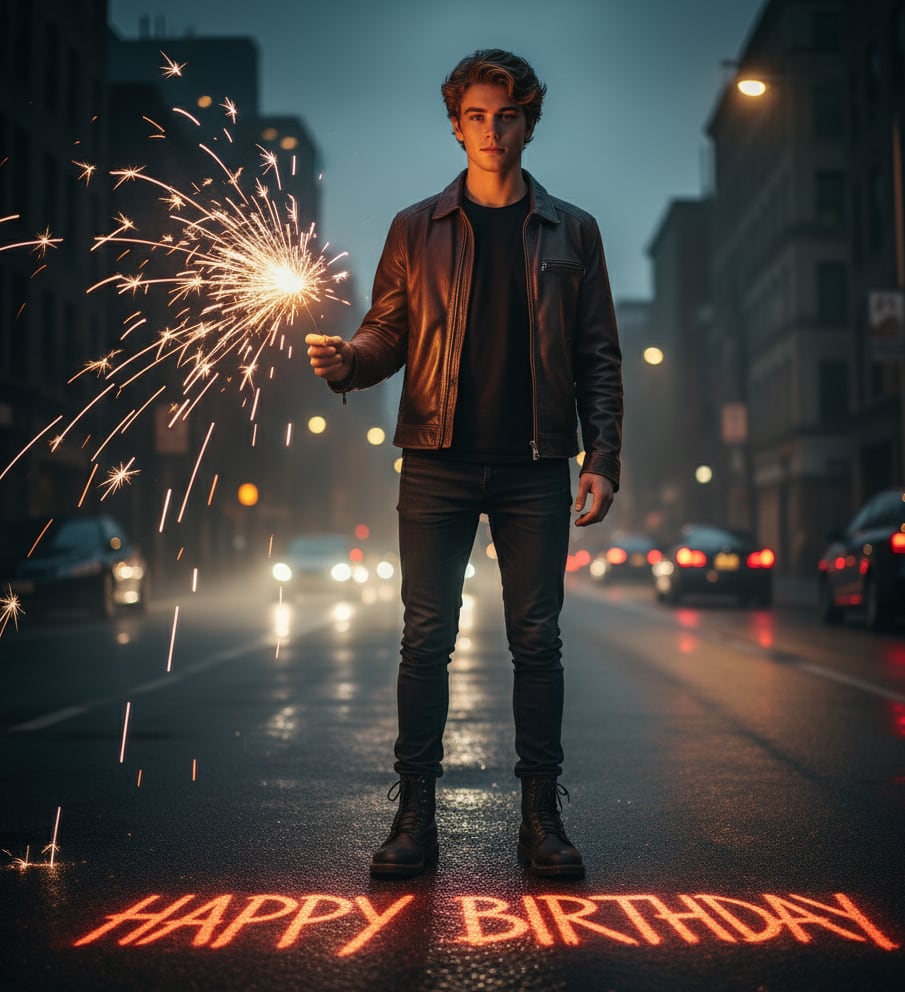
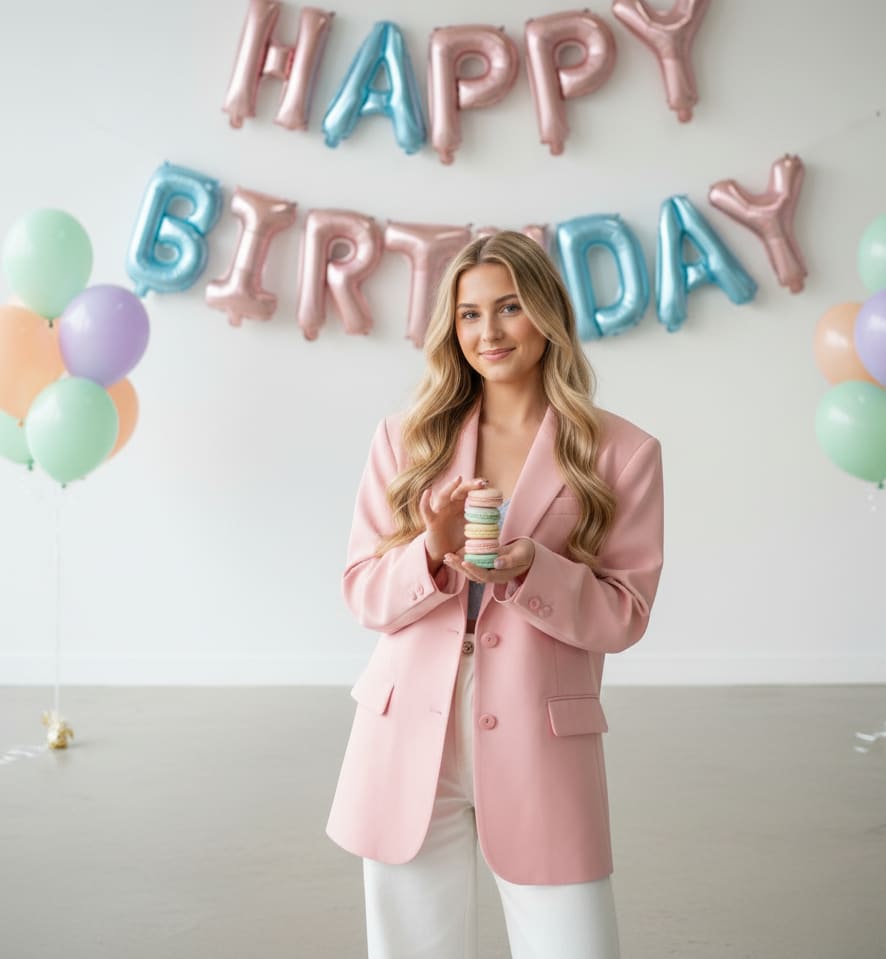
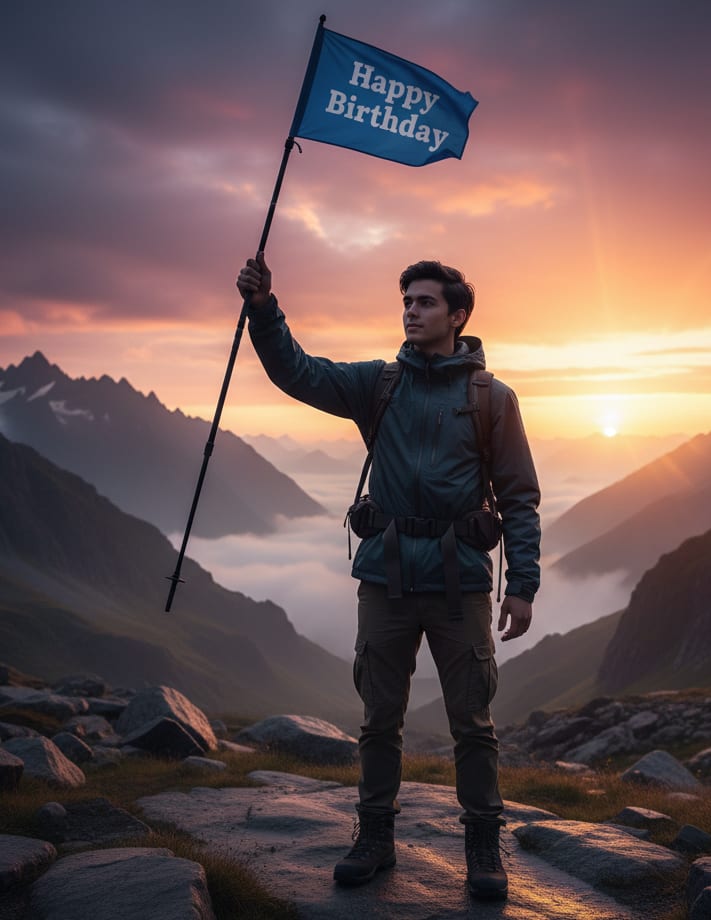
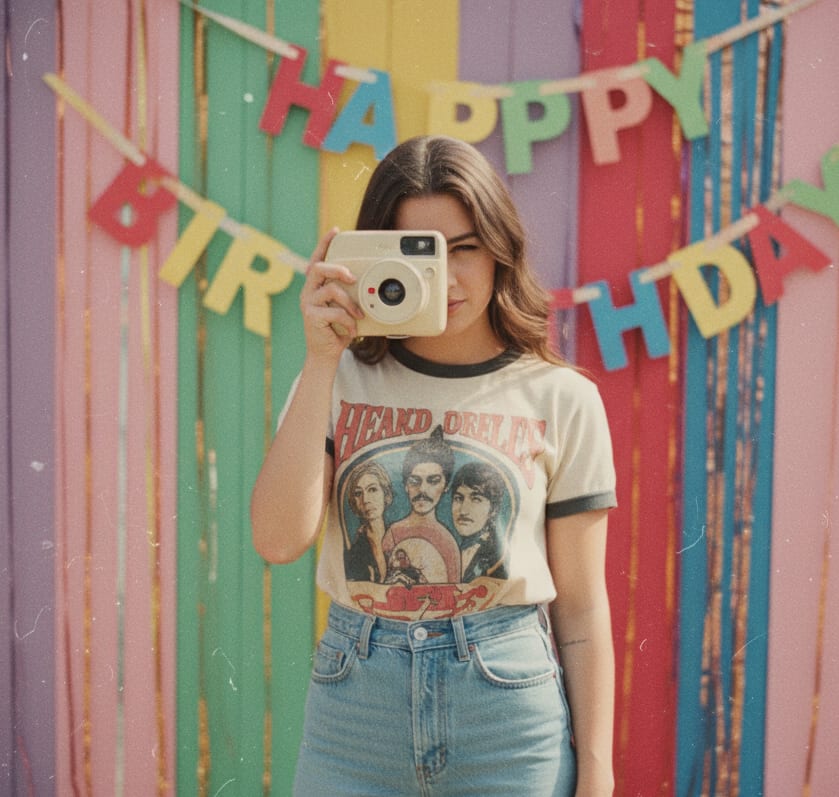
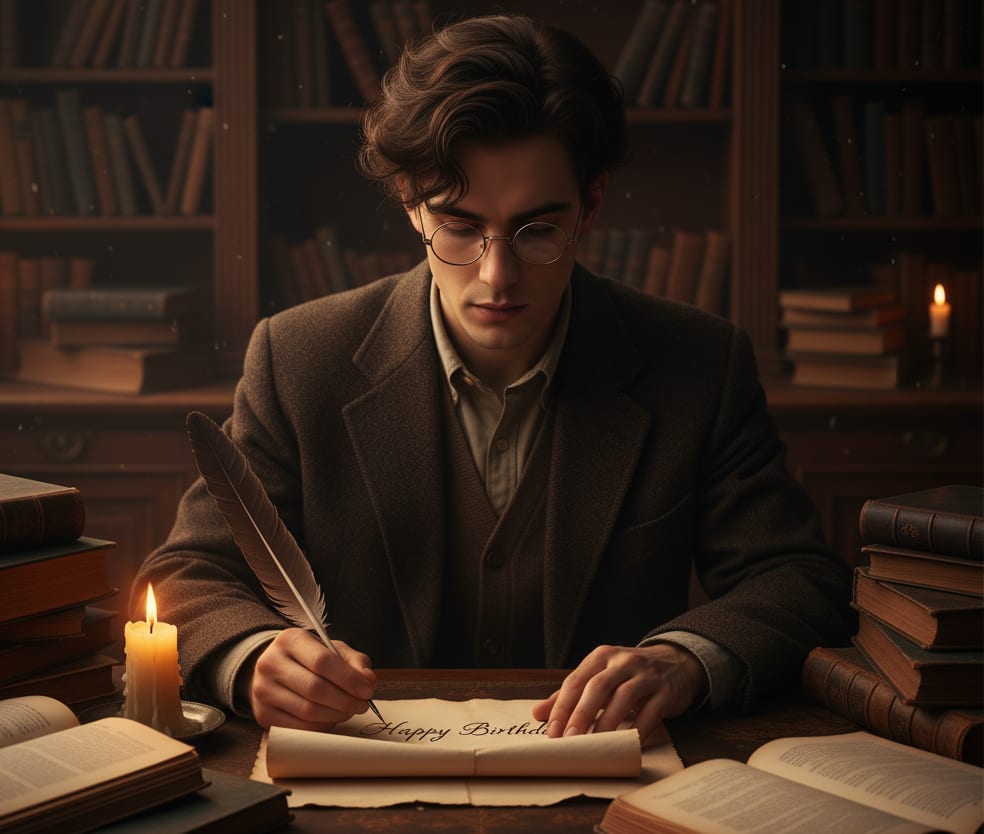
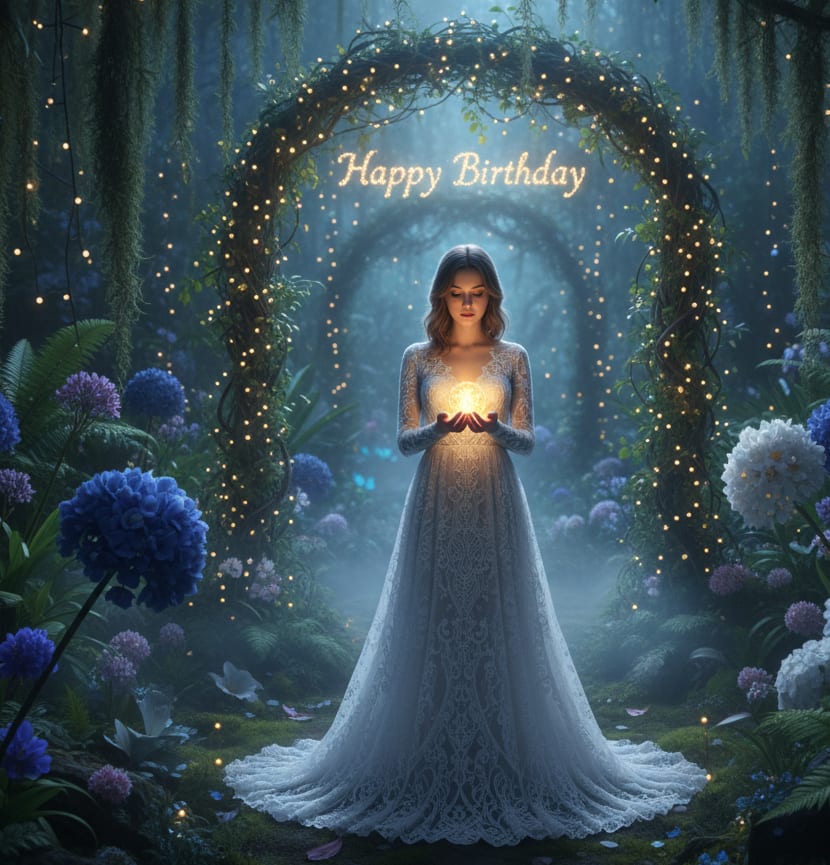
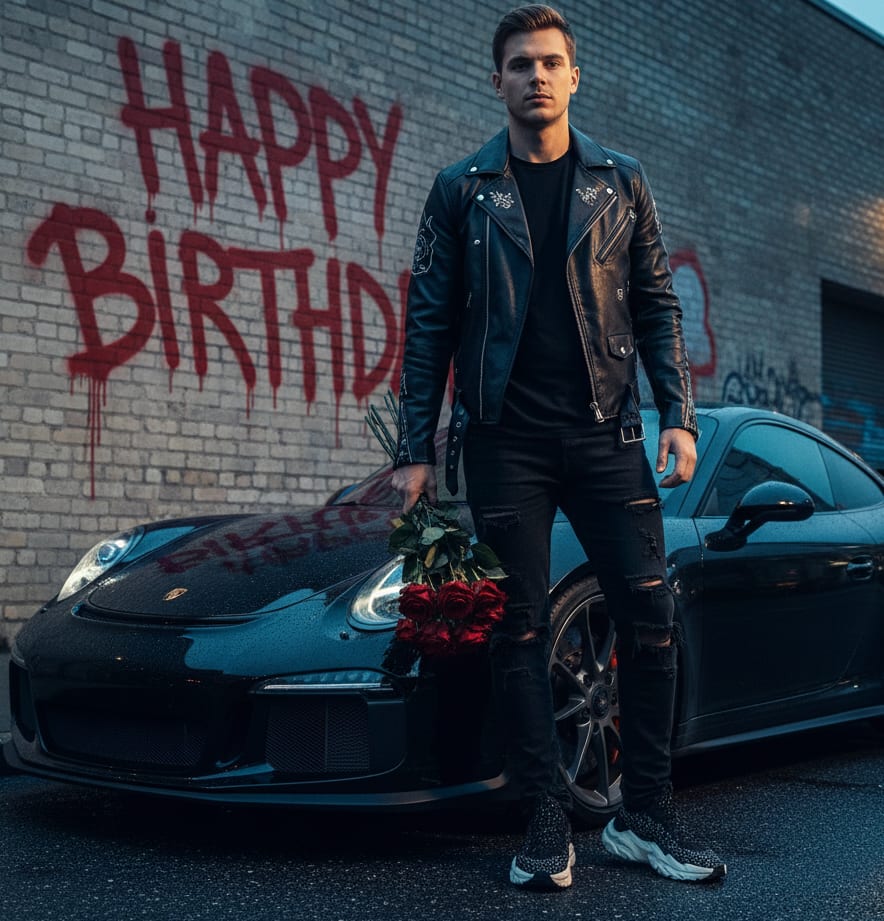
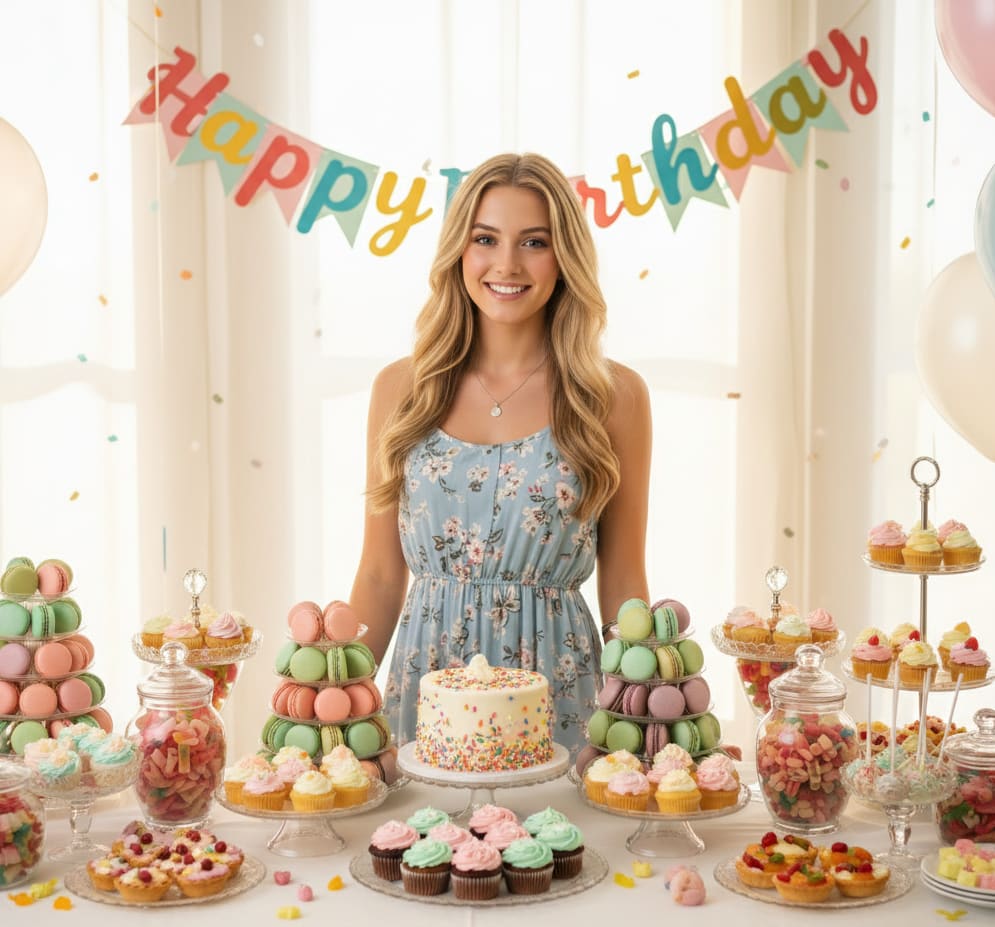
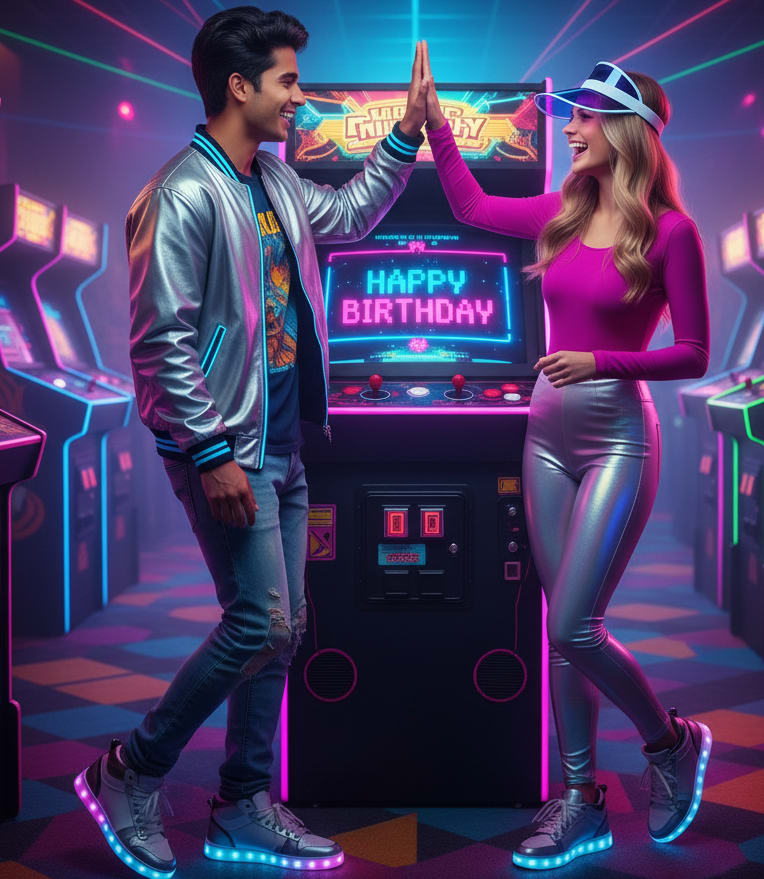
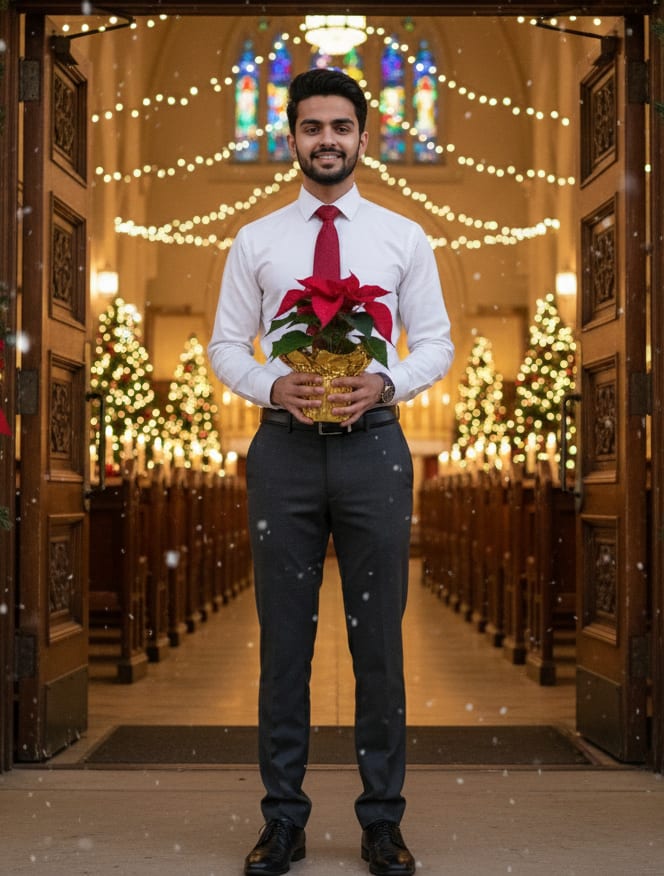
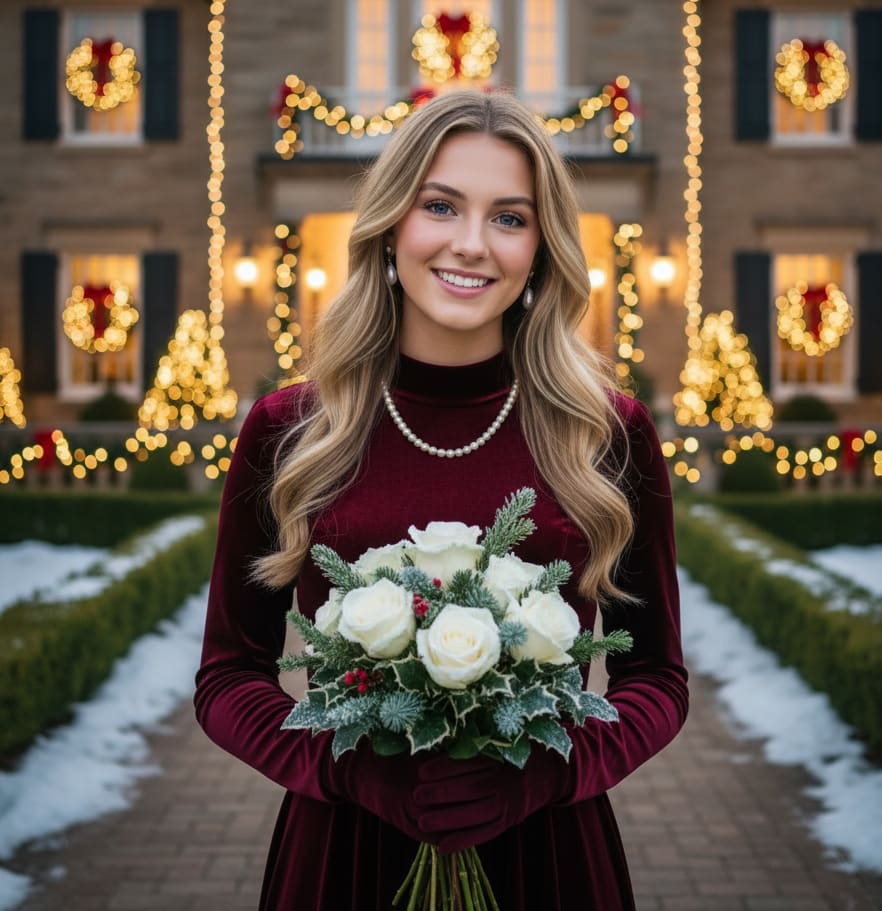
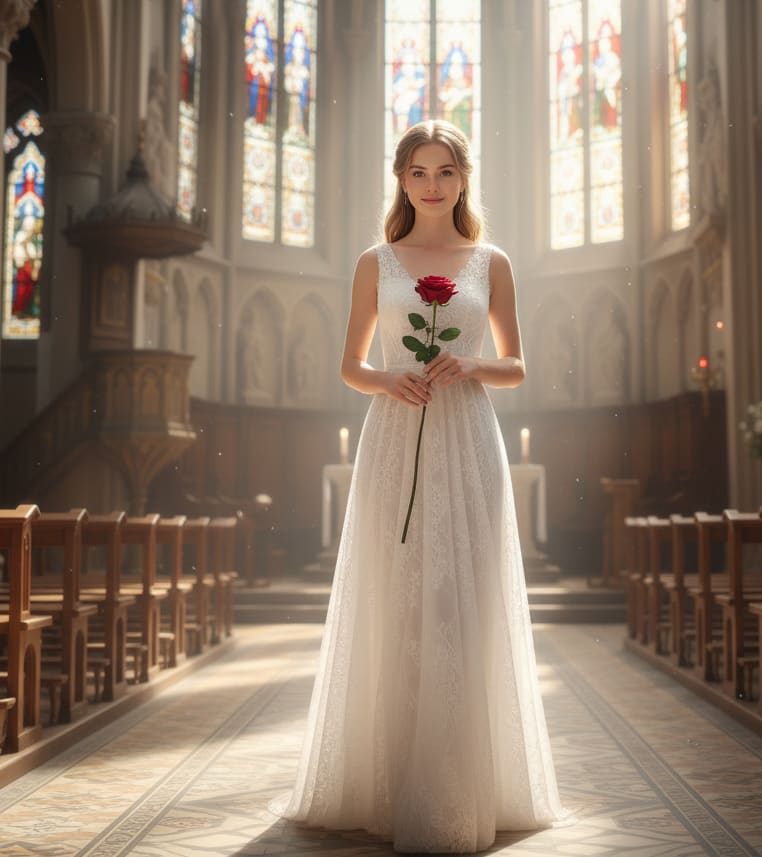
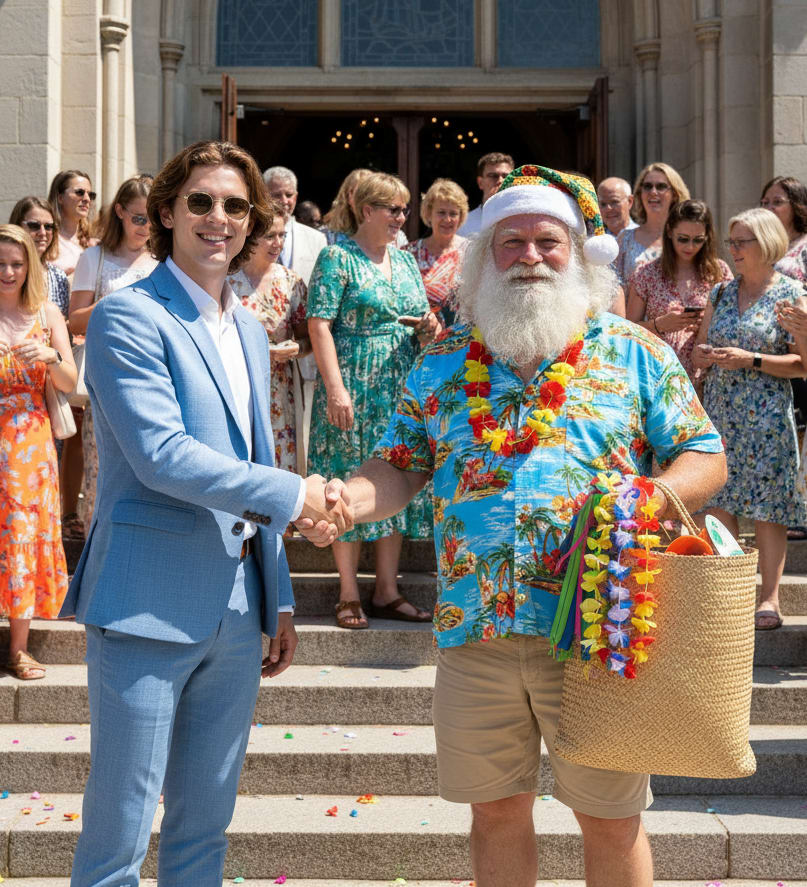
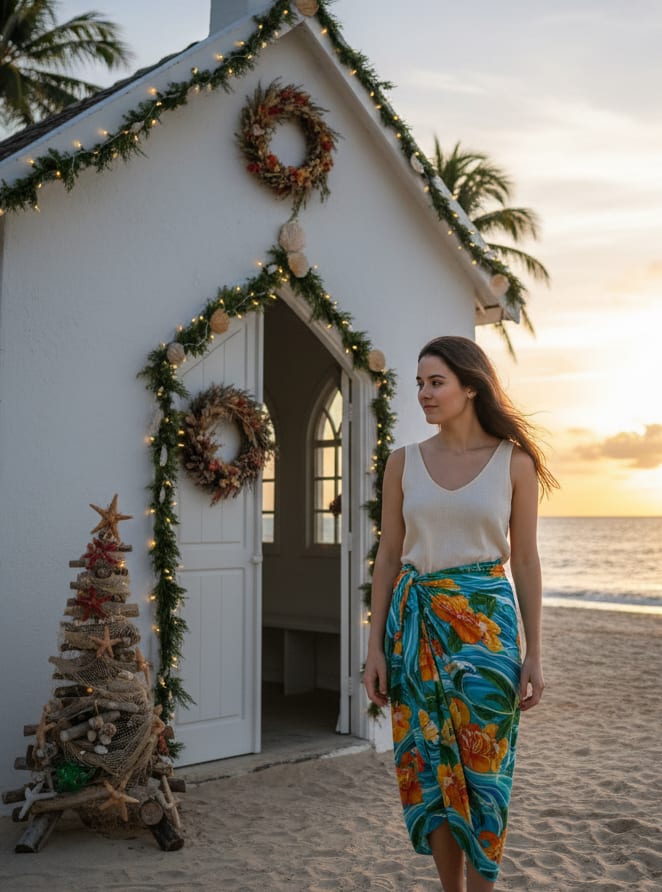
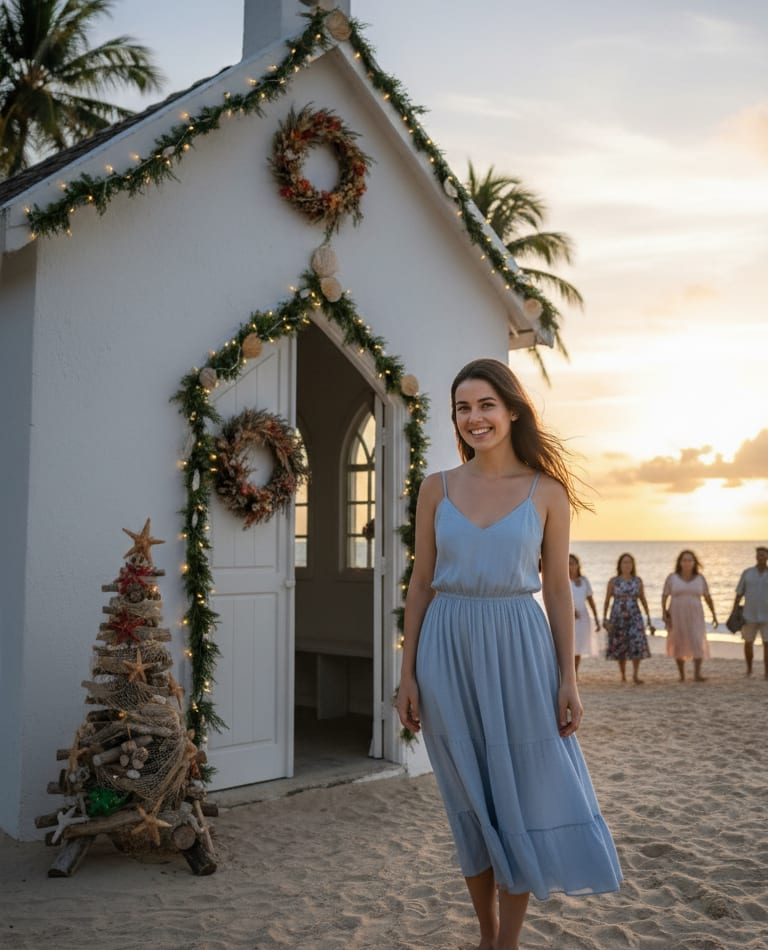
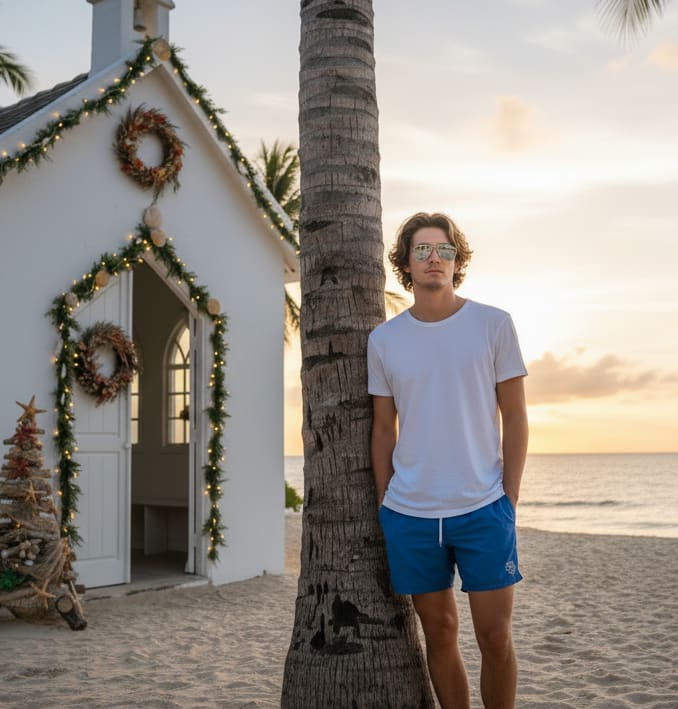
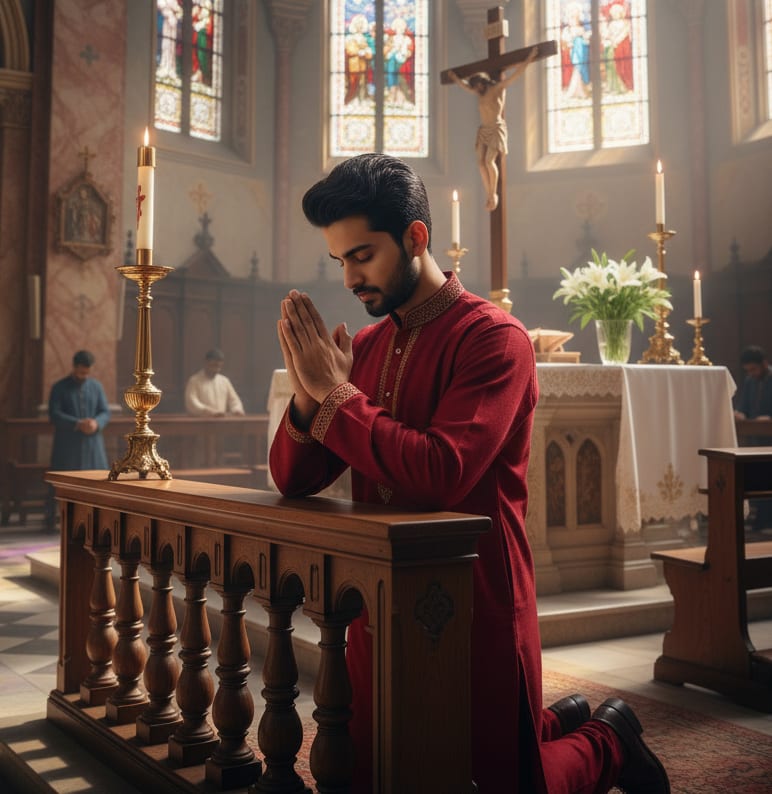
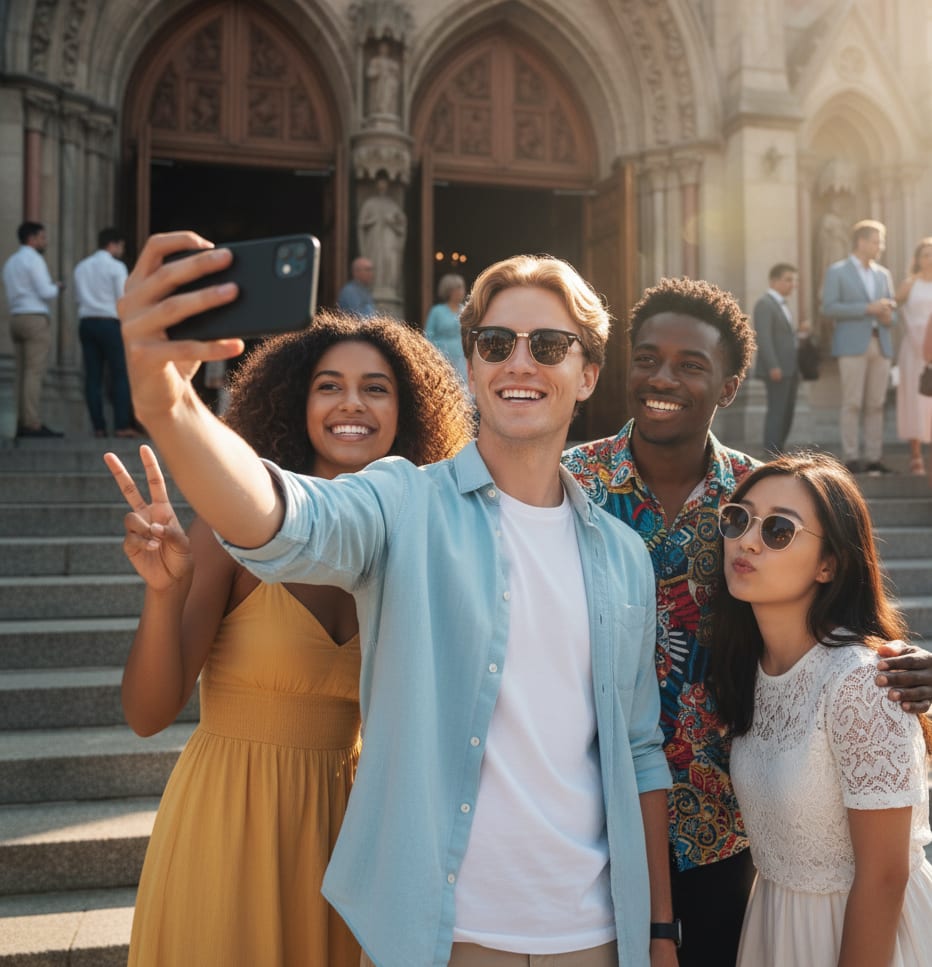
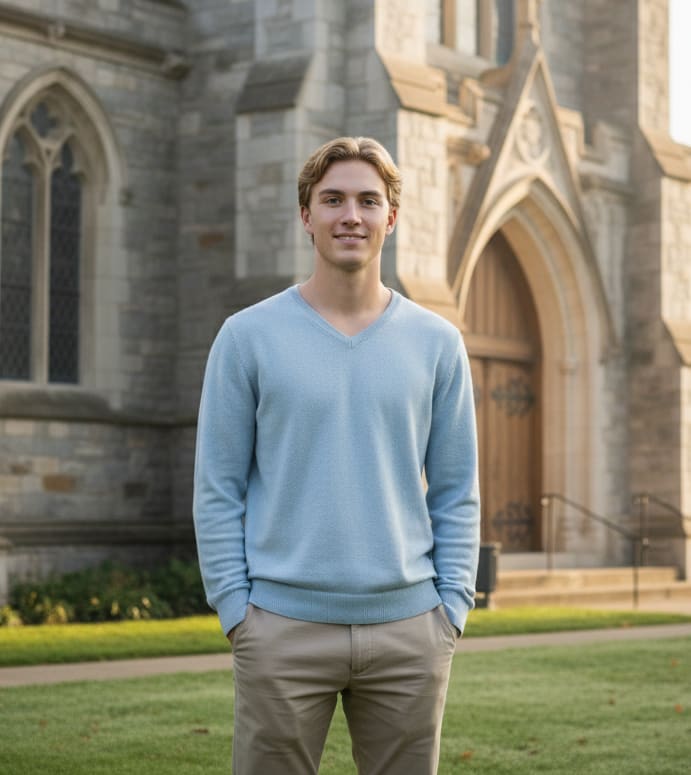
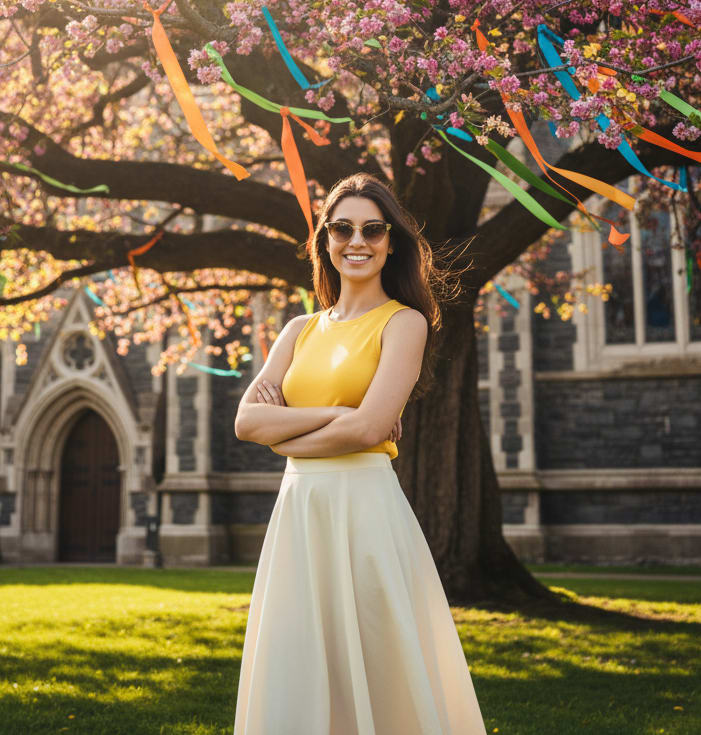
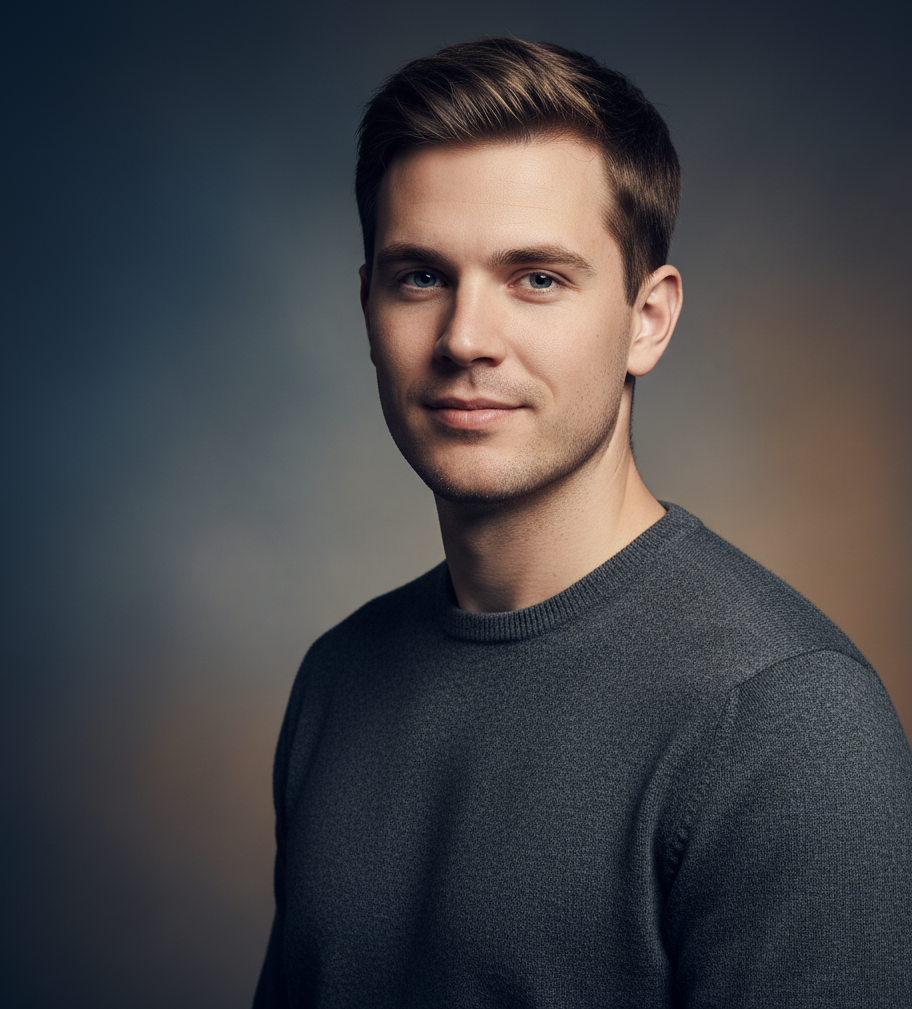
Example: AI Image Prompt
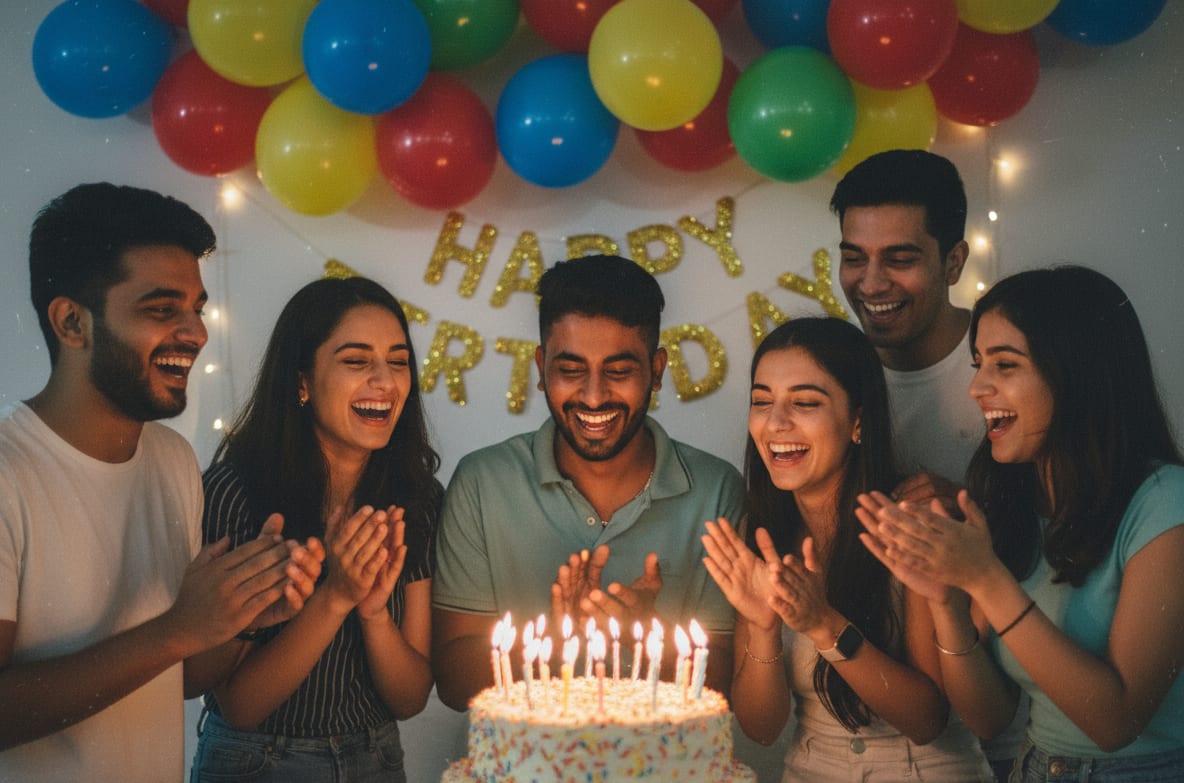
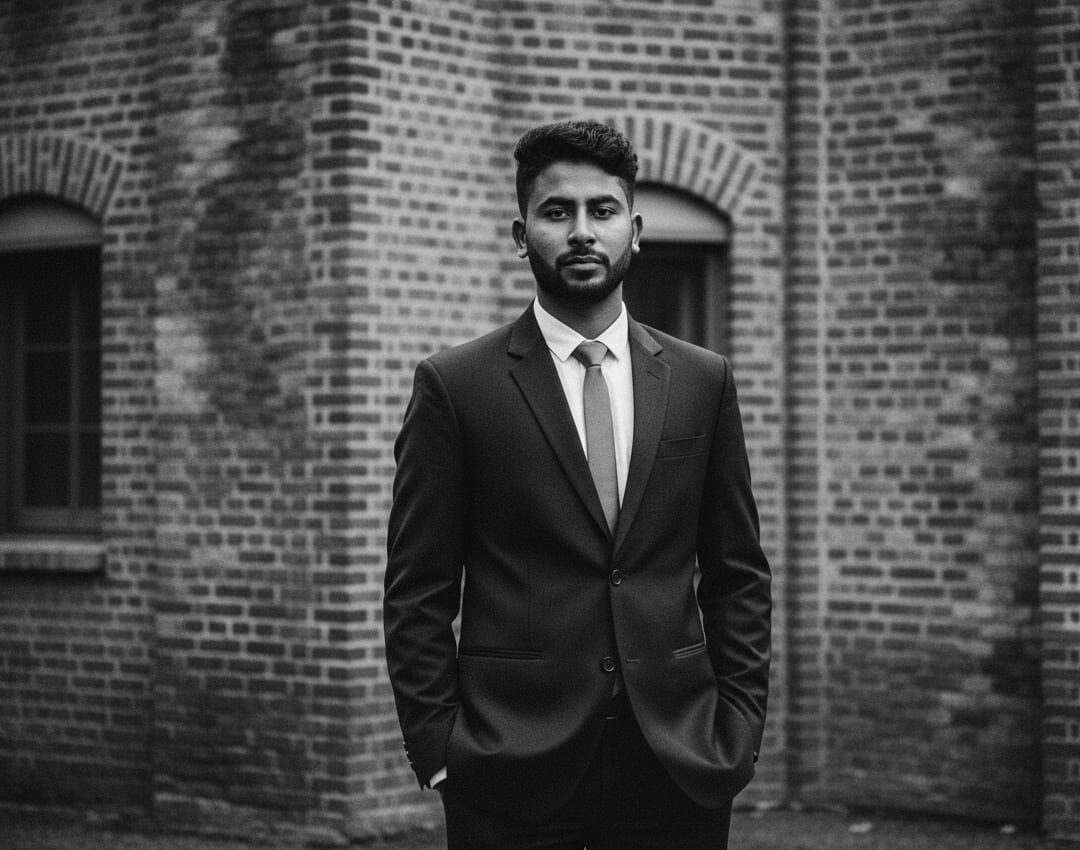
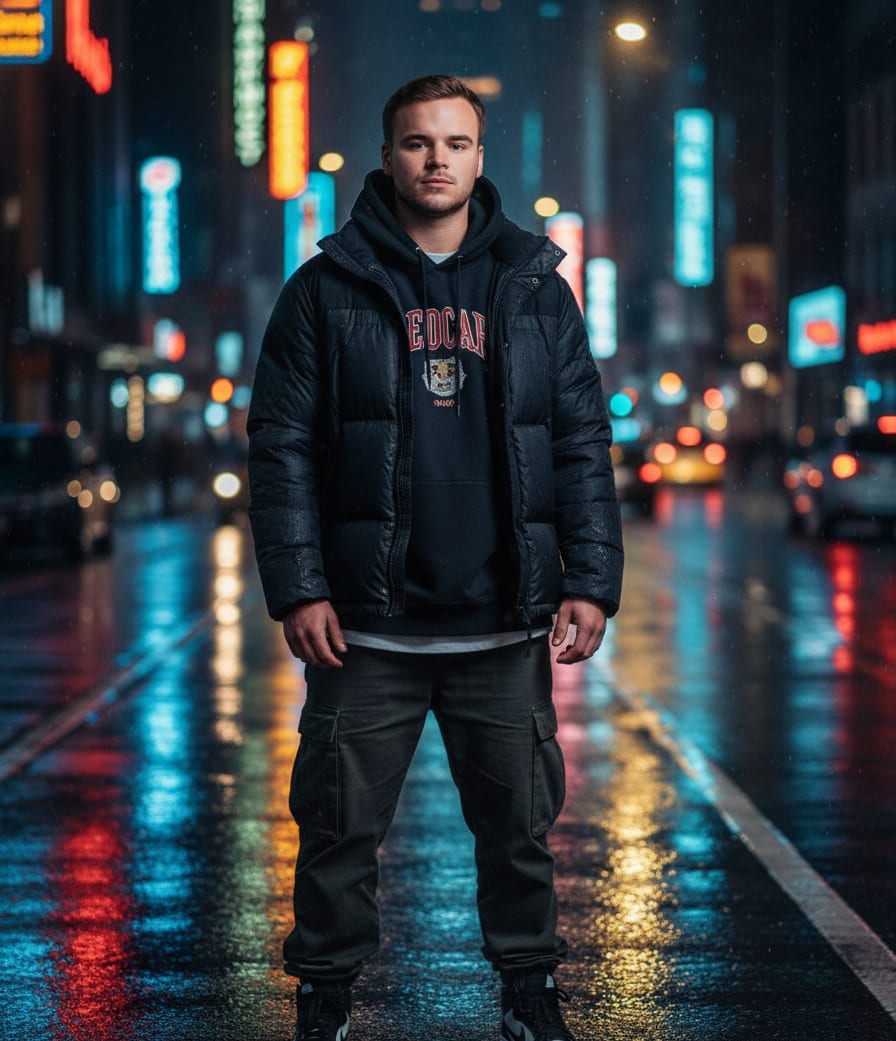
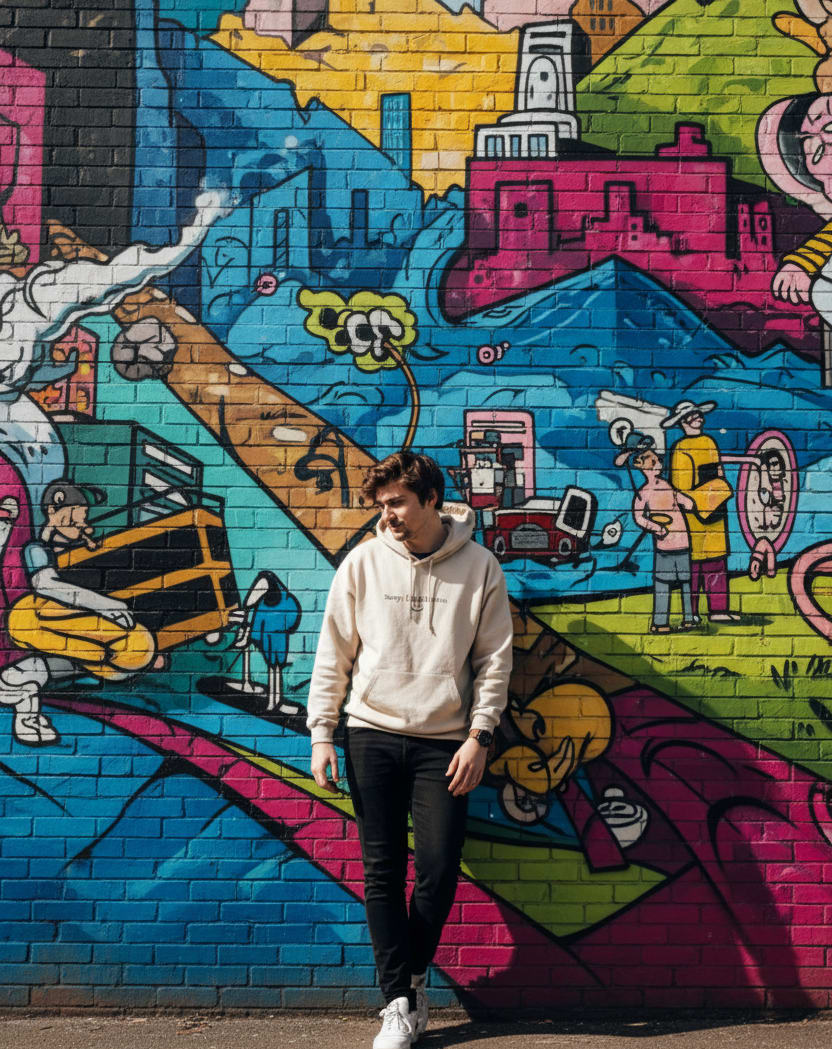
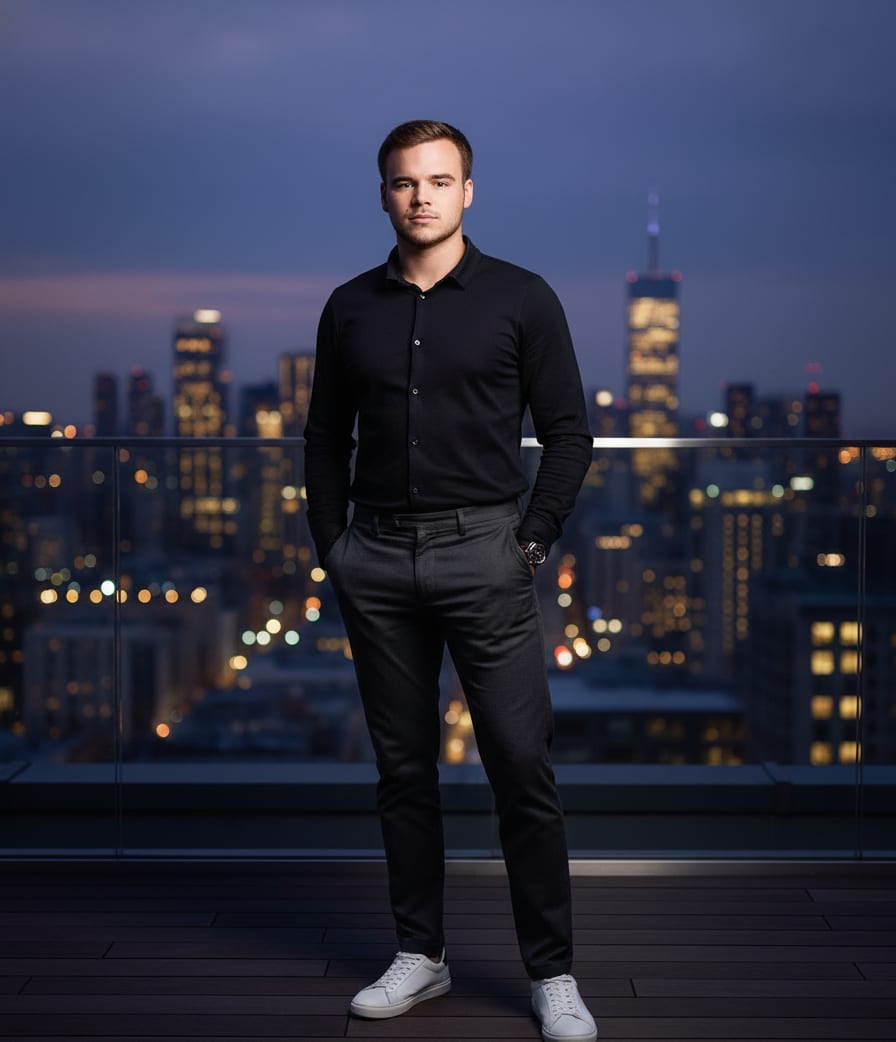
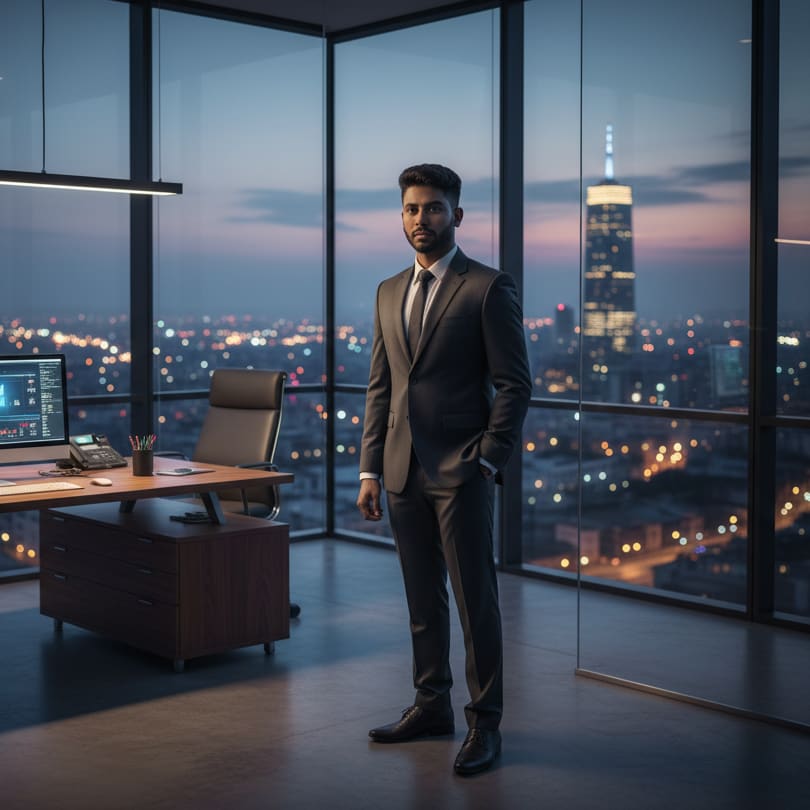
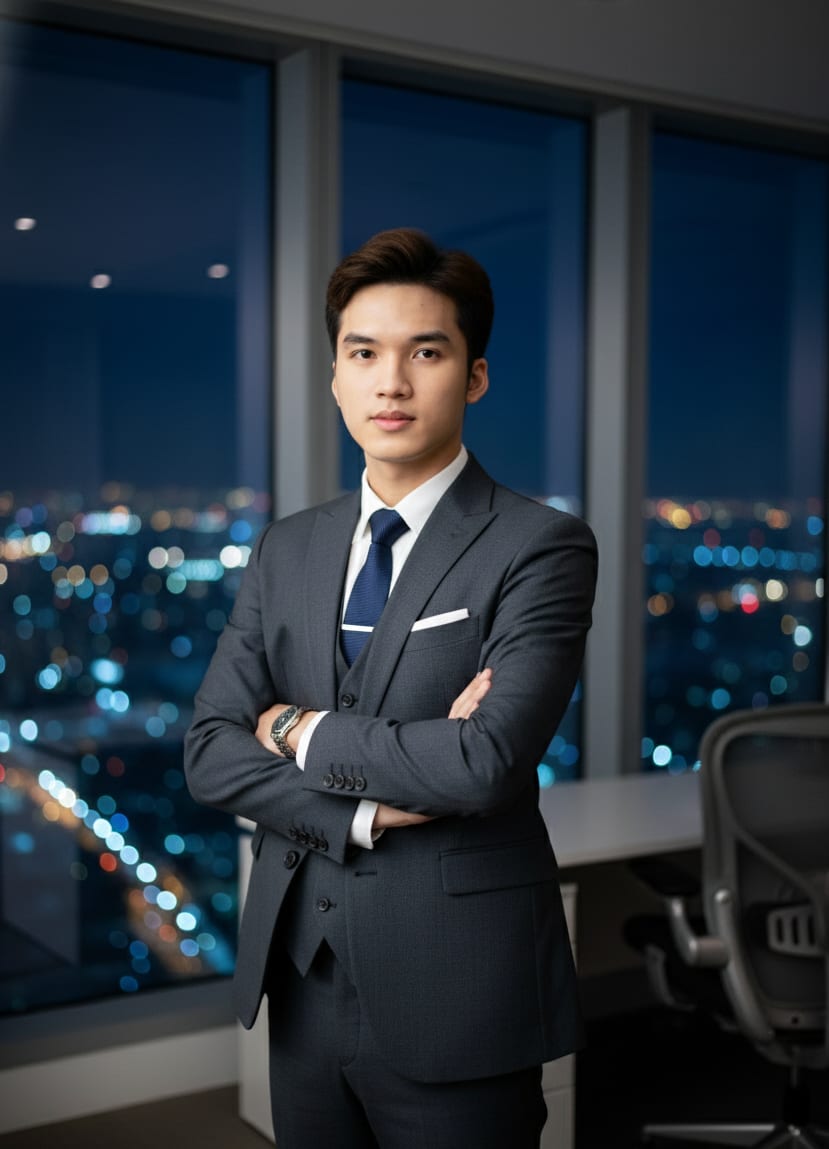
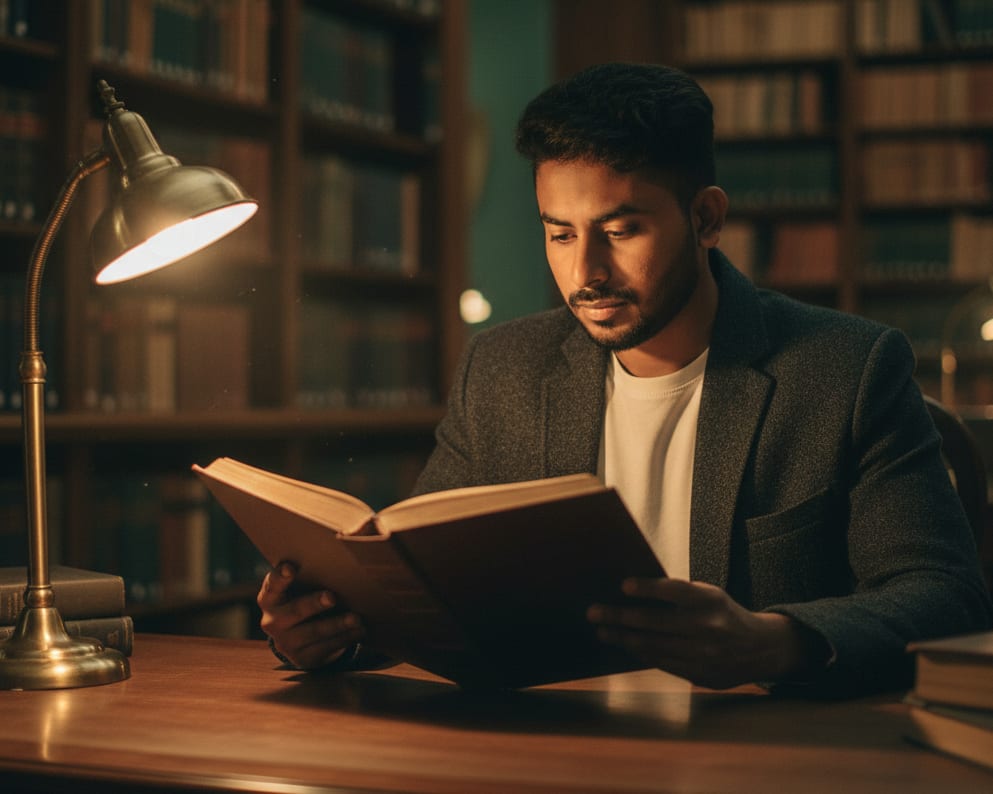
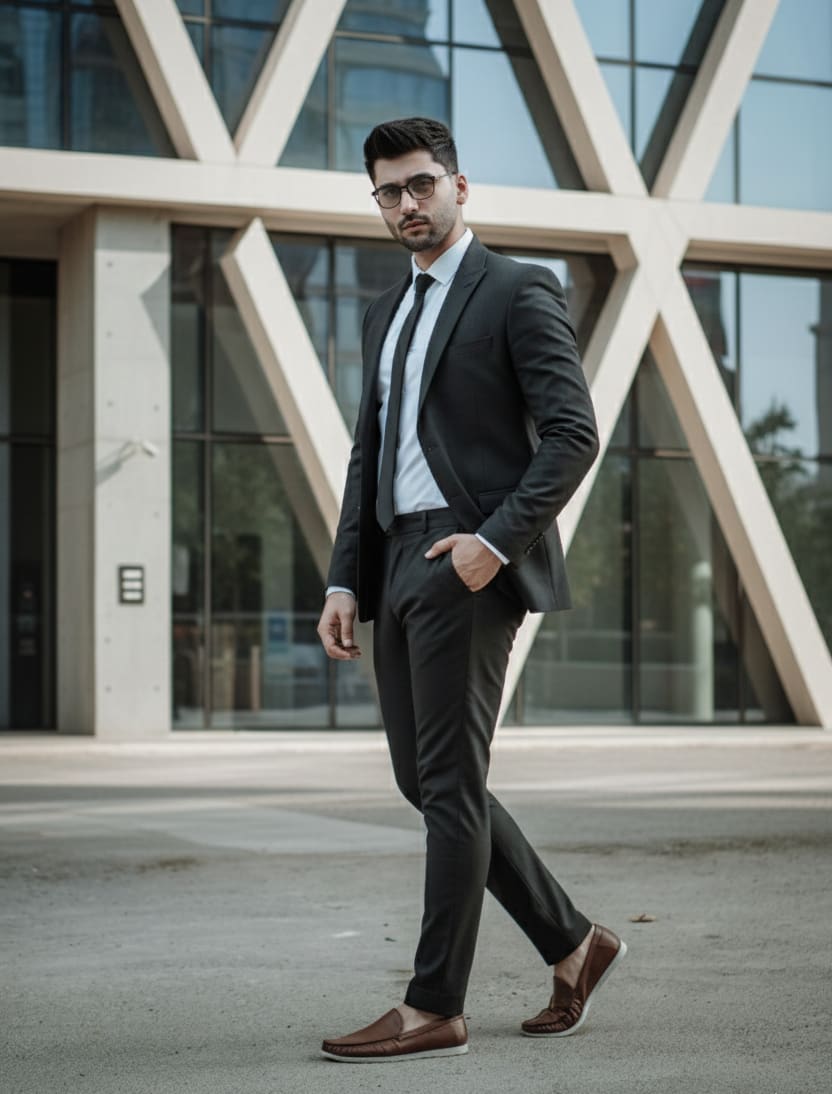
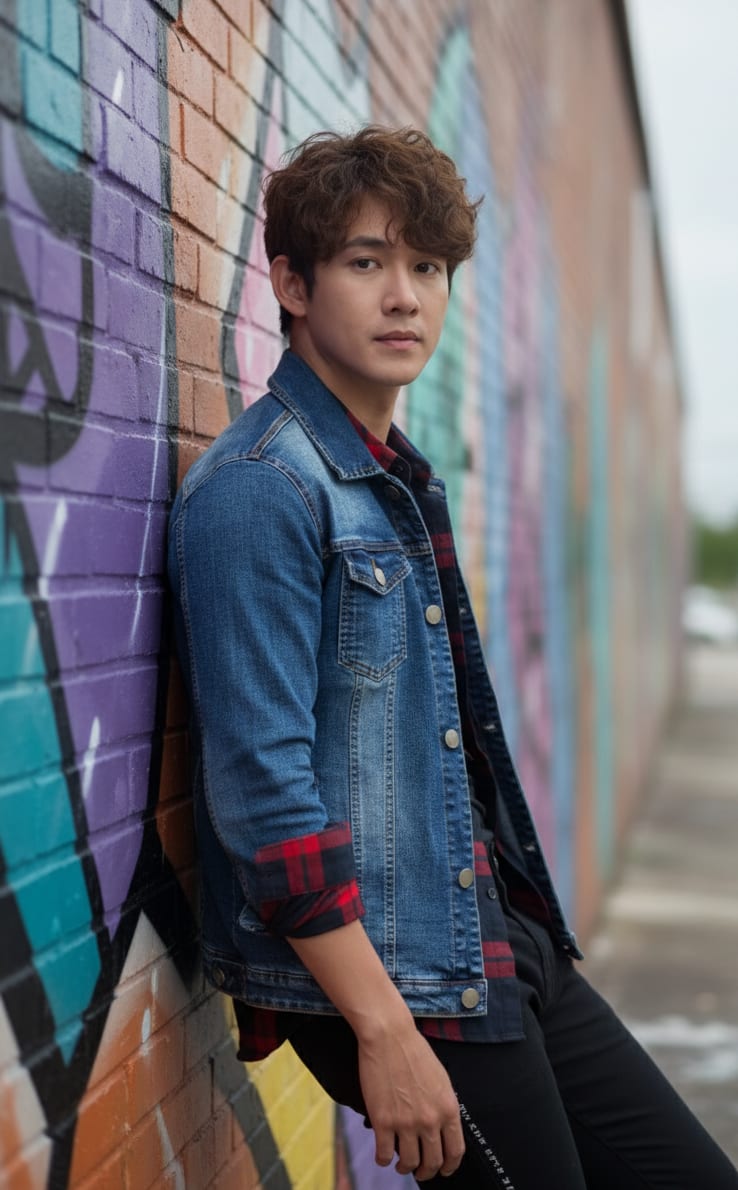
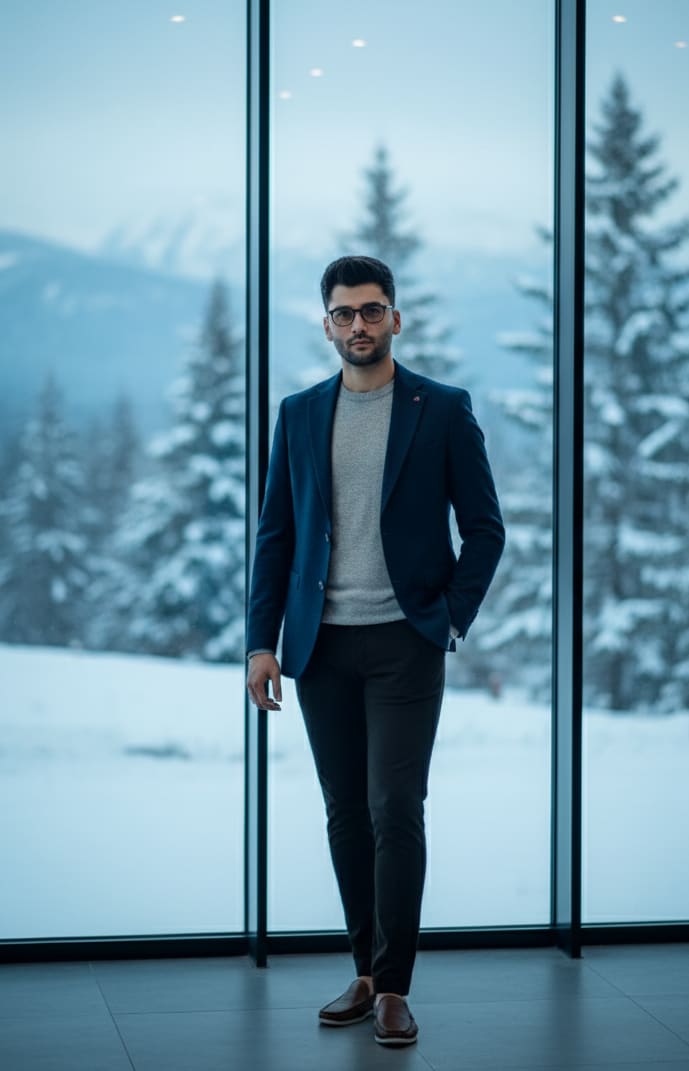
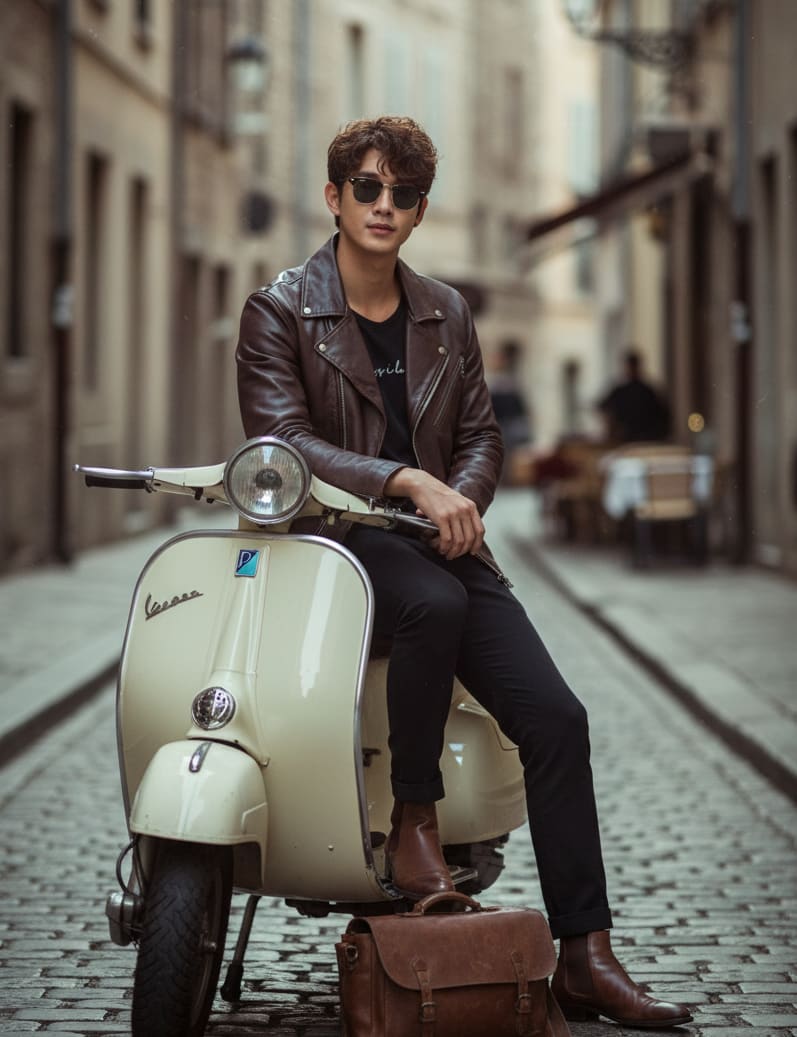
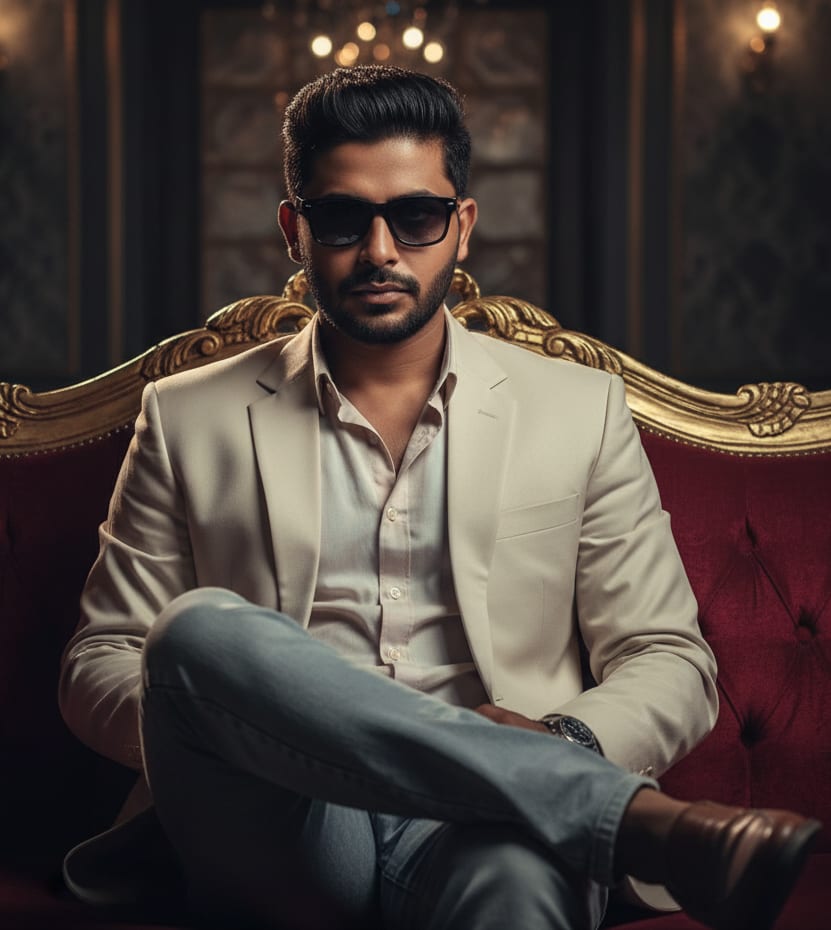
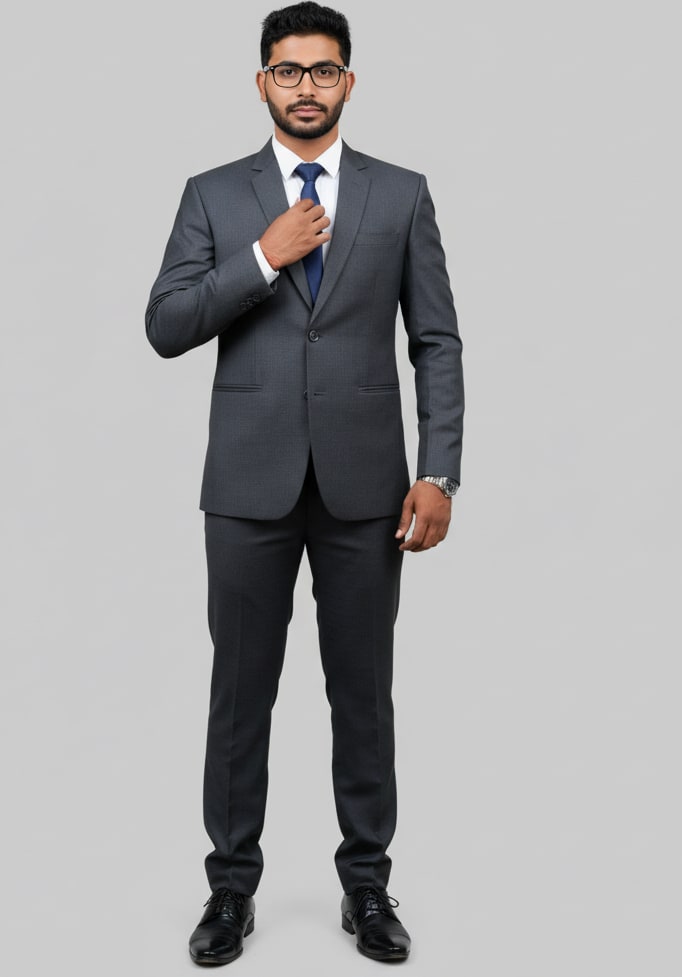
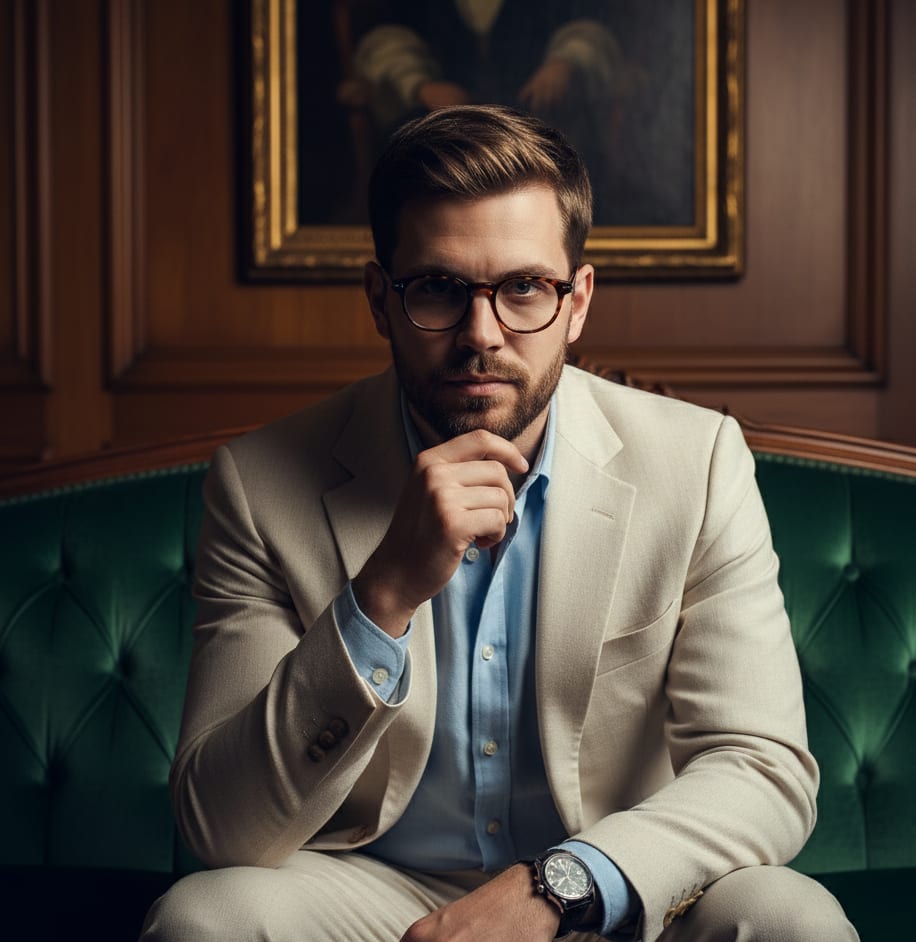
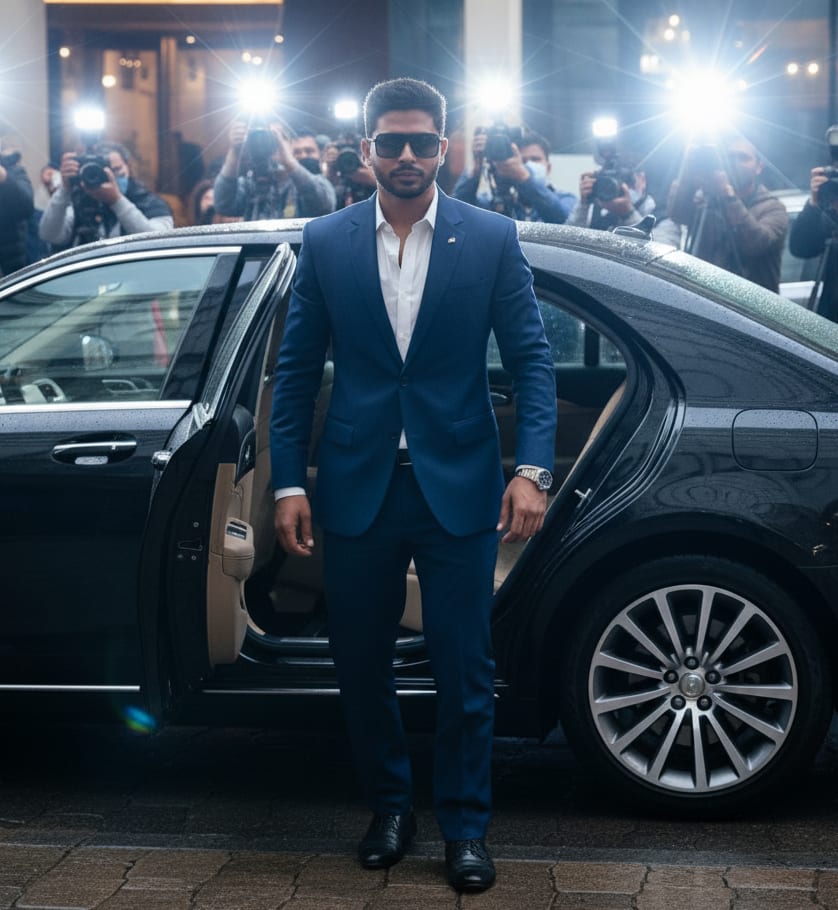
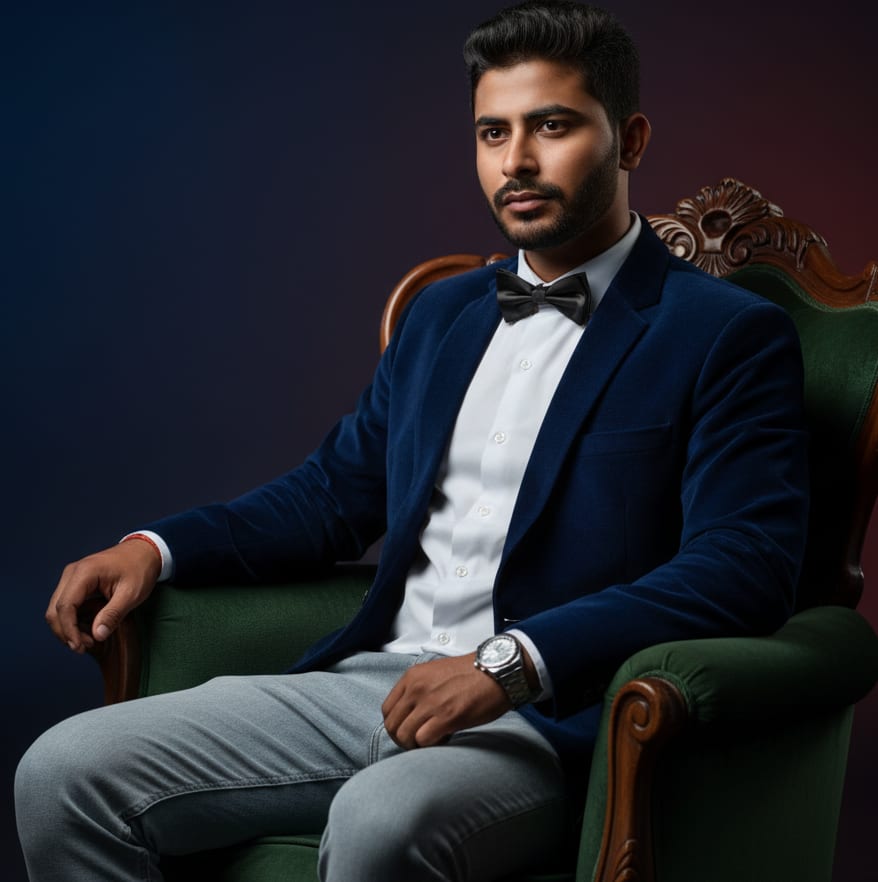
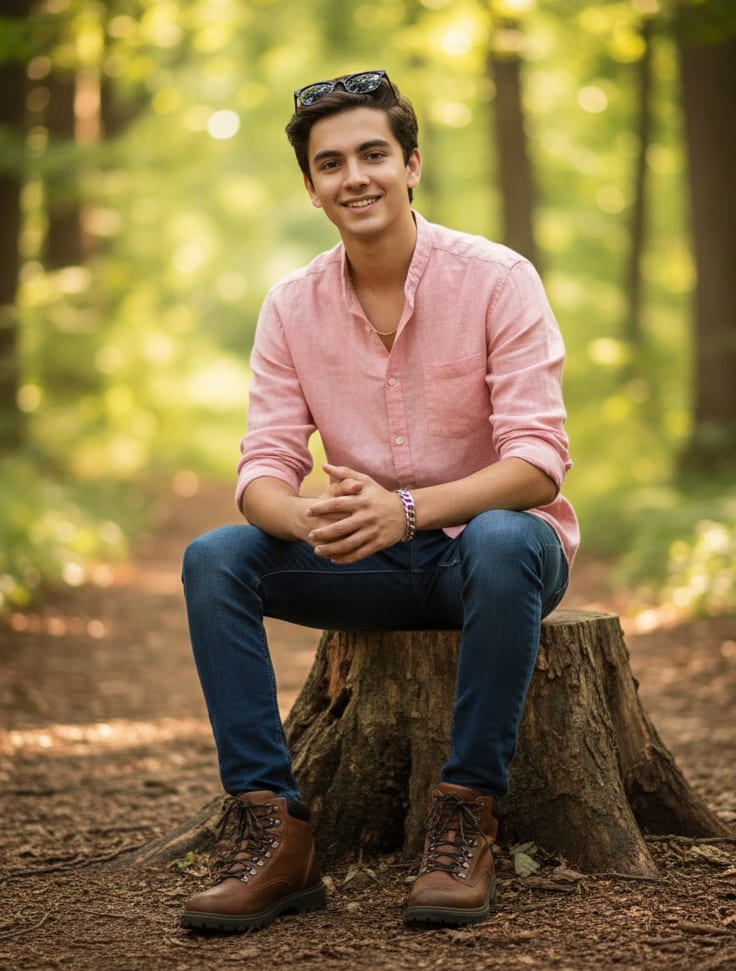
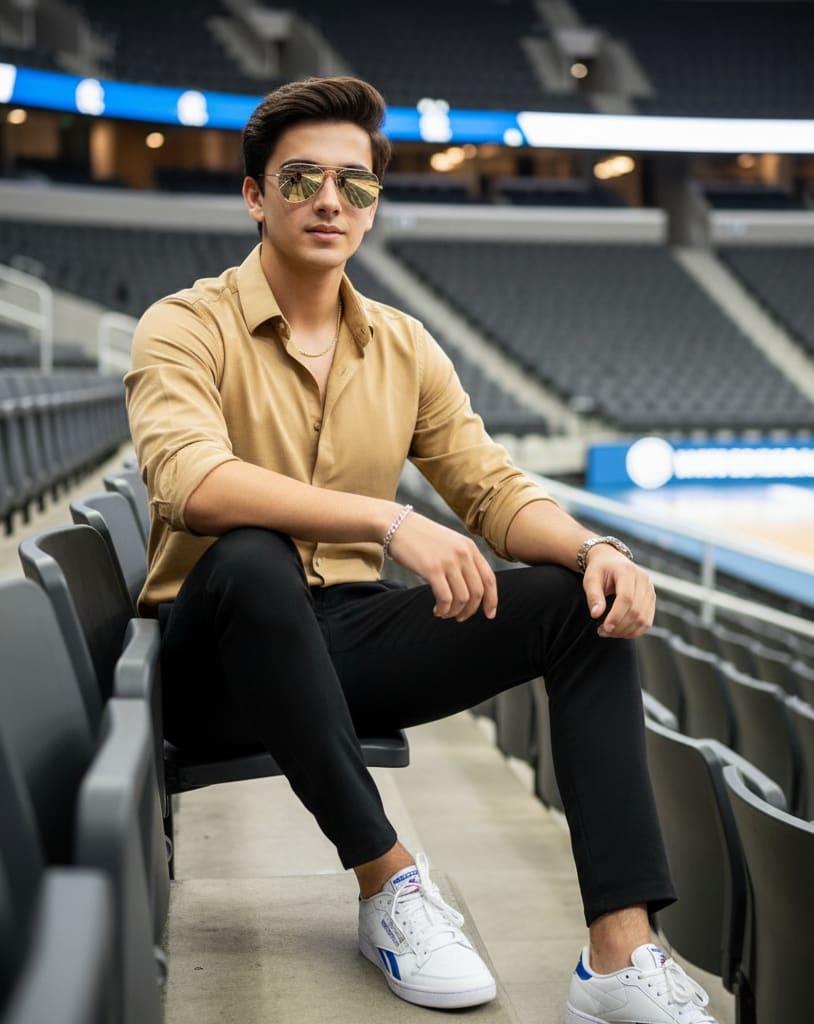
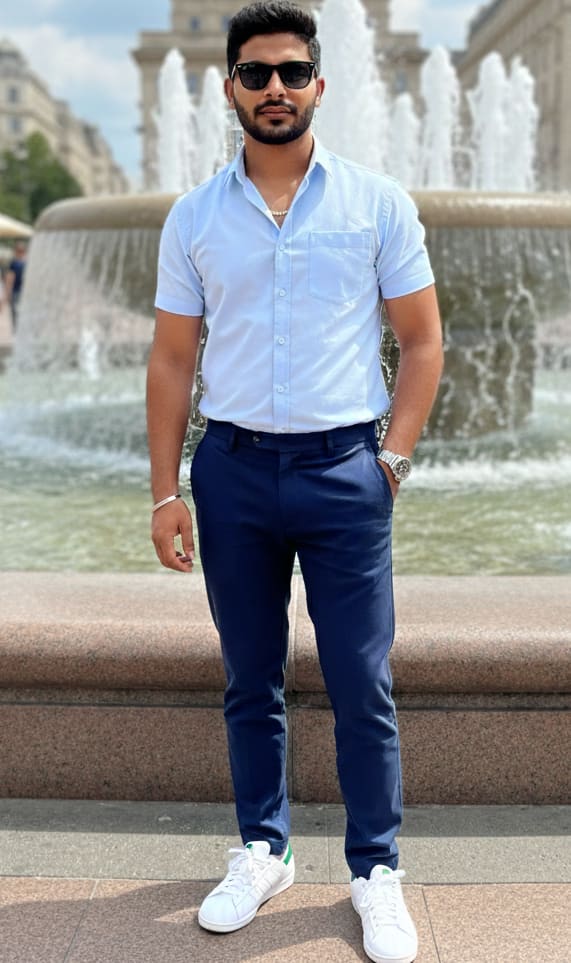
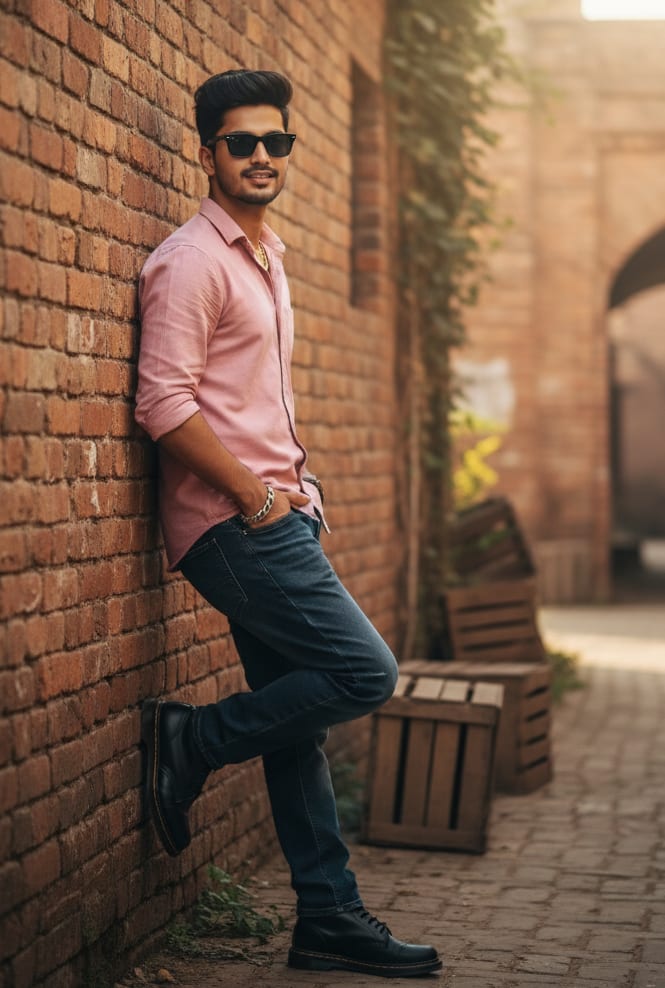
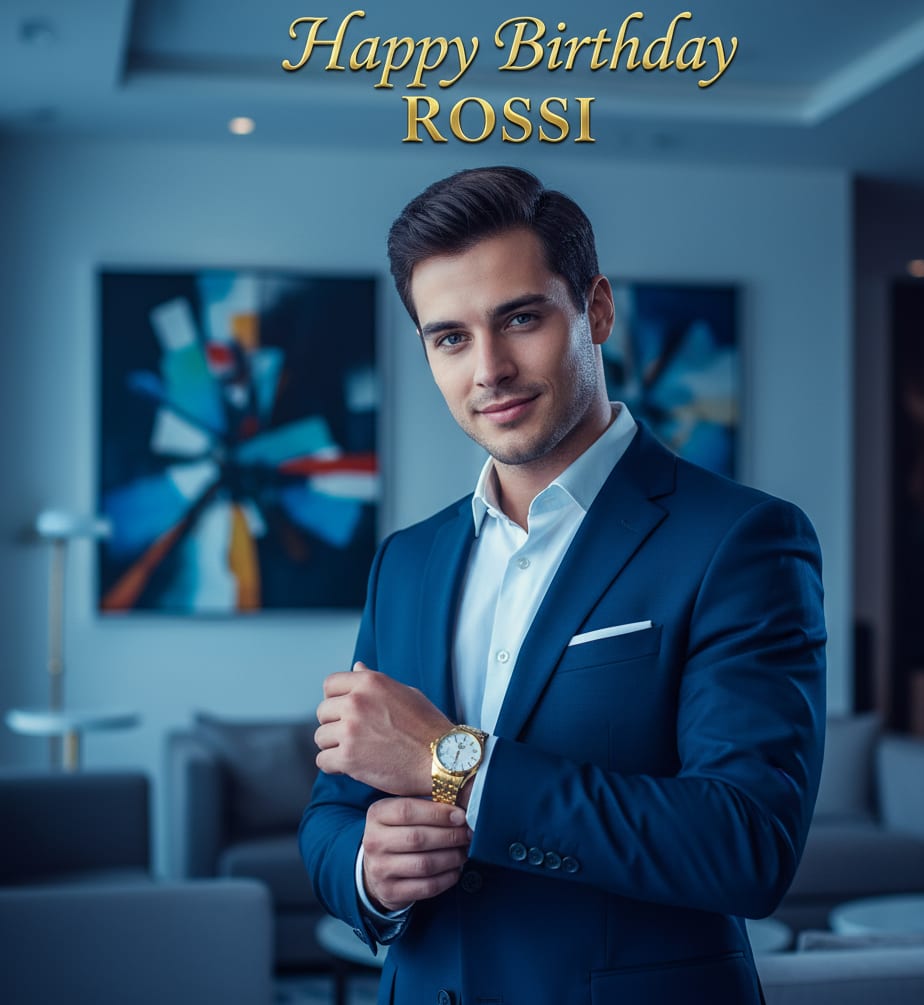
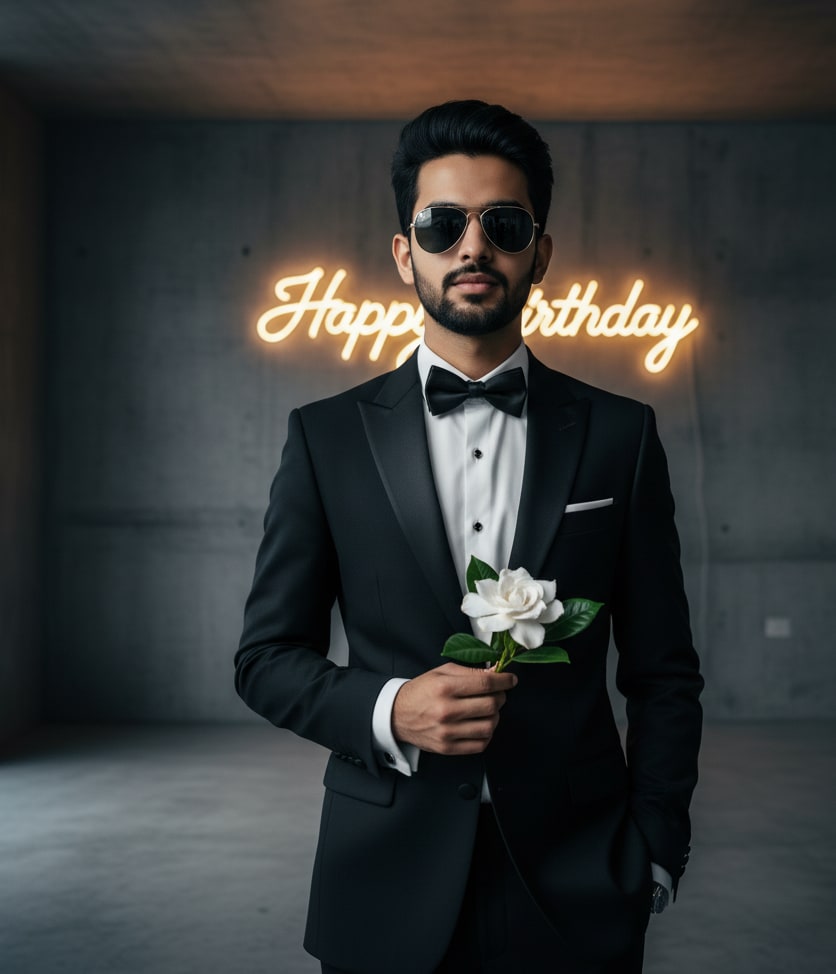
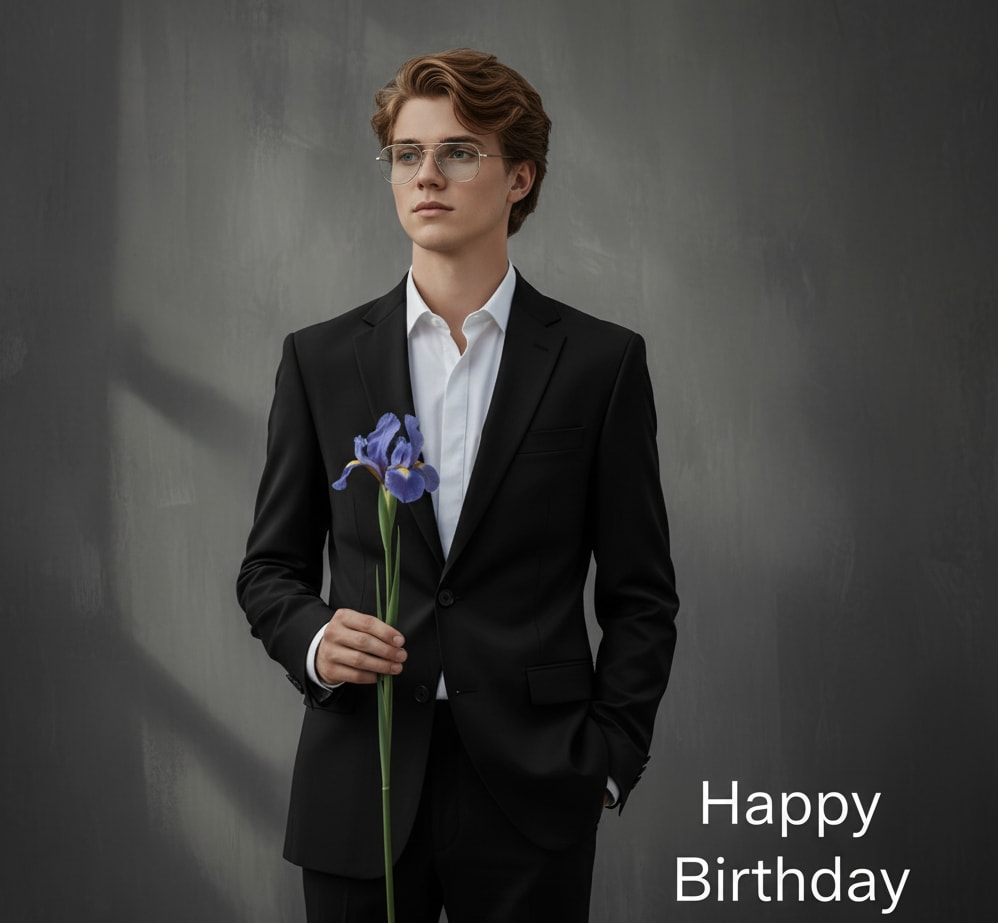
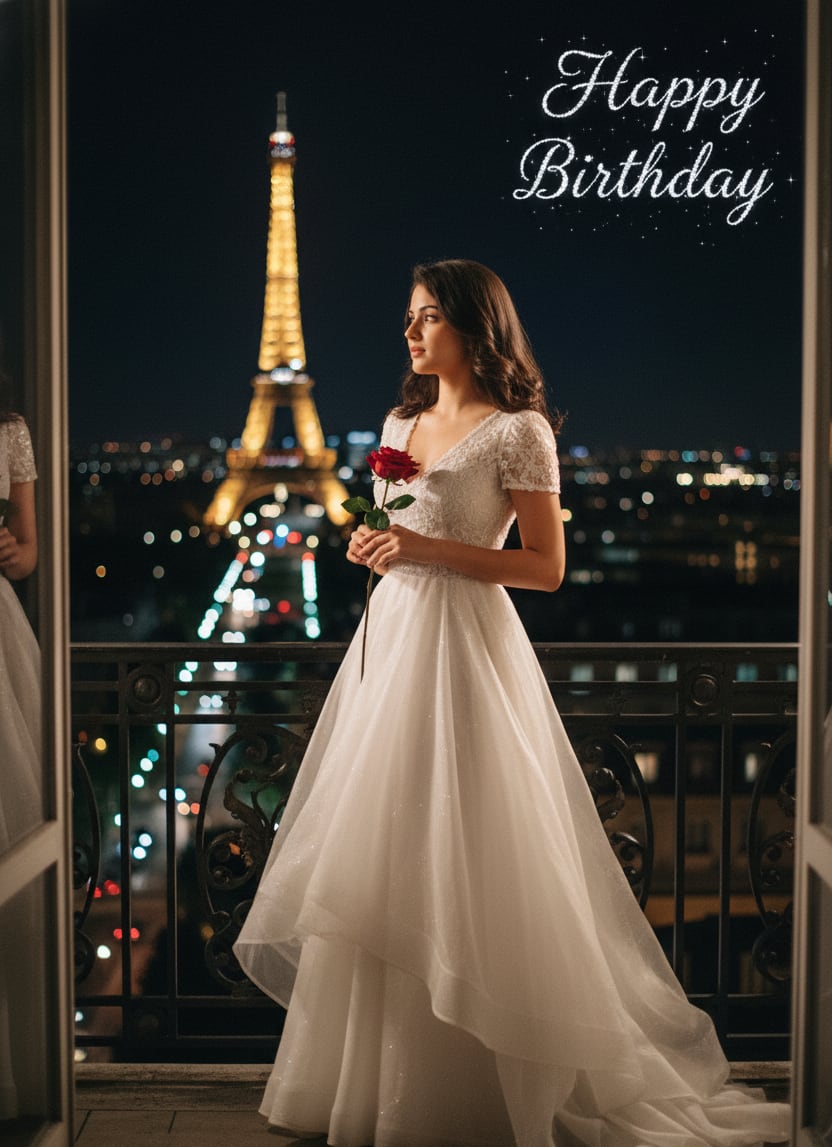
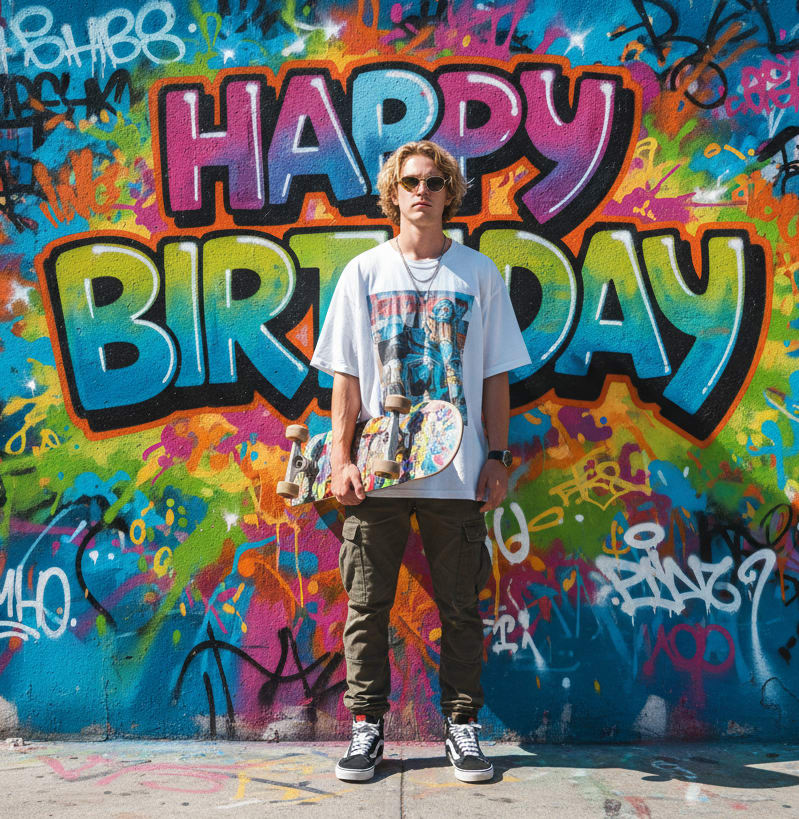
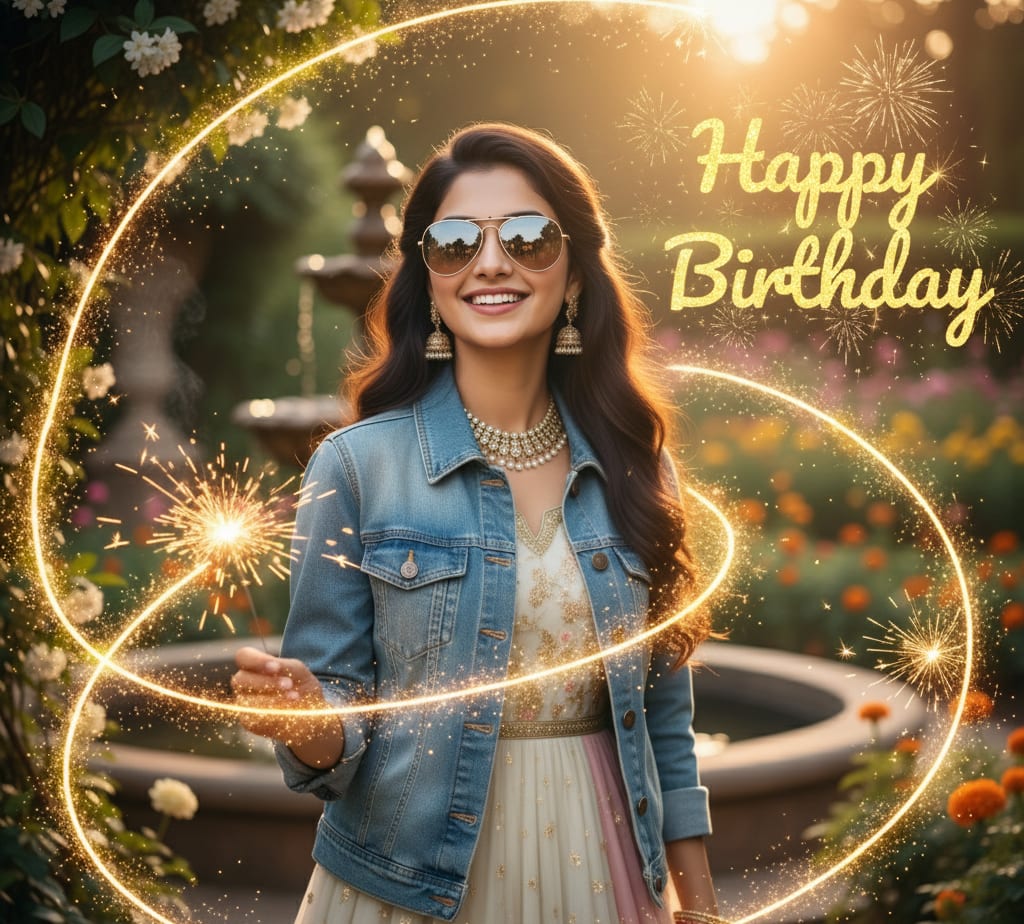
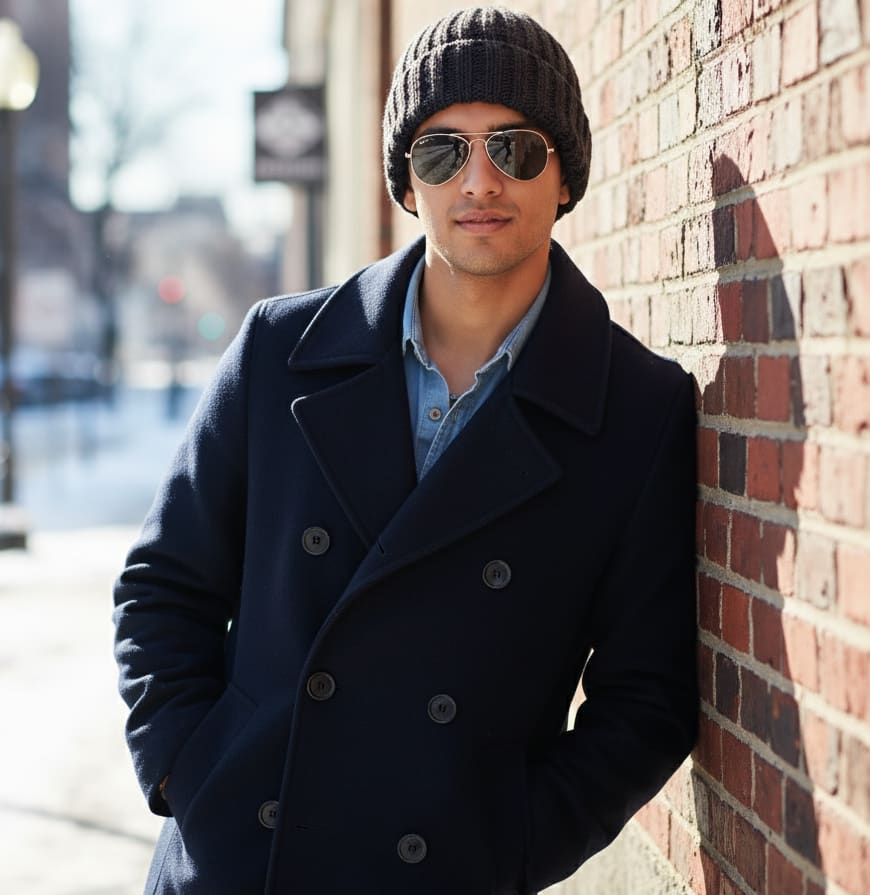
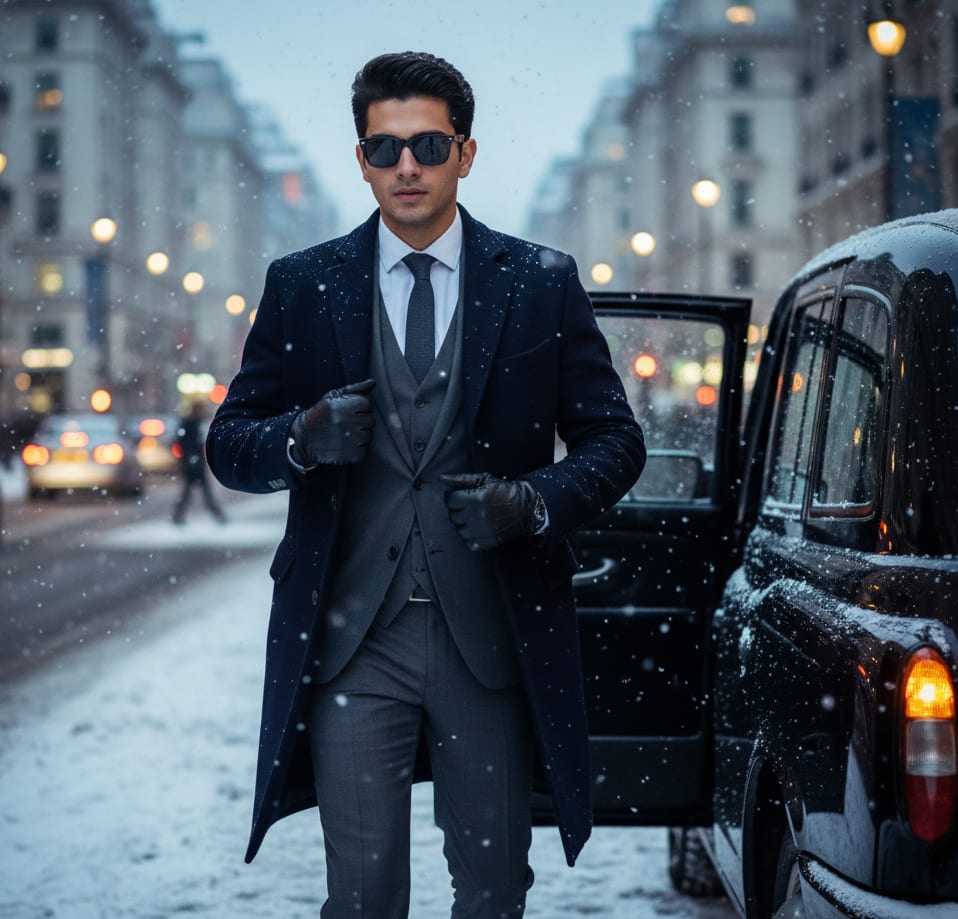
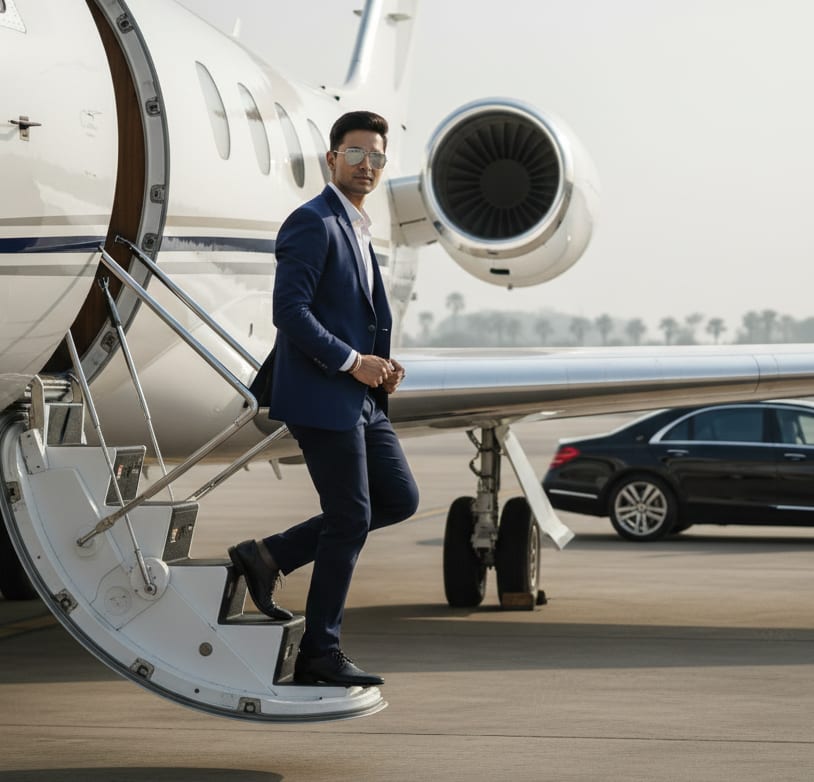
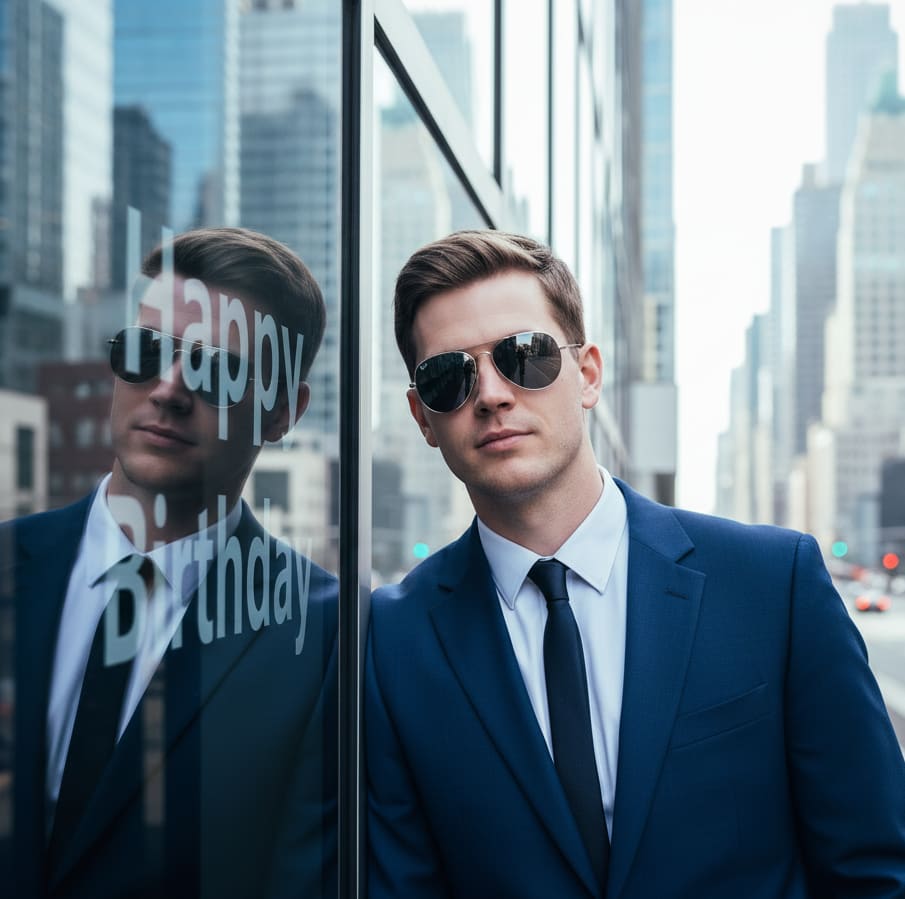
4K cinematic shot: young man wearing a sharp navy blue suit and reflective aviator sunglasses. He is leaning against a modern building with glass walls. 'Happy Birthday' text reflection. Cool, sharp, urban.
Realistic Portrait Prompts for Gemini
Prompts specifically tested to work best with Google's Gemini models for photorealistic output.
Realistic Portrait Prompts for ChatGPT (DALL-E 3)
These prompts help you get the most realistic faces from ChatGPT.
Photorealistic Headshot Prompts for Leonardo AI
Leonardo AI excels at style. Use these prompts to get professional, realistic headshots.
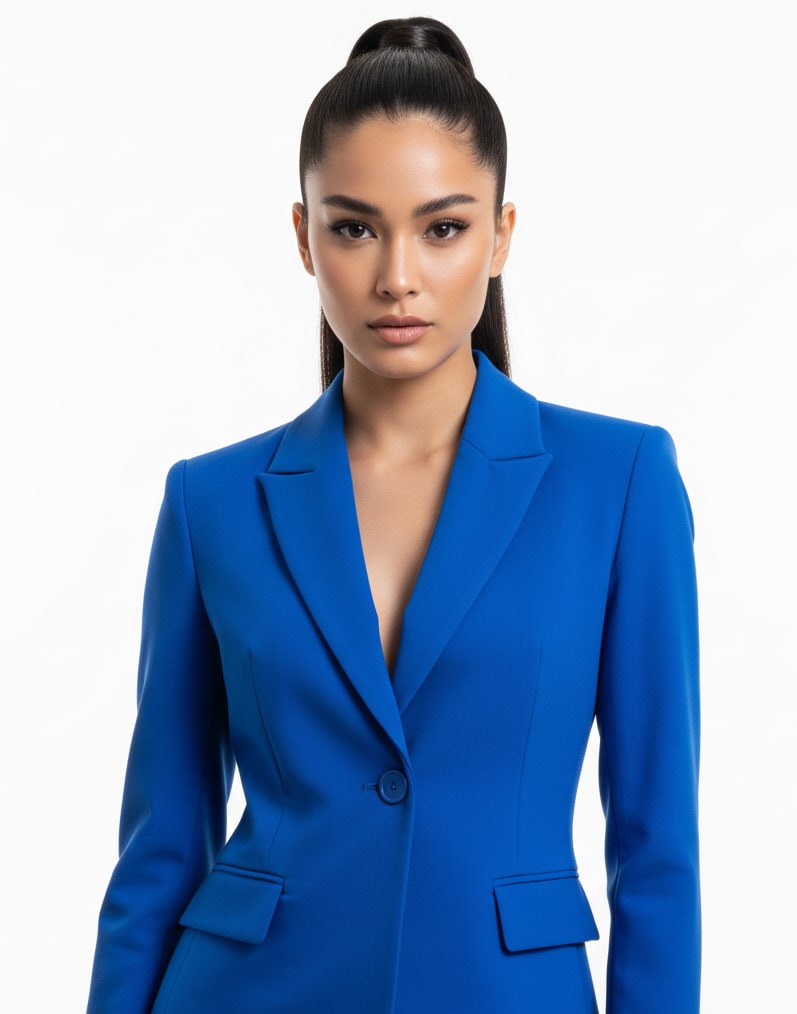
Cinematic Portrait Prompts (All Models)
Prompts focused on dramatic and cinematic lighting for realistic portraits.
Realistic Portrait Prompts for Copilot
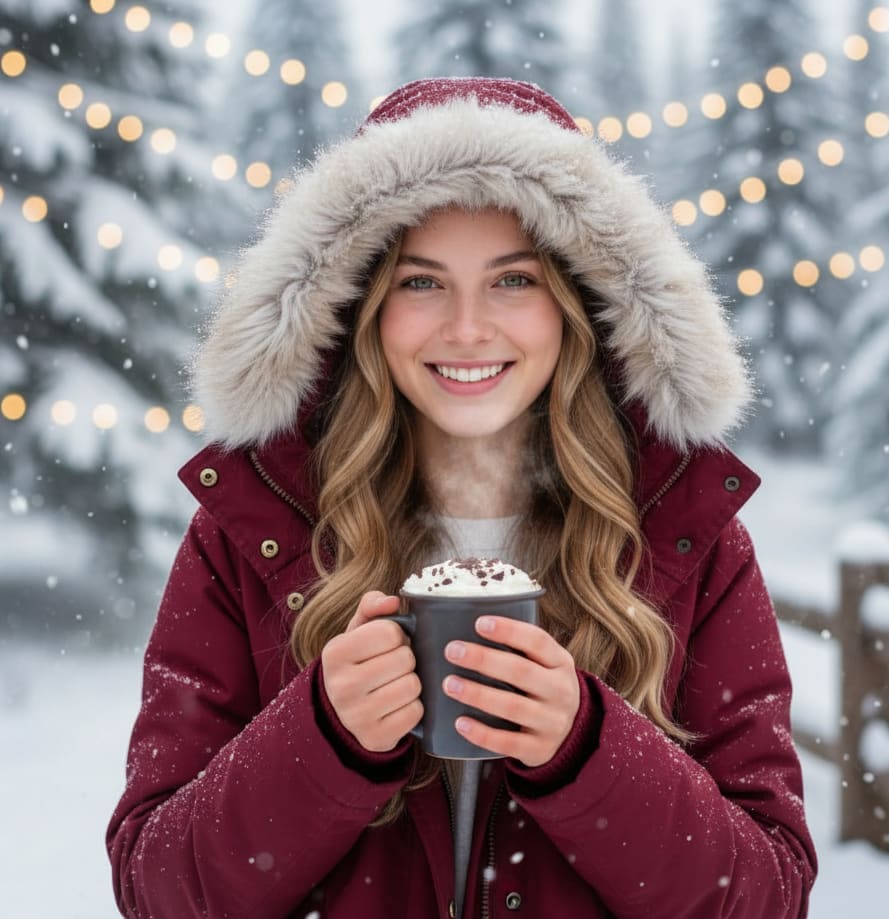
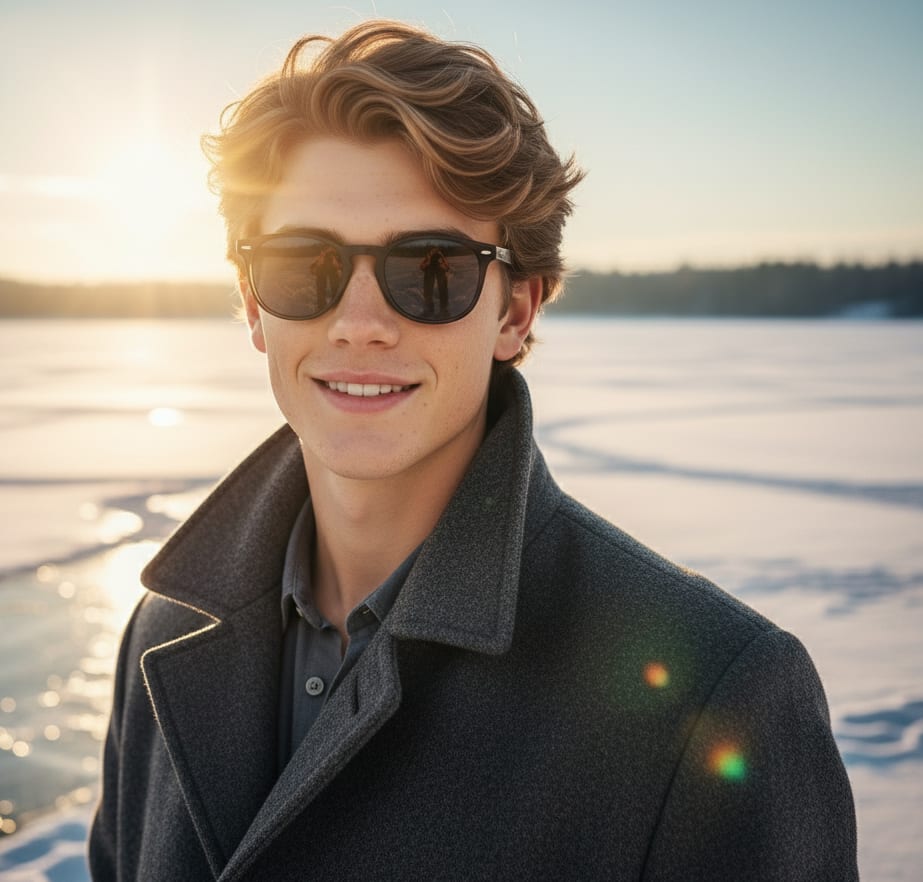
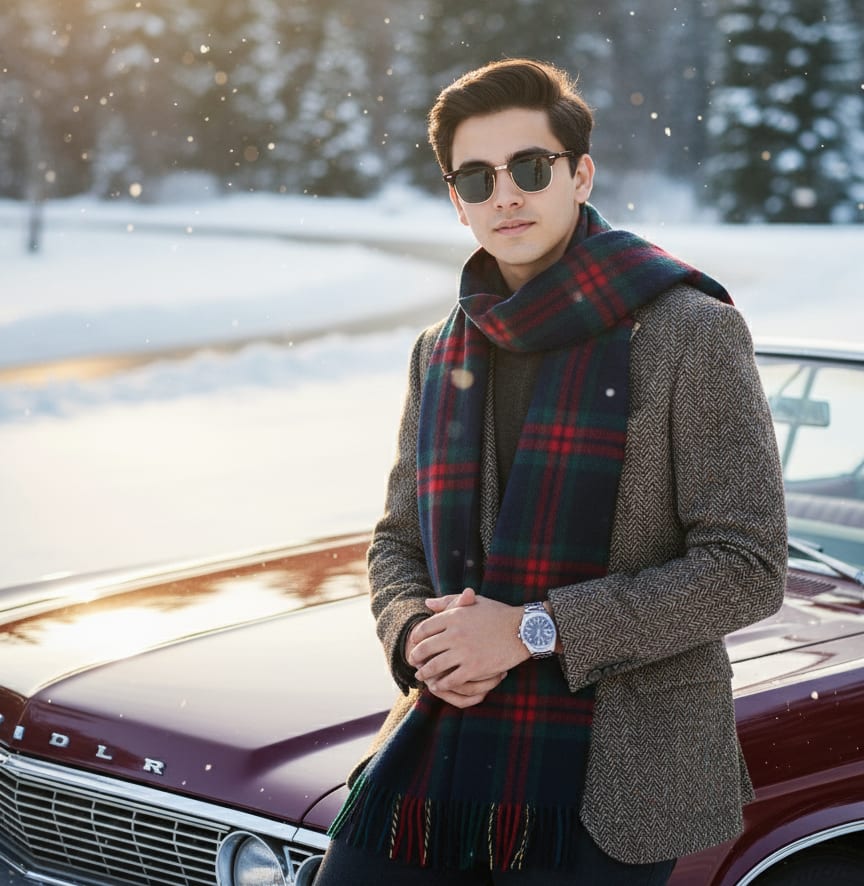
Example: AI Image Prompt
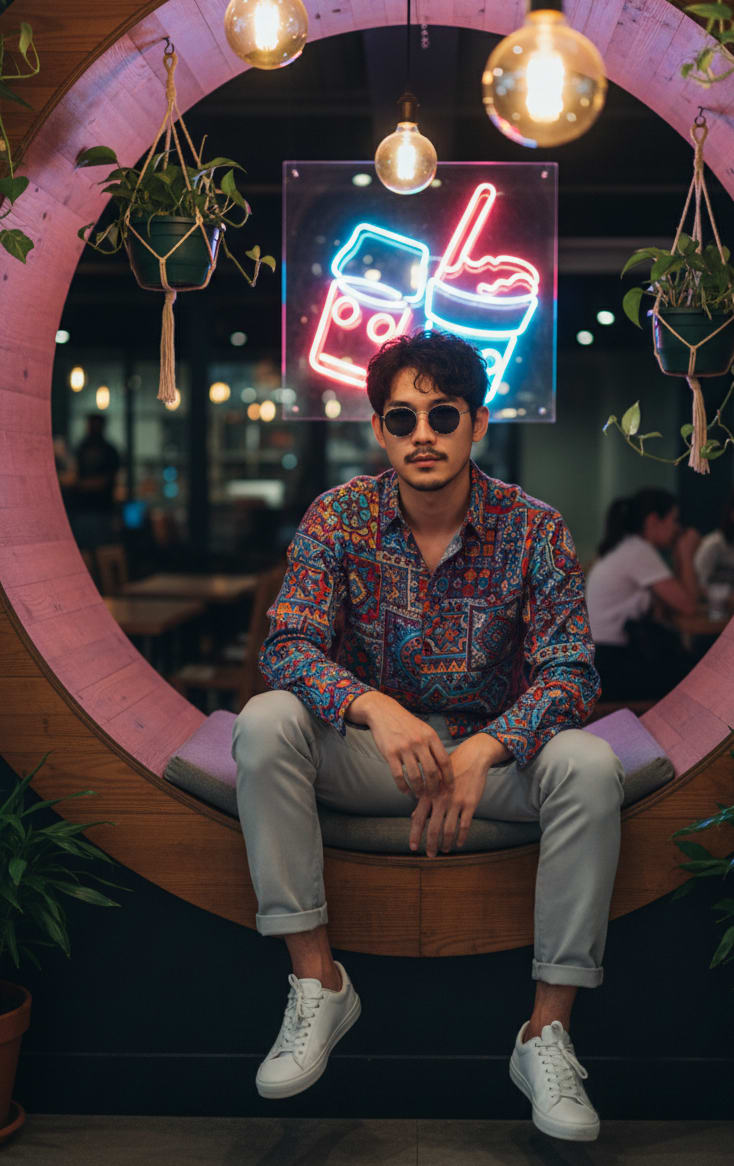
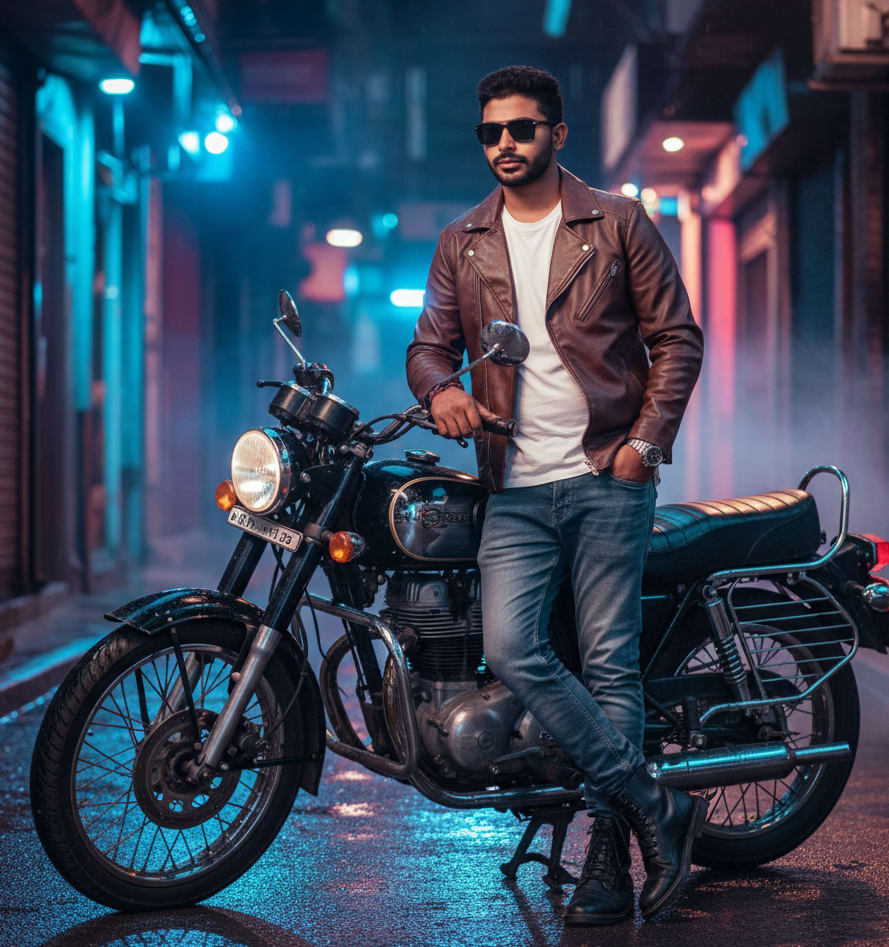
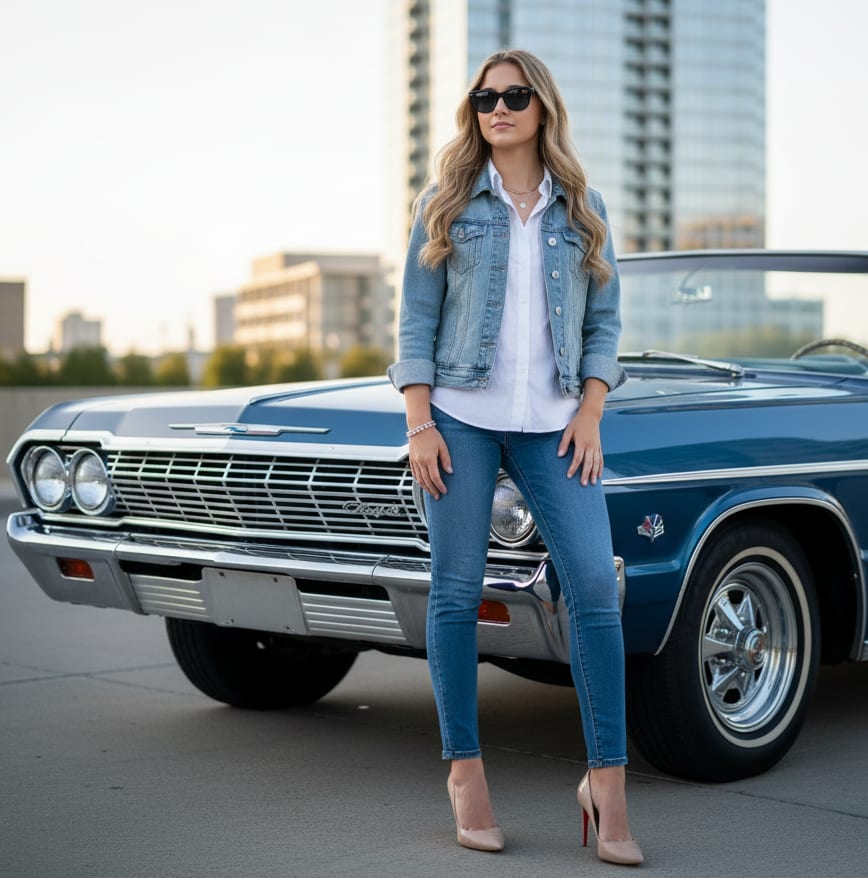
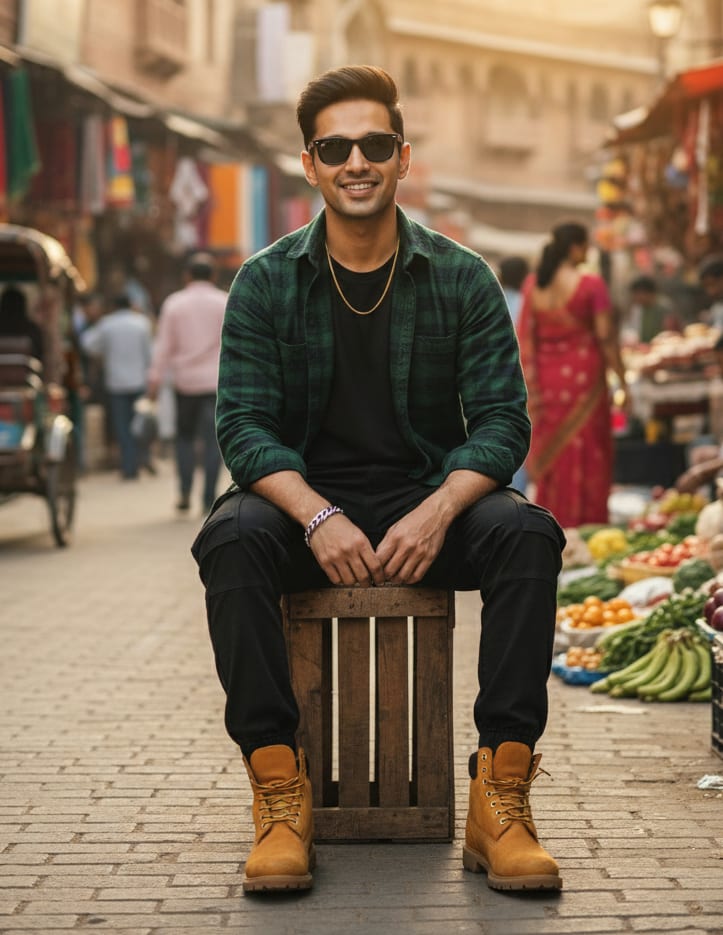
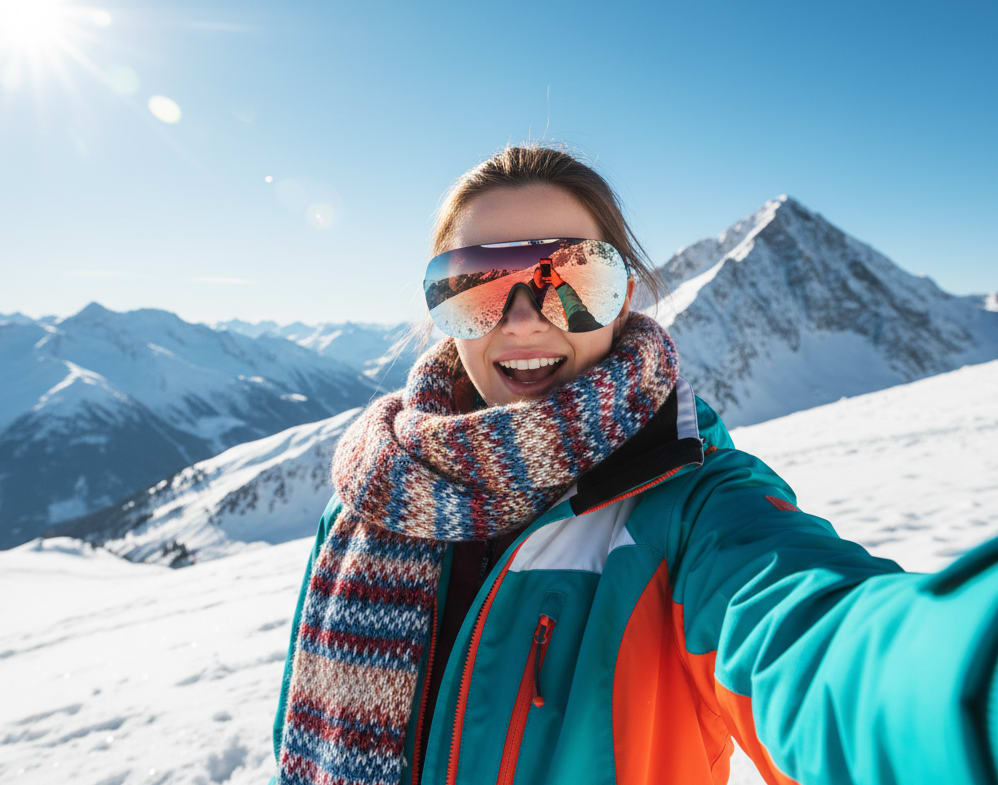
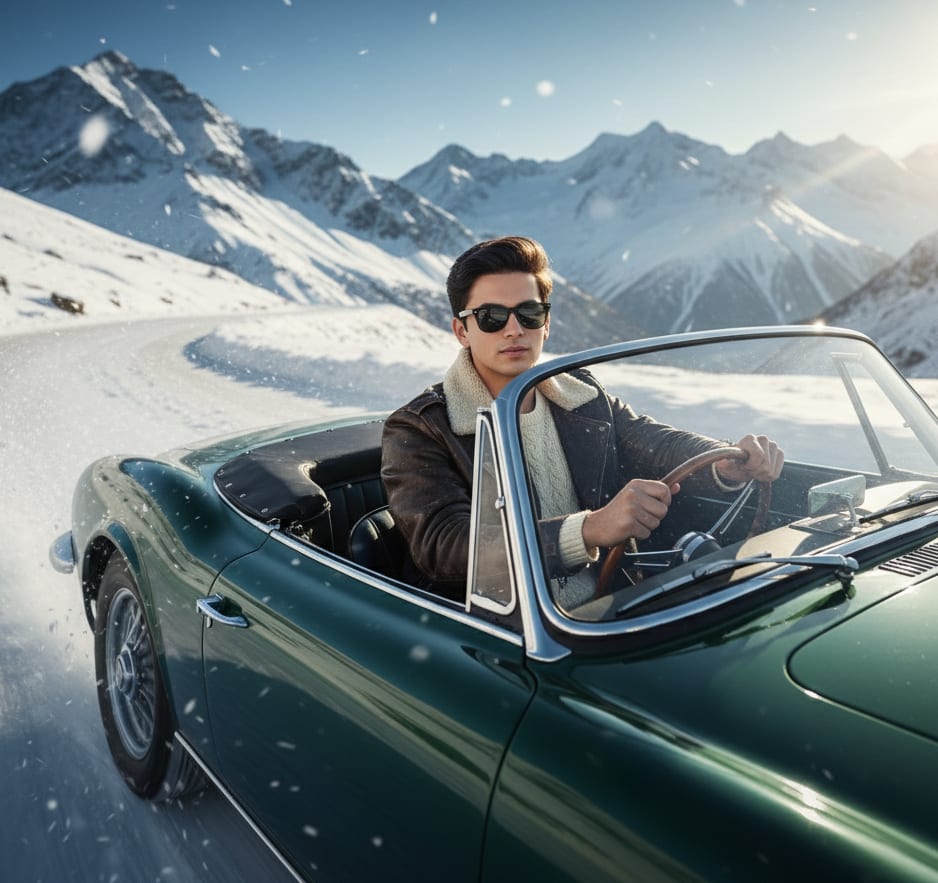
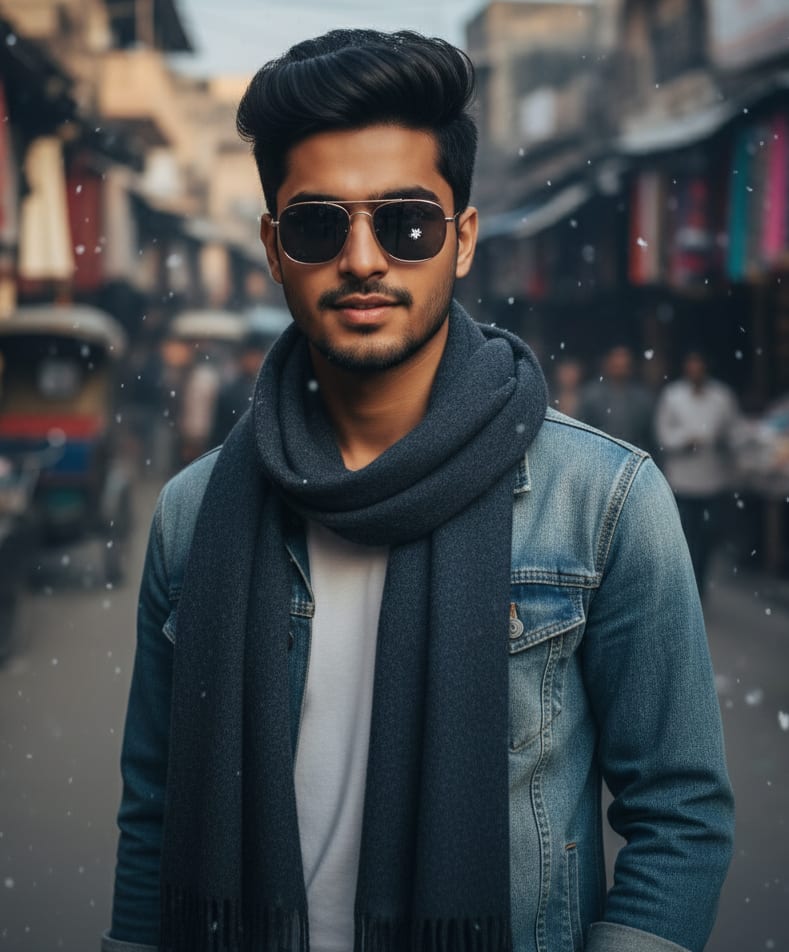
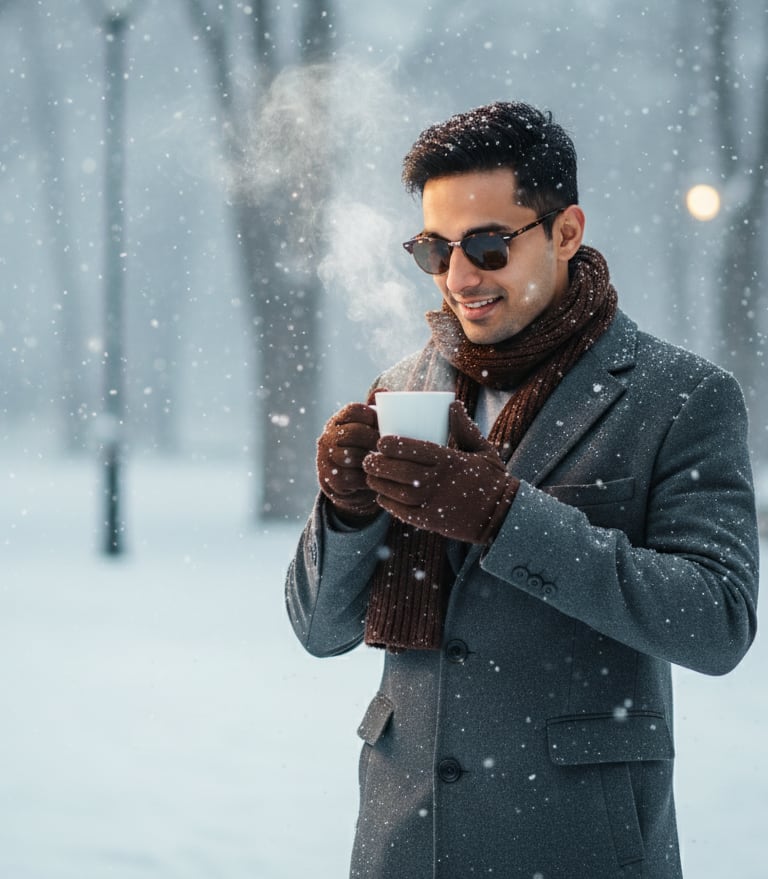
Young man, wearing clubmaster sunglasses, leaning on a vintage car in a snowy landscape. He's dressed in a tweed sports coat and scarf, looking dapper. Bright sun, fashion editorial style, 8K.
Realistic Landscape Prompts
Create photorealistic landscapes that look like real photos. These prompts are perfect for generating stunning mountains, serene beaches, and detailed forests.
Fantasy Landscape Prompts
Build magical worlds with our fantasy landscape prompts. Discover prompts for creating elven cities, glowing forests, enchanted castles, and epic fantasy scenery.
Cinematic & Moody Landscape Prompts
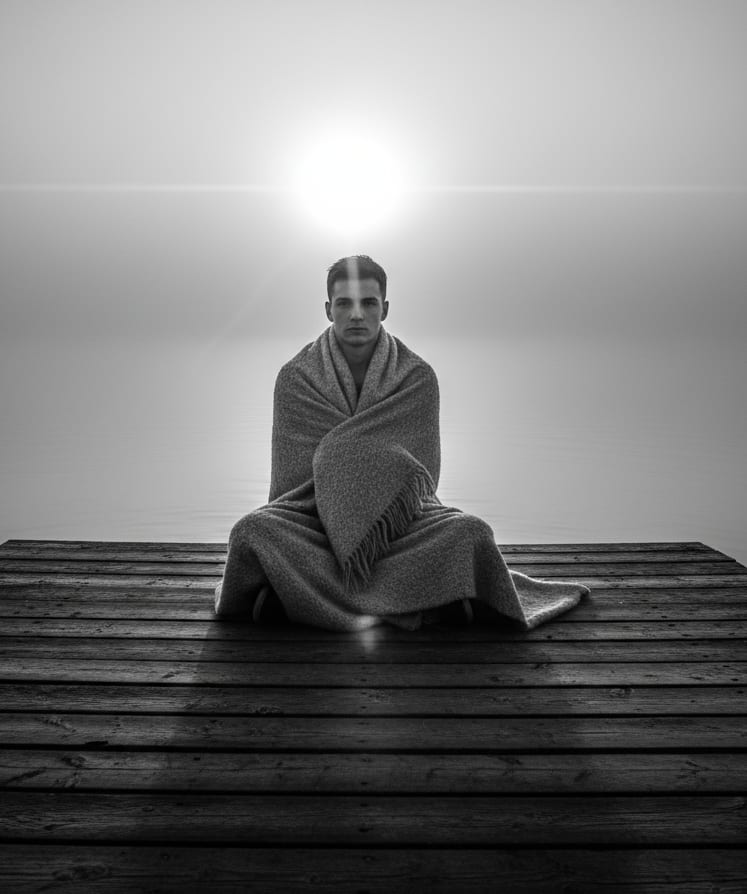
Set the scene with these cinematic and moody landscape prompts. Perfect for creating dramatic lighting, foggy mornings, or the style of your favorite movie.
Sci-Fi & Futuristic Landscape Prompts
Explore other worlds with our sci-fi and futuristic landscape prompts. Generate alien planets, high-tech cyberpunk cities, and vast space environments.
Weather & Atmosphere Prompts (Rain, Sun, Fog)
Control the environment with prompts for specific weather and atmosphere. Get the perfect 'golden hour' glow, a dramatic thunderstorm, or a mysterious foggy forest.
Photo Prompt Generator – Your Ultimate AI Image Inspiration!
Are you fascinated by the incredible world of AI-generated Image? Do you ever wonder how those stunning, imaginative images are created? Or perhaps you're an artist, designer, or just someone looking for a spark of visual inspiration? Look no further!
We're thrilled to introduce Photo Prompt Generator, your new go-to platform for exploring, understanding, and even using the magic behind AI image creation.
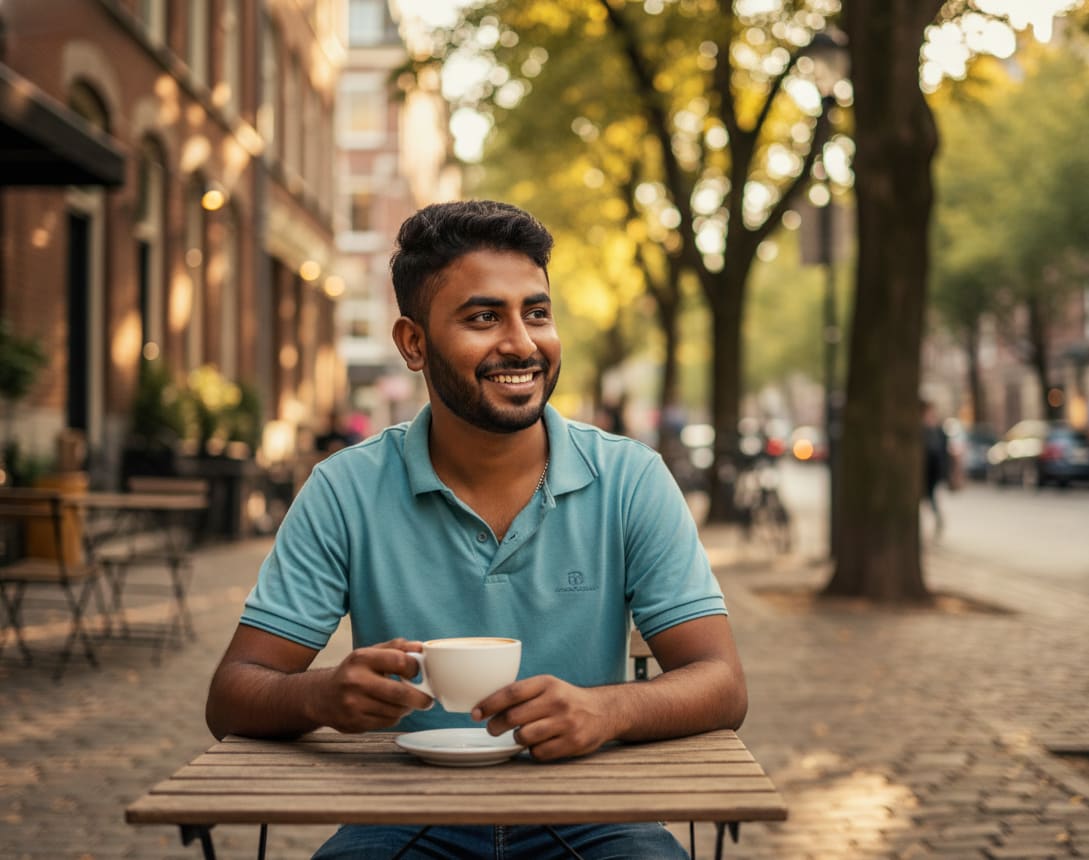
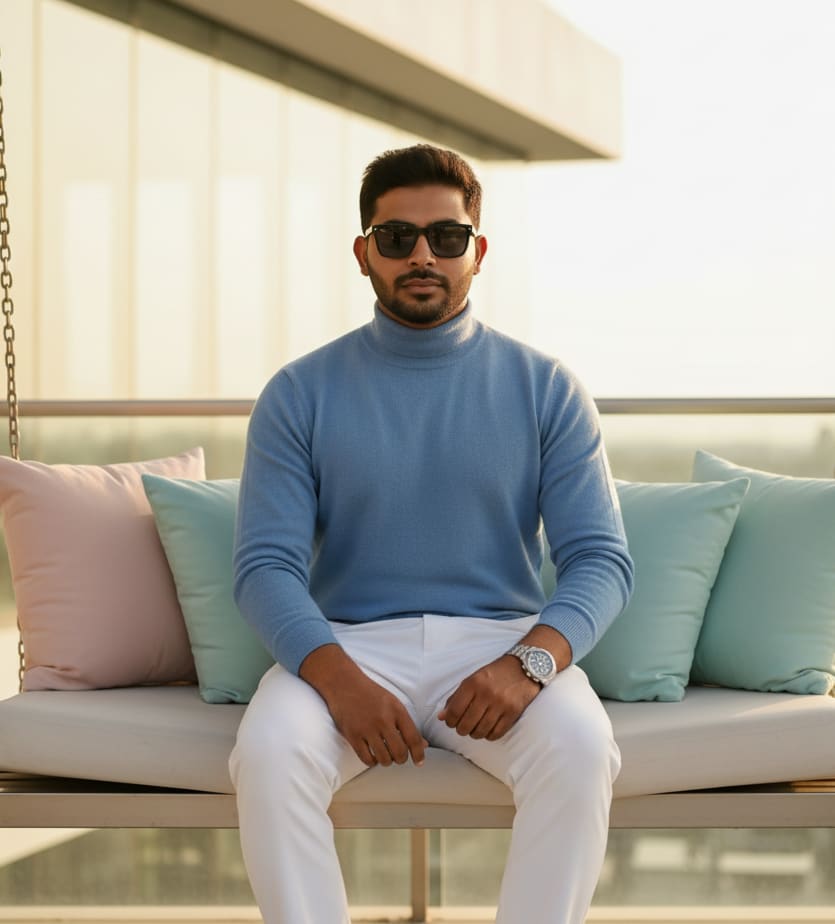
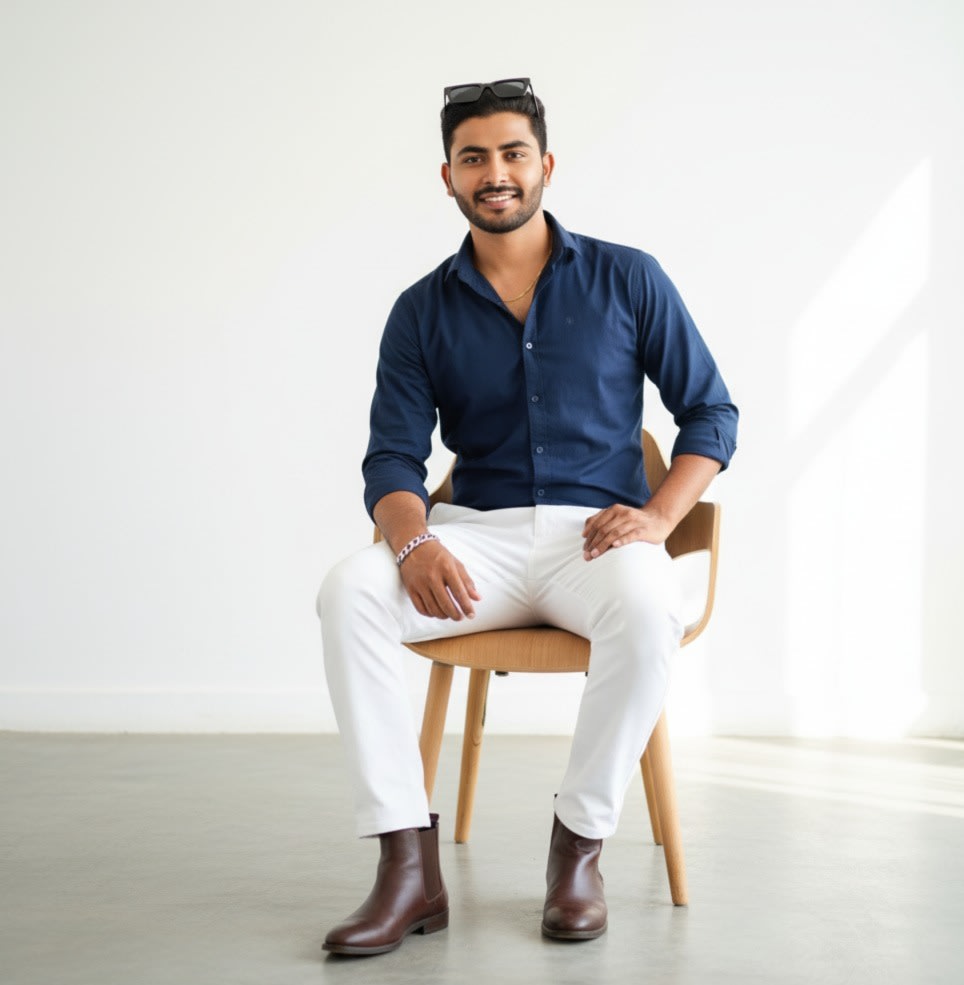
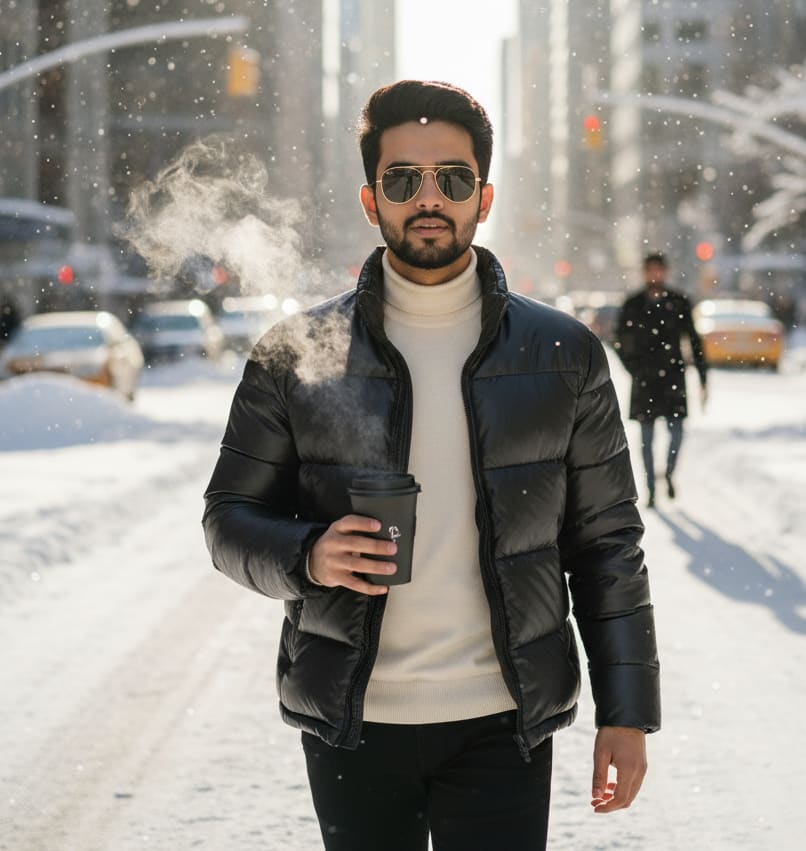
Example: AI Image Prompt
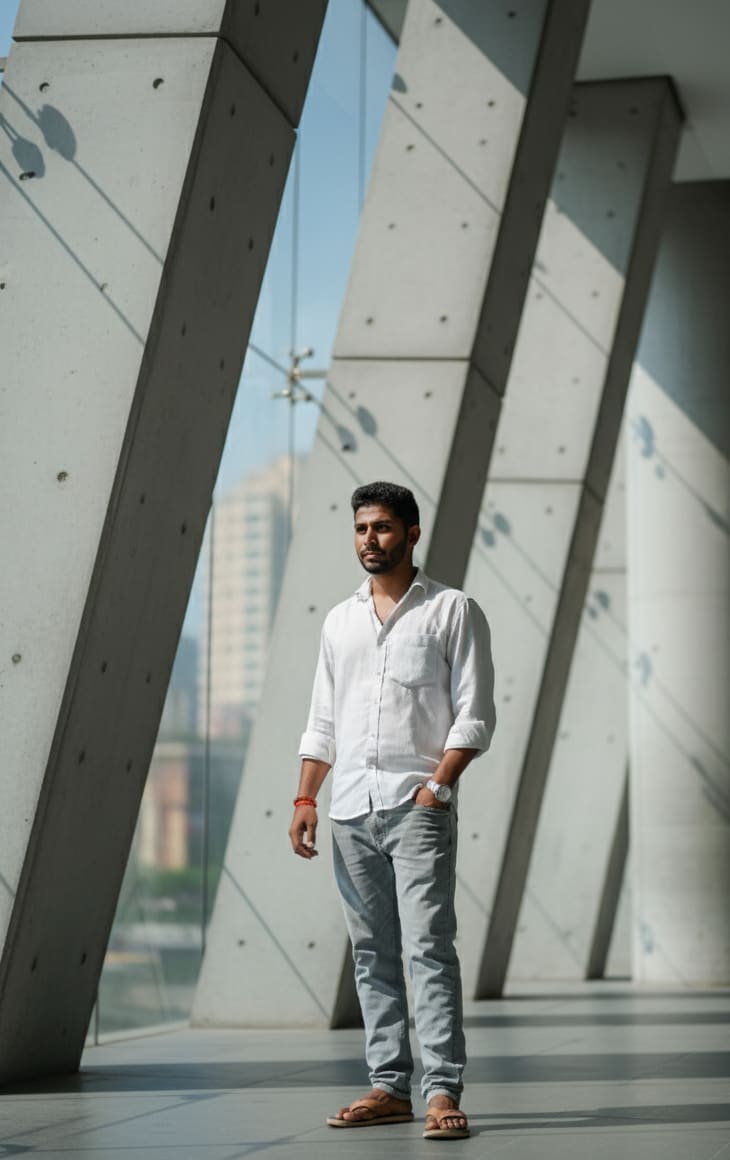
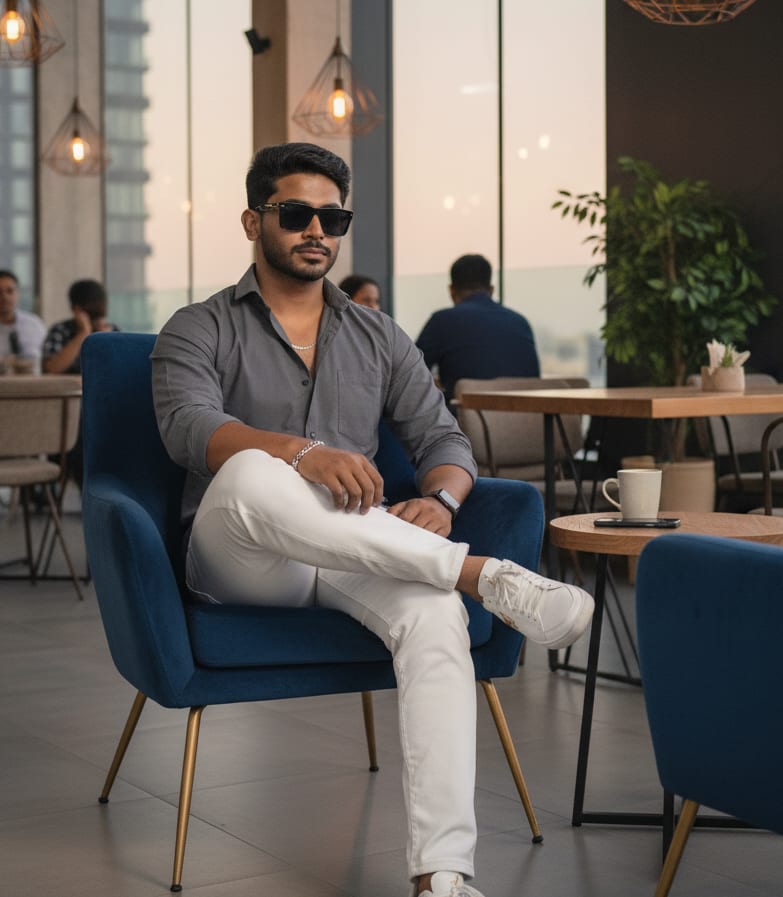
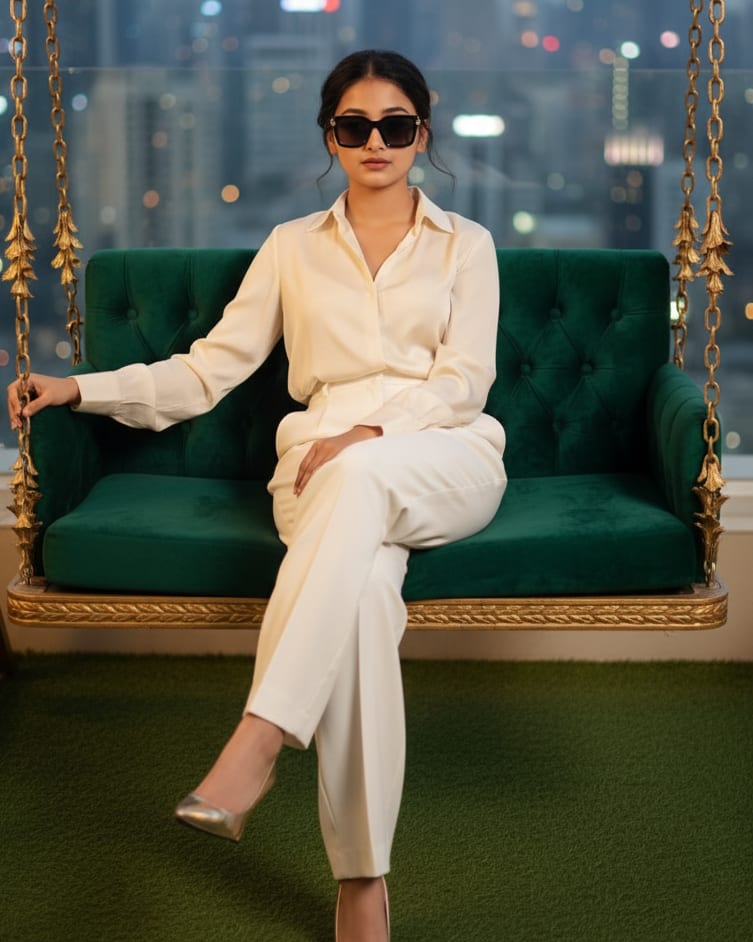
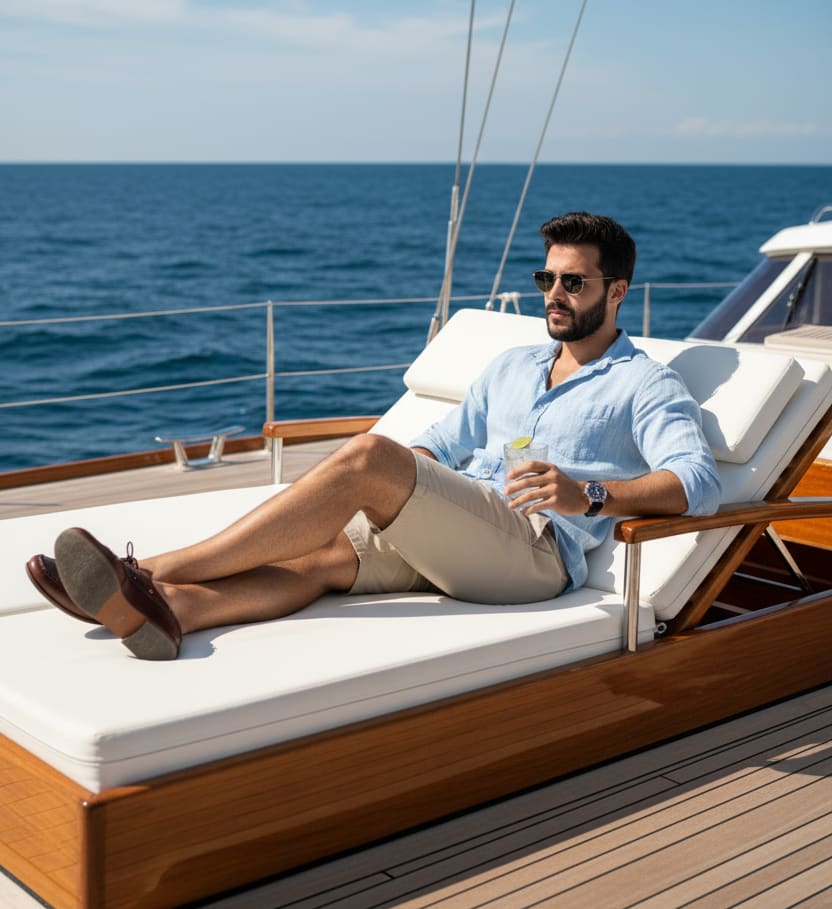
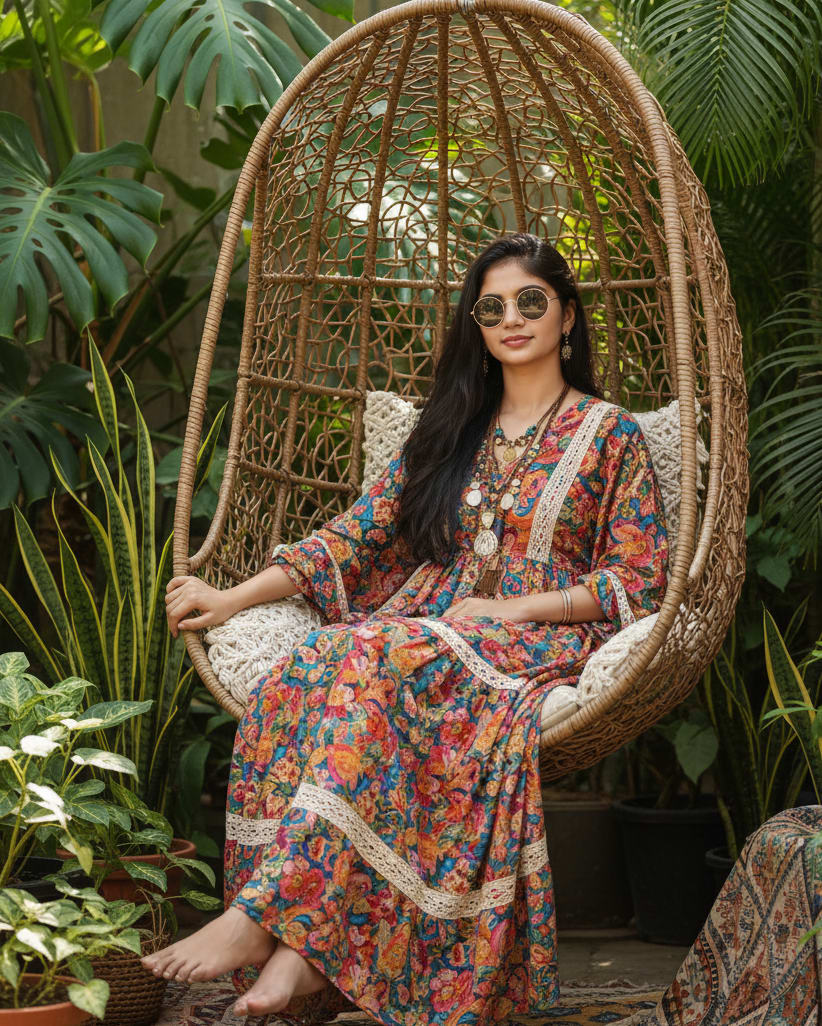
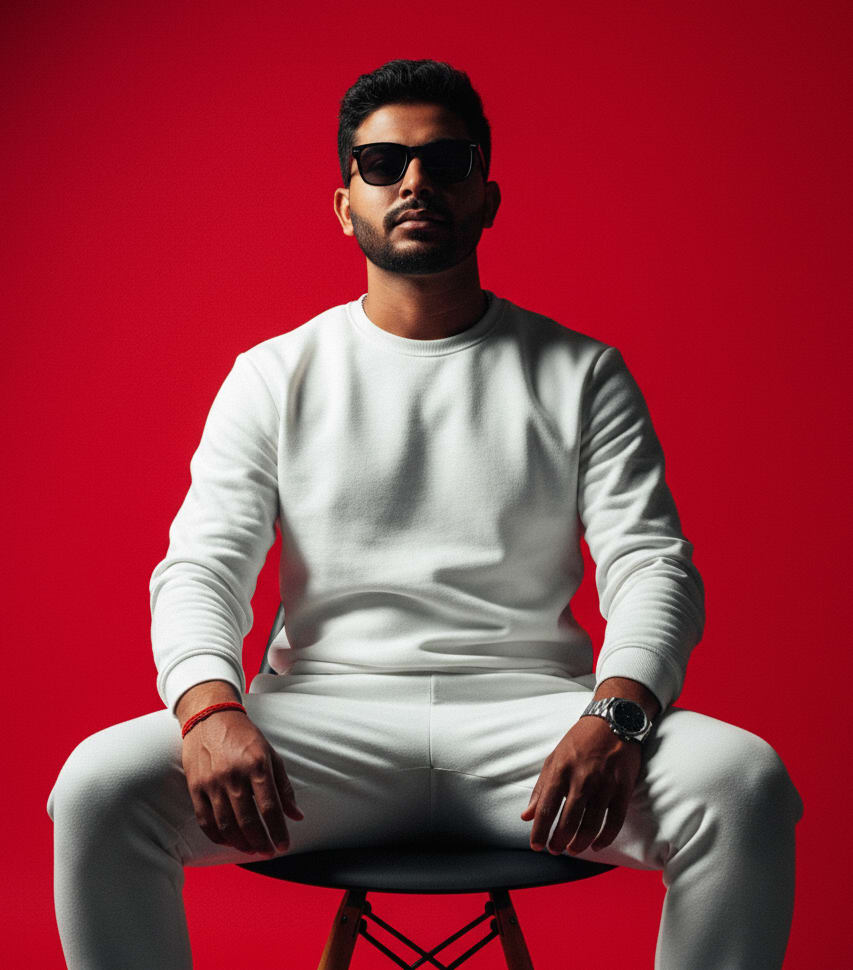
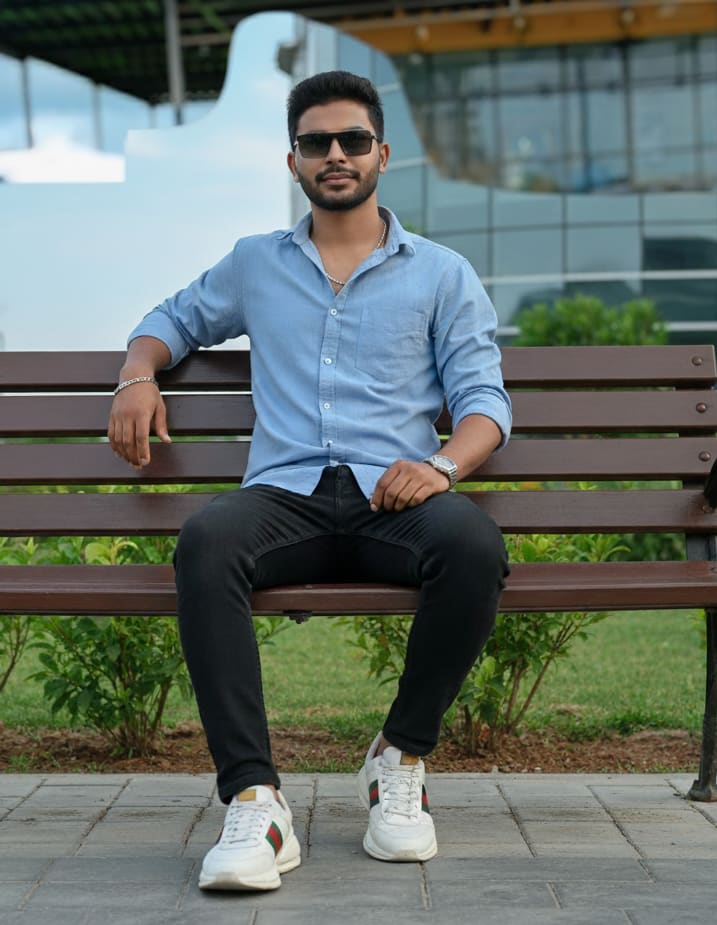
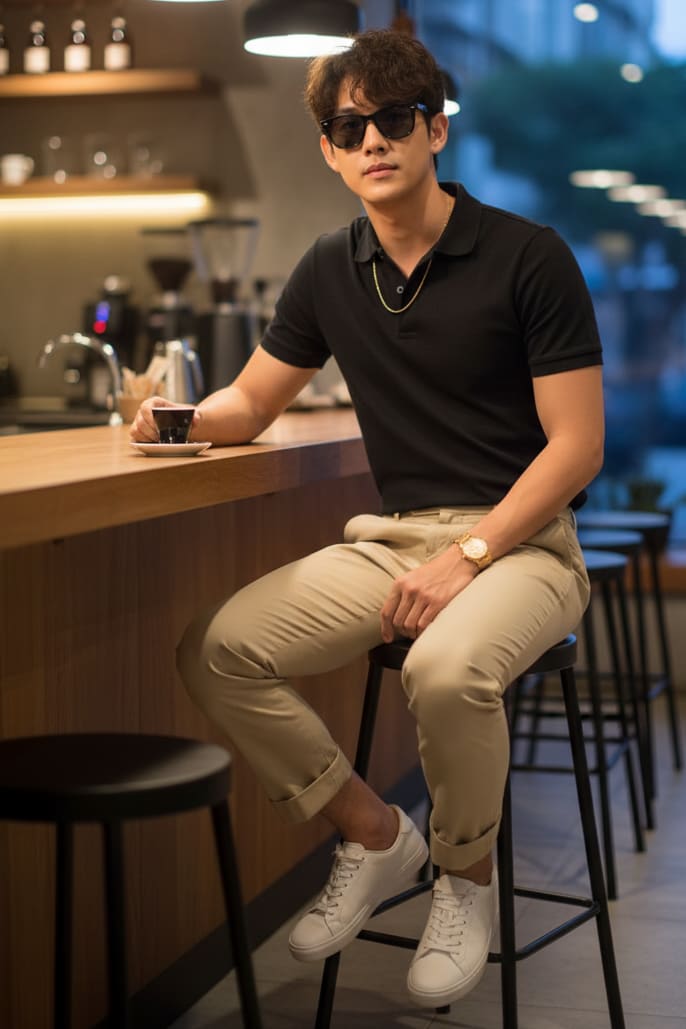
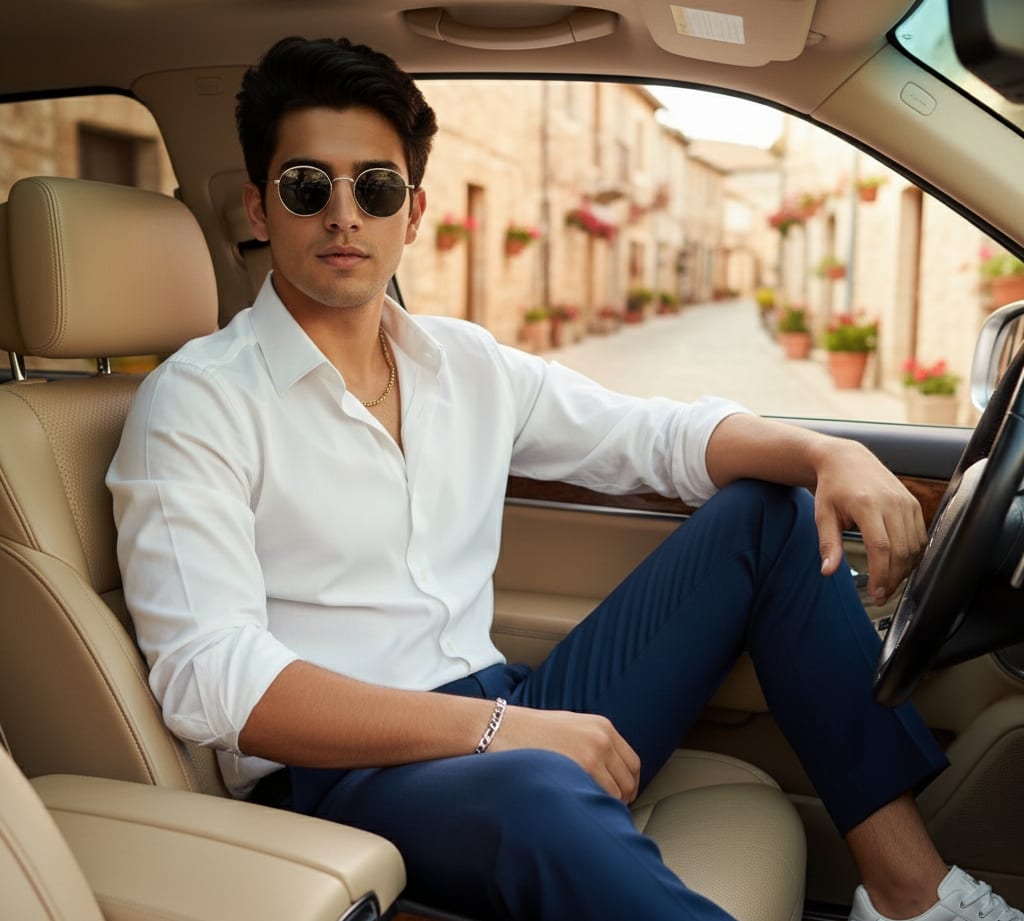
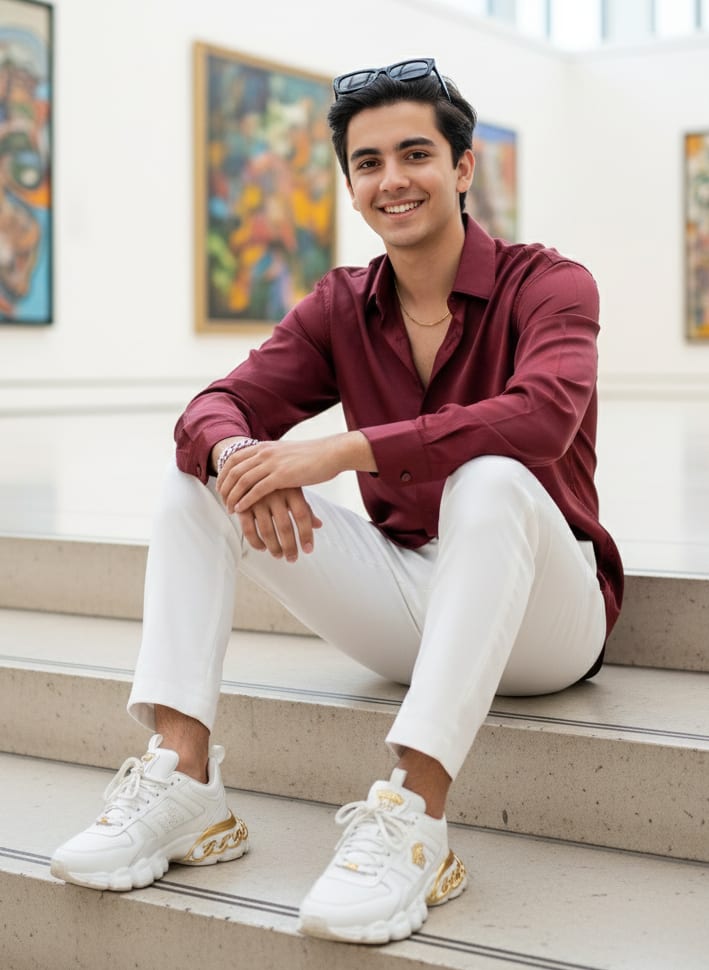
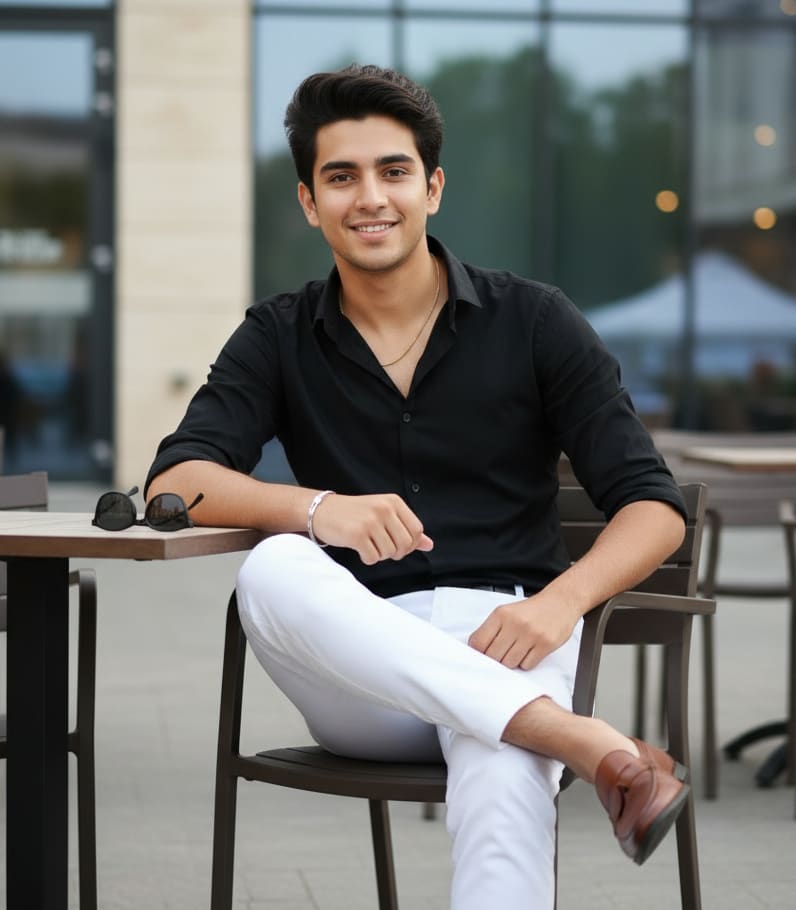
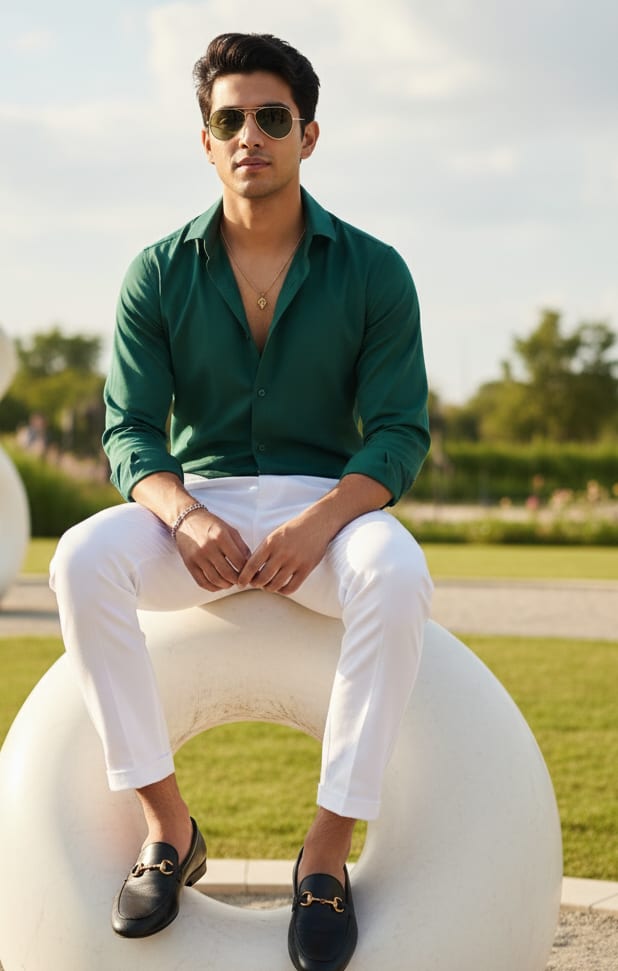
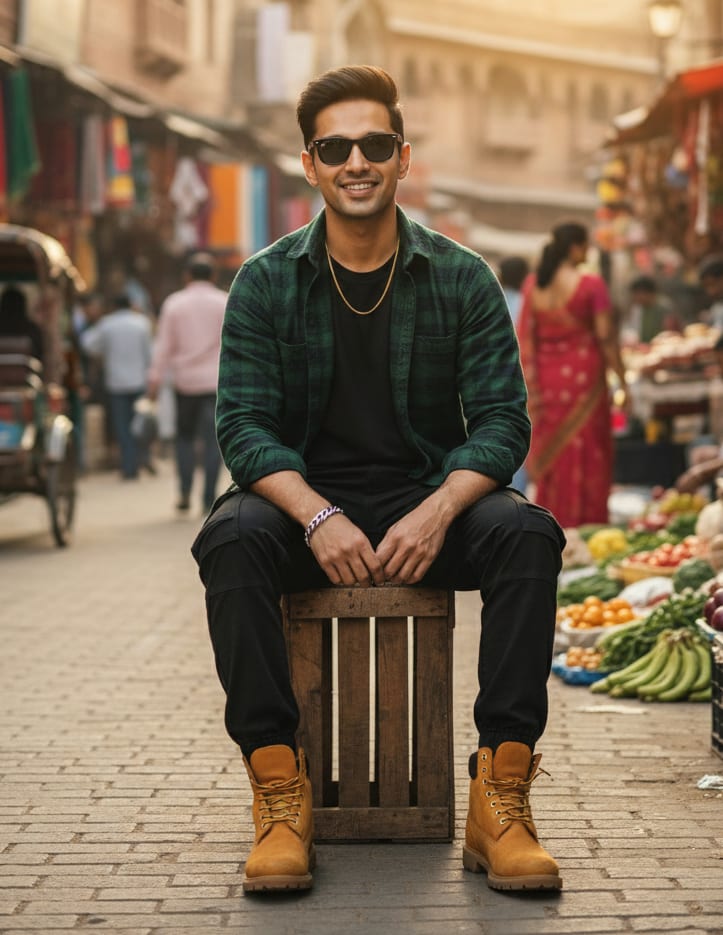
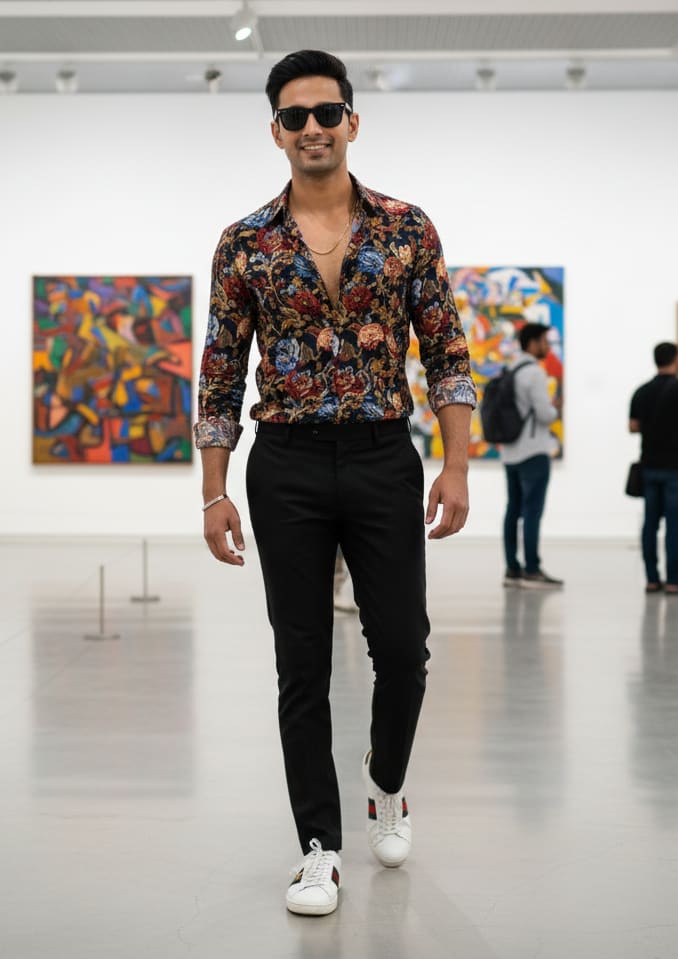
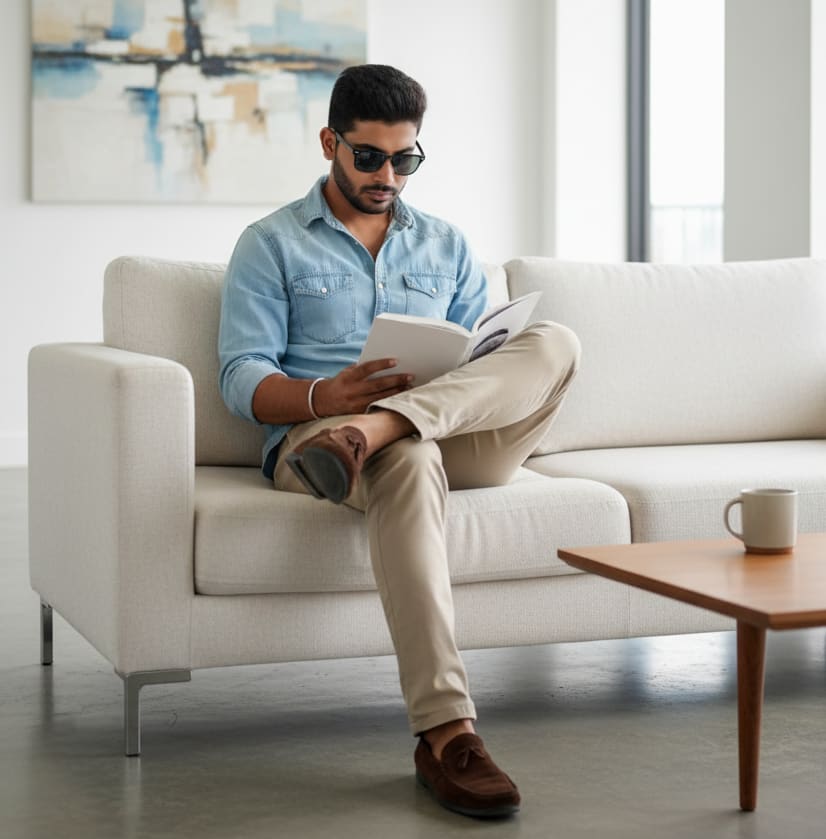
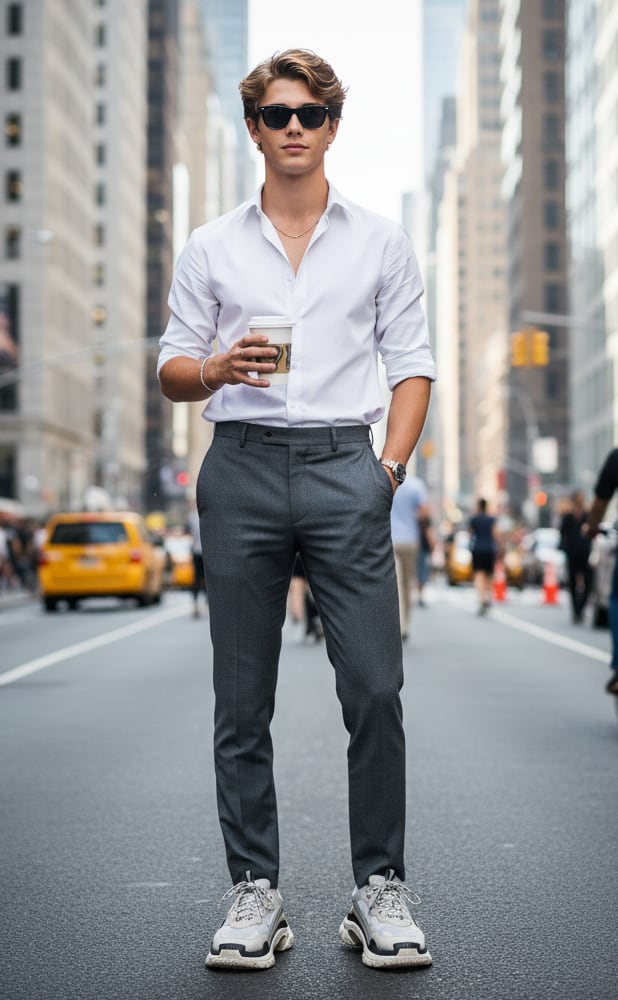
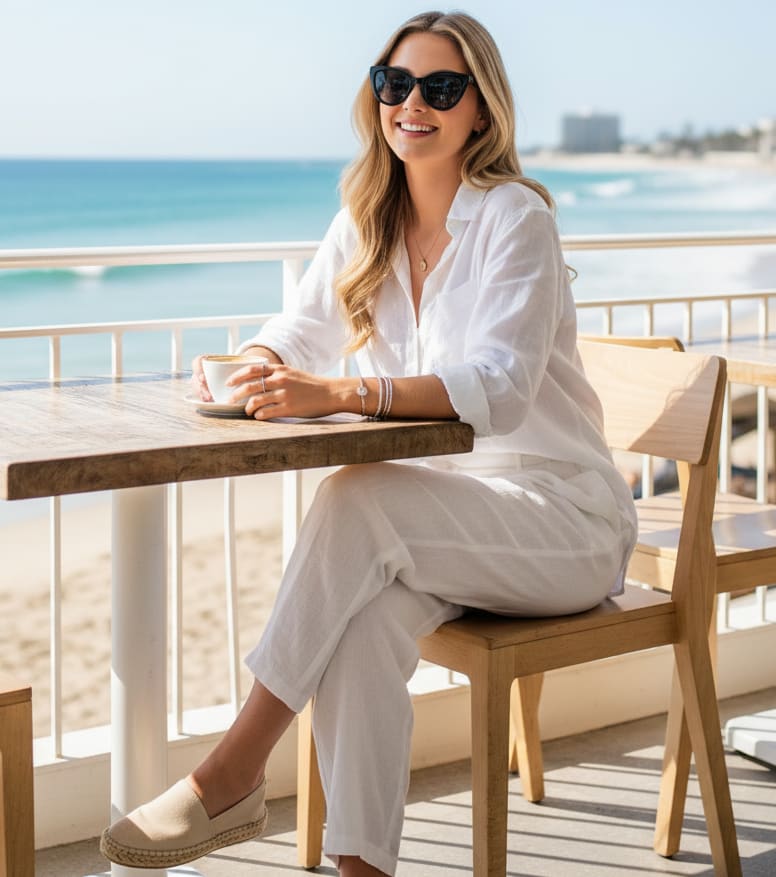
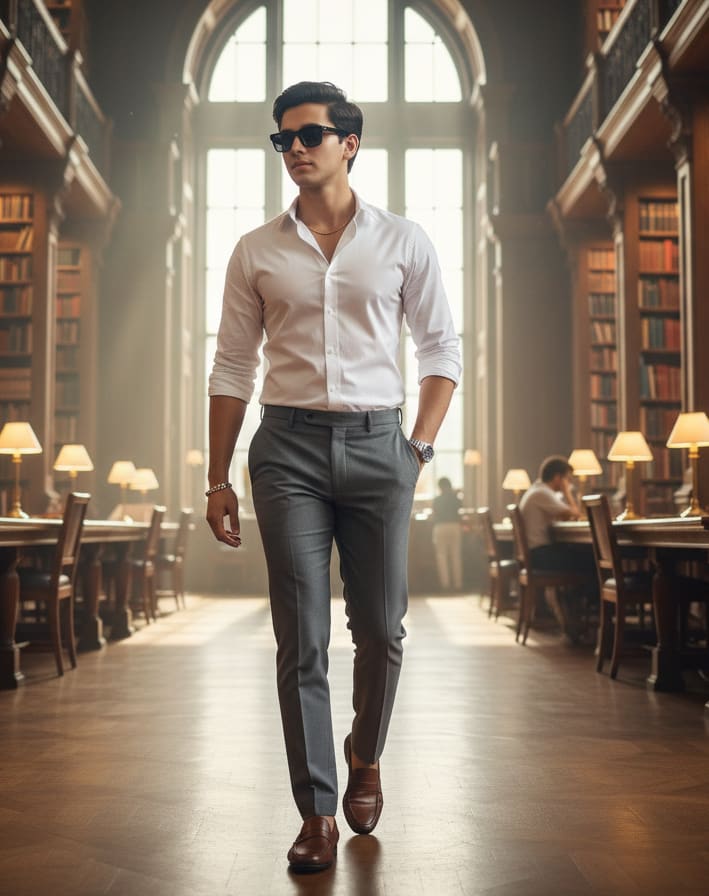
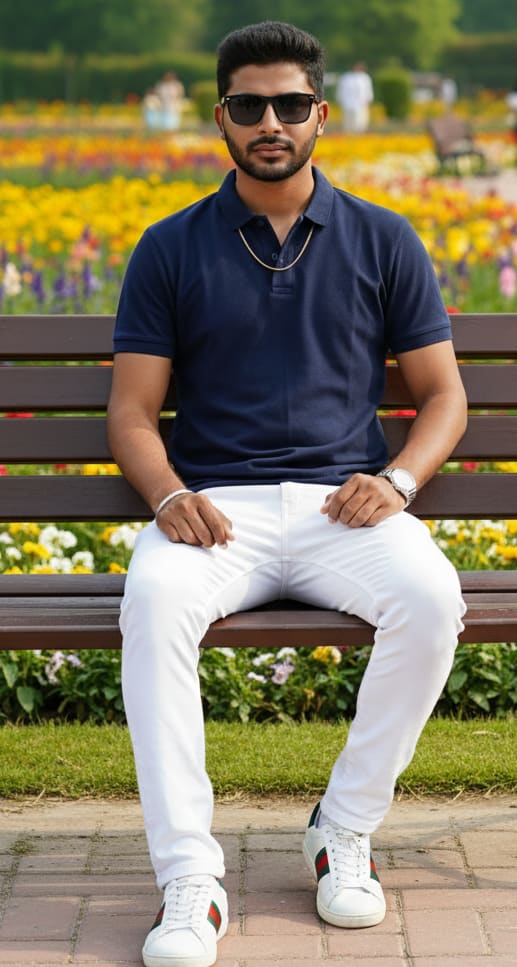
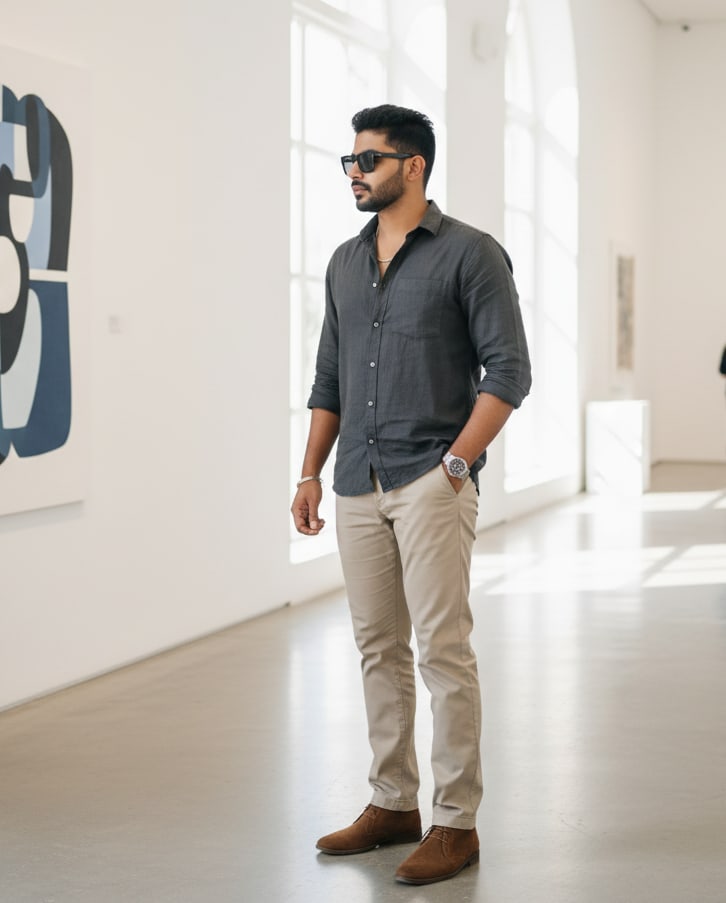
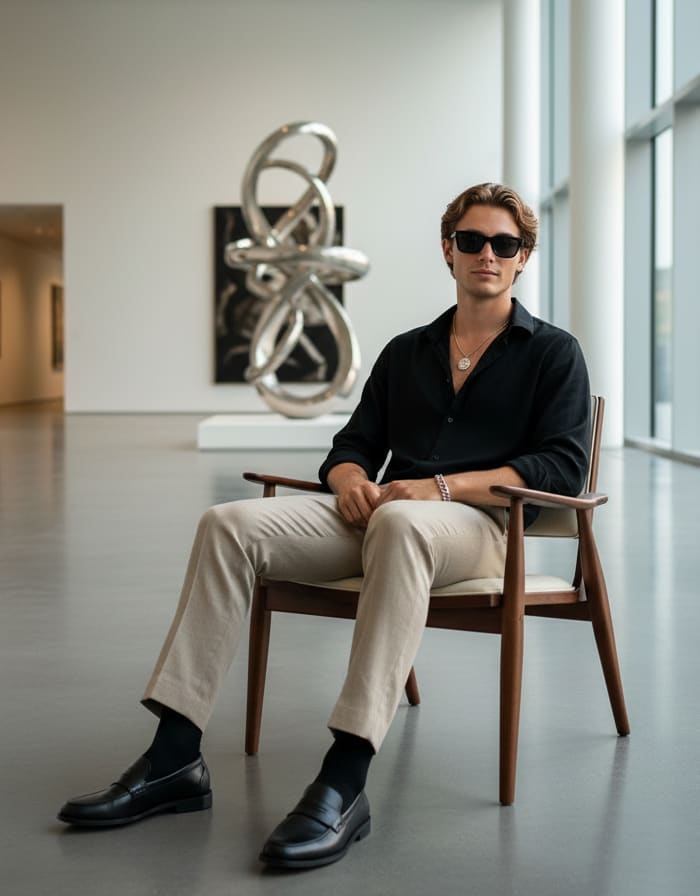
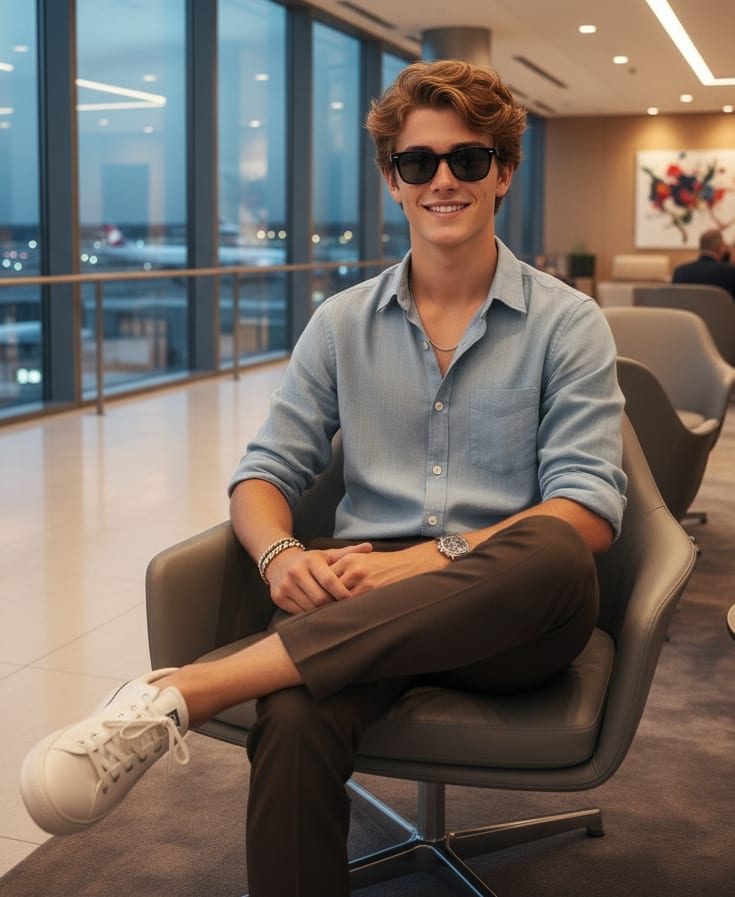
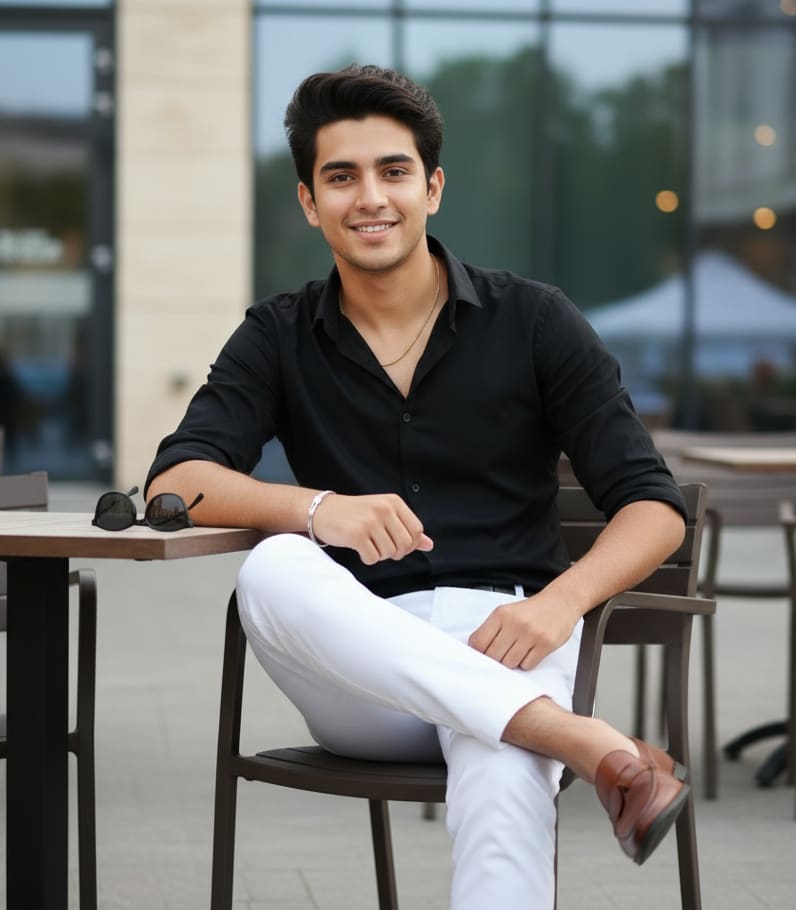
Black shirt, white pants, brown leather loafers, black sunglasses, silver bracelet, gold chain, elegant young man sitting at an outdoor cafe table, modern building.
What is Photo Prompt Generator?
At its core, Photo Prompt Generator is a unique website designed to bridge the gap between AI-generated images and the textual prompts that bring them to life. We curate a beautiful collection of AI-generated images across a myriad of styles and subjects. But here's the best part: we don't just show you the art; we show you how it was made!
How Does It Work? A Simple, Powerful Workflow
Using our website is incredibly intuitive. We've designed it for a perfect creative flow:
- Browse the Gallery: Scroll through our extensive gallery of over 2,000+ image prompts specifically tested for Gemini, ChatGPT, Copilot, Banana AI, and more. You can also filter by our many categories to find exactly what you're looking for. Upon visiting Photopromptgenerator, you'll be greeted by an ever-growing gallery of captivating AI-generated images. From surreal landscapes to intricate character designs, futuristic cityscapes to abstract concepts and many more – there's something to spark everyone's imagination.
- Click to Reveal: See an image that catches your eye? Want to know the secret behind its creation? Simply click or tap on any image in our gallery..
- Prompt Unveiled: After a few seconds, the magic happens! The exact text prompt used to generate that image will be instantly revealed.
- Copy & Create: Click the
Copy Prompt button to instantly save it to your clipboard.
- Find the Source: Here’s the best part! As soon as you copy the prompt, a new "Image Making Link" will appear. This link will take you right to the AI tool, so you can start creating and experimenting with the prompt immediately!
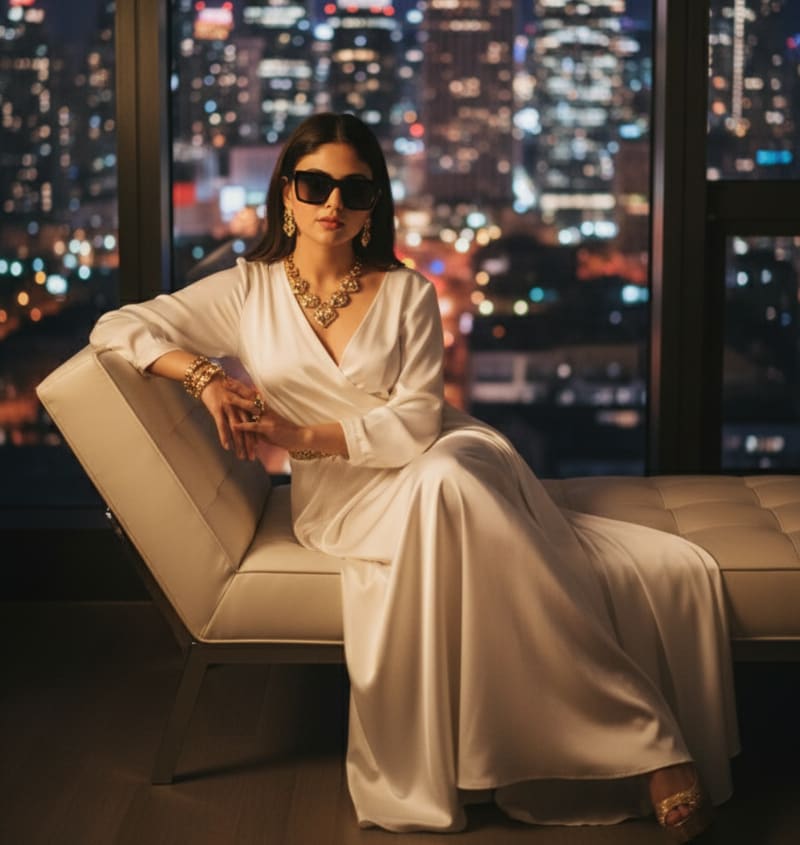
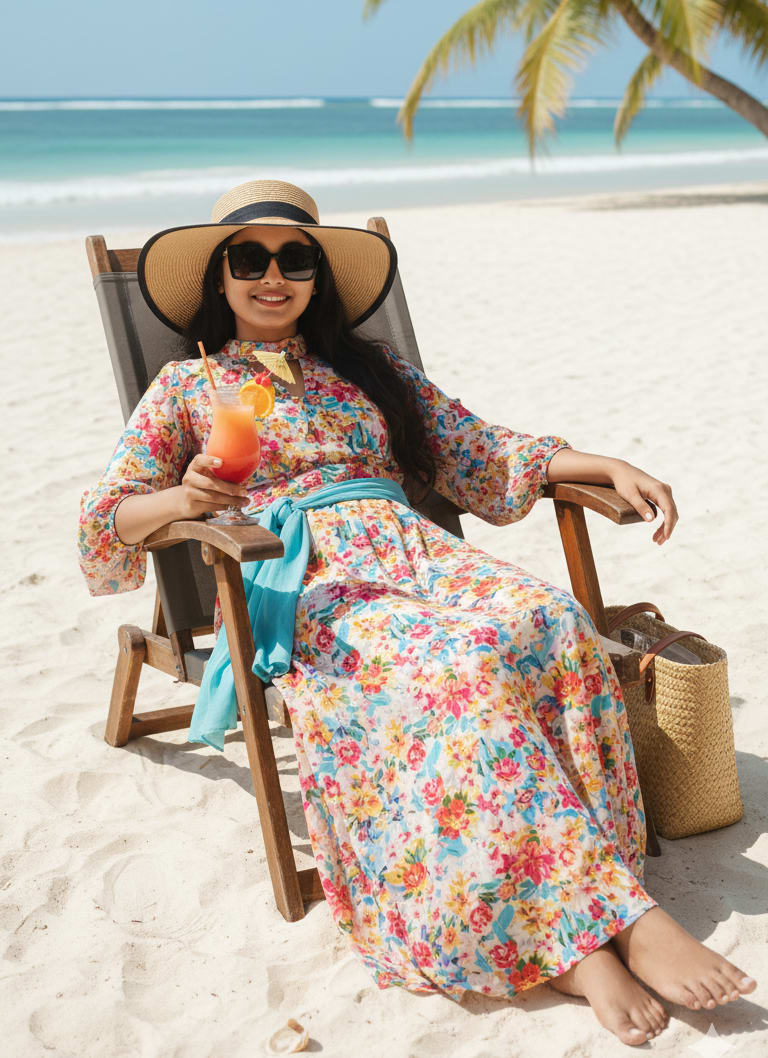
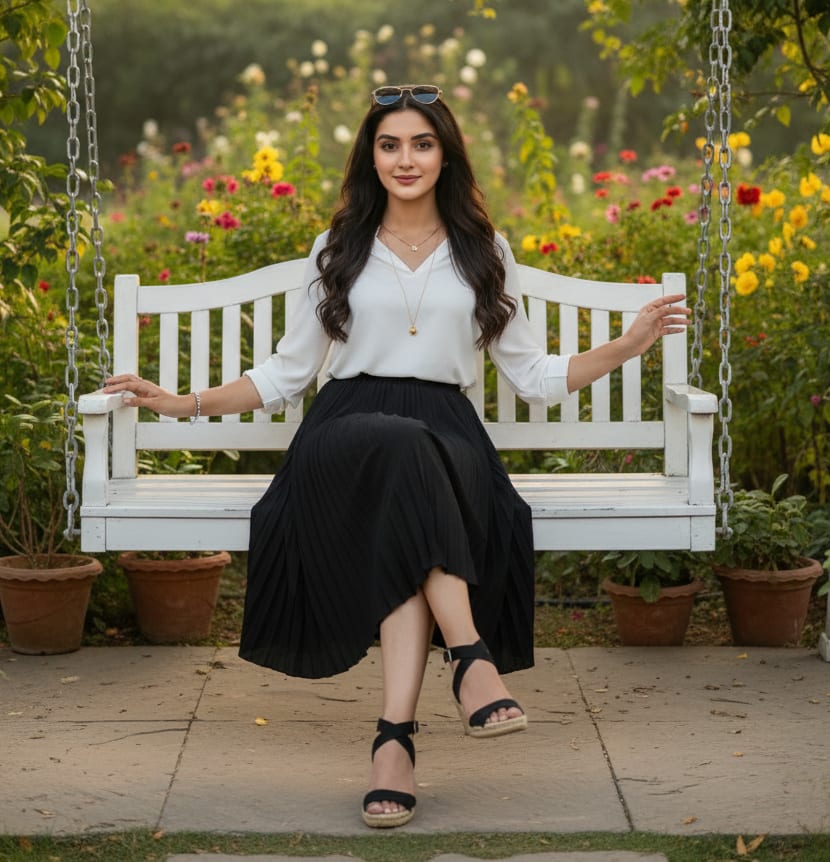
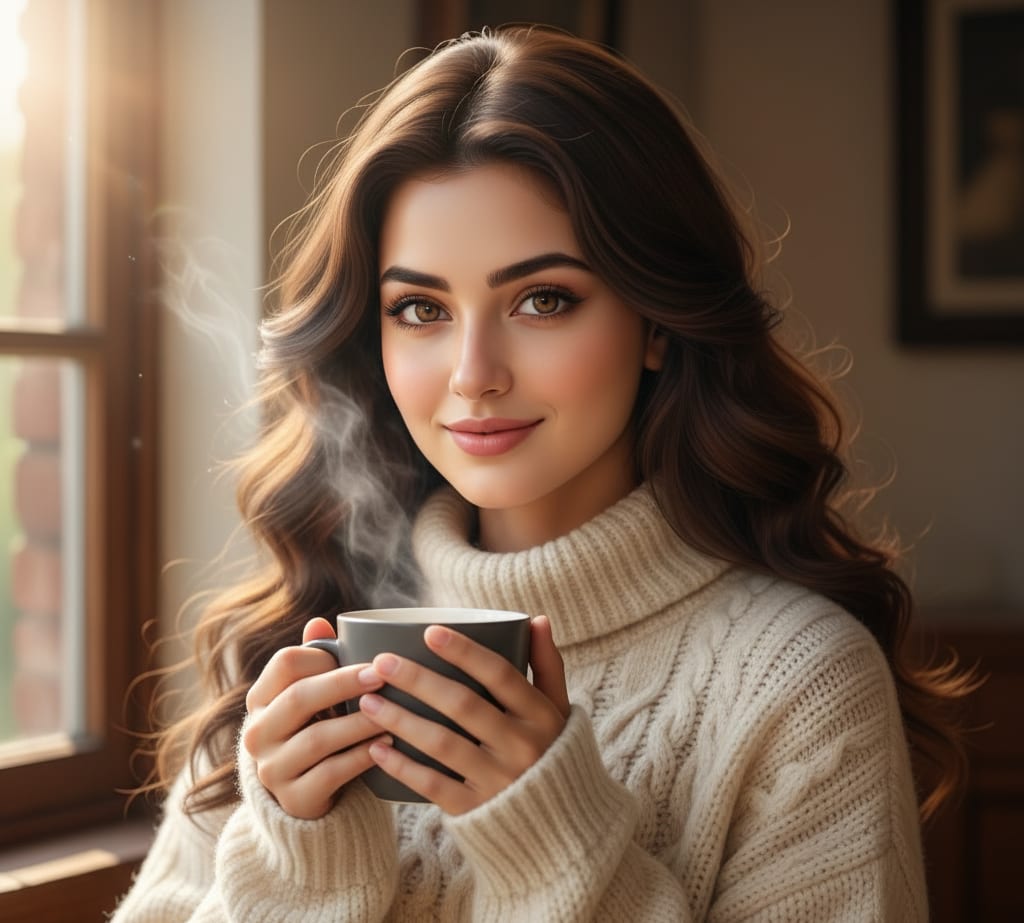
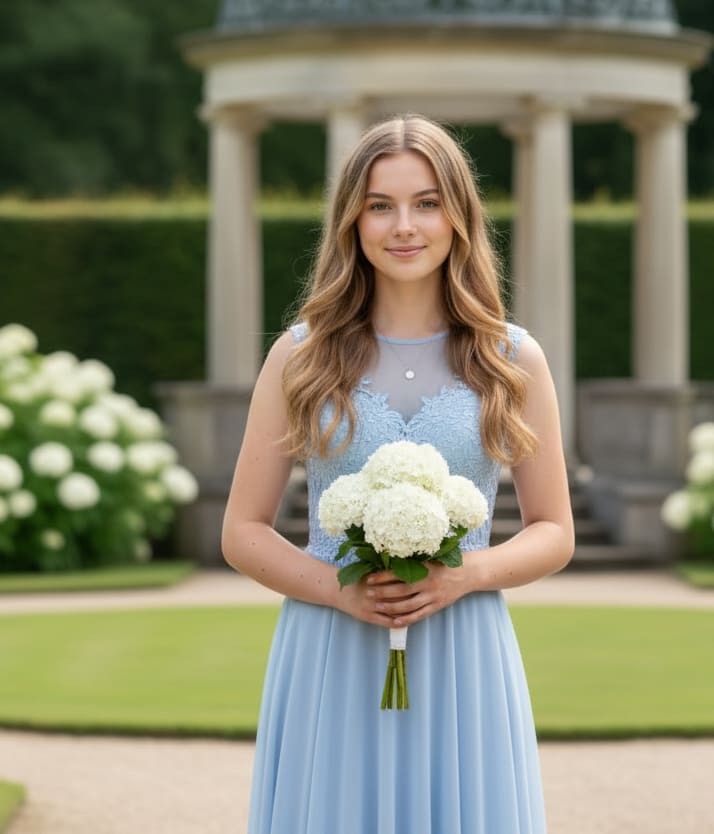
Example: AI Image Prompt
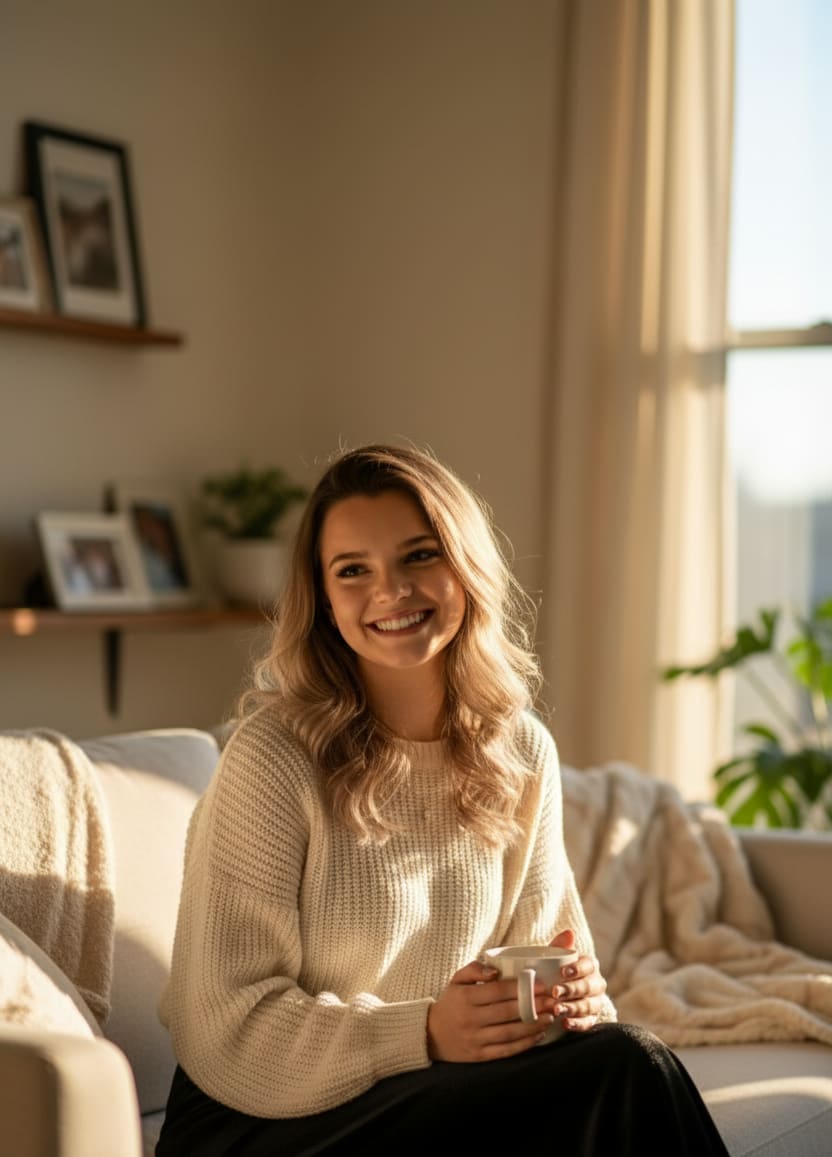
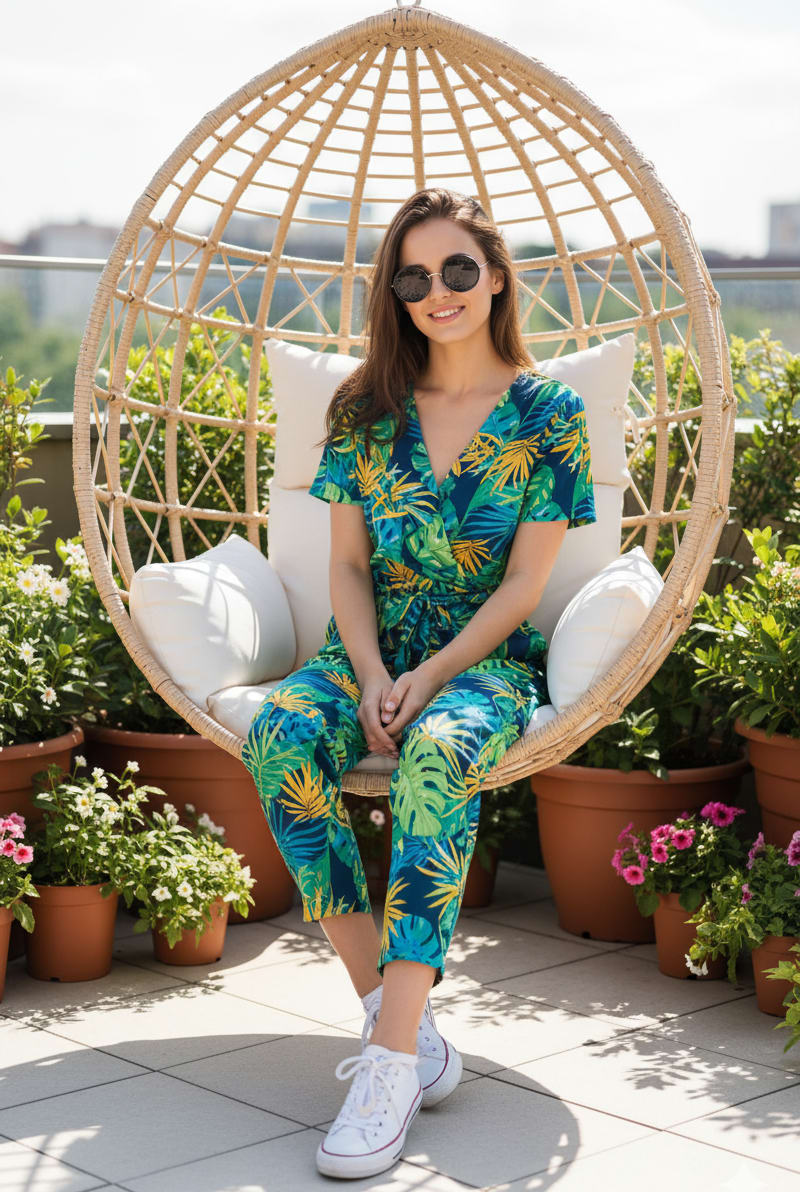
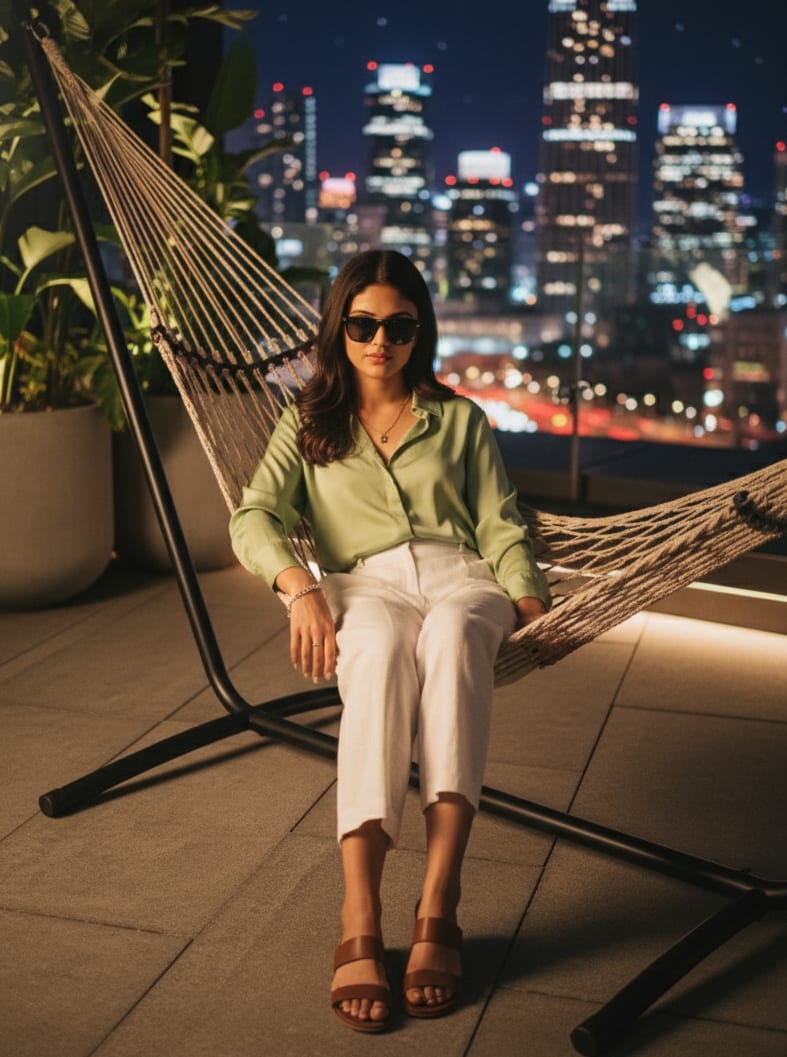
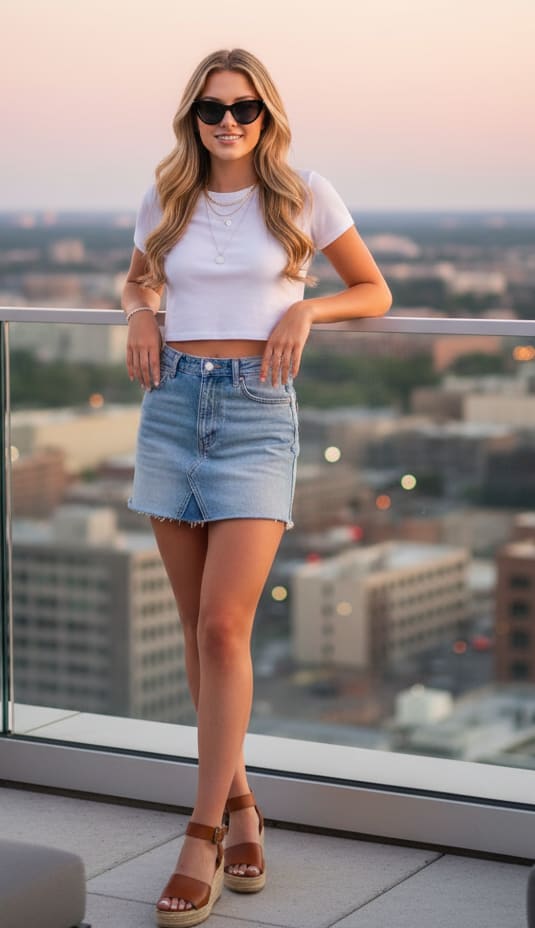
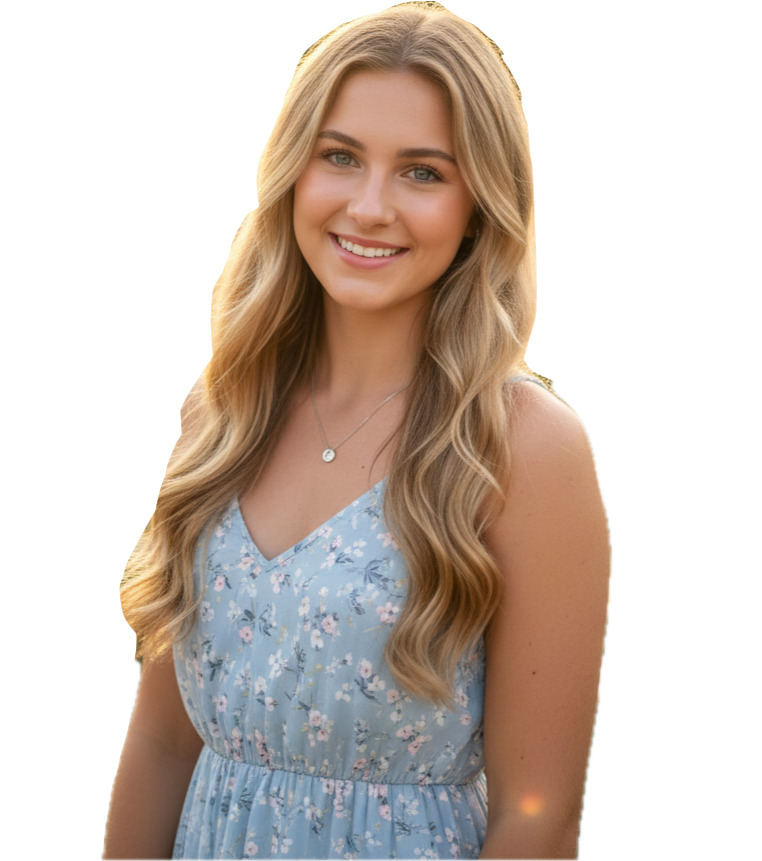
Young woman in a light blue formal dress, holding a small bouquet of white hydrangeas, standing by a peaceful garden gazebo in a well-maintained garden. Elegant, tranquil, 8K.
Key Features
- Massive & Organized Library: Explore over 2,000+ high-quality prompts compatible with Gemini, ChatGPT, Copilot, Banana AI, and more. Our gallery is meticulously organized into multiple categories, including: Trending, Christmas, Fashion, Birthday, Winter, Viral, Fitness, Luxury, Nature, Professional, Love, and many more!
- Instant Prompt Revelation: No more guessing! Get the precise text prompts with a single click.
- Easy Social Sharing: Found a prompt you love? Use the
Share button to send the prompt to all your favorite social media platforms like Facebook, Twitter, WhatsApp, and Pinterest.
- Smart "Copy-then-Link" Workflow: Our unique system reveals the AI generator link *after* you copy the prompt, keeping your workflow clean, fast, and efficient.
- Learn and Experiment: Whether you're a seasoned AI artist or a curious beginner, our site is a fantastic resource for learning the nuances of prompt engineering. See what works, understand different styles, and get ideas for your own creations.
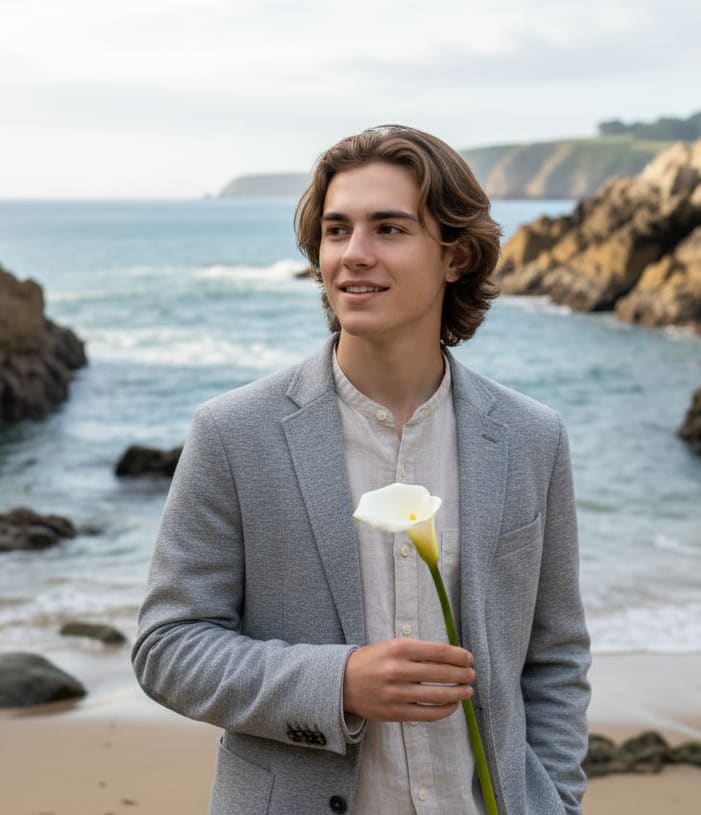
Example: AI Image Prompt
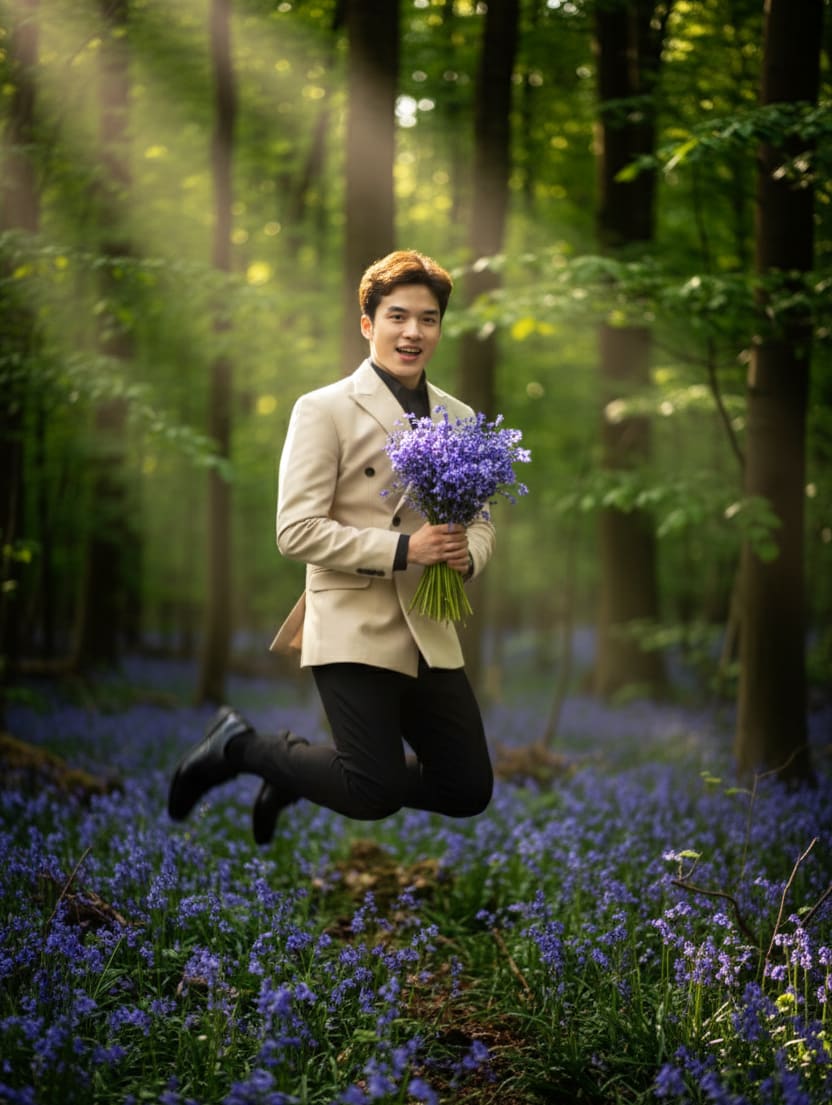
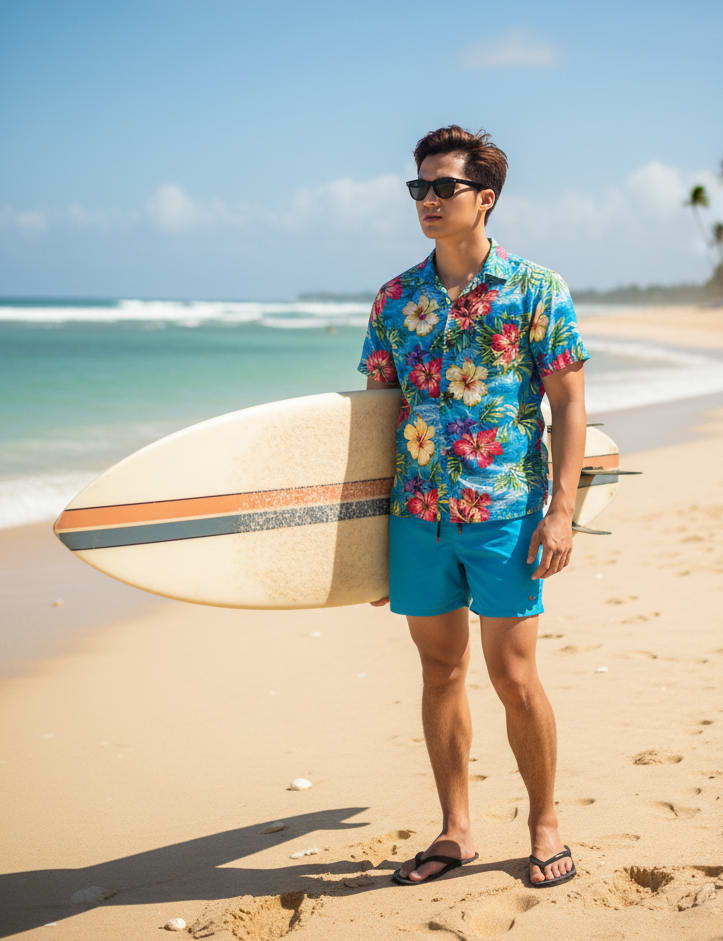
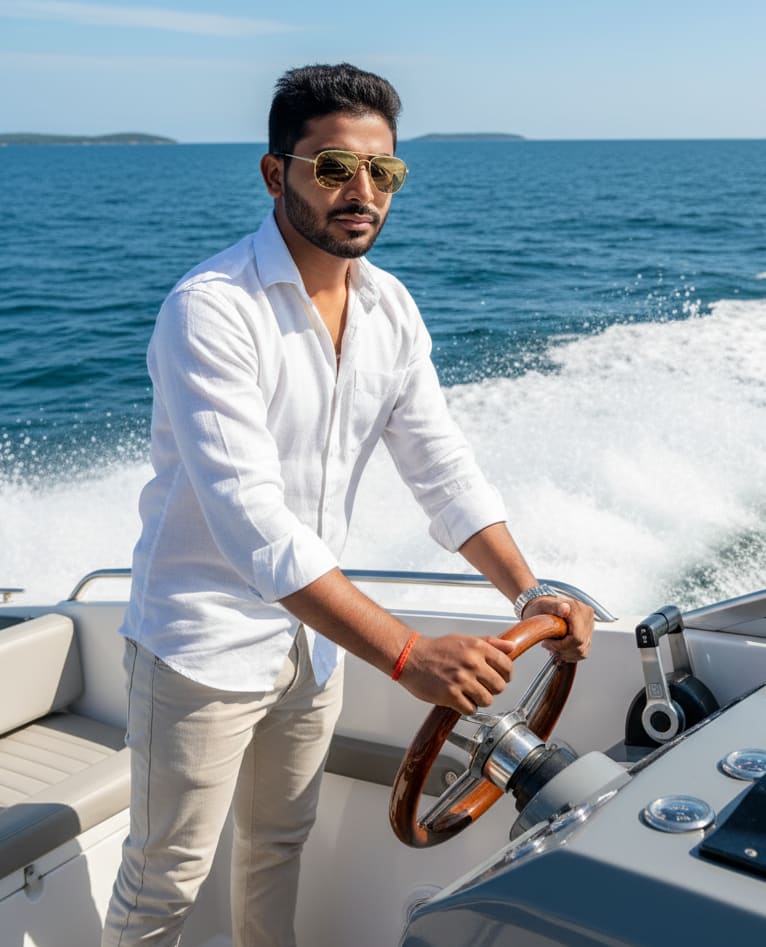
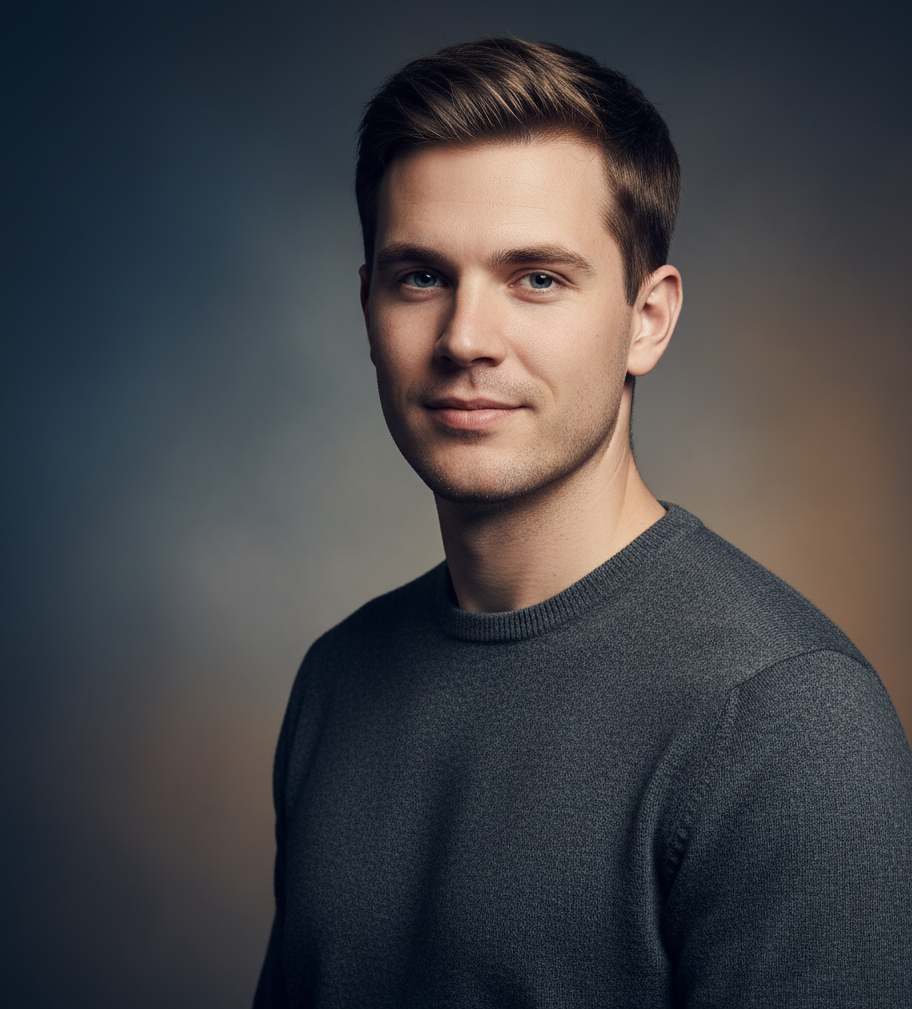
Young man in a casual blazer and linen shirt, holding a single, elegant calla lily, enjoying the expansive view from a secluded spot on a rocky beach. Relaxed, coastal, 8K.
Who Is This For?
- AI Art Enthusiasts: Dive deeper into the creation process.
- Artists & Designers: Find new visual concepts and inspiration.
- Content Creators: Generate unique visuals for your blogs, social media, or projects.
- Hobbyists & Beginners: Learn the prompt tricks to turn your simple ideas into complex, professional-looking images.
- Curious Minds: Explore the cutting edge of artificial intelligence and creativity.
Ready to Start Your Creative Journey?
Ready to unlock the secrets of stunning Your AI Image Visit Photopromptgenerator today and start your journey of discovery!
From Words to Wonders: Guide to Create Perfect AI Images
We've all been there. You have this amazing idea for an image. You type it into the generator, hit enter, and... out pops something... weird.
Maybe it's a person with six fingers? Or you asked for a blue sky and got a strange shade of purple? Or maybe, just... a really flat, boring picture. Sound familiar?
Here's the thing: you're not bad at this! The secret isn't just *what* you ask for, it's *how* you ask. It’s a bit of an art form, and it's easy to learn.
I like to think of it like this: you're the director, and the AI is your (very literal) artist. It *wants* to create what you're imagining, but it needs clear instructions. This guide is all about turning those fuzzy ideas into something you'll be proud of.
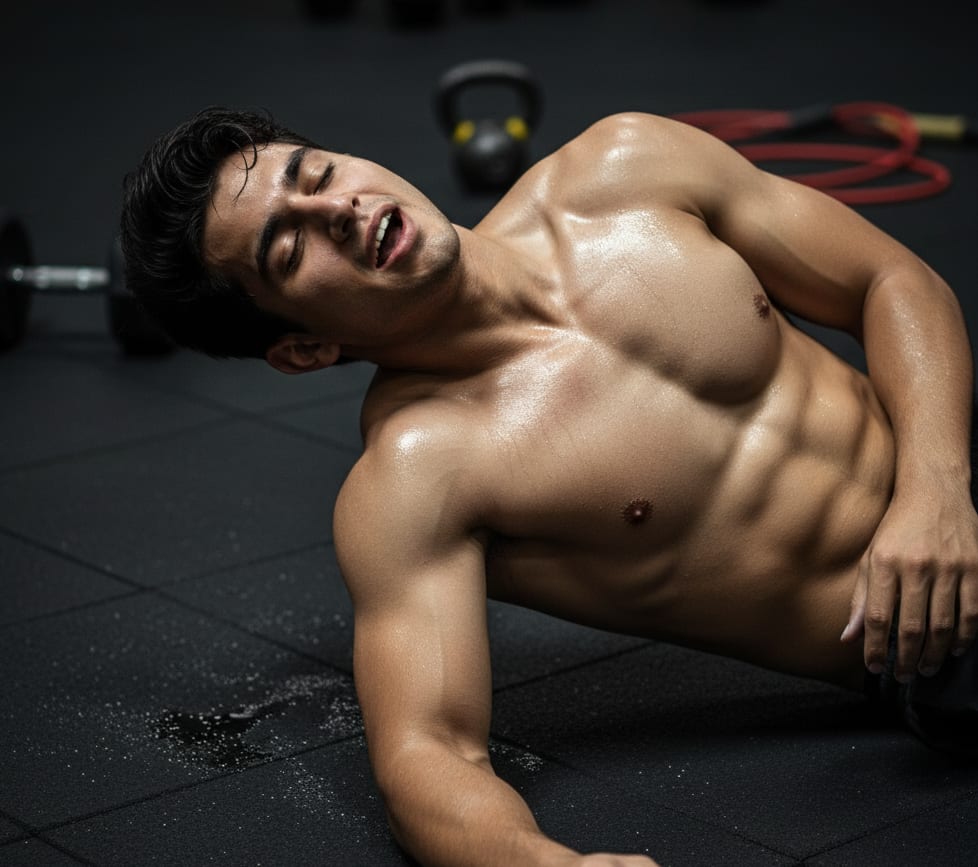
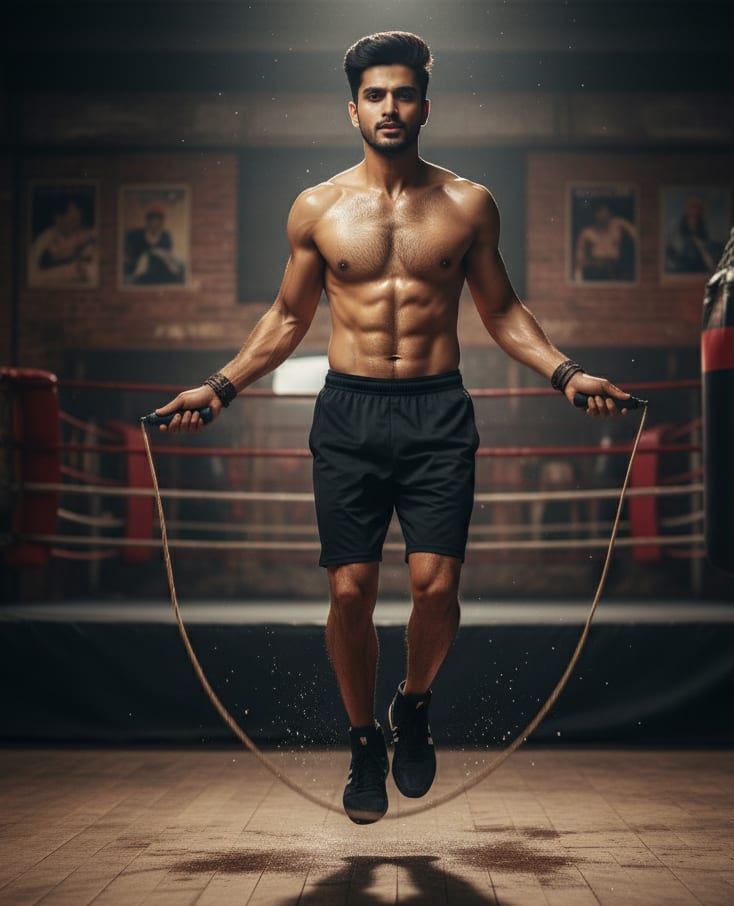
Example: AI Image Prompt
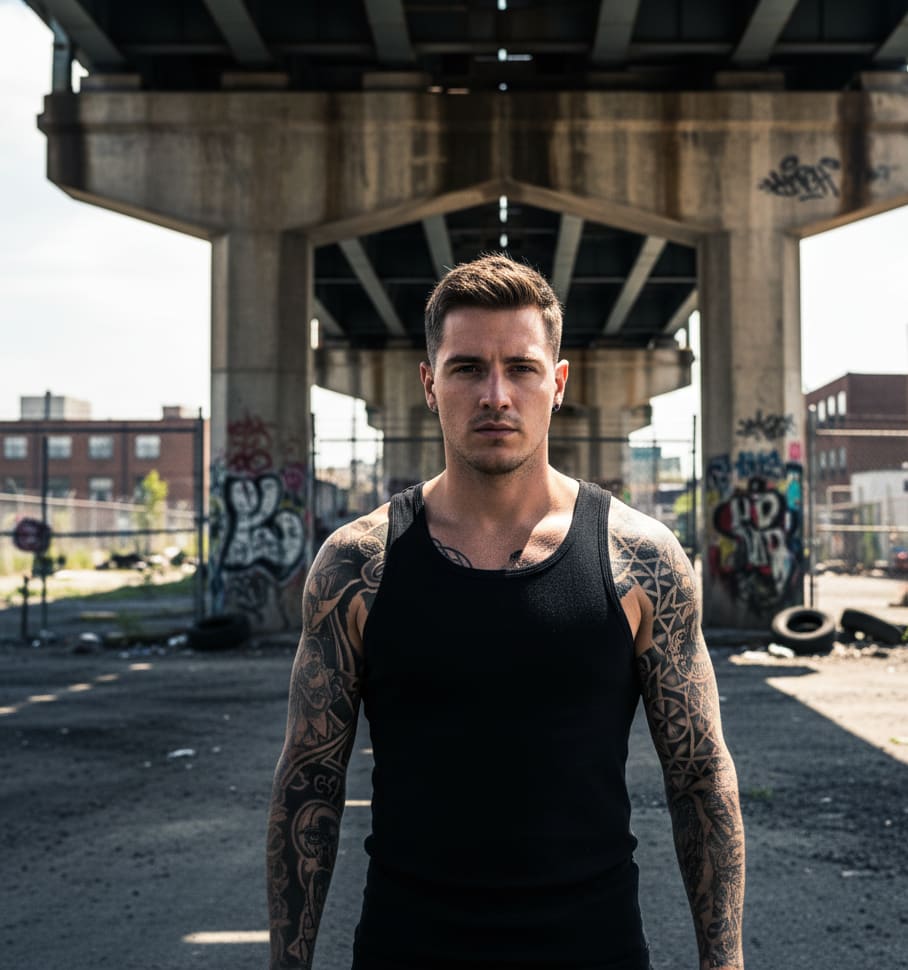
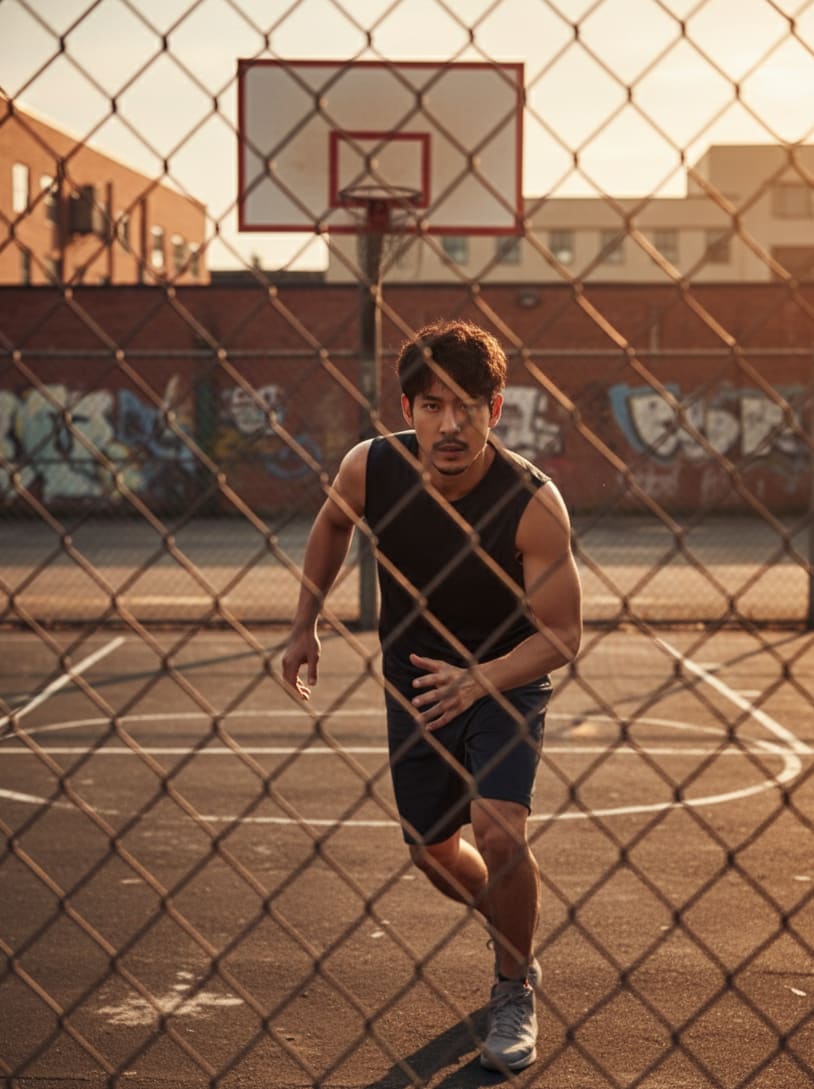
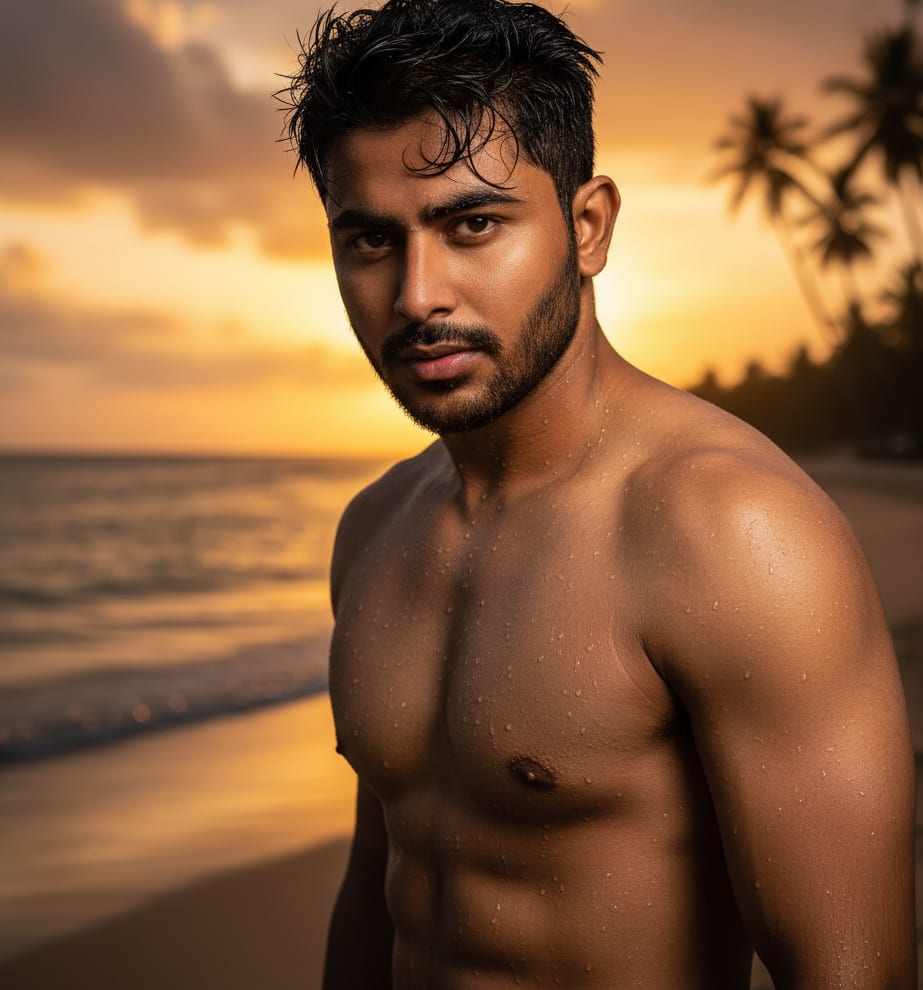
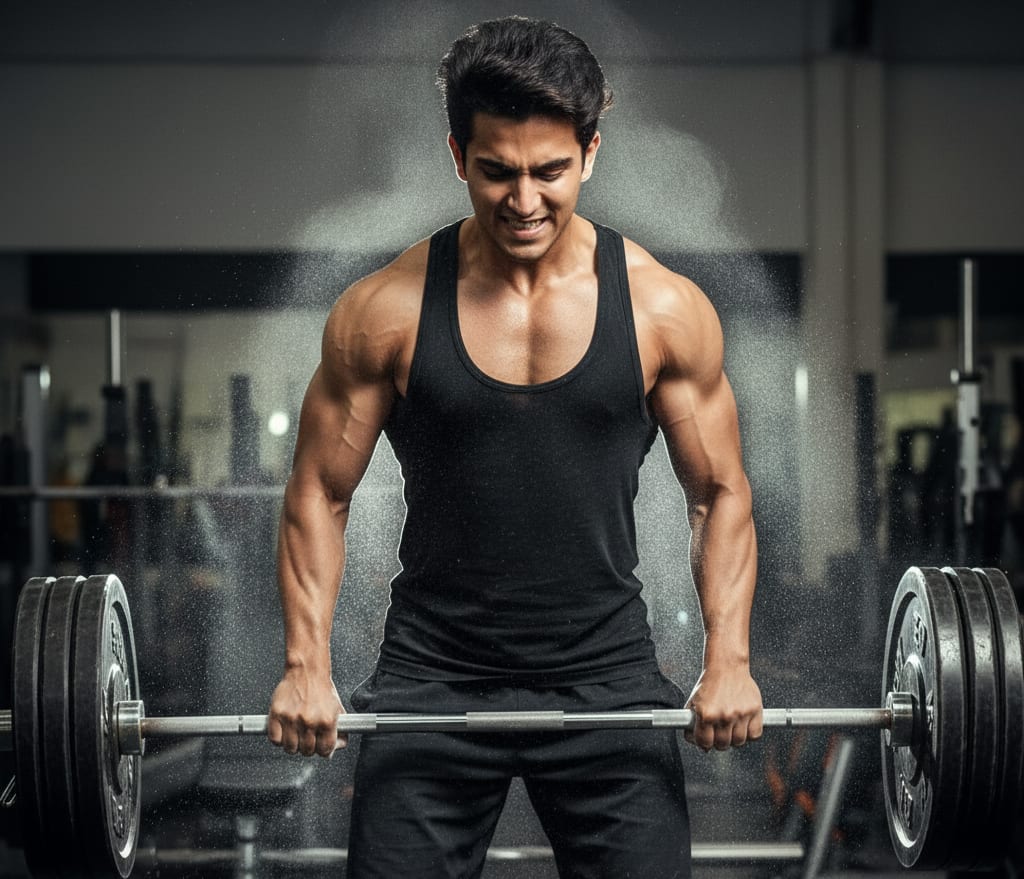
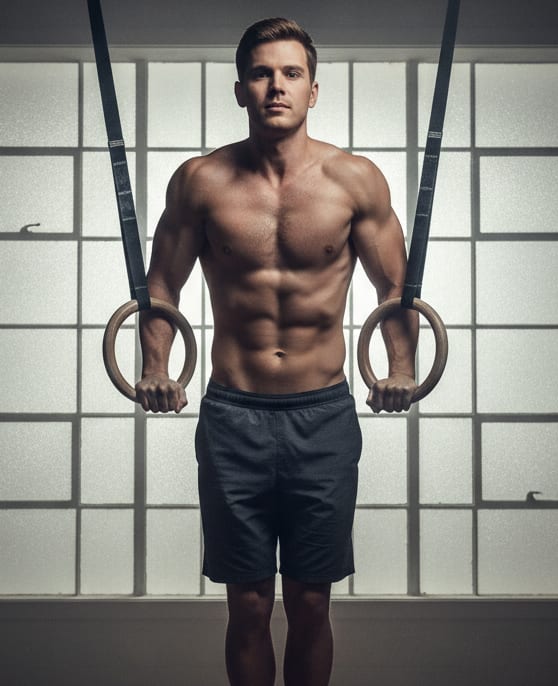
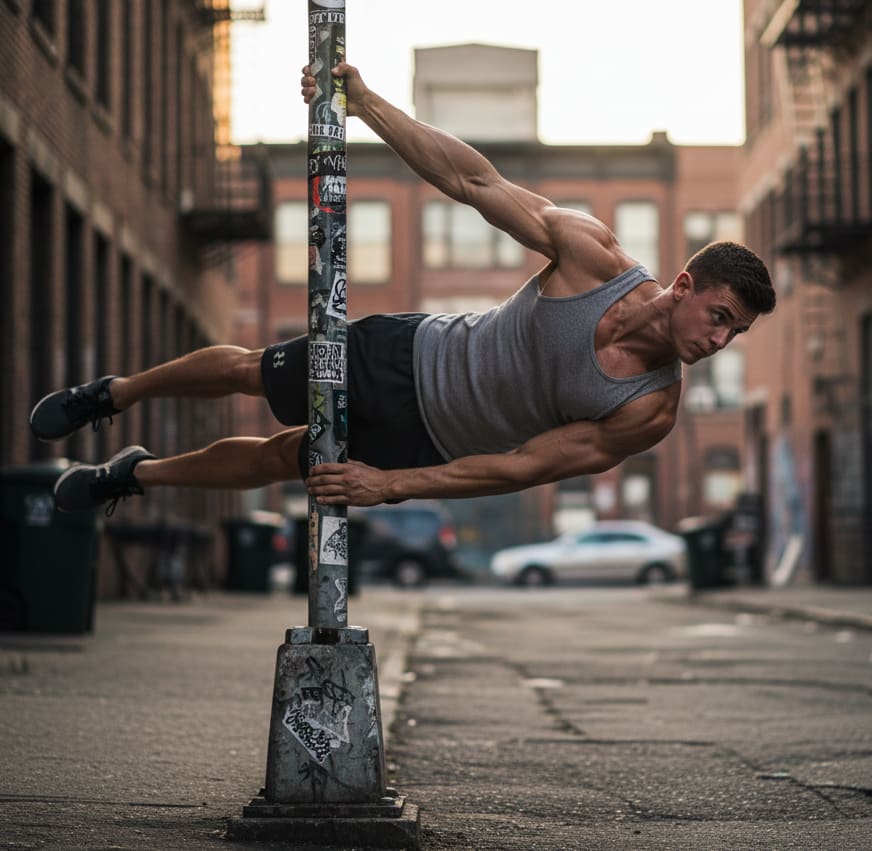
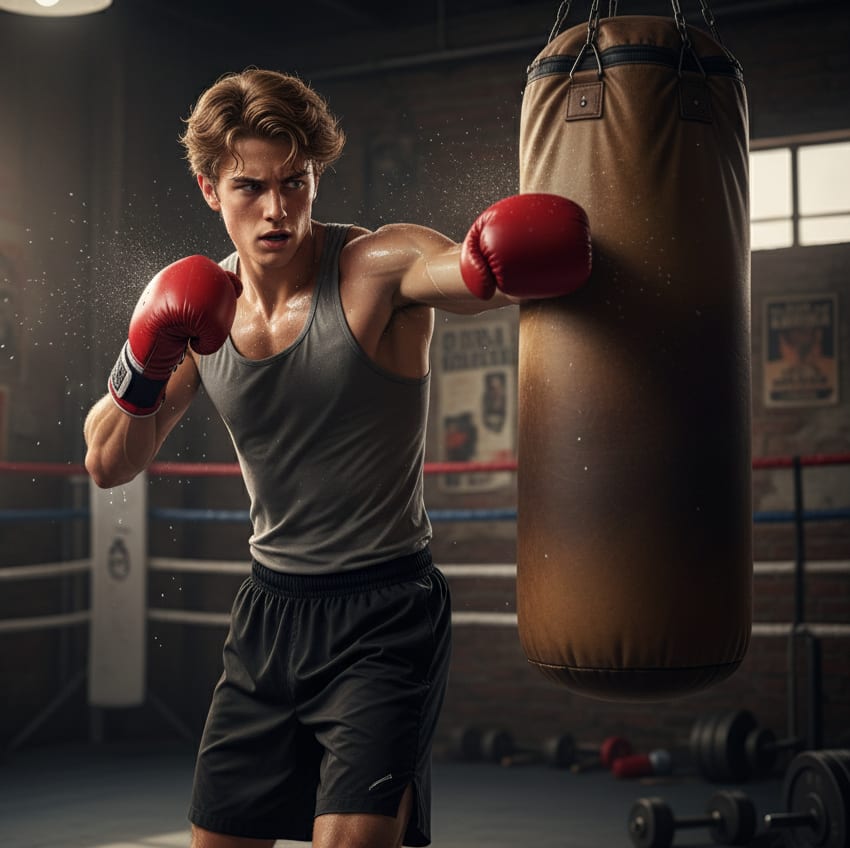
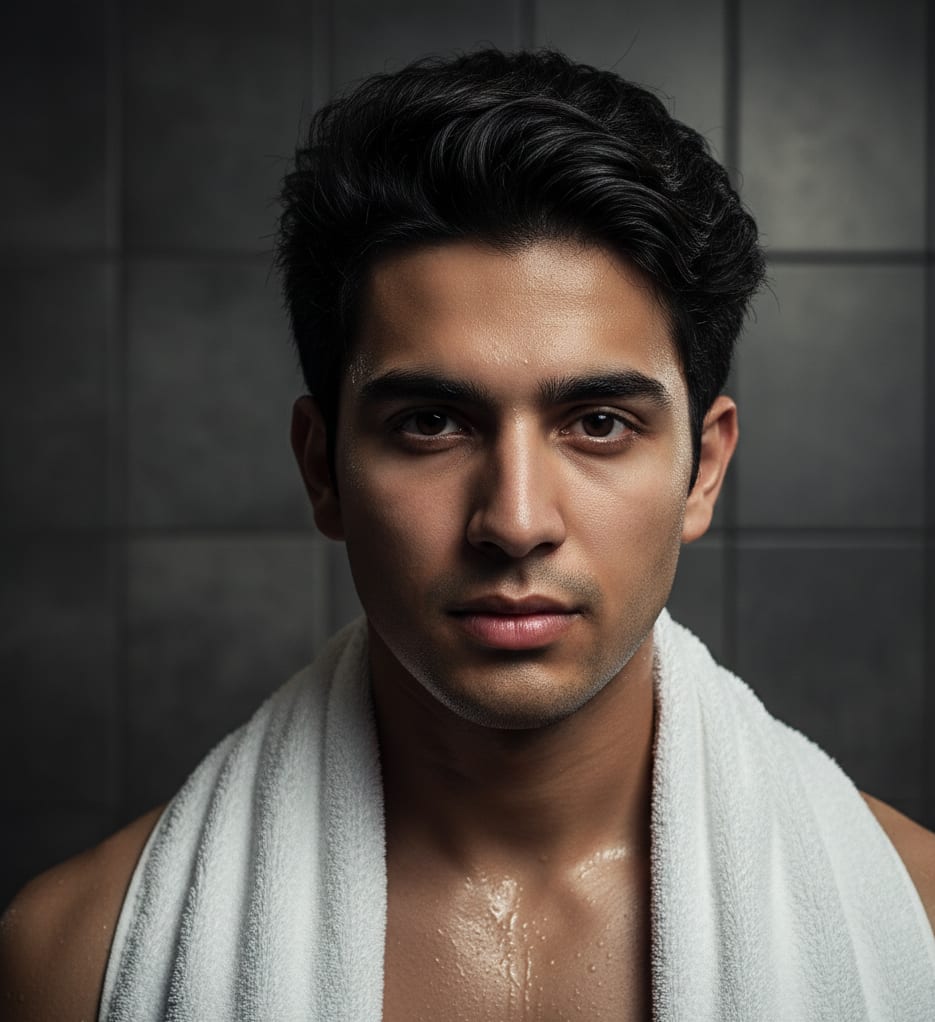
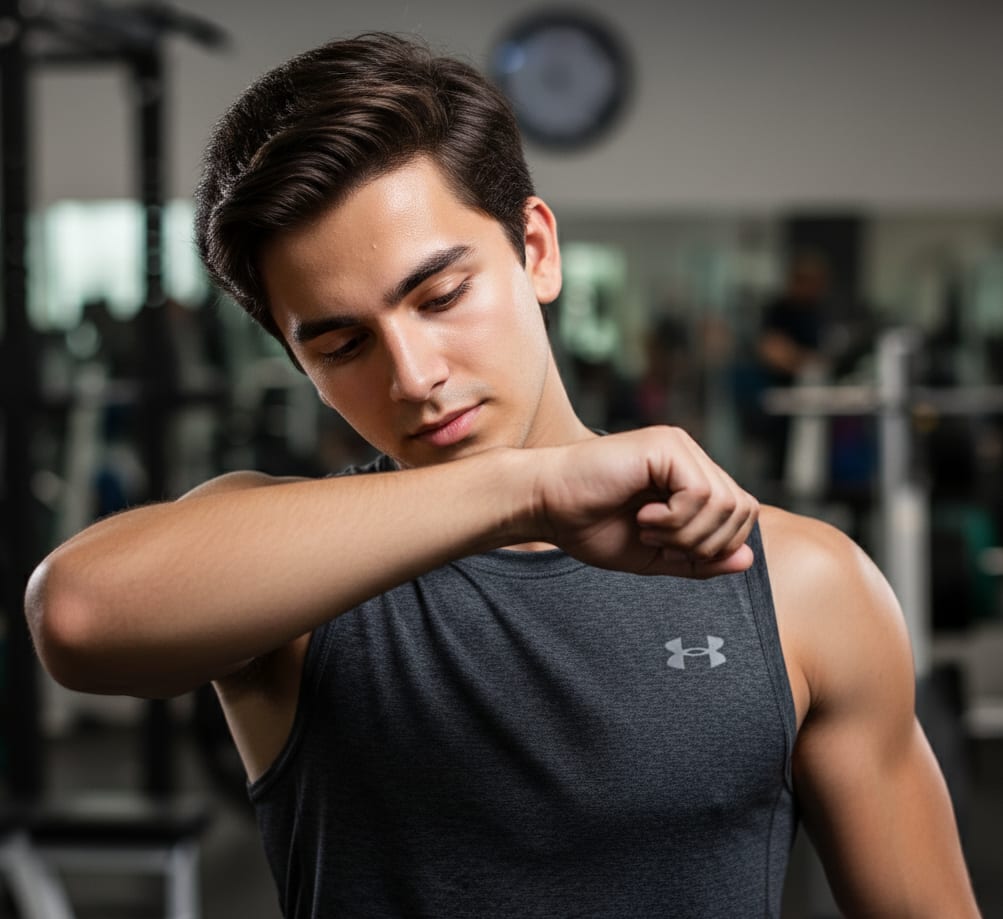
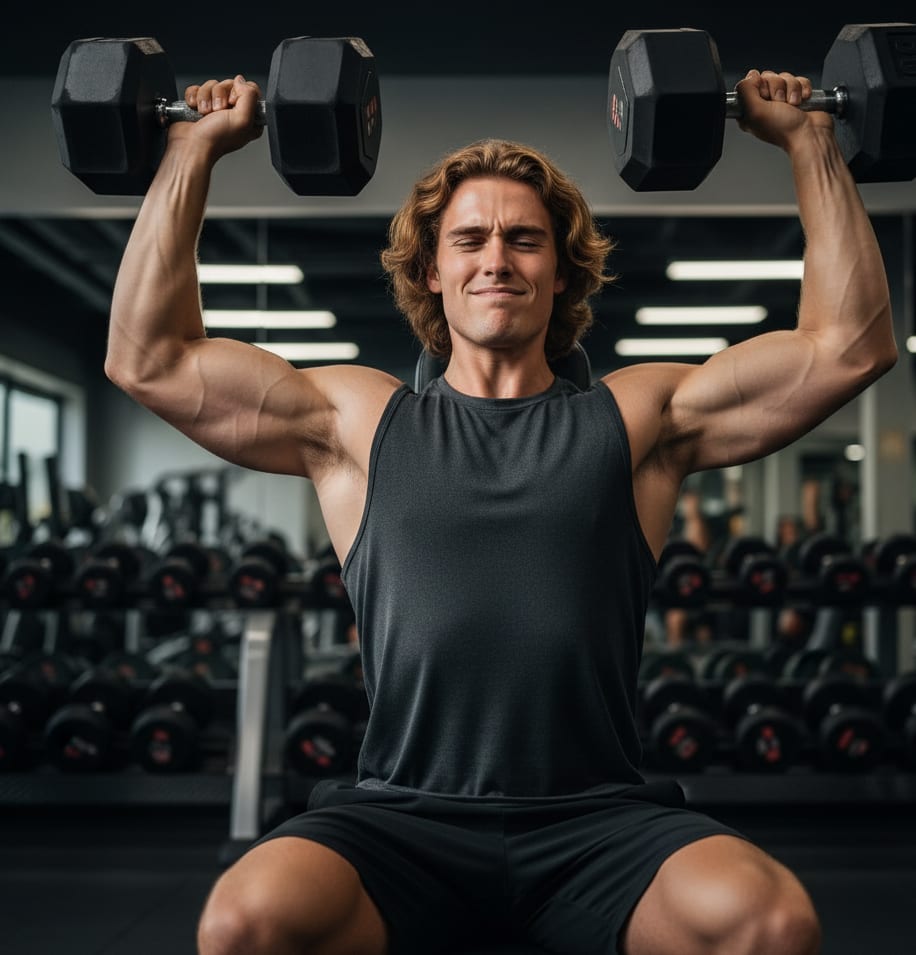
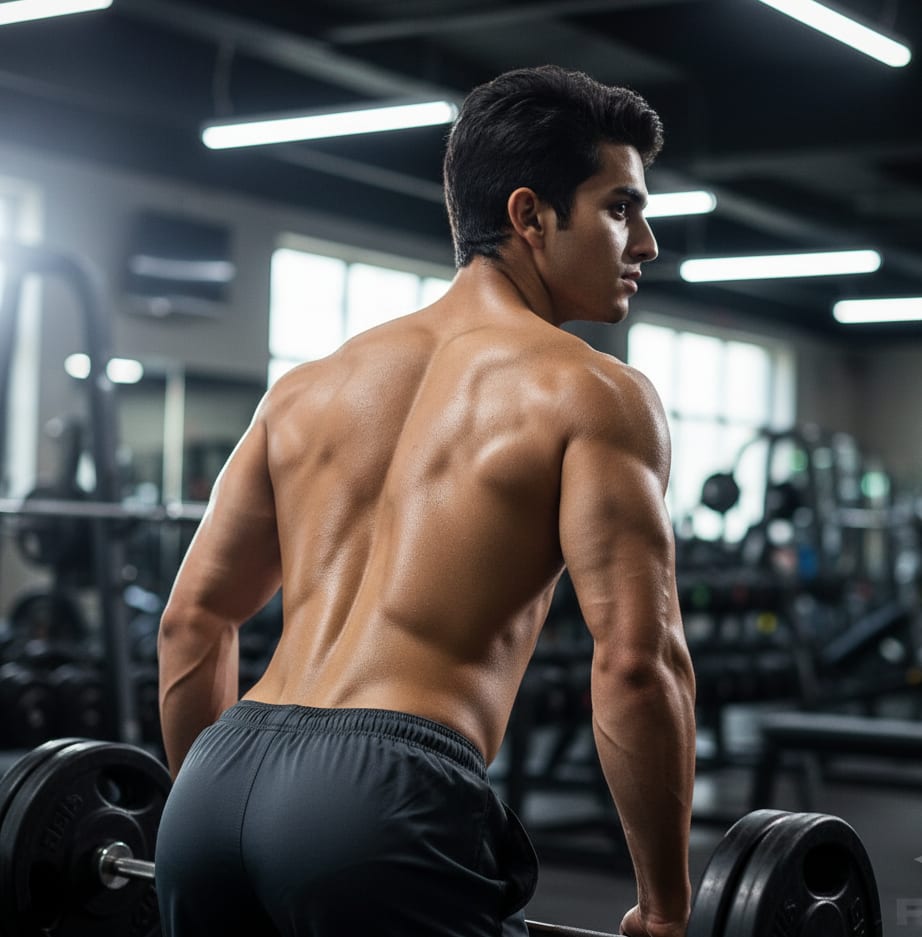
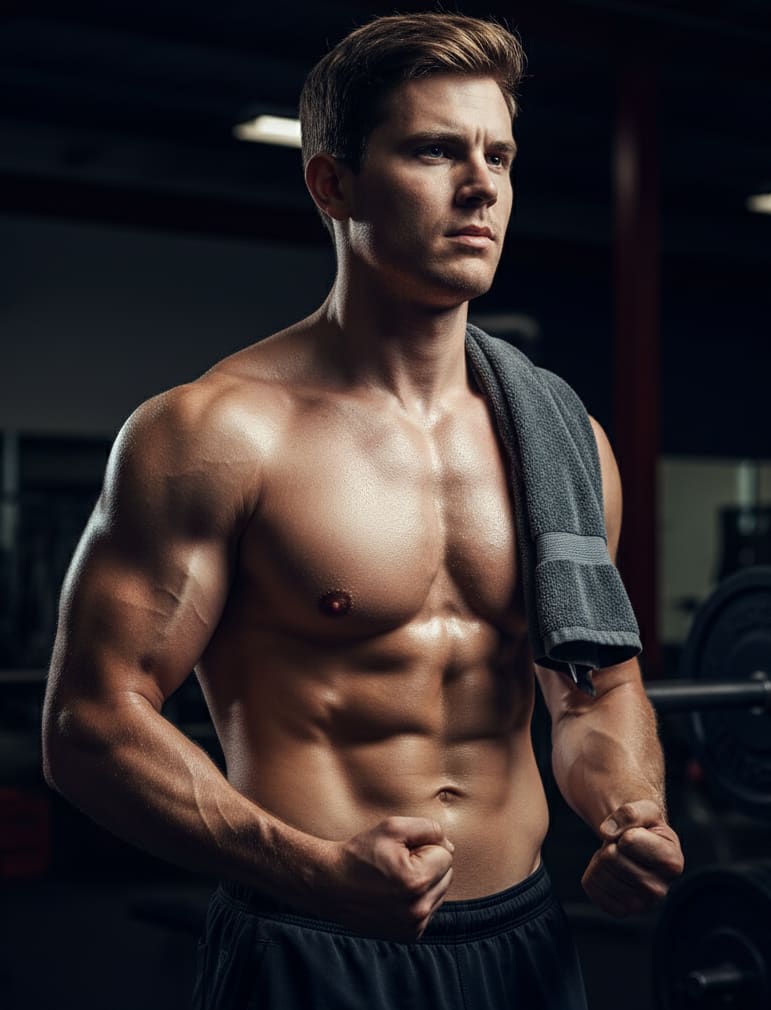
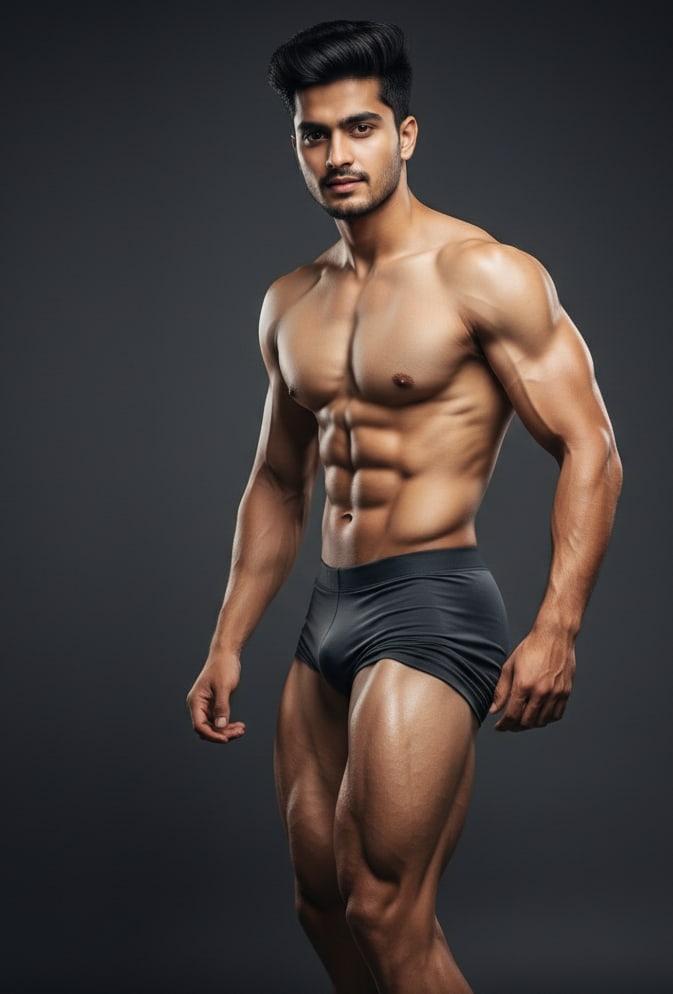
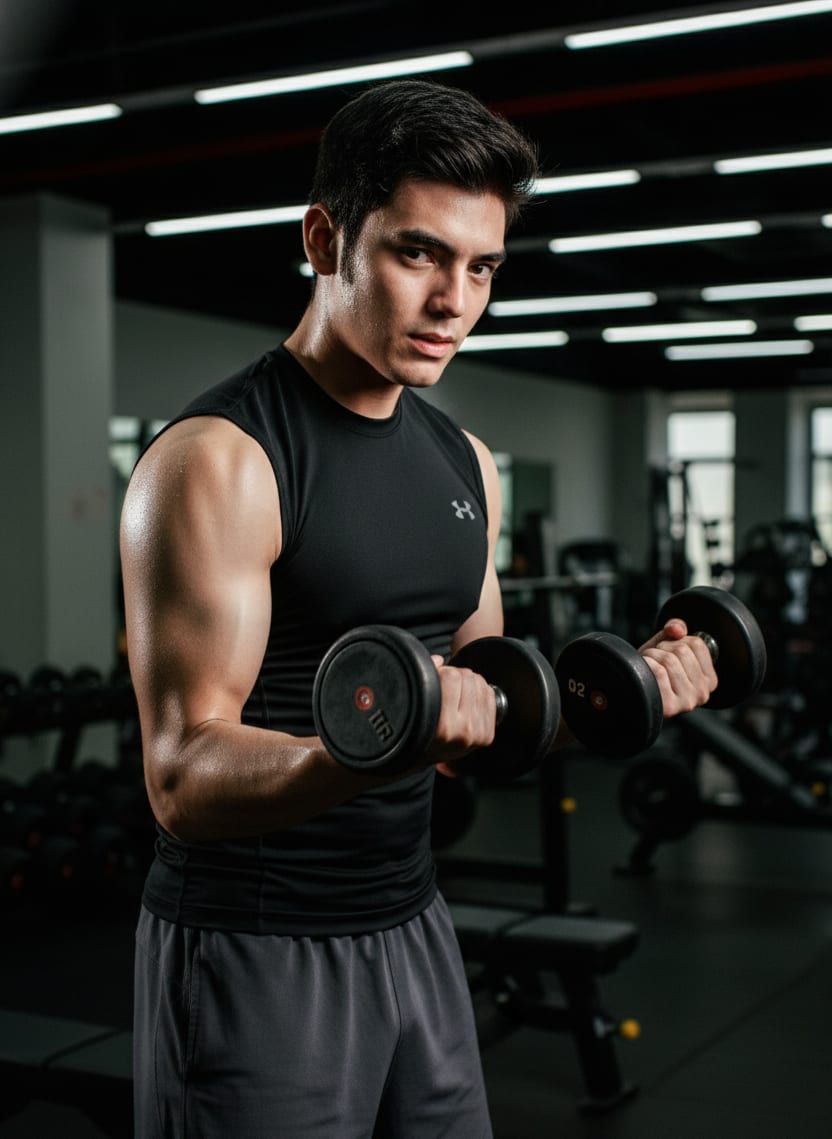
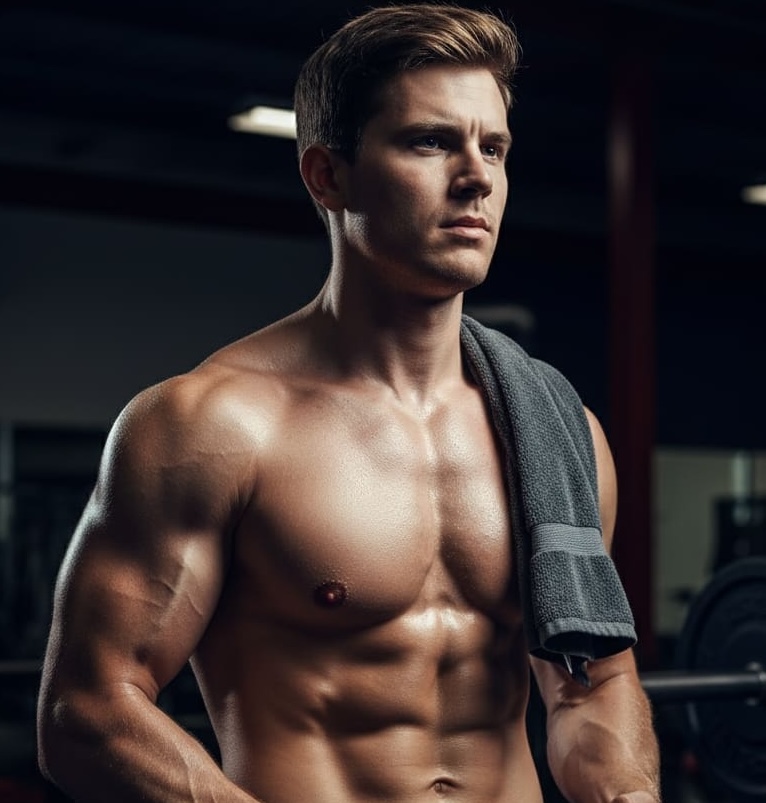
Focused power: young man with intense concentration, showcasing his strong chest and shoulders after a heavy set. Veins visible, sweat-glistened skin, dramatic low-angle light, raw and inspiring.
Part 1: The Building Blocks of Great Prompt
It's a simple formula: vague prompts get vague results. Detailed prompts get detailed results. The *best* prompts are just a few key ingredients mixed together. Let's look at what they are.
VAGUE PROMPT: a dog
(Who knows what you'll get? A cartoon? A photo of a chihuahua? It's a total gamble.)
DETAILED PROMPT: A photorealistic portrait of a happy Golden Retriever, tongue out, sitting in a field of yellow flowers, soft morning sunlight, 8K, hyper-detailed, cinematic lighting
(Now THAT'S a direction. The AI knows exactly what to make.)
Next time you write a prompt, try to include a few of these:
- Subject: The "who" or "what." Get specific! (e.g.,
an old, rugged sailor, not just a man).
- Medium/Style: This is a big one! How should it look? (e.g.,
photorealistic, anime style, 3D render, uploads, oil painting, cyberpunk art, watercolor sketch).
- Setting/Background: Where is all this happening? (e.g.,
on a stormy sea, in a neon-lit Tokyo street, on a misty mountain top).
- Action: What's the subject *doing*? (e.g.,
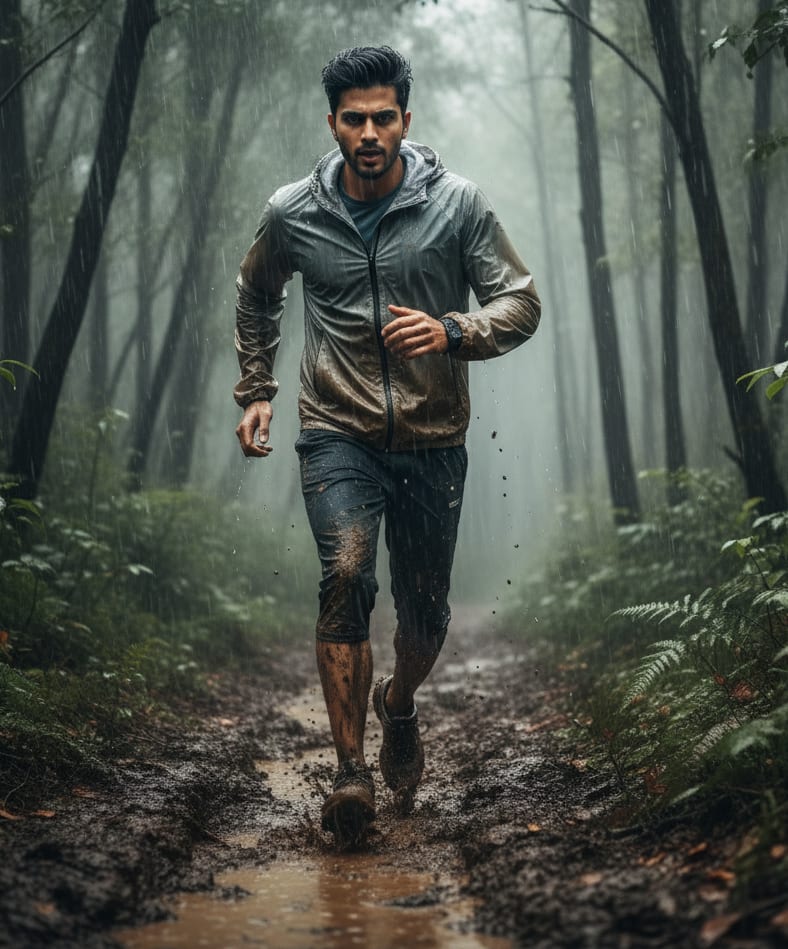
steering a ship, reading a glowing book, running through the rain).
- Details (The "Magic Sauce"): This is where you add the 'wow' factor. Don't be shy!
- Lighting:
cinematic lighting, moody, glowing neon, soft golden hour sun
- Mood:
serene, chaotic, mysterious, joyful
- Composition:
close-up shot, wide-angle view, portrait, from above
- Magic Words:
8K, hyper-detailed, Unreal Engine 5, trending on ArtStation
Example: AI Image Prompt
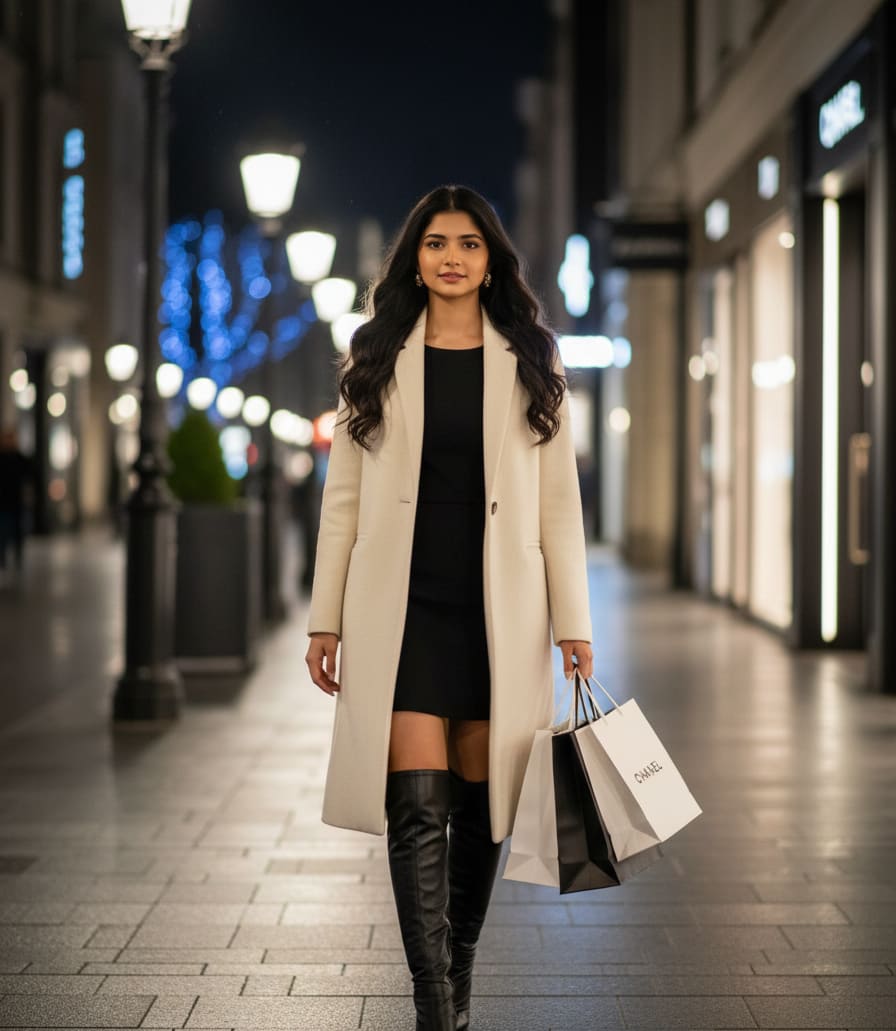
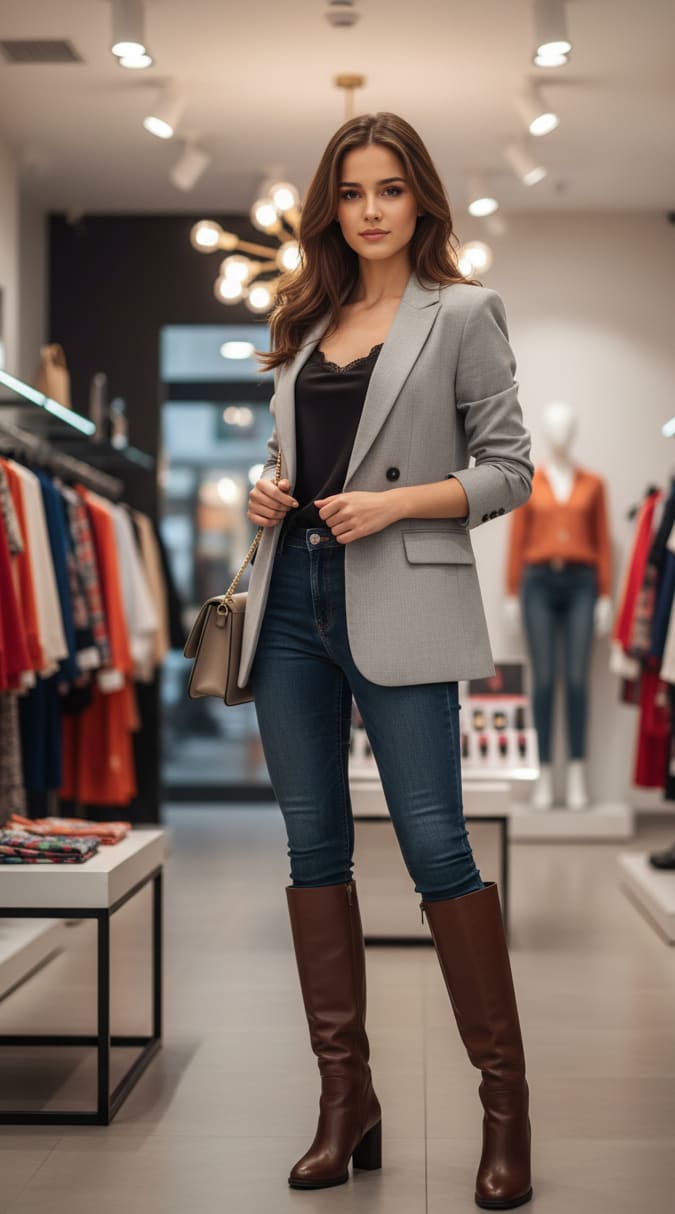
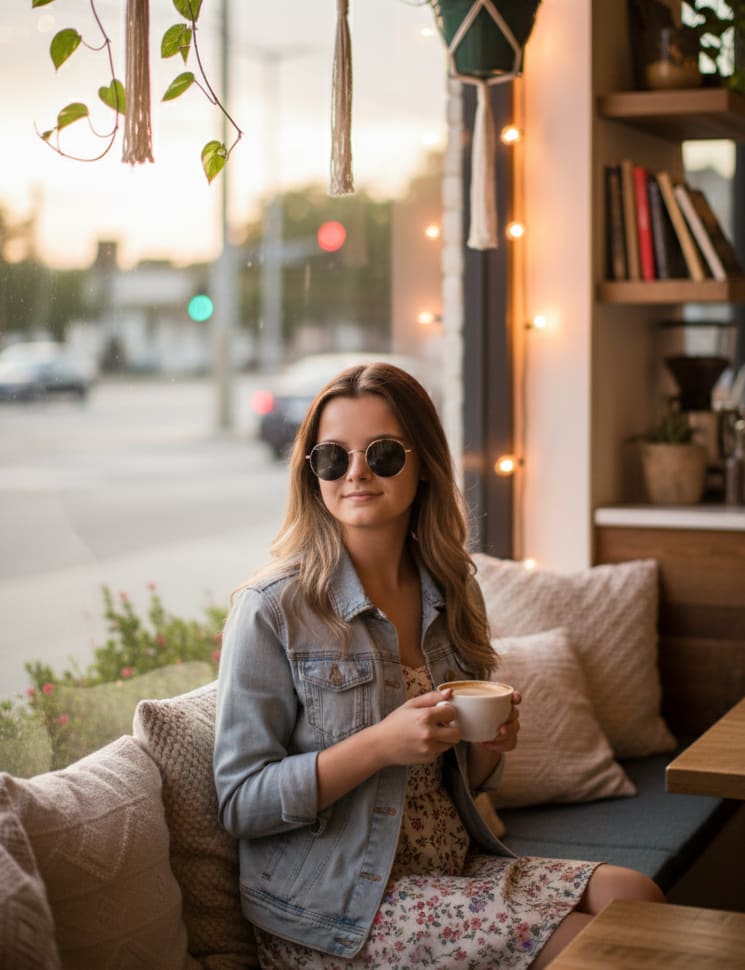
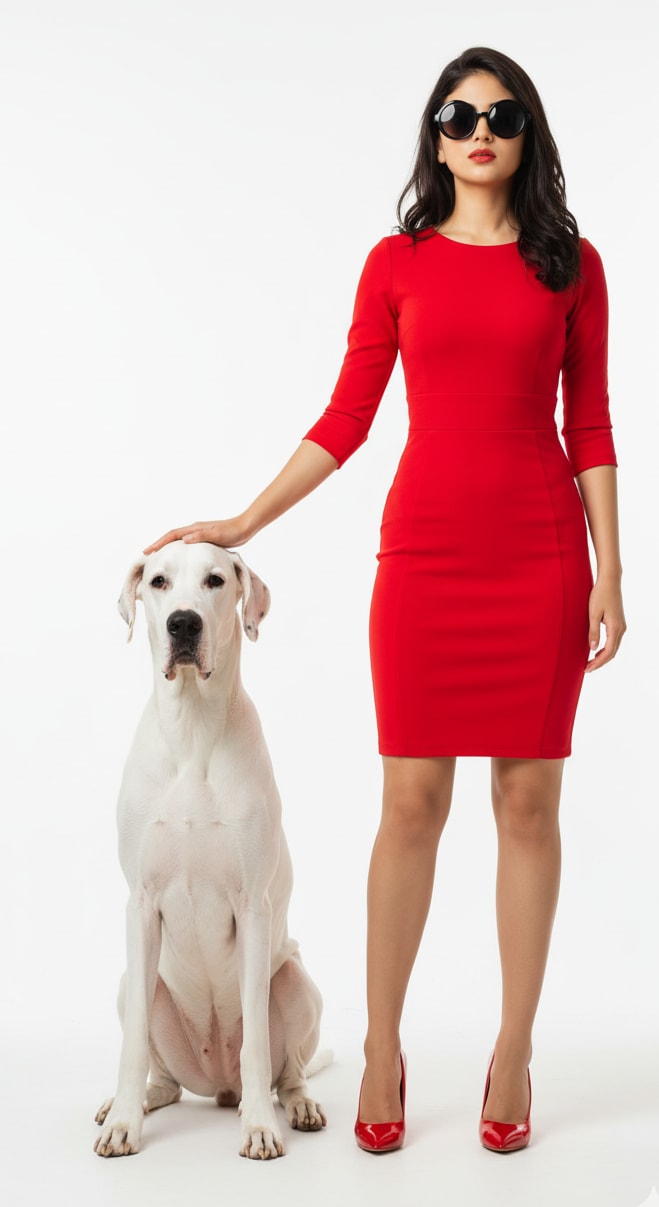
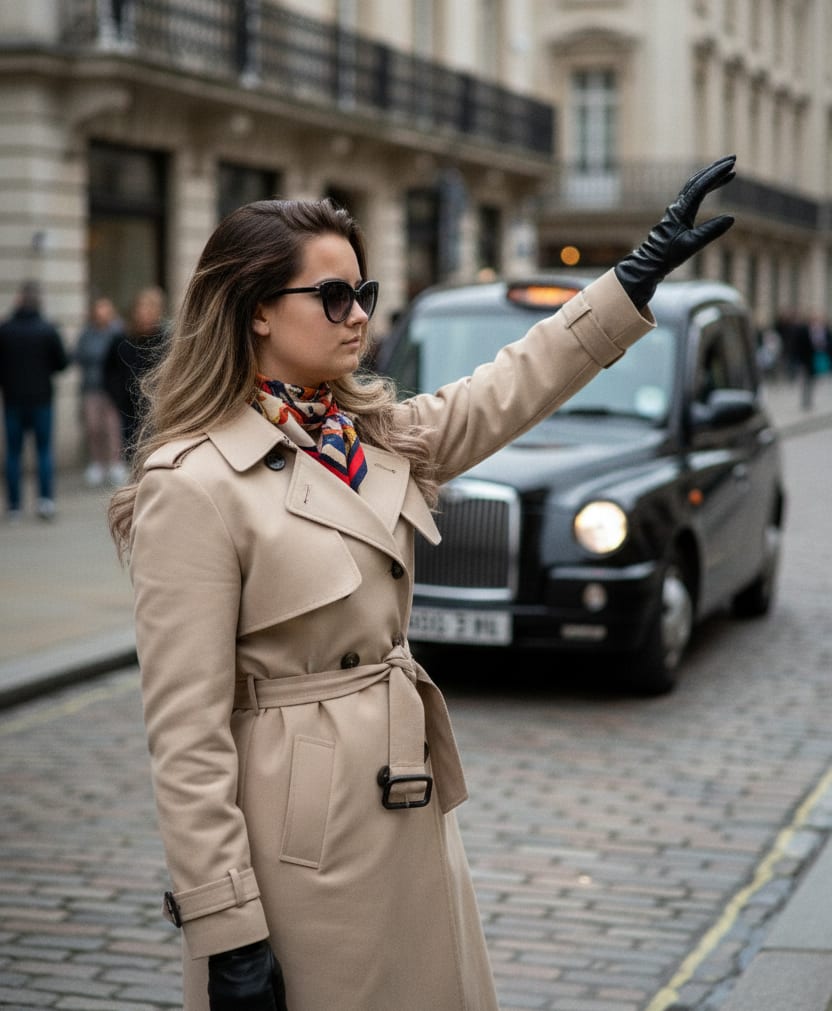
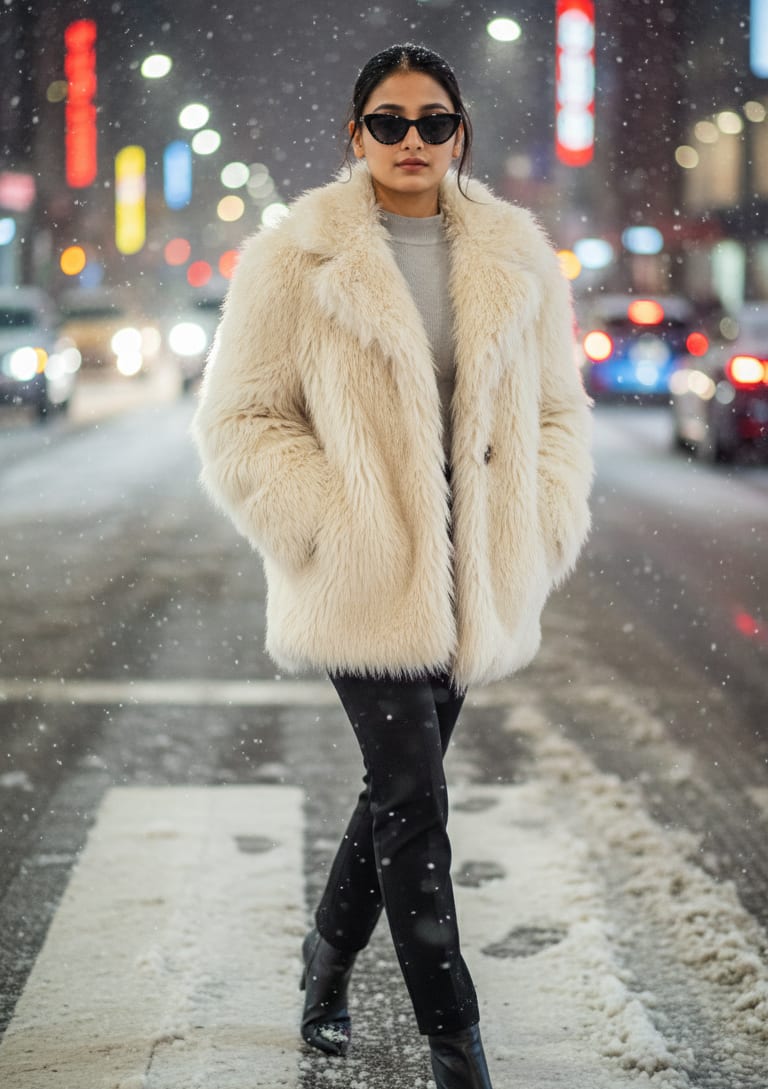
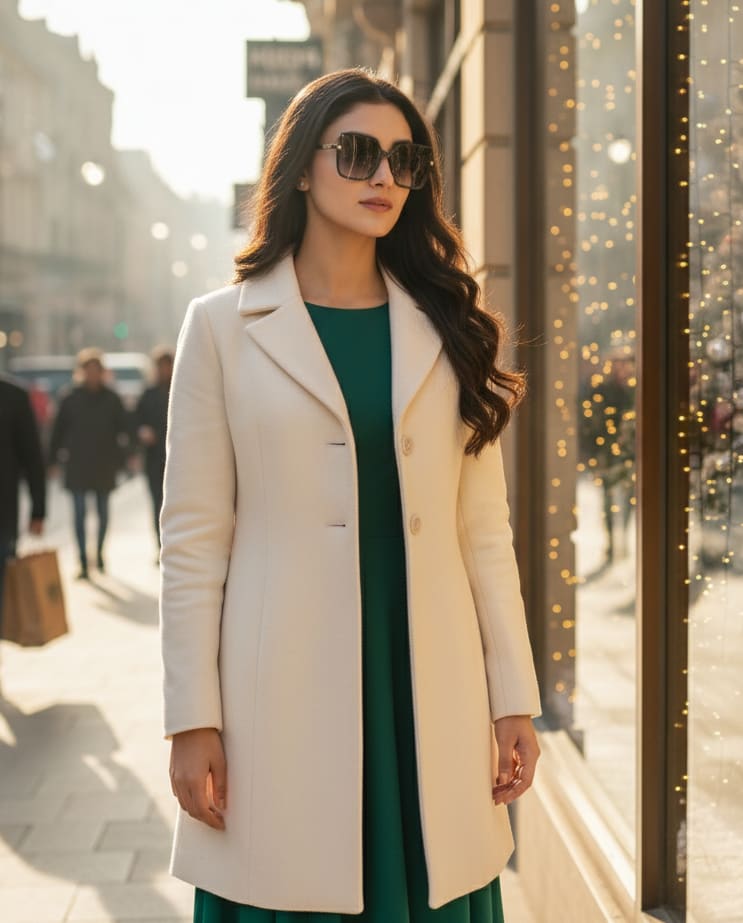
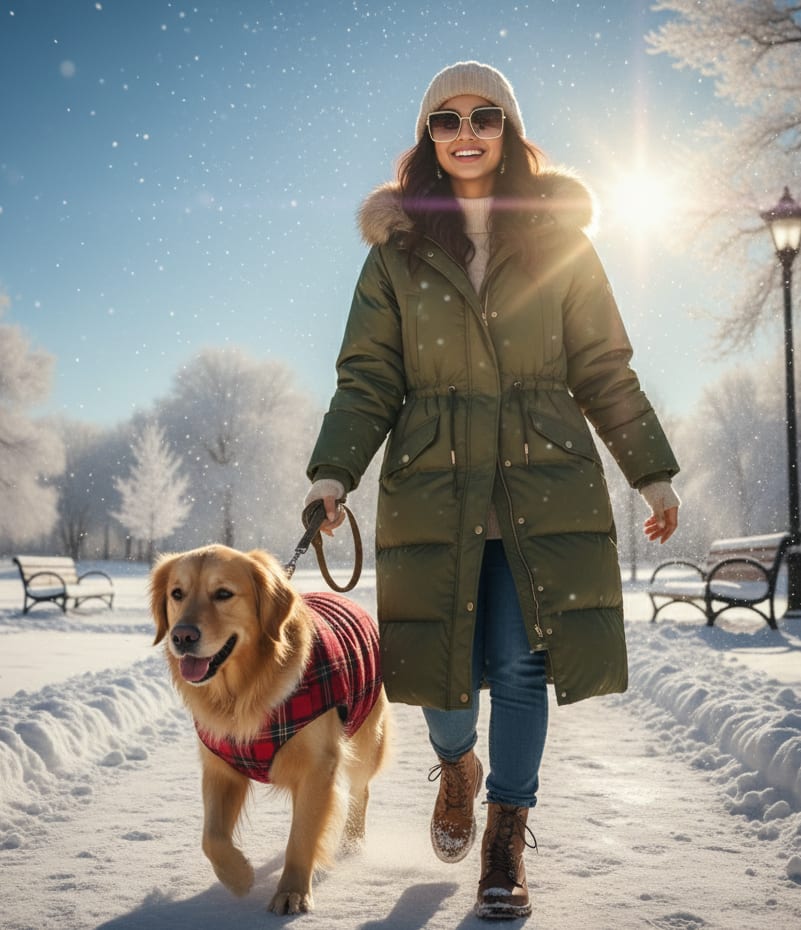
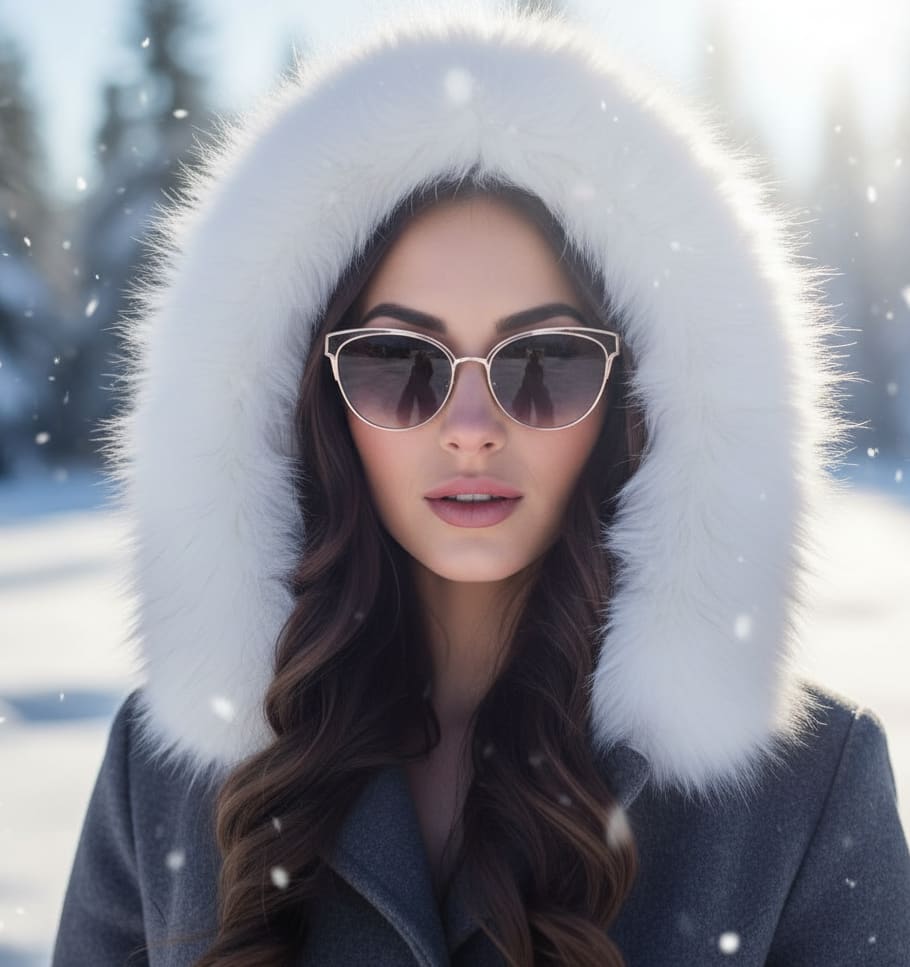
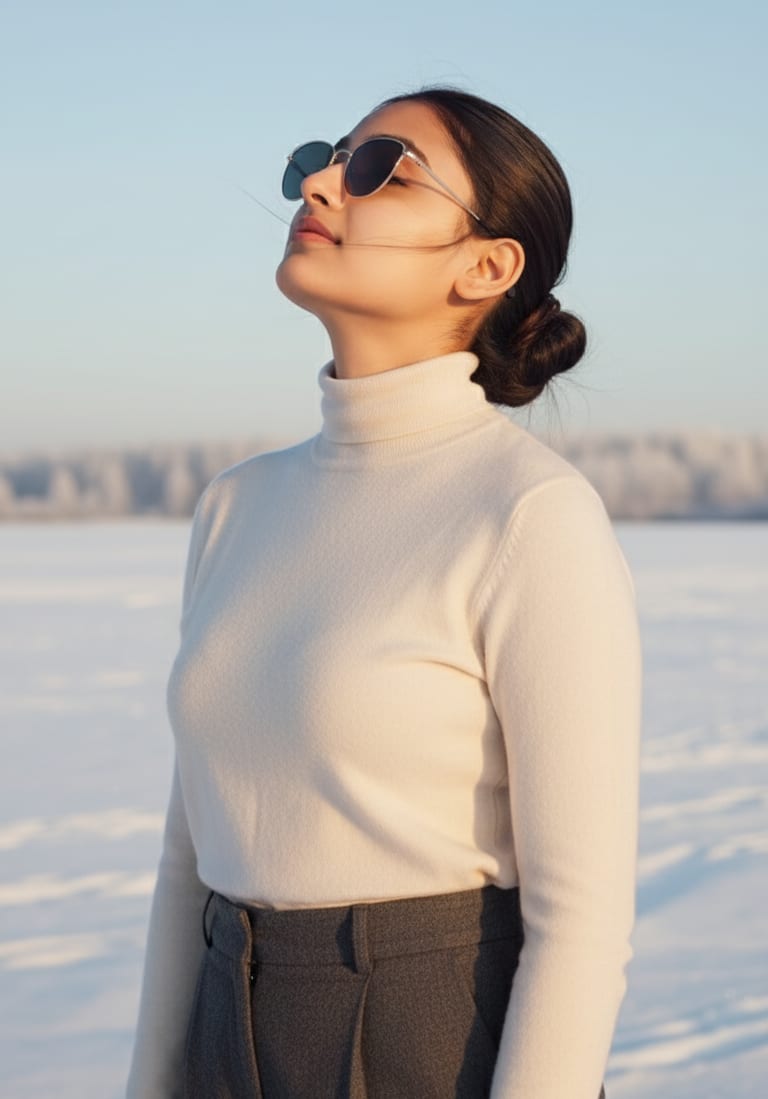
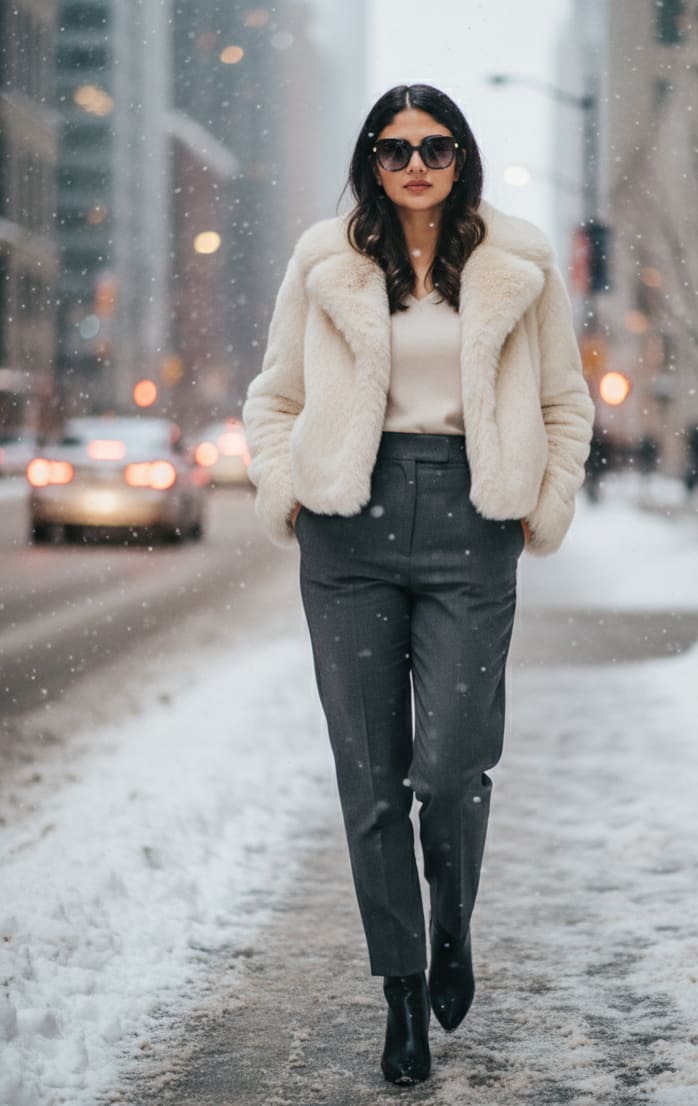
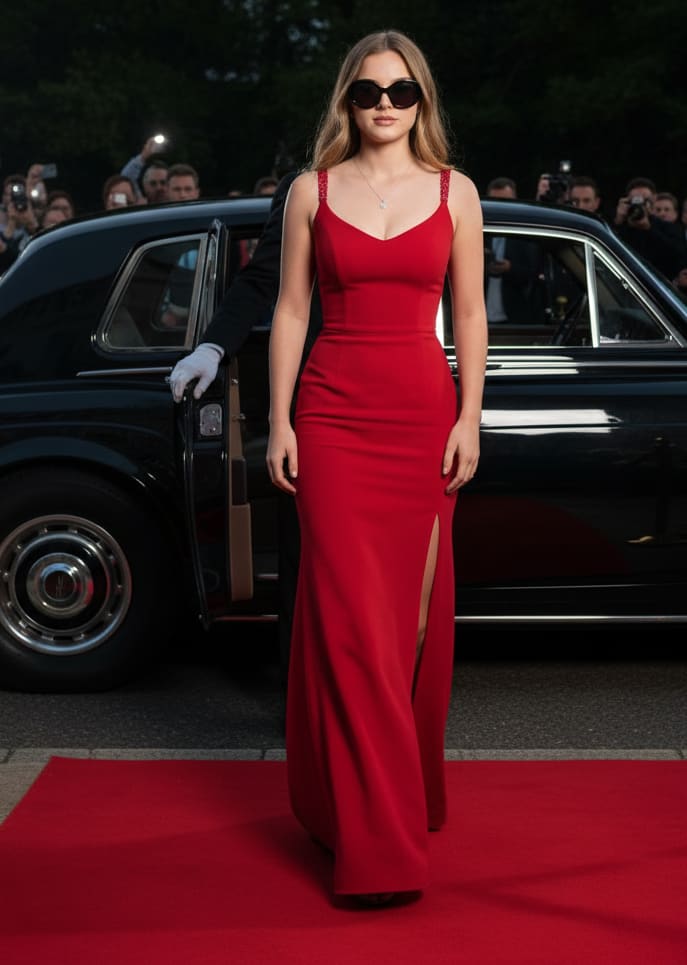
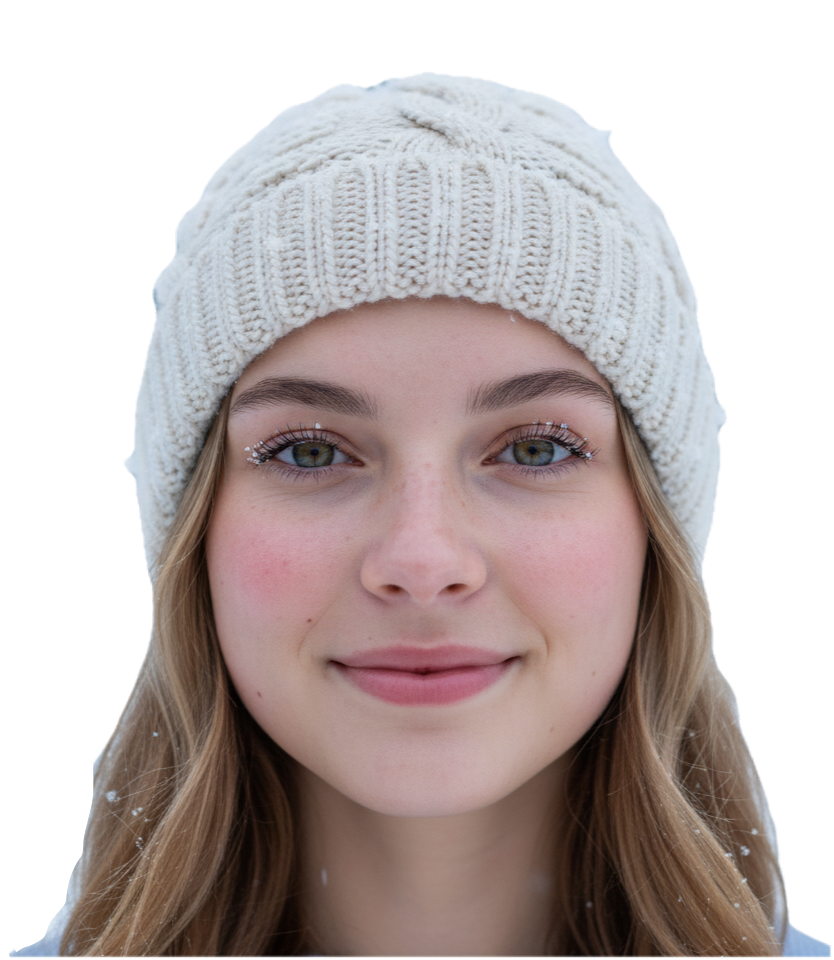
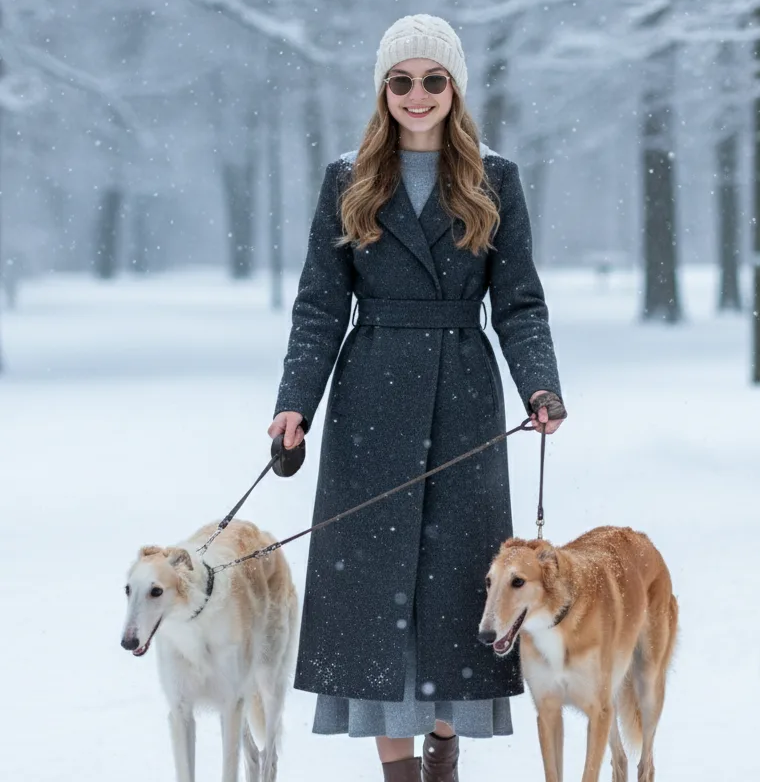
Young woman in a sophisticated wool dress and coat, wearing elegant thin-framed sunglasses, walking two graceful borzoi dogs on leashes in a snowy park. 4K.
Part 2: "Why Does My Image Look So Weird?" (And How to Fix It)
Okay, so you tried all that, and the AI still gives you something... questionable. Don't worry. This happens to *everyone*. It's the most common hurdle, and it's almost always fixable. Let's go through the main culprits.
The Headache: My person has six fingers (or three arms)!
The Fix: Ah, the classic "AI hands" problem. AI models are amazing at big scenes but, for some reason, they really struggle with hands, teeth, and text. It's a known quirk.
- Just try again: Seriously, just hit 'generate' again. The next one might be perfect. It's a numbers game.
- Use Negative Prompts: Most generators let you say what you *don't* want. Look for a "negative prompt" box and add things like
extra fingers, text, watermark, malformed hands, ugly, deformed.
- Change the Pose: If
a man holding a cup keeps failing, try a man with his hands in his pockets. Work *around* the AI's weakness.
The Headache: My image is just... boring.
The Fix: This almost always means your prompt is missing the "Style" and "Details" sauce. The AI gave you a basic image because you gave it a basic prompt.
- Before:
a castle on a hill
- After:
An *epic* fantasy castle on a misty mountain, *dramatic cinematic lighting*, wide-angle shot, *hyper-realistic*, in the style of a fantasy movie, 8K
See the difference? We told it what *kind* of image we wanted, not just what to put in it.
The Headache: The AI totally ignored part of my prompt!
The Fix: You might be overwhelming it. If your prompt is a giant list of competing ideas, the AI can get confused and just... give up on some of them.
- Simplify: A prompt like
A knight in red armor on a blue horse fighting a green dragon in a yellow forest is a *lot*. The AI has to balance all those colors. Try focusing on the main event: A knight in red armor fighting a green dragon, fiery background, cinematic. Get that right, *then* try adding more.
- Put the Important Stuff First: The AI usually pays more attention to the *beginning* of your prompt. Make sure your main subject is right at the front.
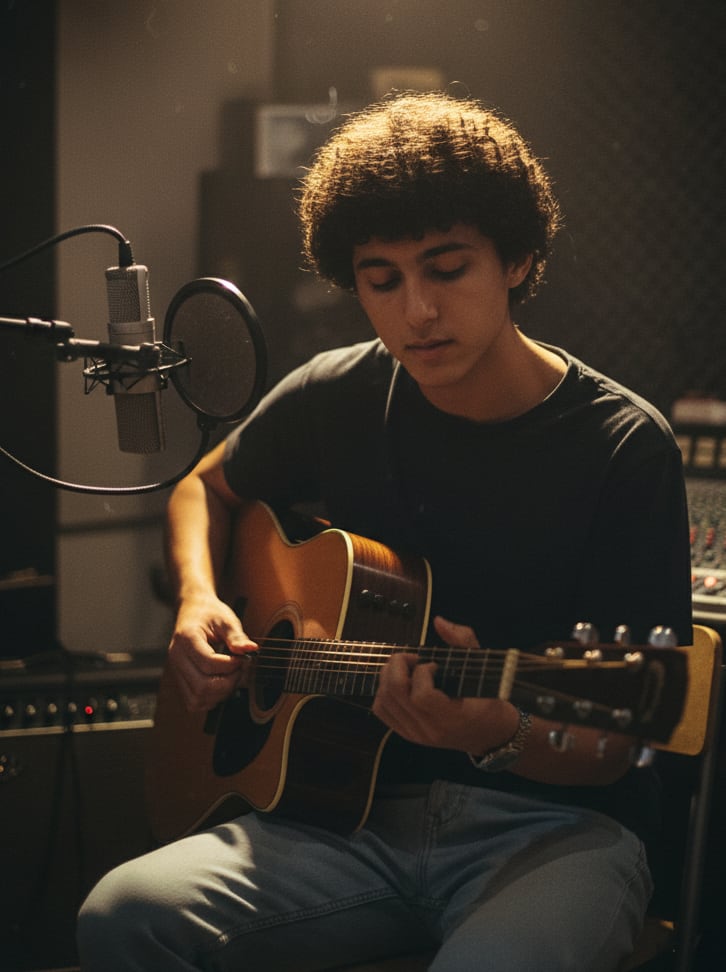
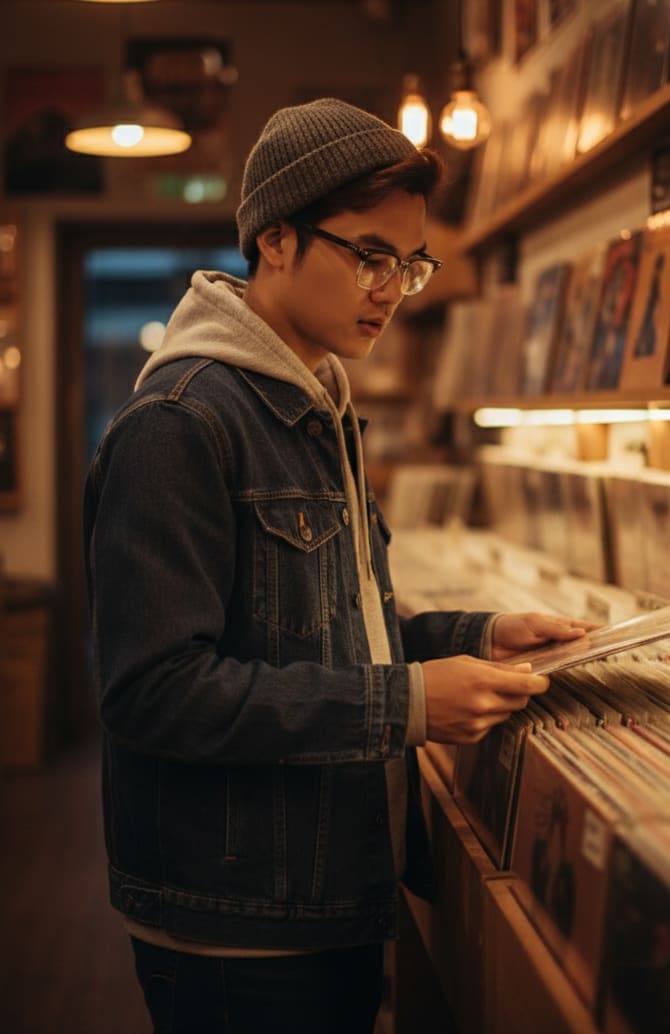
Example: AI Image Prompt
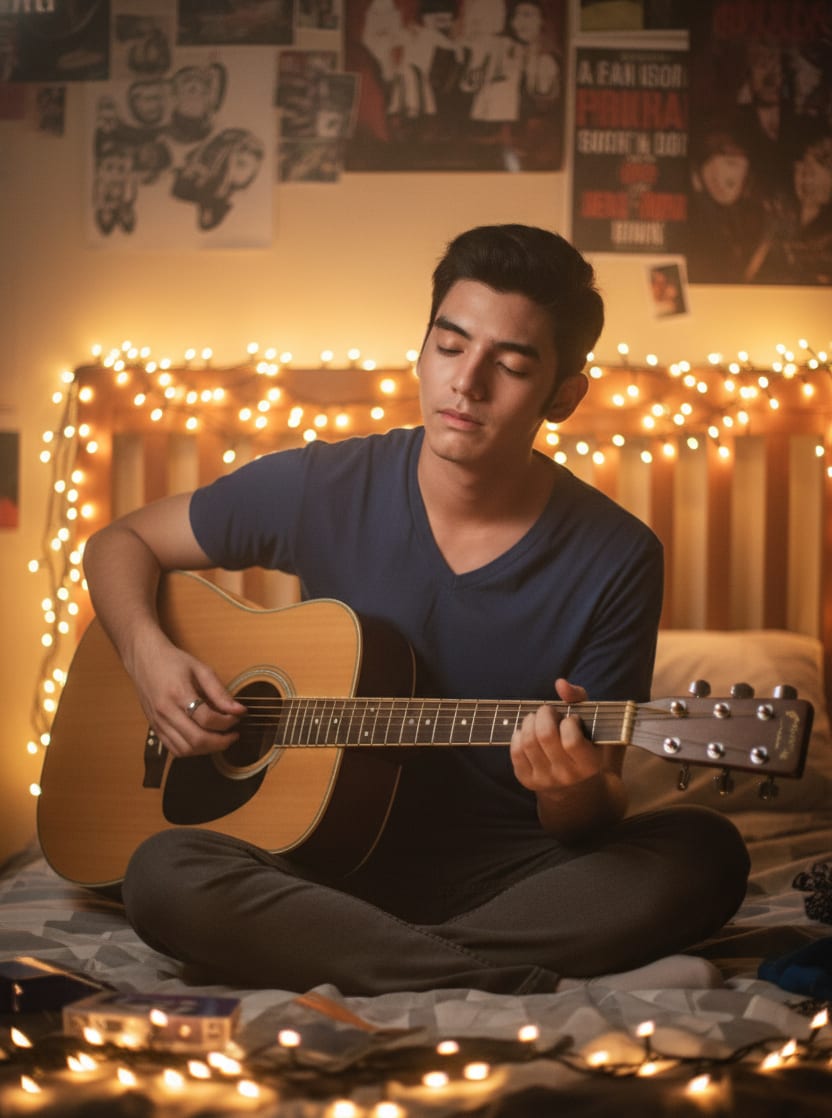
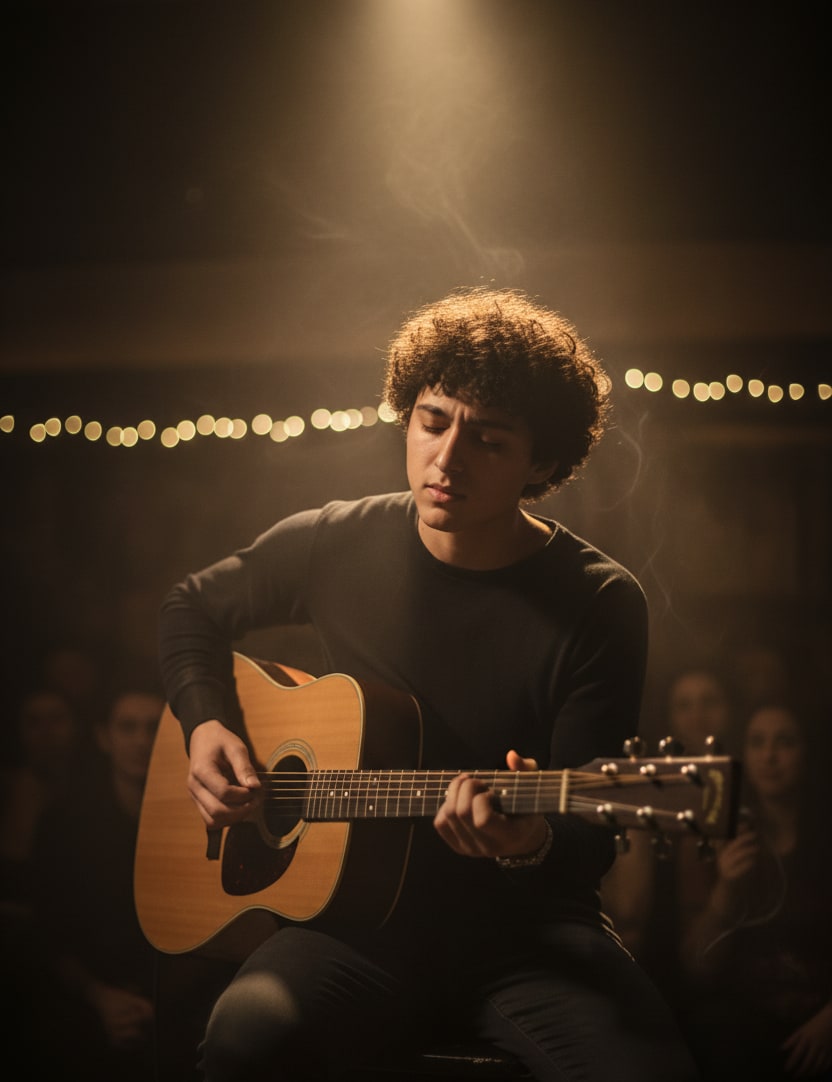
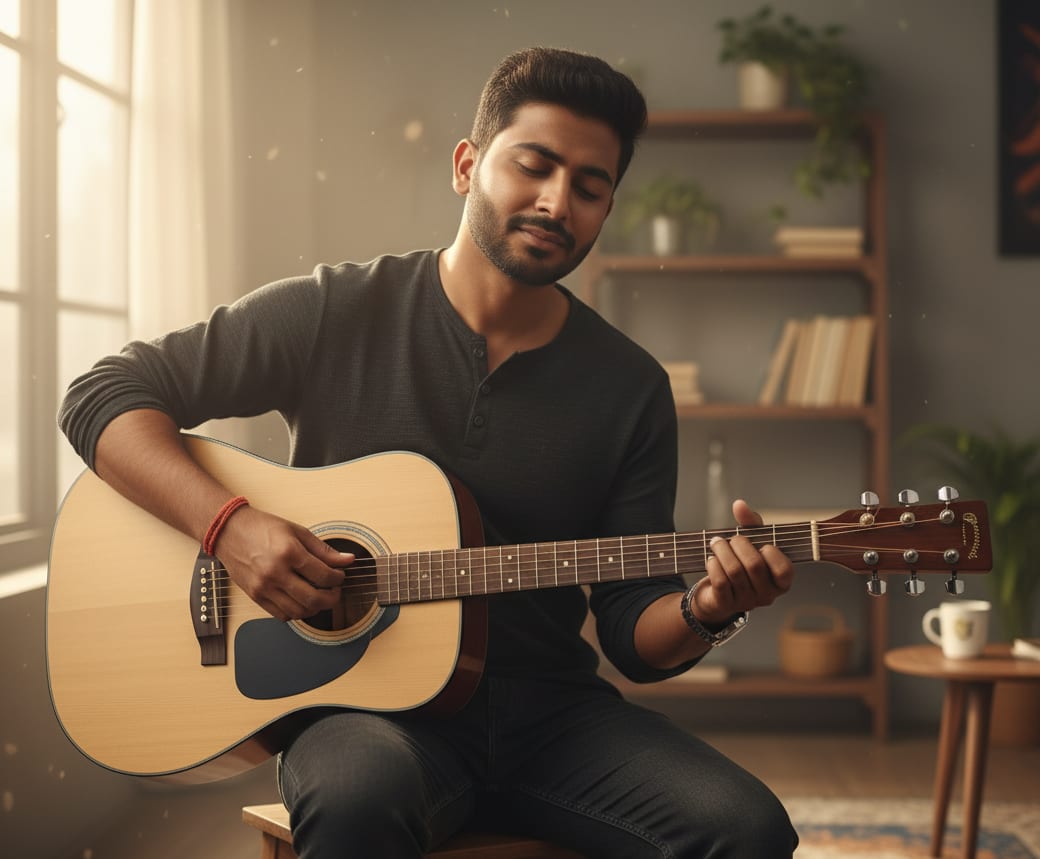
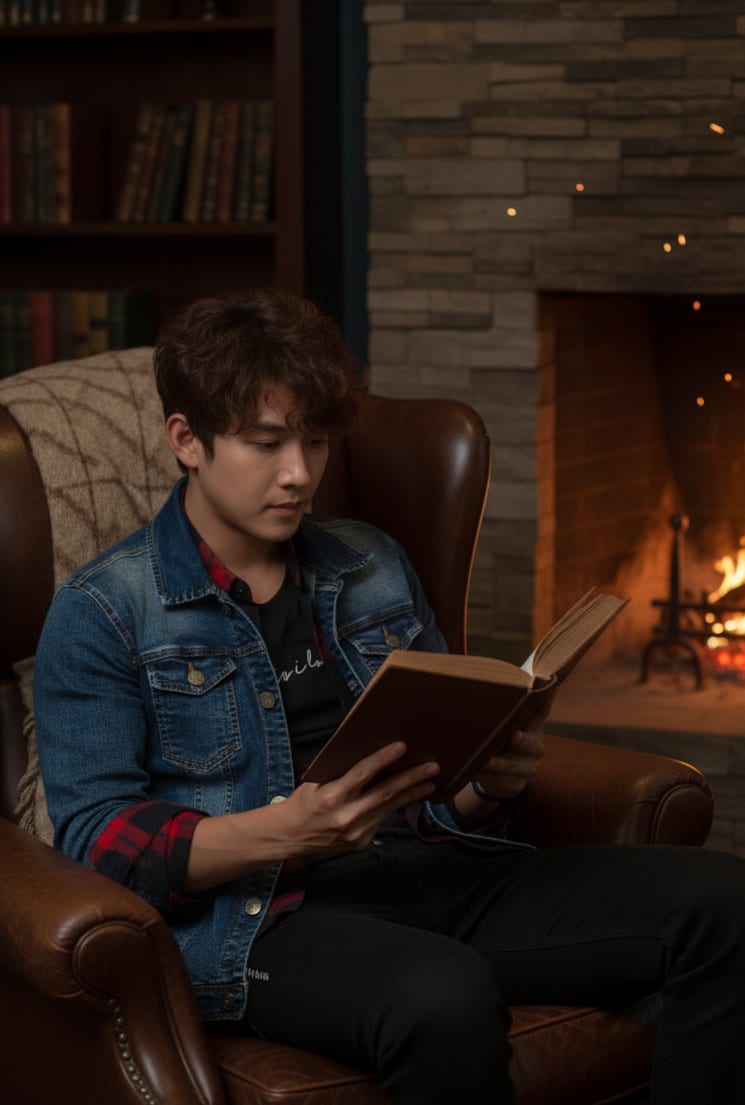
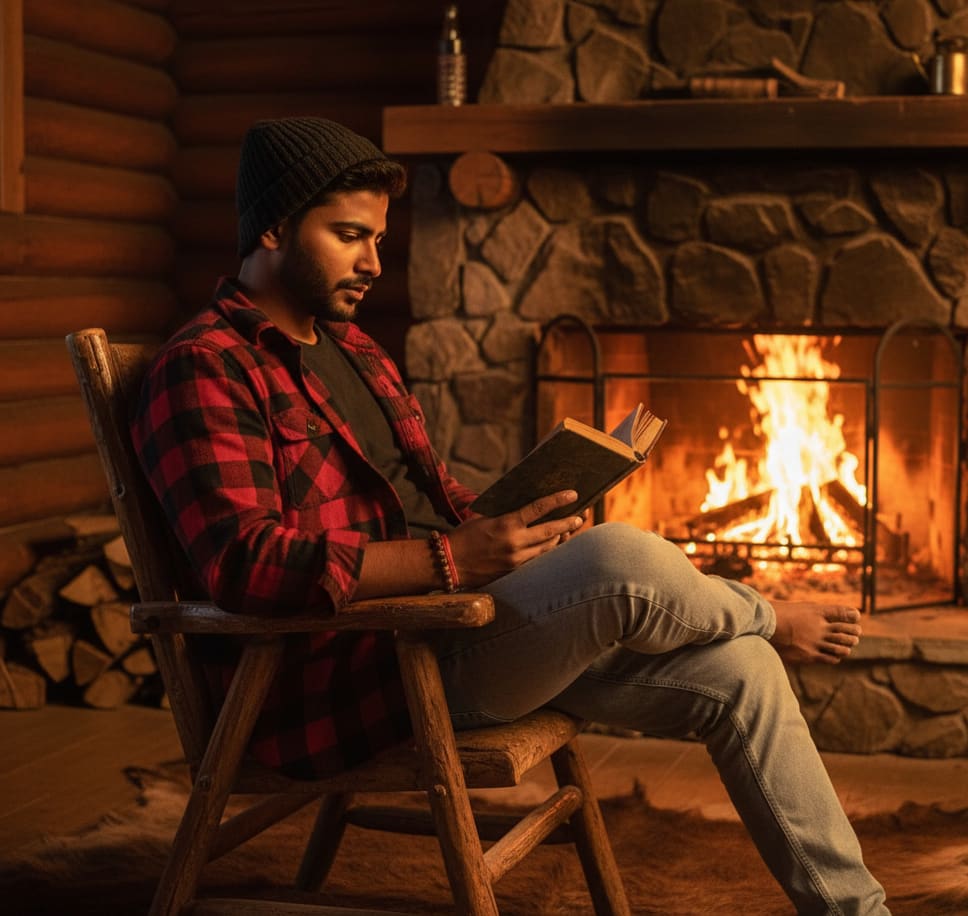
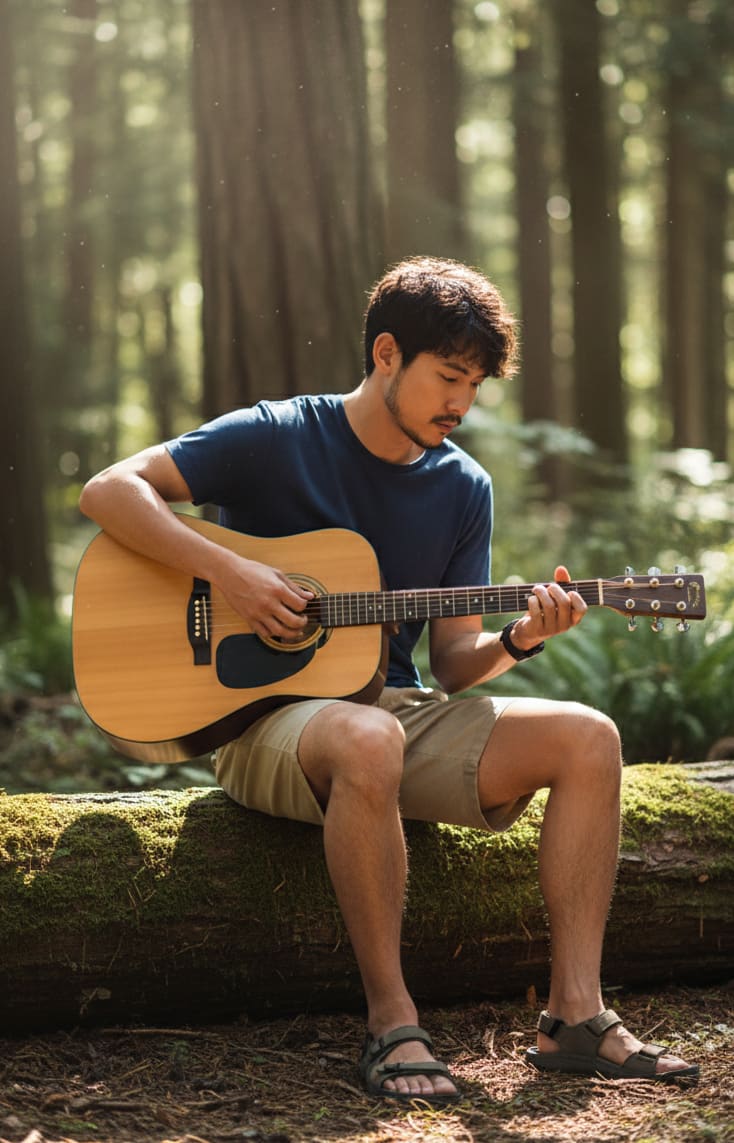
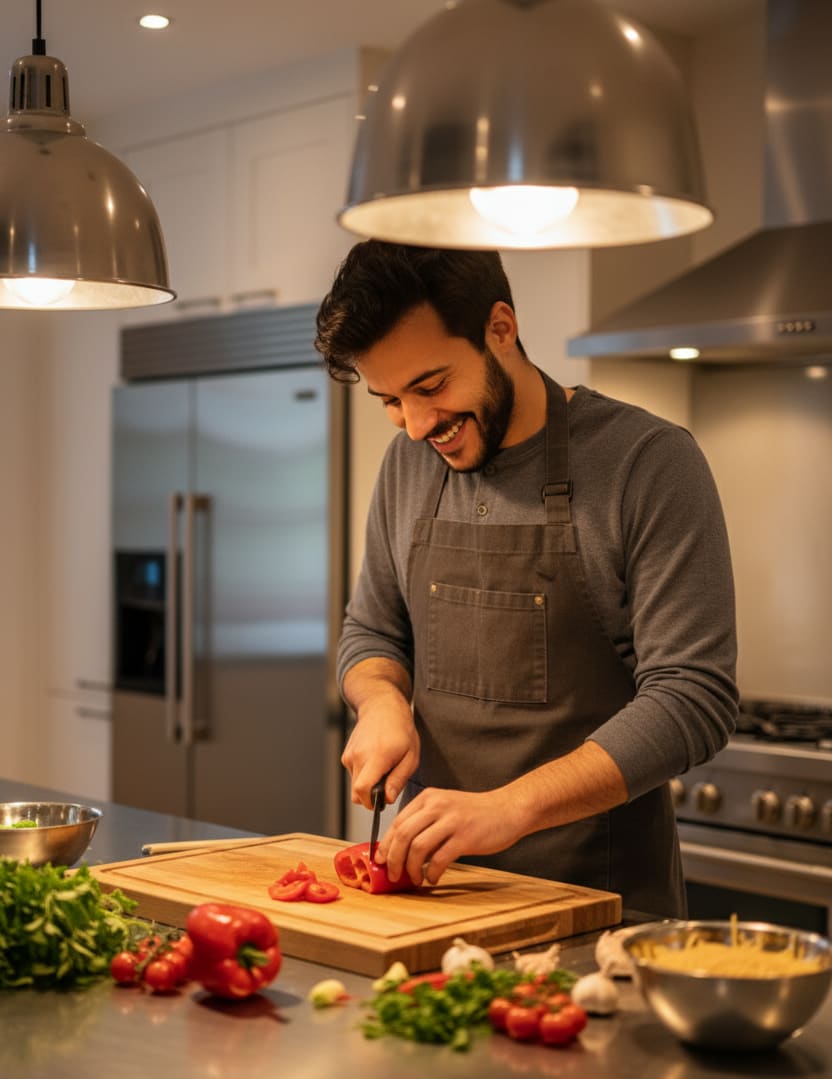
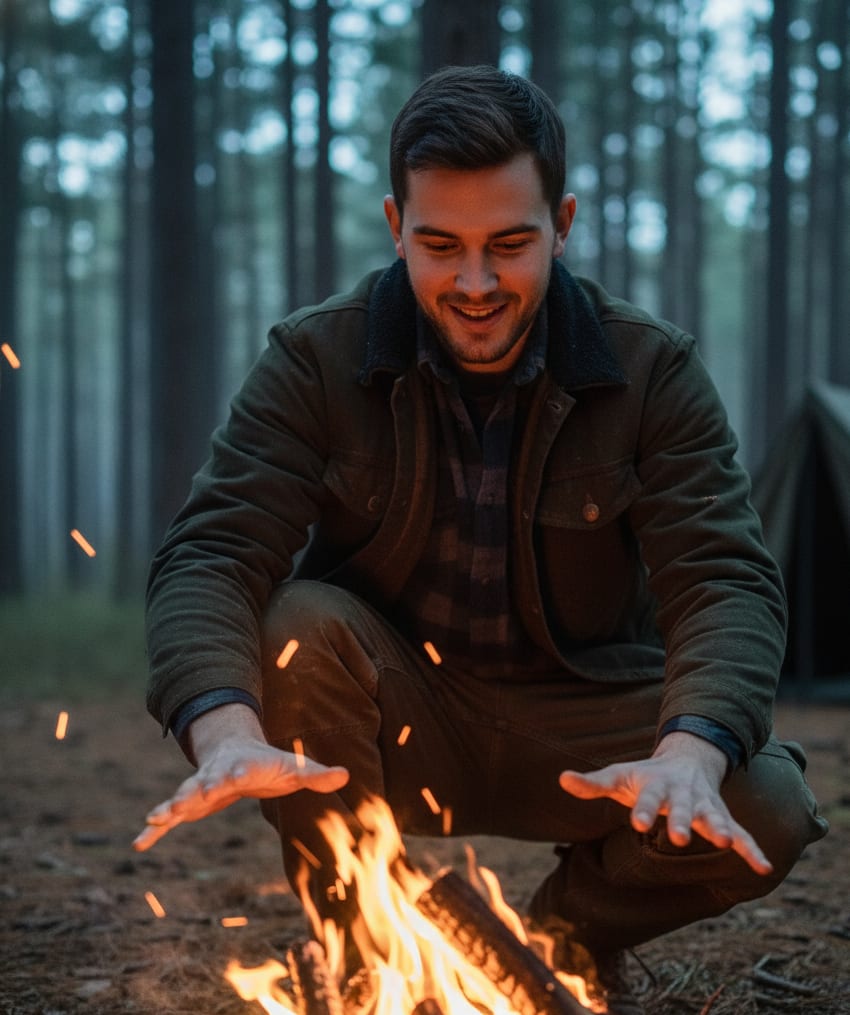
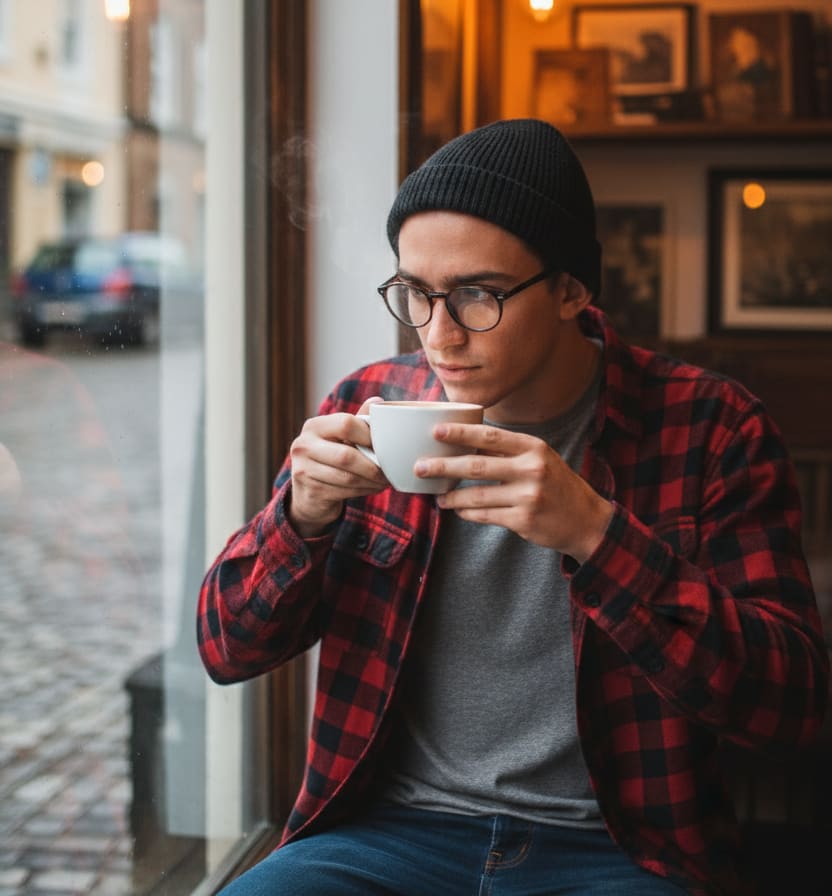
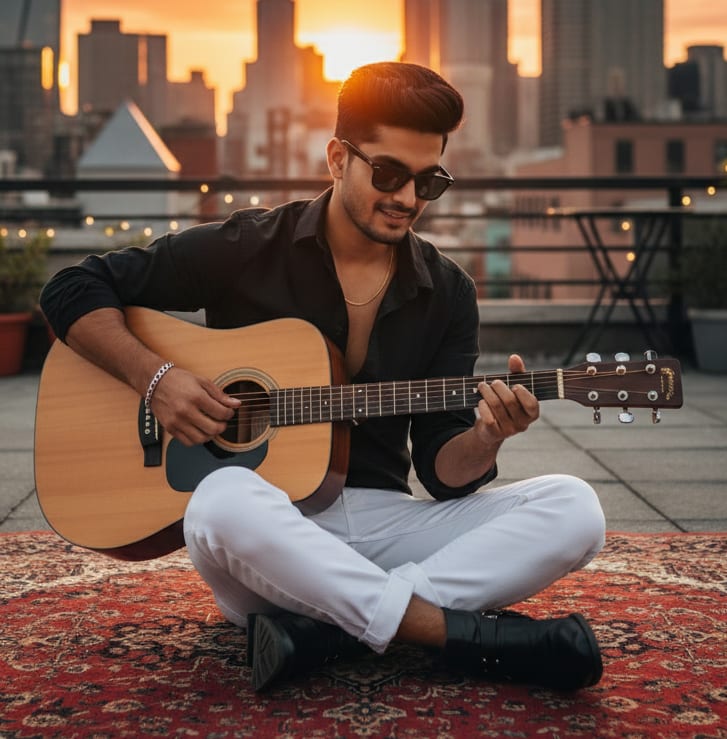
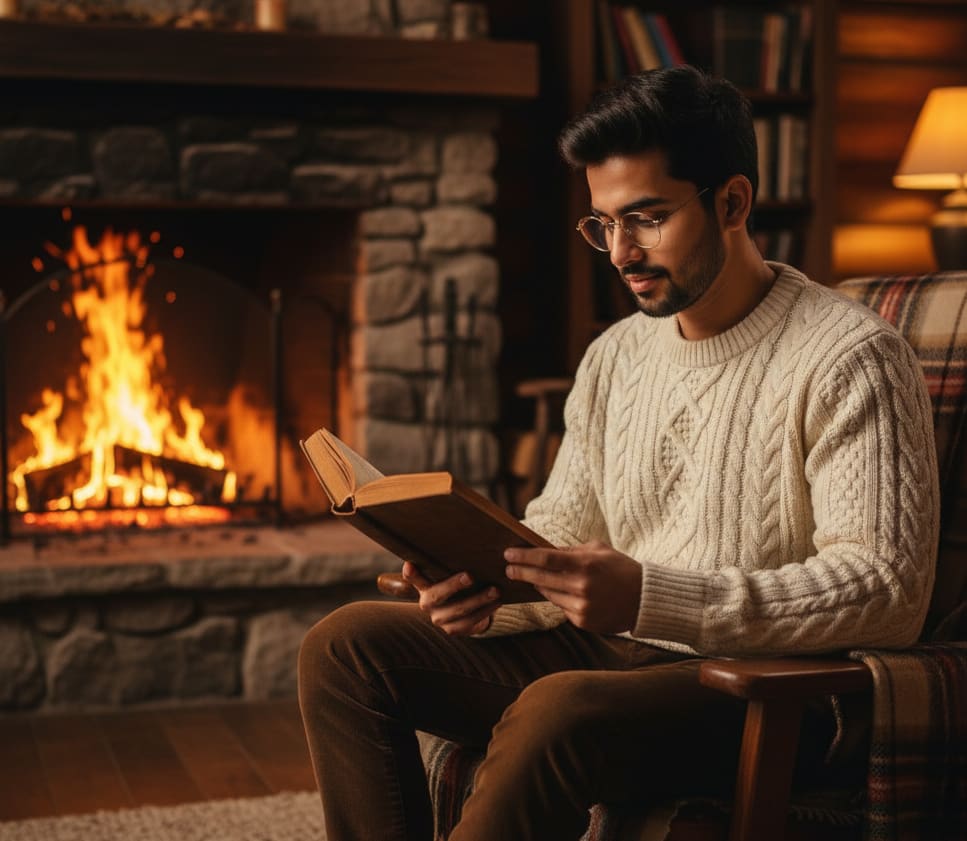
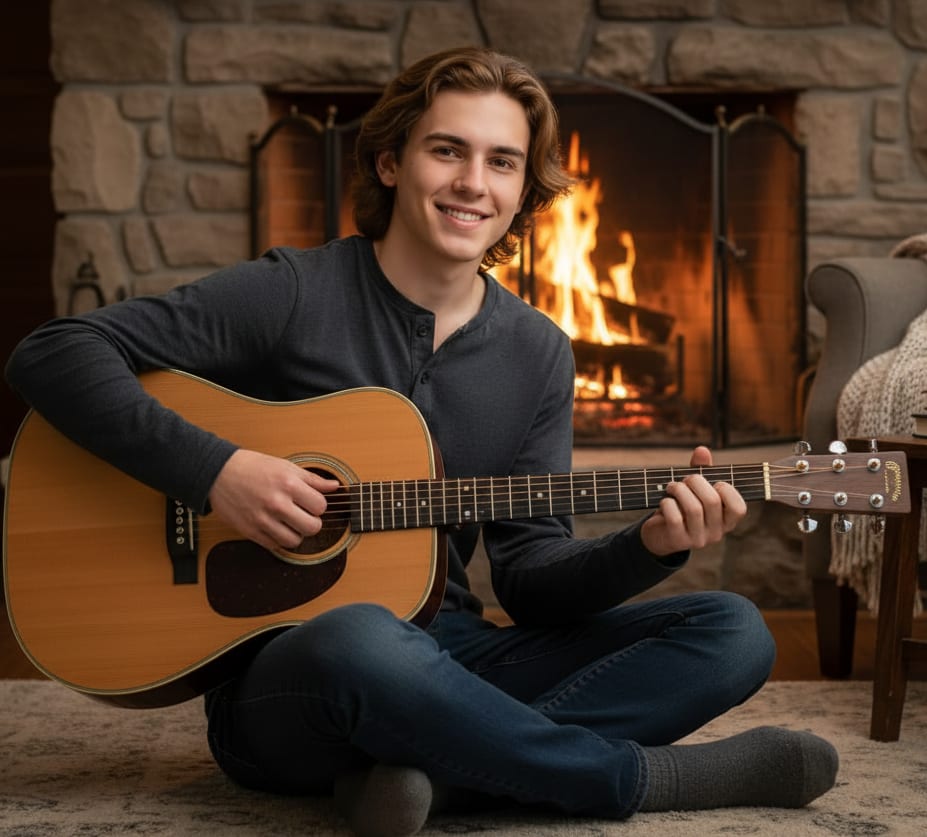
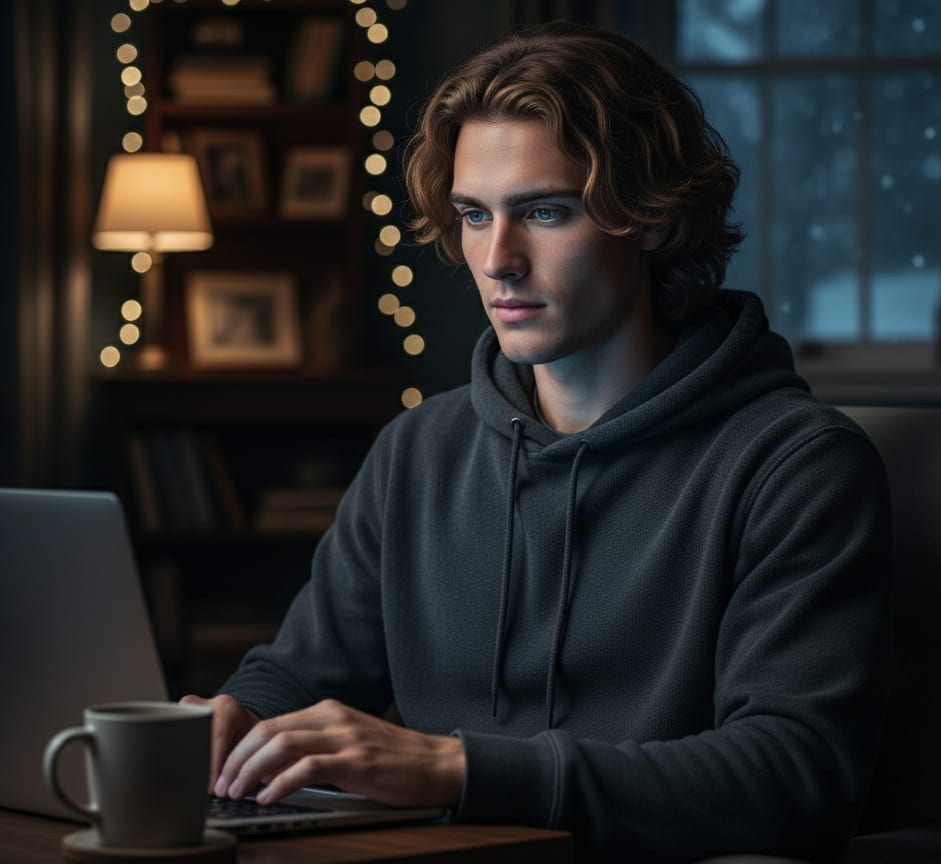
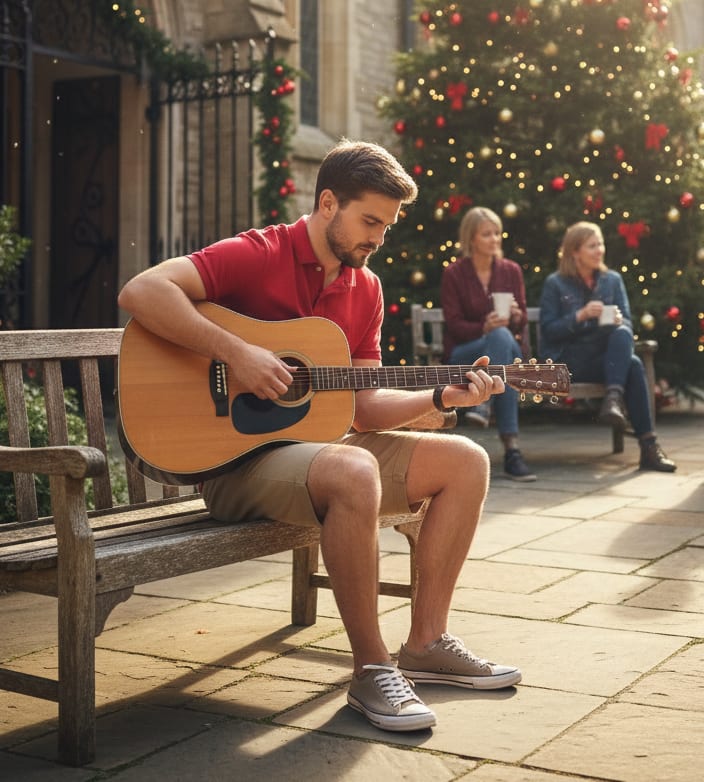
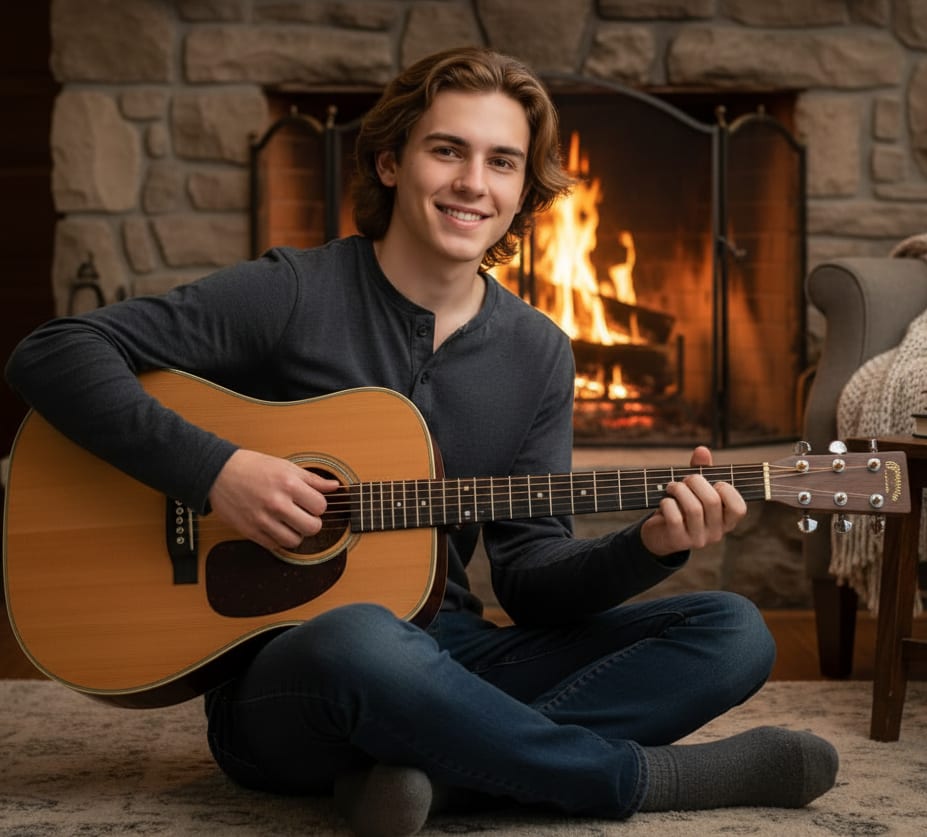
Young man playing an acoustic guitar by a fireplace, dressed in a relaxed henley shirt and comfortable jeans. Warm light illuminating his face, intimate, 8K.
Part 3: My Favorite Tips for Truly Awesome Images
- Don't Stop at One. Your first prompt is almost never your best one. Think of it as a starting point. Tweak a word or two and generate again. See what changes. This is honestly the fastest way to learn.
- Be a Prompt Detective. See an image you love on our site? Check out the prompt they used! What words did you not think of? Start collecting those "magic words" (like
cinematic or ethereal) and try them in your own creations.
- Mix and Match. This is where the real fun starts. Don't be afraid to get weird. Try
A cyberpunk city in the style of a Van Gogh painting or A 3D render of a squirrel wearing medieval armor. The magic happens when you combine ideas the AI would never connect on its own.
Go Create Something Amazing
That's it! You're not just 'prompting' anymore—you're directing. You know how to build an idea from scratch and, just as importantly, you know how to fix it when it goes wrong.
The most important rule? Just have fun and experiment. There's no "wrong" way to prompt, only new ways to discover something awesome.
Now, go try these tips on our prompt generator! We genuinely can't wait to see what you create.